
AODK 61 Inch Black
AODK L-Shaped Gaming Desk Instruction Manual
Model: 61 Inch Black (B0CMQDM16D)
1. Introduction
Thank you for choosing the AODK L-Shaped Gaming Desk. This versatile and robust desk is designed to optimize your workspace, providing ample storage, convenient power access, and a comfortable setup for both gaming and professional use. Its reversible design allows for flexible configuration to suit your specific room layout. This manual provides detailed instructions for assembly, operation, maintenance, and troubleshooting to ensure you get the most out of your new desk.

Image: The AODK L-Shaped Gaming Desk configured for a home office, showcasing its spacious design and integrated features.
2. Product Features
- Optimized Storage Space: Features 4 spacious fabric drawers and 2 sturdy iron hooks for efficient organization of documents, stationery, and personal items.
- Integrated Power Outlets: Equipped with a built-in power outlet providing 3 AC outlets (120V/12A) and 2 USB ports (5V/2A) for convenient device charging.
- Reversible Design with Host Stand: The L-shaped configuration can be assembled to fit either right or left corners, and includes a dedicated host stand to free up under-desk space.
- Durable & Sturdy Construction: Constructed from high-quality, waterproof, and scratch-resistant MDF desk boards with a lightweight yet strong iron frame.
- Adjustable Foot Pads: Ensures stability on uneven floors and provides comfortable height adjustment.
- Easy Assembly: Designed for straightforward assembly with clearly labeled parts and comprehensive instructions.

Image: Four large capacity fabric drawers provide ample storage to keep your desktop tidy.

Image: Integrated power outlets with 3 AC and 2 USB ports for convenient charging.
3. Package Contents
Please verify that all components are present before beginning assembly. If any parts are missing or damaged, please contact customer support.
- Desk Boards (L-shaped sections)
- Metal Frame Components
- 4 Fabric Drawers
- Built-in Power Outlet Unit (with 3 AC outlets and 2 USB ports)
- Host Stand
- 2 Iron Hooks
- Assembly Tools (Allen wrench, screws, etc.)
- Instruction Manual
4. Setup (Assembly Instructions)
Assembly of the AODK L-Shaped Gaming Desk is designed to be straightforward. Follow the step-by-step instructions provided in the included manual. All parts are clearly labeled to assist you.
Reversible Design
This desk features a reversible design, allowing you to configure the L-shape with the drawer unit on either the left or right side. Refer to the specific diagrams in your printed manual for the desired orientation (L# for left-side drawers, R# for right-side drawers). Ensure all connections are secure before use.
Video: Official assembly overview for the AODK L Shaped Desk with 4 Tier Drawers, demonstrating key steps and features.
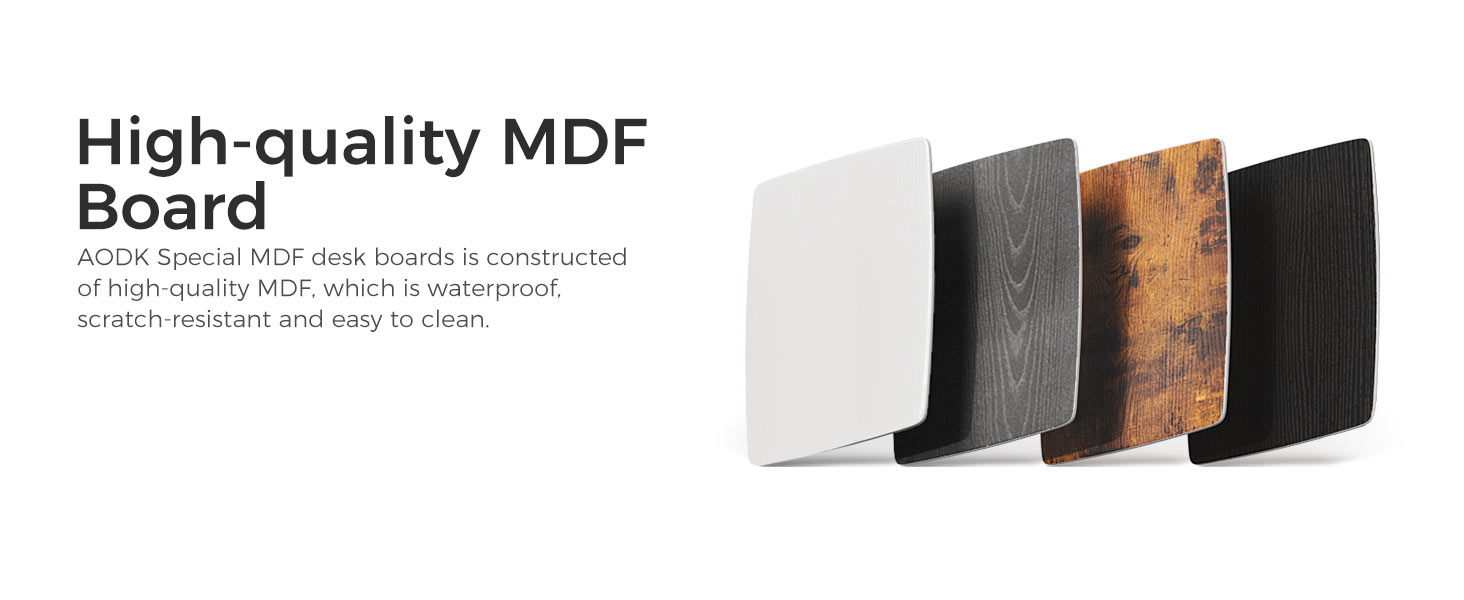
Image: Simple steps for installing the fabric drawers, ensuring easy setup.
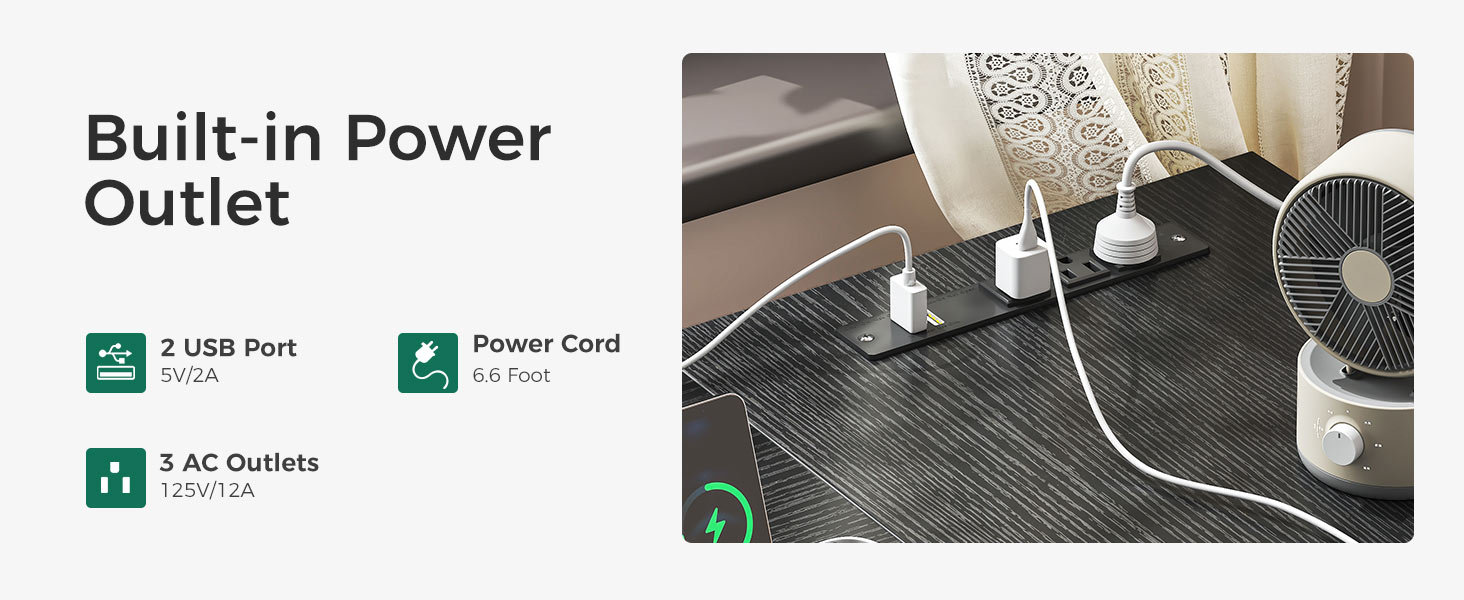
Image: The reversible design allows the desk to be configured with drawers on either the left or right side.
5. Operating Instructions
Using the Power Outlets
The built-in power strip provides convenient access to power for your electronic devices. Simply plug your devices into the 3 AC outlets or use the 2 USB ports for charging smartphones, tablets, and other USB-powered accessories. Ensure the desk's main power cord is securely plugged into a wall outlet.
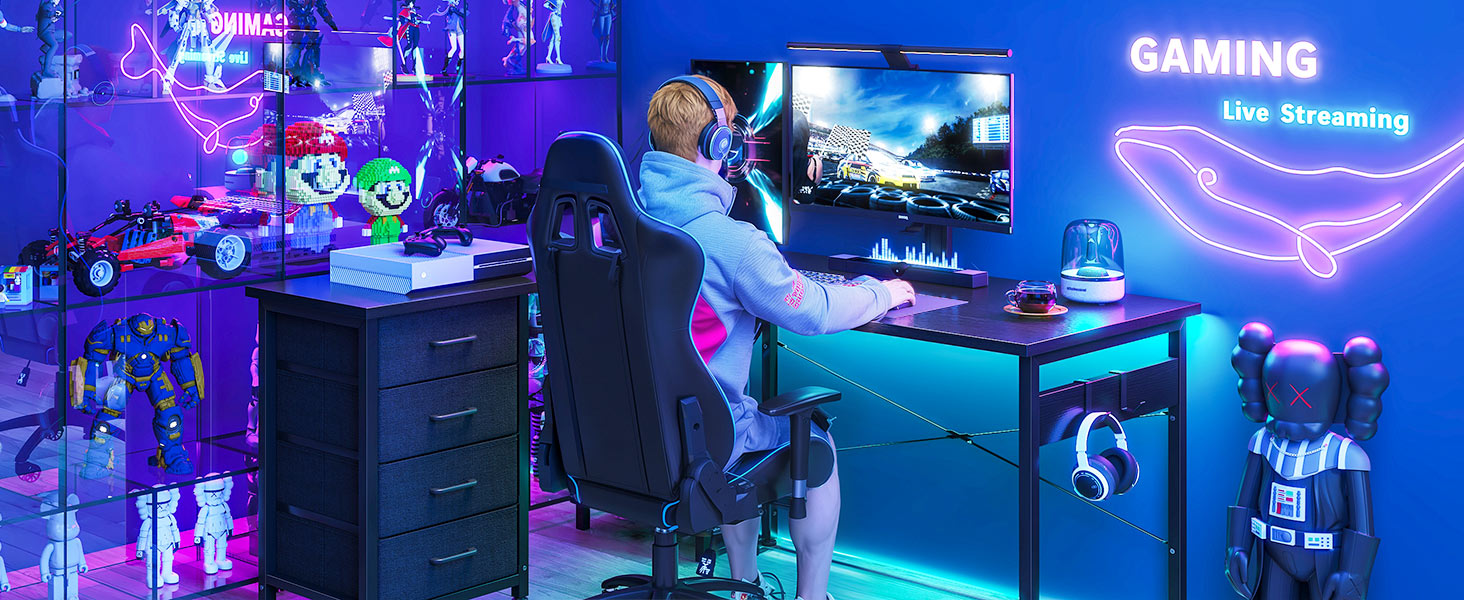
Image: Keep your devices fully charged with the conveniently located built-in power outlets.
Utilizing Storage Features
- Fabric Drawers: Use the four fabric drawers to store office supplies, documents, gaming accessories, or personal items. The drawers slide smoothly for easy access.
- Host Stand: Place your computer tower on the dedicated host stand to keep it off the floor and free up valuable legroom under the desk.
- Iron Hooks: The two integrated iron hooks are ideal for hanging headphones, backpacks, or other items, keeping your desktop clear and organized.
6. Maintenance
To ensure the longevity and appearance of your AODK L-Shaped Gaming Desk, follow these simple maintenance guidelines:
- Cleaning: The desk boards are waterproof and easy to clean. Wipe surfaces regularly with a soft, damp cloth. Avoid abrasive cleaners or harsh chemicals that could damage the finish.
- Spills: In case of spills, wipe them immediately to prevent liquid from seeping into the material.
- Stability: Periodically check all screws and connections to ensure they remain tight. Adjust the foot pads as needed to maintain desk stability on uneven surfaces.
- Fabric Drawers: The fabric drawers can be spot cleaned with a mild detergent and damp cloth. Allow to air dry completely.
7. Troubleshooting
If you encounter any issues with your AODK L-Shaped Gaming Desk, please refer to the following common solutions. If the problem persists, do not hesitate to contact our customer support team.
Common Issues & Solutions
- Desk Wobbles:
- Ensure all assembly screws are tightened securely.
- Adjust the leveling foot pads at the bottom of the desk legs to compensate for uneven flooring. - Drawers Not Sliding Smoothly:
- Check that the fabric drawers are correctly inserted into their slots and are not overloaded.
- Ensure the drawer frame is assembled correctly and is not warped. - Power Outlets Not Working:
- Verify that the desk's main power cord is fully plugged into a functional wall outlet.
- Check if the power strip's circuit breaker (if present) has tripped. - Assembly Difficulty:
- Double-check the part labels against the instruction manual diagrams.
- For the reversible design, ensure you are following the correct L# or R# instructions for your desired orientation.
For further assistance, please contact our professional after-sales team. We are committed to resolving any issues to your satisfaction.
8. Specifications

Image: Key dimensions of the AODK L-Shaped Gaming Desk.
| Attribute | Detail |
|---|---|
| Brand | AODK |
| Product Dimensions | 43.3"D x 61"W x 30"H |
| Color | Black |
| Style | Modern |
| Base Material | Metal |
| Finish Type | Painted |
| Special Feature | Built-In USB Outlet |
| Mounting Type | Freestanding |
| Included Components | Assembly Tools, 4 Drawers, 2 Iron Hooks |
| Number of Drawers | 4 |
| Tabletop Thickness | 0.5 Inches |
| Maximum Height | 30 Inches |
| Minimum Height | 30 Inches |
| Working Surface Diagonal Length | 64.2 Inches |
| Required Assembly | Yes |
| Warranty Type | Limited |
| UPC | 850056234757 |
9. Warranty and Support
Your AODK L-Shaped Gaming Desk comes with a limited warranty. For specific details regarding the terms and conditions of your warranty, please refer to the documentation included with your purchase or contact our customer support.
Customer Support
AODK is committed to ensuring your satisfaction. If you have any questions, concerns, or require assistance with your product, our professional after-sales team is ready to help. We aim to reply to your message within 24 hours.
For support, please visit the AODK store on Amazon or use the contact information provided on your product packaging.
Thank you for choosing AODK.
Ask a question about this manual
Ask about setup, troubleshooting, compatibility, parts, safety, or missing instructions. Manuals+ will review the question and use this page’s manual context to help answer it.