
1. Introduction
Thank you for choosing the DoHonest FW005 3-in-1 Foldable Travel Wireless Charger. This device is designed to simplify your charging experience by simultaneously powering your iPhone, Apple Watch, and AirPods. Its compact, foldable design makes it ideal for travel, office, and home use, reducing cable clutter and ensuring your devices are always ready.
2. Key Features
- 3-in-1 Charging: Simultaneously charges iPhone, Apple Watch, and AirPods.
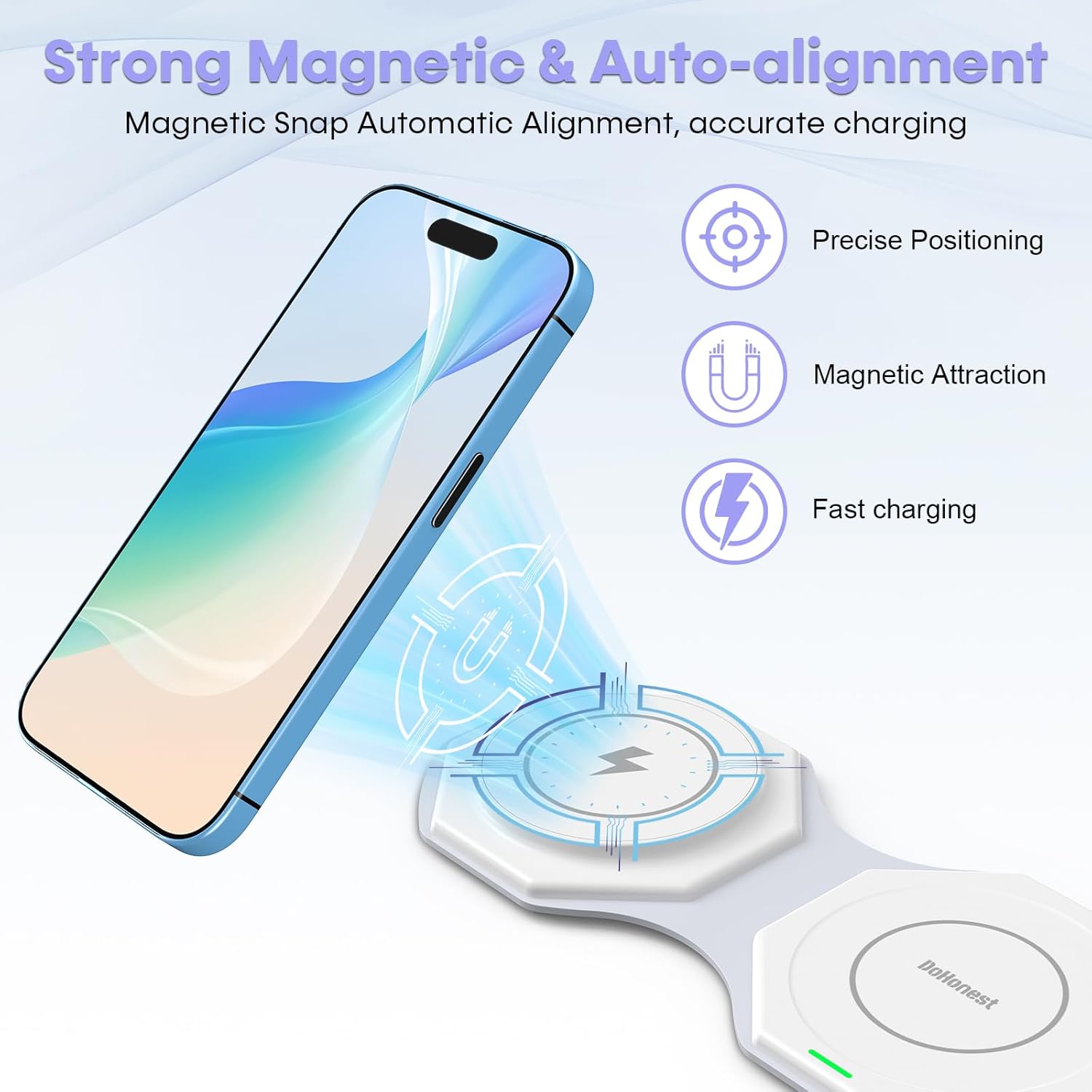
- Magnetic Alignment: Ensures precise and stable charging for compatible devices.
- Fast Charging: Delivers up to 15W for iPhone, 5W for AirPods, and 3W for Apple Watch.
- Portable & Foldable: Compact design for easy storage and transport.
- Advanced Safety: Built-in temperature control, overcharge protection, short circuit protection, voltage control, and foreign object detection.
- Durable Design: Constructed from high-quality, eco-friendly resin for long-lasting use.
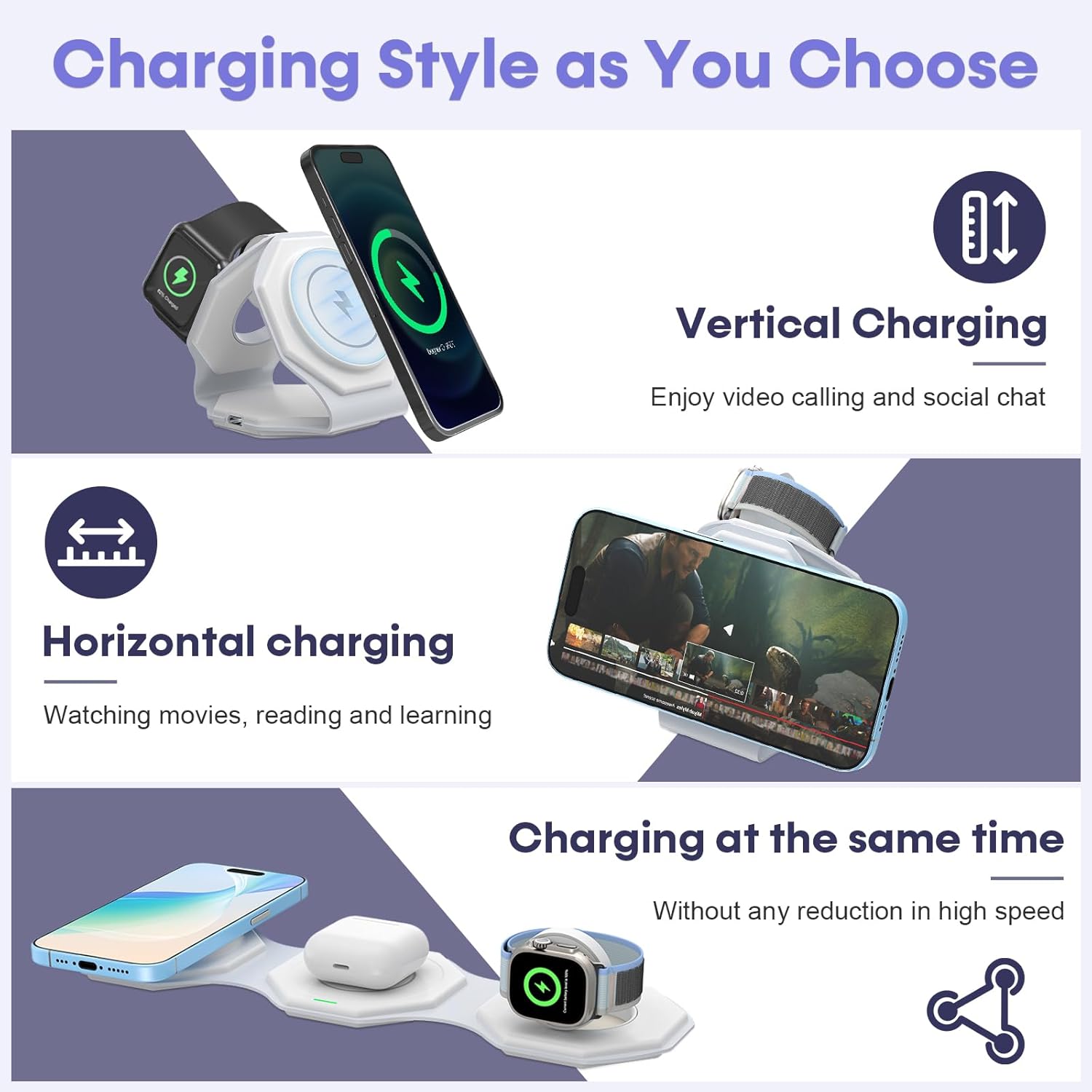
- Versatile Use: Supports vertical and horizontal charging orientations for convenience.
3. Package Contents
- 1 x DoHonest FW005 3-in-1 Wireless Charger
- 1 x USB-C to USB-C Charging Cable
- 1 x 18W Power Adapter
- 1 x User Manual
4. Setup Instructions
- Unfold the Charger: Gently unfold the charging pad to its desired configuration. It can be laid flat or folded into a triangular stand.
- Connect Power: Insert the provided USB-C charging cable into the charger's USB-C port. Connect the other end of the cable to the 18W power adapter, then plug the adapter into a wall outlet. The indicator light on the charger will illuminate, confirming it is powered on.

5. Operating Instructions
5.1 Charging Your iPhone
- Place your compatible iPhone (iPhone 16, 15, 14, 13, 12 series) onto the designated magnetic charging pad. The magnetic alignment will secure your device in place.
- The charger supports both vertical and horizontal orientations when folded into a stand, allowing for convenient viewing during charging.
5.2 Charging Your Apple Watch
- Position your Apple Watch (Apple Watch 9/8/7/6/5/4/3/2/Ultra 2/SE) on the dedicated Apple Watch charging module. The module can be flipped up to hold the watch in a nightstand mode or laid flat.
5.3 Charging Your AirPods
- Place your AirPods (AirPods 2, AirPods 3, AirPods Pro 2) charging case onto the central charging pad. Ensure the case is properly centered for optimal charging.
5.4 Charging Indicators
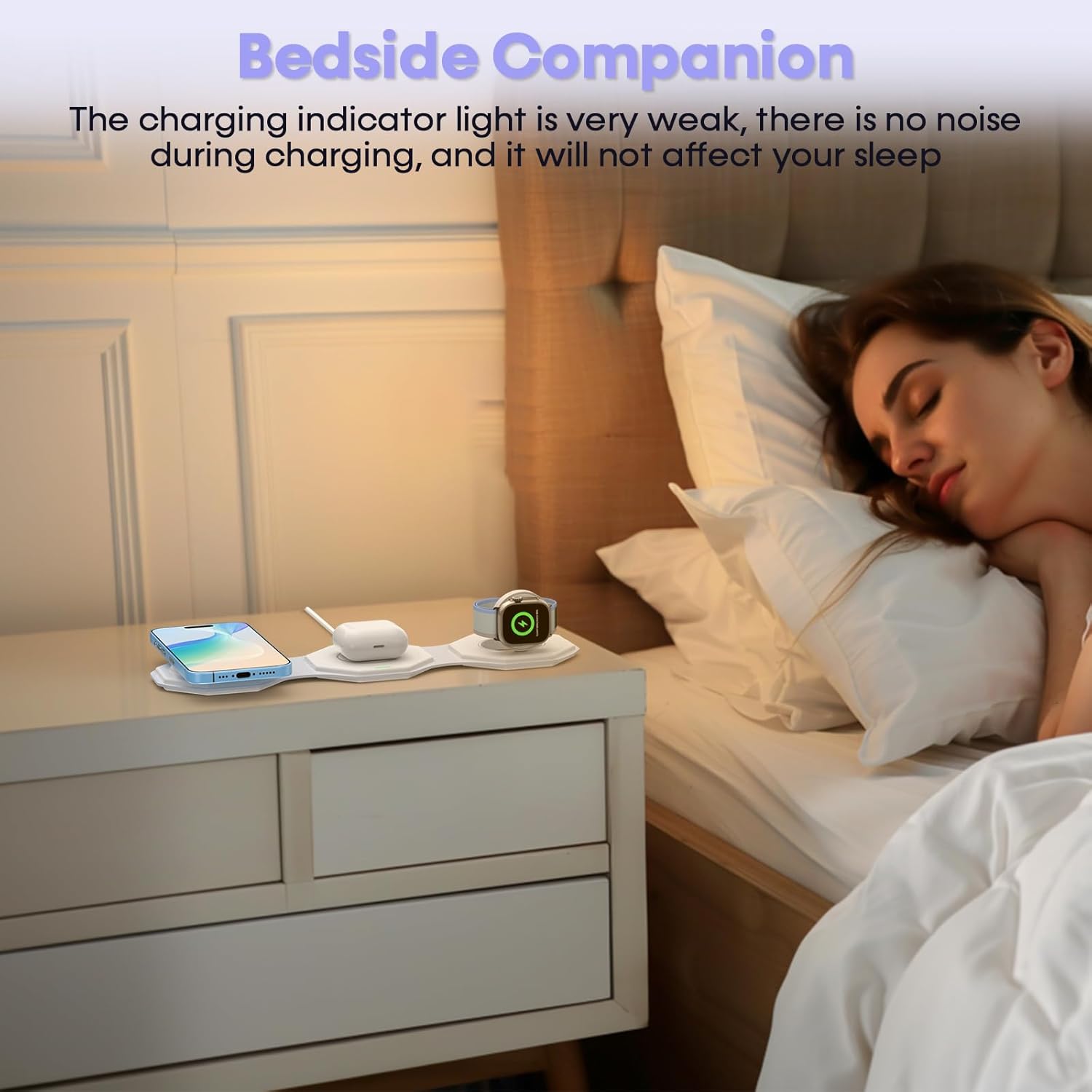
A small LED indicator light on the charger will confirm when a device is actively charging. The light is designed to be dim to avoid disturbing sleep when used on a nightstand.
6. Safety Information
- Overcurrent Protection: Prevents damage from excessive current.
- Overcharge Protection: Safeguards batteries from being overcharged.
- Temperature Protection: Monitors and regulates temperature to prevent overheating.
- Foreign Object Detection: Automatically stops charging if foreign metal objects are detected.
- Voltage Control: Maintains stable voltage for safe charging.
- No Radiation Leakage: Designed to be safe for all users, including children and the elderly.
6.1 Compatibility Notes
- Magnetic charging function is primarily for iPhone 16, 15, 14, 13, 12 series.
- Compatible with AirPods 2, AirPods 3, AirPods Pro 2. Not compatible with AirPods 1 or other brand earbud cases.
- Compatible with Apple Watch Series 9/8/7/6/5/4/3/2, Apple Watch Ultra 2, and Apple Watch SE. Not compatible with Apple Watch 1 or other brand watches.
- For iPhone cases, use bare metal or magnetic cases. Not compatible with non-magnetic cases, metal cases, cases with PopSockets, or cases containing magnets or credit cards, as these may interfere with charging or cause overheating.


7. Maintenance
- Cleaning: Use a soft, dry cloth to wipe the surface of the charger. Avoid using abrasive cleaners or solvents.
- Storage: When not in use or during travel, fold the charger into its compact form to protect the charging surfaces. Store in a cool, dry place away from direct sunlight and extreme temperatures.
- Cable Care: Do not bend or crimp the charging cable excessively. Always unplug the cable by holding the plug, not the cable itself.
8. Troubleshooting
- Device Not Charging:
- Ensure the charger is properly connected to the 18W power adapter and a working wall outlet.
- Verify that your device is compatible with wireless charging and is correctly aligned on the charging pad.
- Remove any non-magnetic or metal cases, PopSockets, or other foreign objects that may interfere with charging.
- Check if the indicator light is on. If not, try a different power outlet or cable.
- Slow Charging:
- Ensure you are using the provided 18W power adapter. Lower wattage adapters may result in slower charging speeds.
- Confirm proper device alignment on the charging pad.
- Avoid using your device extensively while it is wirelessly charging, as this can slow down the process.
- Overheating:
- If the charger or your device feels excessively hot, remove the device immediately.
- Ensure there are no foreign objects between the device and the charging pad.
- Avoid charging in direct sunlight or hot environments.
9. Specifications
| Brand | DoHonest |
| Model Number | FW005 |
| Compatible Devices | iPhone (16, 15, 14, 13, 12 series), Apple Watch (9/8/7/6/5/4/3/2/Ultra 2/SE), AirPods (2/3/Pro 2) |
| Power Input | USB-C |
| Output (iPhone) | Up to 15W |
| Output (AirPods) | Up to 5W |
| Output (Apple Watch) | Up to 3W |
| Material | Plastic |
| Form Factor | Foldable |
| Power Source | AC (with included 18W adapter) |
10. Warranty and Support
The DoHonest FW005 3-in-1 Foldable Travel Wireless Charger comes with a 30-day satisfaction guarantee and a 2-year warranty. For any questions, concerns, or support needs, please contact our 24/7 customer support team. If you are not satisfied with your purchase, returns are easy and hassle-free within the guarantee period.