
1. Introduction
Thank you for choosing the Easyfone B3 Sport Smart Watch. This manual provides essential information for setting up, operating, and maintaining your device. Please read it carefully to ensure optimal performance and longevity of your smart watch.
2. What's in the Box
- B3 Smart Watch
- Charging Cable
- User Manual
3. Product Overview
The Easyfone B3 Sport Smart Watch features a 1.28-inch AMOLED touchscreen display and a durable design suitable for active lifestyles. It offers a range of functions including activity tracking, health monitoring, and smartphone connectivity.
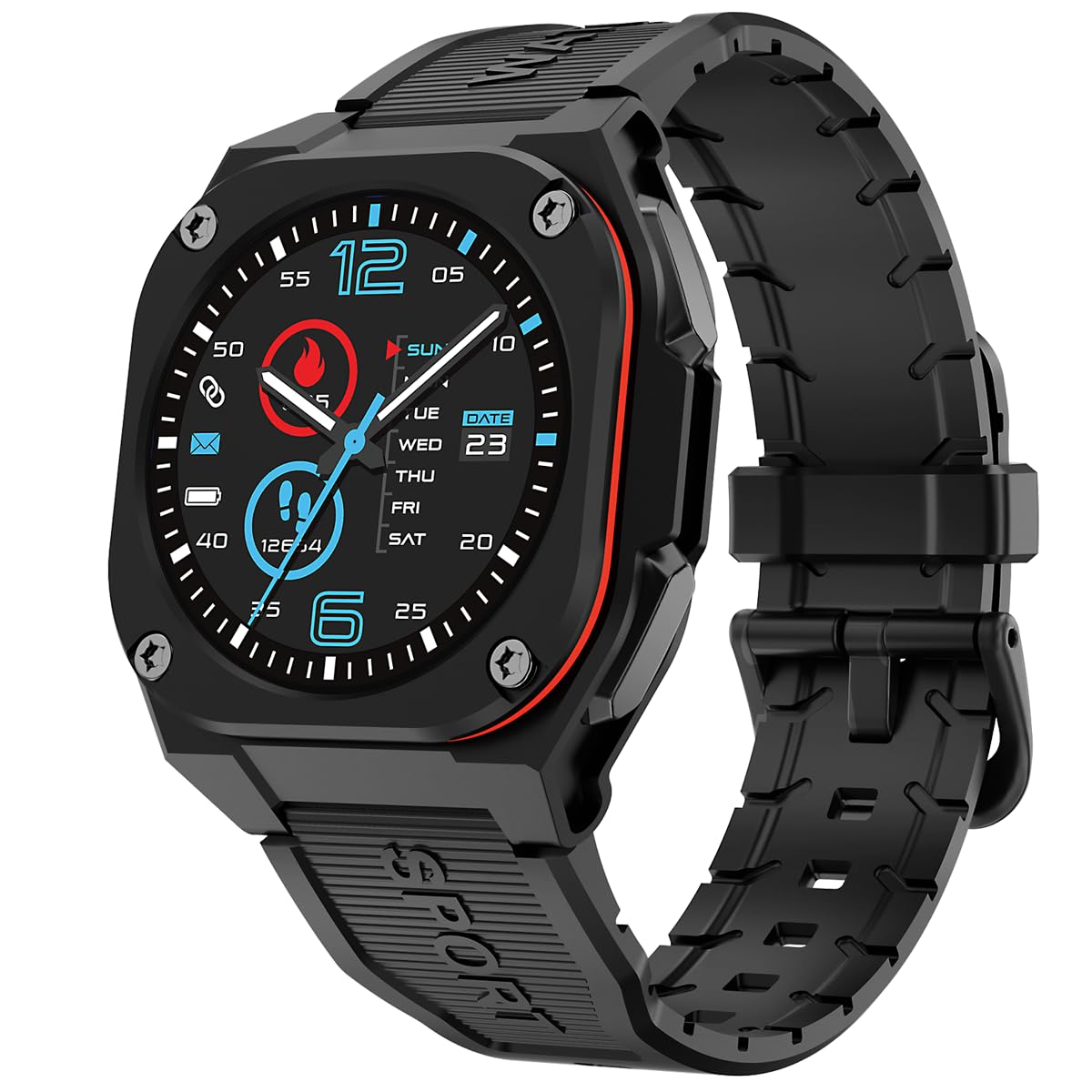
Front view of the Easyfone B3 Sport Smart Watch, showcasing its round AMOLED display and black strap.

Side view of the Easyfone B3 Smart Watch, highlighting its profile and button placement.
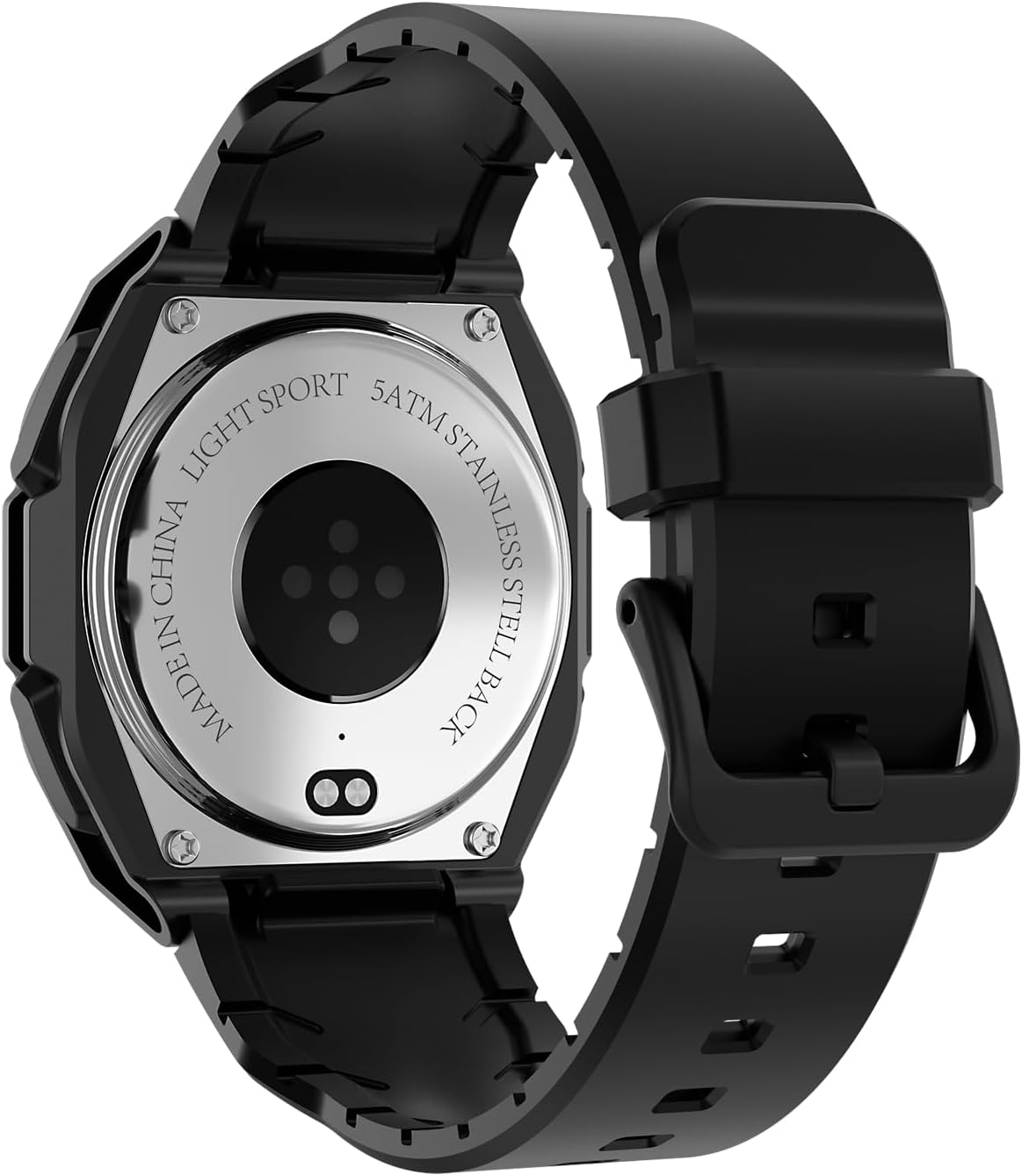
Back view of the Easyfone B3 Smart Watch, showing the optical heart rate sensor and stainless steel back.
4. Setup
4.1 Charging the Device
Before first use, fully charge your Easyfone B3 Smart Watch. Connect the provided charging cable to the charging port on the back of the watch and plug the USB end into a power adapter (not included) or a computer's USB port. The watch display will indicate charging status.
4.2 Powering On/Off
- To Power On: Press and hold the side button until the Easyfone logo appears.
- To Power Off: Press and hold the side button, then select the 'Power Off' option on the screen.
4.3 App Installation and Pairing
- Download the "FitCloudPro" app from the App Store (iOS 12.0 and above) or Google Play Store (Android 7.0 and above).
- Ensure Bluetooth is enabled on your smartphone.
- Open the FitCloudPro app and follow the on-screen instructions to pair your Easyfone B3 Smart Watch.

Image showing the FitCloudPro app icon and download options for Google Play and App Store.
5. Operating Instructions
5.1 Touchscreen Navigation
- Swipe Down: Access quick settings (brightness, battery, silent mode, power off, water lock).
- Swipe Up: View recent notifications/messages.
- Swipe Left/Right: Navigate through main functions and widgets (e.g., activity data, heart rate, music control).
- Tap: Select an item or open an application.
5.2 Changing Watch Faces
The Easyfone B3 supports multiple watch faces. You can customize your watch face directly on the device or through the FitCloudPro app to personalize your look.
5.3 Music Control
Control music playback on your connected smartphone directly from your watch. This includes playing, pausing, skipping tracks, and adjusting volume.
Video demonstrating the music control feature on the Easyfone B3 Sport Smart Watch, showing how to manage playback from the wrist.
6. Health Monitoring
The B3 Smart Watch provides comprehensive health tracking features to help you monitor your well-being.
- Heart Rate Monitor: Automatically tracks your heart rate throughout the day.
- Sleep Monitor: Analyzes your sleep patterns to help you understand and improve your sleep quality.
- Activity Tracker: Records daily steps, calories burned, and distance covered.

Image illustrating the health monitoring capabilities of the Easyfone B3, including heart rate and sleep tracking.
7. Sports Modes
The watch supports over 100 sports modes, including walking, running, cycling, and swimming. Select the appropriate mode before starting your activity to get accurate tracking data.
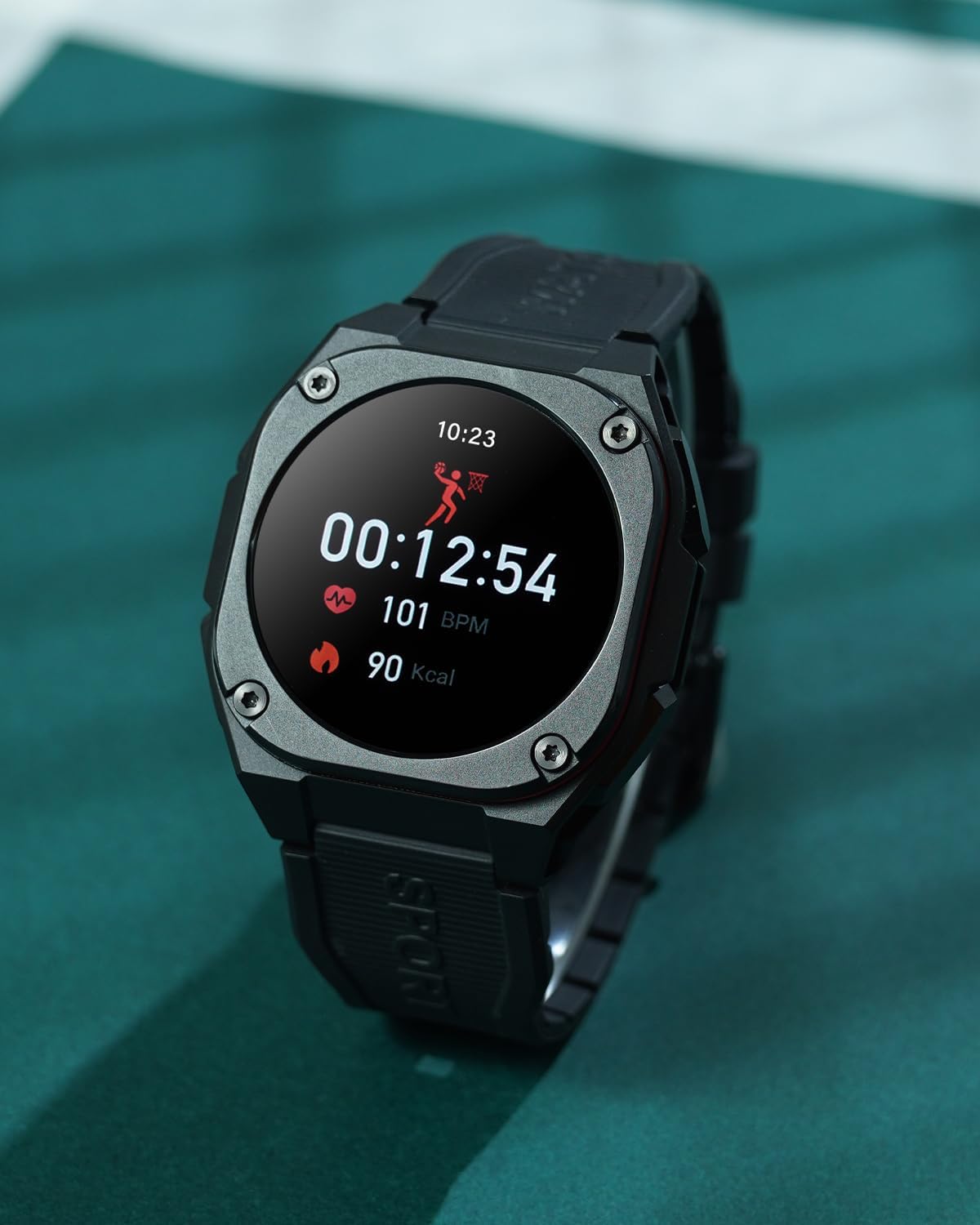
The Easyfone B3 Smart Watch on a wrist, showing activity data during a workout.
8. Notifications and Calls
Once paired with your smartphone, the Easyfone B3 can display notifications for incoming calls, messages, and app alerts. You can accept or decline calls directly from the watch.

The Easyfone B3 Smart Watch displaying a message notification on its screen.
9. Water Resistance
The Easyfone B3 Smart Watch features a professional IP68 waterproof and 3ATM design, making it suitable for rainy outdoor activities and water sports. It can withstand immersion up to 1.5 meters.

The Easyfone B3 Smart Watch worn during a sports activity, demonstrating its suitability for active use.
10. Battery Life
The B3 Smart Watch is equipped with a 300 mAh battery, offering:
- Normal Use Time: 5-7 days
- Always-on Screen Use Time: 4 days
- Standby Time: 7-10 days

An illustration detailing the battery life of the Easyfone B3 Smart Watch under different usage scenarios.
11. Maintenance
To ensure the longevity and proper functioning of your Easyfone B3 Smart Watch, follow these maintenance guidelines:
- Cleaning: Regularly wipe the watch screen and strap with a soft, dry cloth. For stubborn dirt, use a slightly damp cloth and dry thoroughly.
- Avoid Harsh Chemicals: Do not use strong detergents, alcohol, or abrasive cleaners, as these can damage the watch's finish and seals.
- Storage: Store the watch in a cool, dry place when not in use. Avoid extreme temperatures.
- Water Exposure: While waterproof, it is recommended to dry the watch thoroughly after exposure to water, especially after swimming, to prevent skin irritation and maintain device integrity.
12. Troubleshooting
If you encounter issues with your Easyfone B3 Smart Watch, refer to the following common solutions:
- Watch Not Turning On: Ensure the watch is fully charged. If it still doesn't turn on, try pressing and holding the side button for an extended period (10-15 seconds).
- Connectivity Issues: Make sure Bluetooth is enabled on your phone and the watch is within range. Restart both the watch and your phone, then try pairing again through the FitCloudPro app.
- Inaccurate Data: Ensure the watch is worn snugly on your wrist. For sports tracking, select the correct activity mode. Calibrate the watch through the app if necessary.
- Notifications Not Appearing: Check notification settings in the FitCloudPro app and on your phone to ensure permissions are granted for the app to send notifications.
- Screen Unresponsive: If the screen is unresponsive, try restarting the watch. If the issue persists, ensure the screen is clean and dry.
For further assistance, please contact Easyfone customer support.
13. Specifications
| Feature | Detail |
|---|---|
| Model Name | B3 |
| Brand | Easyfone |
| Screen Size | 1.28 Inches |
| Display Type | AMOLED |
| Resolution | 240 x 280 |
| Operating System | Android Wear 1.0 |
| Connectivity Technology | Bluetooth |
| Water Resistance Rating | IP68, 3ATM (1.5 Meters) |
| Battery Cell Composition | Lithium Polymer |
| Compatible Phone Models | Android 7.0 and above, iOS 12.0 and above |
| Supported Application | Fitness Tracker (FitCloudPro app) |
| Band Material Type | Rubber |
| Color | Black |
14. Warranty and Support
The Easyfone B3 Sport Smart Watch comes with a 1 Year Limited Warranty. For warranty claims, technical support, or any inquiries, please refer to the contact information provided with your purchase or visit the official Easyfone website.