
Wobble Wobble Beans E27
Contents
Wobble Beans E27 TWS Intuitive ENC Earbuds User Manual
Model: WBAA0EOB56Q40W
Brand: Wobble
Introduction
Thank you for choosing the Wobble Beans E27 TWS Intuitive ENC Earbuds. These earbuds are designed to provide a superior audio experience with advanced features such as Environmental Noise Cancellation, powerful 12mm drivers, and low-latency gaming capabilities. This manual will guide you through the setup, operation, and maintenance of your new earbuds to ensure optimal performance and longevity.

Image: Wobble Beans E27 TWS Earbuds and their charging case.
What's in the Box
Upon unboxing your Wobble Beans E27, please verify that all the following components are included:
- 1 x Pair of Wobble Beans E27 Earbuds
- 1 x Charging Case
- 2 x Extra Eartips (different sizes)
- 1 x USB-C Charging Cable
- 1 x User Manual/Warranty Card
Video: An overview of the Wobble Beans E27 earbuds, showcasing the product and its included accessories.
Key Features
Intuitive Environmental Noise Cancellation (ENC) & Quad Mics
The Wobble Beans E27 features Intuitive Environmental Noise Cancellation to minimize background noise during calls, ensuring your voice is clear. Equipped with quad microphones, these earbuds provide unparalleled clarity for seamless communication.

Image: Internal structure of an earbud highlighting ENC technology.
12mm Deep Bass Driver & Dynamic HiFi Sound
Experience rich, powerful audio with 12mm deep bass drivers that deliver incredible bass and dynamic HiFi sound, enhancing your musical experience.

Image: Diagram illustrating the 12mm audio driver for enhanced sound.
360° Virtual Surround Sound & Low Latency Gaming
Elevate your gaming experience with 360° virtual surround sound, allowing you to pinpoint audio cues. Ultra-low latency ensures seamless gameplay without audio delays.

Image: Visual representation of 360° virtual surround sound.
IP55 Dust & Water Resistant
Designed for an active lifestyle, these earbuds are IP55 rated, offering resistance against dust and water splashes. This makes them suitable for workouts and outdoor activities.
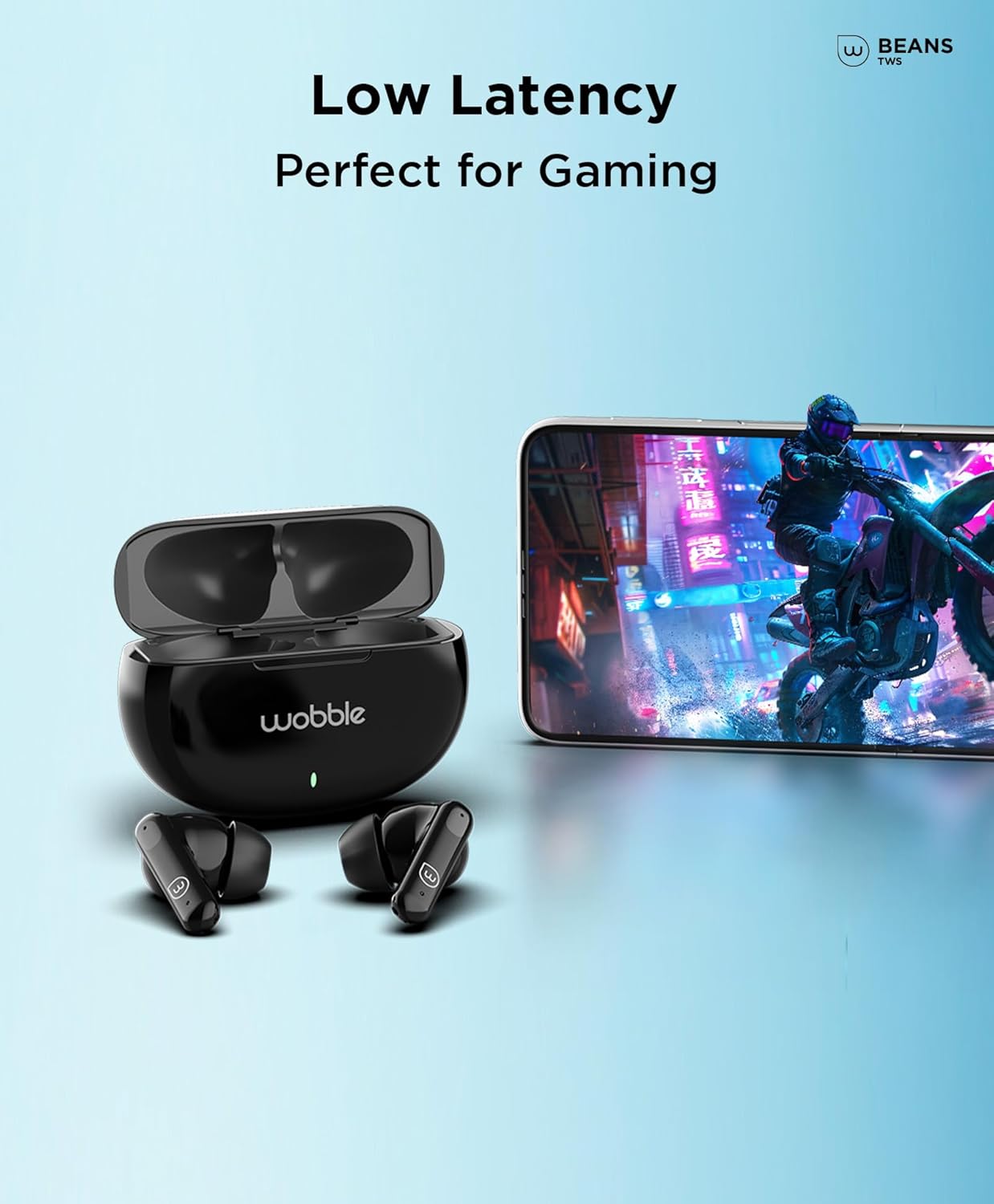
Image: Earbuds shown with water droplets, demonstrating IP55 water resistance.
Fast Charging & Long Playback
Benefit from rapid charging capabilities. A quick 15-minute charge provides up to 90 minutes of playback. The earbuds offer a total playback time of up to 35 hours with the charging case.

Image: Illustration of the fast charging feature and battery life.
Bluetooth v5.3 Connectivity
Enjoy stable and efficient wireless connection with Bluetooth version 5.3, ensuring seamless pairing with your devices and a reliable audio stream.

Image: Earbuds shown connected to multiple devices via Bluetooth.
Setup Guide
1. Initial Charging
- Place both earbuds into the charging case.
- Connect the USB-C charging cable to the charging port on the case and the other end to a power source (e.g., wall adapter, computer USB port).
- The indicator light on the charging case will illuminate to show charging status. Allow the case and earbuds to fully charge before first use.
2. Pairing with Your Device
- Ensure the earbuds are charged and inside the charging case.
- Open the charging case lid. The earbuds will automatically enter pairing mode, indicated by a flashing LED light on the earbuds.
- On your smartphone or Bluetooth-enabled device, go to Bluetooth settings.
- Search for available devices and select "Wobble Beans E27" from the list.
- Once connected, the LED indicator on the earbuds will stop flashing or change to a steady light, depending on the model.
- If pairing fails, close the case, wait a few seconds, and repeat the steps.
Operating Instructions
Touch Controls
The Wobble Beans E27 earbuds feature intuitive touch controls. The following actions can be performed by tapping or holding the touch-sensitive area on either earbud:
- Single Tap (Left or Right): Play/Pause audio.
- Tap and Hold (2 seconds, Left): Decrease volume.
- Tap and Hold (2 seconds, Right): Increase volume.
- Tap and Hold (4 seconds, Left or Right): Switch between ANC (Active Noise Cancellation), Transparency Mode, and Music Mode.
- Double Tap (Left): Previous track.
- Double Tap (Right): Next track.
Calling Functions
- Single Tap (Left or Right): Answer/End a call.
- Tap and Hold (Left or Right): Reject an incoming call.
Voice Assistant
- Triple Tap (Left or Right): Activate your device's voice assistant (Siri, Google Assistant).
Maintenance
Proper maintenance ensures the longevity and optimal performance of your earbuds.
Cleaning
- Regularly clean the earbuds and charging case with a soft, dry, lint-free cloth.
- Remove eartips and clean them with mild soap and water, then dry thoroughly before reattaching.
- Gently clean the charging contacts on both the earbuds and the case with a dry cotton swab to ensure proper connection.
Storage
- When not in use, always store the earbuds in their charging case to protect them and keep them charged.
- Store in a cool, dry place away from extreme temperatures and direct sunlight.
Water Resistance
The earbuds are IP55 rated, meaning they are resistant to dust and low-pressure water jets. This protects against sweat and light rain. Do not submerge the earbuds in water or expose them to heavy rain or strong water streams.
Troubleshooting
If you encounter any issues with your Wobble Beans E27 earbuds, refer to the following common solutions:
- Earbuds not pairing: Ensure both earbuds are charged. Place them back in the case, close the lid, wait 5 seconds, then open the lid to re-enter pairing mode. Clear previous Bluetooth connections on your device and try pairing again.
- Only one earbud working: Place both earbuds back in the charging case. Close the lid, then open it again. If the issue persists, try resetting the earbuds (refer to the full user manual for specific reset instructions if available).
- No sound or low volume: Check the volume level on both your device and the earbuds. Ensure the earbuds are properly seated in your ears. Clean any debris from the earbud nozzles.
- Charging issues: Ensure the charging cable is securely connected to both the case and the power source. Clean the charging contacts on the earbuds and inside the case. Try a different charging cable or power adapter.
- Poor call quality: Ensure the microphones are not obstructed. Check for strong environmental noise. Ensure the earbuds are fully charged.
For further assistance, please contact customer support.
Specifications
| Feature | Detail |
|---|---|
| Model Name | Wobble Beans E27 |
| Model Number | WBAA0EOB56Q40W |
| Connectivity Technology | Bluetooth, Wireless |
| Bluetooth Version | 5.3 |
| Bluetooth Range | 20 Metres |
| Audio Driver Size | 12 Millimetres |
| Noise Control | Environmental Noise Cancellation (ENC) |
| Microphones | Quad Mics |
| Water Resistance Level | IP55 (Dust & Water Resistant) |
| Battery Life (Earbuds) | Up to 35 Hours (with charging case) |
| Fast Charging | 15 mins charge = 90 mins playtime |
| Charging Port | USB-C |
| Item Weight | 49 Grams |
| Material | Acrylonitrile Butadiene Styrene (ABS) |
| Control Type | Touch, Voice (Google Assistant, Siri, Volume, Media) |
Warranty and Support
Your Wobble Beans E27 TWS Earbuds come with a standard 1-Year Warranty from the date of purchase. Please retain your purchase receipt for warranty claims.
For warranty service, technical support, or any product-related inquiries, please contact:
- Manufacturer: OSRIM MANUFACTURING AND INNOVATIONS PVT LTD
- Address: B-74, SECTOR 80, GAUTAM BUDDHANAGAR NOIDA -201305
- Email: support@wobble.in
For more details on replacement policies and other information, please refer to the product detail page on the retailer's website.
Ask a question about this manual
Ask about setup, troubleshooting, compatibility, parts, safety, or missing instructions. Manuals+ will review the question and use this page’s manual context to help answer it.