
Introduction
The GameSir Nova is a versatile multi-platform gaming controller designed for an enhanced gaming experience across various devices. It features advanced technologies such as Hall Effect sticks for precision, customizable RGB lighting, HD rumble motors for immersive feedback, and programmable macro buttons. This manual provides instructions for setting up, operating, maintaining, and troubleshooting your GameSir Nova controller.

Image: The GameSir Nova Wireless Controller, showcasing its design and RGB lighting.
Setup
The GameSir Nova controller supports multiple platforms and connection methods. Follow these steps to connect your controller to your desired device.
Connection Methods
- Bluetooth Wireless Connection: For Switch, iOS (16 or later), and Android (8.0 or later) devices.
- USB Wired Connection: For PC (Windows 10 or later) and other compatible devices. This connection offers a 500Hz polling rate.
- Wireless Dongle (Receiver): For PC (Windows 10 or later) and Android (8.0 or later). Note: The USB receiver is not included with this model and must be purchased separately.
Platform Pairing Instructions
To switch between modes, press and hold the HOME button along with the corresponding button as shown in the diagram below:

Image: Mode switch diagram for GameSir Nova, illustrating button combinations for Nintendo Switch/iOS, Android, and PC/Android (via receiver).
- Nintendo Switch / iOS: Press and hold HOME + NS Pro button combination. The indicator lights will blink.
- Android: Press and hold HOME + Android button combination. The indicator lights will illuminate steadily.
- PC (Windows 10+) / Android (8.0+) via Receiver: Press and hold HOME + Receiver button combination. The indicator lights will illuminate steadily.
For Switch, you can also use the HOME button for one-touch sleeve release.
Operating Instructions
Hall Effect Sticks
The GameSir Nova is equipped with Hall Effect sticks, which utilize magnetic sensors to detect stick movement. This technology provides superior precision and eliminates stick drift, ensuring consistent and smooth control over millions of cycles.

Image: An exploded view diagram illustrating the internal mechanism of the GameSir Hall Effect sticks, highlighting their drift-free design.
Customizable RGB Lighting
The controller features stylish RGB light rings around the joysticks. You can customize these lights to match your gaming mood or setup. There are 6 types of light effects to choose from, and you can adjust the flicker speed and brightness.

Image: A close-up of the GameSir Nova controller's joystick, showcasing the customizable RGB light ring.
HD Rumble Vibration Motors
Two HD vibration motors are integrated into the controller's grips, providing strong yet subtle haptic feedback. This allows for a more immersive gaming experience, accurately simulating impacts, gunshots, and environmental textures.

Image: The GameSir Nova controller with visual effects indicating the HD rumble feature in action.
6-Axis Gyro Motion Control
The built-in 6-axis gyro sensor enables precise motion control, enhancing gameplay in compatible titles, especially on Nintendo Switch. This allows for intuitive aiming and movement based on the controller's orientation.

Image: A user holding the GameSir Nova controller, demonstrating motion control during gameplay on a screen.
Programmable Macro Back Buttons
The GameSir Nova features two programmable back buttons (L4 and R4) that can be assigned to a single button or a sequence of buttons (macros). This allows for easy execution of complex combo motions, giving you an edge in games.

Image: A close-up of the GameSir Nova controller's back, highlighting the two programmable macro buttons and their functions.
Turbo Function
The Turbo function allows you to set rapid-fire for specific buttons. This can be configured for A, B, X, Y, L, R, ZL, ZR, +, -, and Capture buttons, with a maximum setting of 20Hz.
- Press and hold the button you wish to set for Turbo.
- While holding the button, press the Turbo button (usually a dedicated button or a combination).
- To adjust Turbo speed, refer to the full instruction manual or the GameSir APP.
- To clear Turbo, repeat the process.
Battery Life
The GameSir Nova is equipped with a 1200mAh battery, providing extended playtime on a single charge. Battery life may vary depending on usage, vibration intensity, and RGB lighting settings.
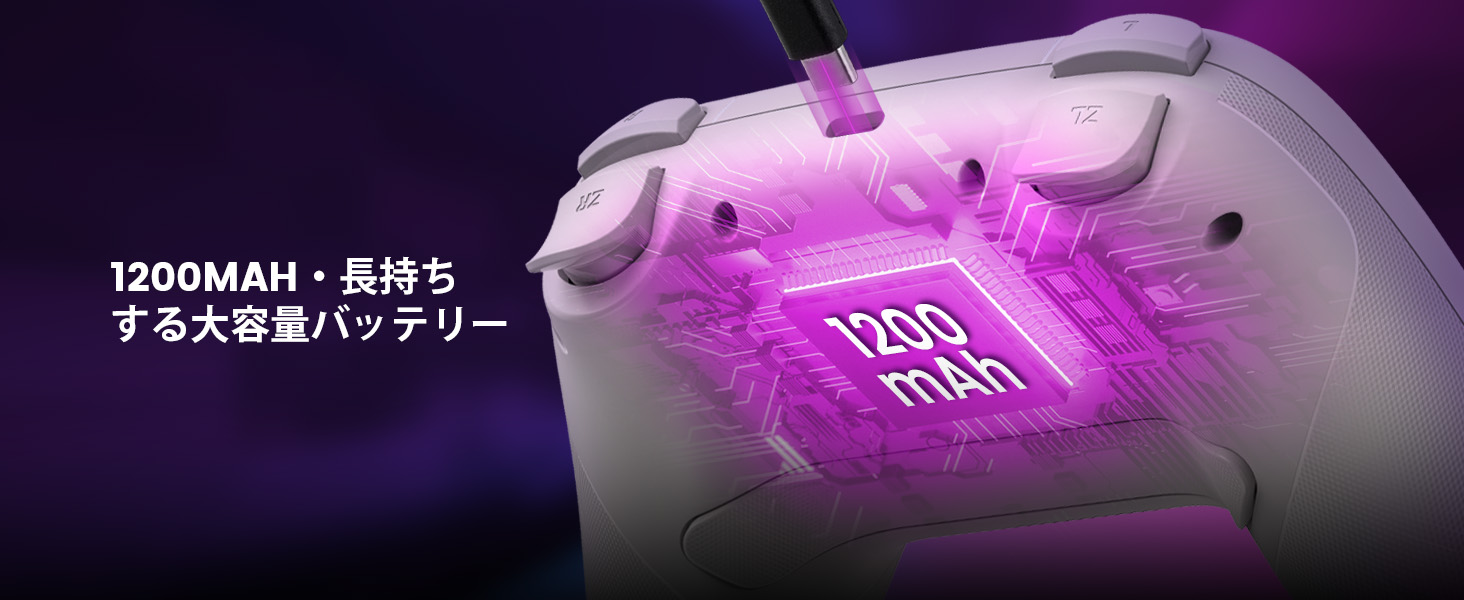
Image: An illustration of the GameSir Nova controller highlighting its 1200mAh high-capacity battery.
Maintenance
To ensure the longevity and optimal performance of your GameSir Nova controller, follow these maintenance guidelines:
- Cleaning: Use a soft, dry cloth to wipe the controller. For stubborn dirt, slightly dampen the cloth with water or a mild cleaning solution. Avoid harsh chemicals or abrasive materials.
- Storage: Store the controller in a cool, dry place away from direct sunlight, extreme temperatures, and humidity.
- Charging: Use the provided USB-C cable or a certified equivalent for charging. Avoid overcharging or completely draining the battery frequently.
- Handling: Avoid dropping the controller or subjecting it to strong impacts, as this can damage internal components.
Troubleshooting
If you encounter issues with your GameSir Nova controller, refer to the following common solutions:
| Problem | Solution |
|---|---|
| Controller does not power on. | Ensure the controller is charged. Connect it to a power source using the USB-C cable. |
| Unable to connect via Bluetooth. | Ensure the controller is in the correct pairing mode for your device (Switch/iOS or Android). Turn off and on Bluetooth on your device. Try restarting both the controller and your device. |
| Buttons are unresponsive or incorrect input. | Check if the controller is properly paired. Try resetting the controller (refer to the full manual for specific reset instructions). Ensure no other devices are interfering with the connection. |
| Gyro sensor issues (e.g., sudden rotations). | Calibrate the gyro sensor. Refer to the GameSir APP or the full instruction manual for calibration steps. Ensure the controller's firmware is up to date. |
| Vibration is too loud or distracting. | Vibration intensity may be adjustable via the GameSir APP. Check the app for settings related to HD rumble. |
| Firmware update issues. | Ensure a stable internet connection. Follow the instructions in the GameSir APP carefully. If issues persist, contact GameSir support. |
For further assistance, download the GameSir APP to update firmware and access additional settings and troubleshooting guides.
Specifications
| Feature | Detail |
|---|---|
| Model Number | GameSir-T4N |
| Connectivity | Bluetooth, USB-C Wired |
| Compatibility | Nintendo Switch (Lite/OLED), PC (Windows 10+), iPhone (iOS 16+), Android (8.0+) |
| Sticks | Hall Effect Sticks (Drift-free) |
| Vibration | HD Rumble Motors |
| Motion Control | 6-Axis Gyro Sensor |
| Customization | RGB Light Rings, 2 Programmable Macro Back Buttons, Turbo Function |
| Battery | 1200mAh Lithium Ion (included) |
| Product Dimensions | 6.4 x 15.09 x 16 cm |
| Weight | 399 g |
Warranty and Support
GameSir products are designed and manufactured to the highest quality standards. For information regarding warranty coverage, terms, and conditions, please refer to the warranty card included with your product or visit the official GameSir website.
For technical support, troubleshooting assistance, or to download the latest firmware and software, please visit the official GameSir support page or contact their customer service directly. Keep your purchase receipt for warranty claims.
Official GameSir Website: www.gamesir.hk


