
1. Introduction
Thank you for choosing the WASJOYE Biometric Fireproof Safe, Model FP29. This safe is designed to provide secure storage for your valuables, documents, and other important items, offering protection against theft and fire. Please read this manual thoroughly before operating the safe to ensure proper setup, usage, and maintenance.

Image: The WASJOYE Biometric Fireproof Safe with its door open, revealing organized compartments for documents, jewelry, and other valuables.
2. Safety Information
- Fire Resistance: This safe is constructed with 16mm thick heat-resistant fireproof plates and 20mm diameter solid steel bolts, meeting UL 72 standards for fire resistance for 30 minutes at 1200℉ (649℃).
- Anti-theft Features: Made from solid anti-theft steel, the safe includes a dual warning system that activates upon five incorrect fingerprint attempts, three incorrect password entries, or violent shocks.
- Interior Protection: The interior is fully lined with thick felt to protect contents from scratches and damage.
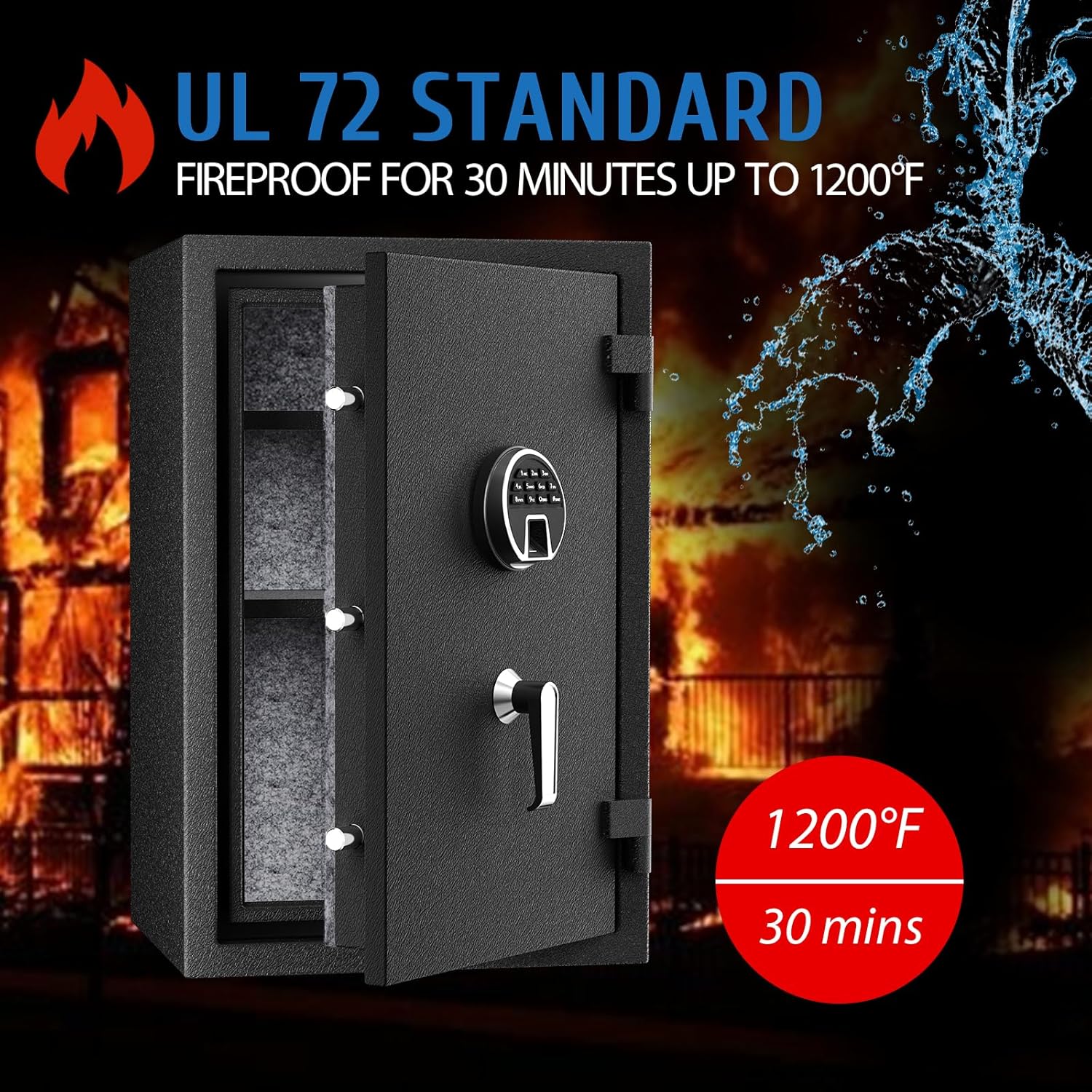
Image: A visual representation of the safe's UL 72 fireproof standard, indicating resistance to fire for 30 minutes at 1200°F and water resistance.

Image: An illustration highlighting the high-strength alloy steel construction, anti-drilling steel plate, and fire protection steel plate for enhanced safety.

Image: A detailed view of the safe's door mechanism, showcasing three bold solid lock bolts and the thickened solid door panel, emphasizing robust security.
3. Package Contents
Please check the package for the following items:
- WASJOYE Biometric Fireproof Safe (Model FP29)
- Removable Shelf x 2
- Emergency Keys x 2
- User Manual x 1 (This document)
- Mounting Screws x 1 set

Image: An overview of the safe's external dimensions and a clear depiction of all items included in the package: two shelves, two emergency keys, the user manual, and mounting screws.
4. Product Overview
Familiarize yourself with the main components of your WASJOYE safe:

Image: A labeled diagram illustrating the internal and external components of the safe, including the battery box, reset button, locking bolts, interior lining, removable shelf, and floor mounting points.
- Pop-up Battery Box
- Metal Bracket
- Reset Button (located on the inside of the door)
- 3 Solid Bolts
- Fully Carpeted Interior
- Removable Shelf
- Floor Mounting Points

Image: A detailed view of the digital keypad integrated with the fingerprint scanner on the safe's exterior.
5. Setup
5.1 Initial Opening
Upon receiving your safe, use the emergency keys to open it for the first time. The emergency keyhole is typically concealed behind the keypad cover or a small plate.

Image: A close-up of the backup key port, located on the keypad, with an emergency key inserted for manual opening.
5.2 Battery Installation
The safe requires 4 AA batteries (not included) for the electronic lock system. Locate the battery compartment, usually inside the door, and insert the batteries according to the polarity markings.
5.3 Mounting
For enhanced security, the safe can be mounted to the floor. Use the provided mounting screws and follow these steps:
- Choose a suitable location for the safe.
- Mark the drilling points on the floor using the safe's pre-drilled holes as a template.
- Drill pilot holes into the floor.
- Position the safe and secure it using the mounting screws.
6. Operating Instructions
6.1 Setting Fingerprints
The safe can store up to 20 unique fingerprints.

Image: A visual guide detailing the steps to set a fingerprint and a digital code for the safe.
- Press the reset button (located inside the safe door). The blue fingerprint light will illuminate.
- Place the target finger onto the fingerprint sensor three times consecutively.
- A successful registration will be indicated by a sound or light signal.
6.2 Setting Passcodes
The safe supports a 4 to 8-digit programmable passcode.
- Press the RESET button (inside the safe door).
- Enter your new 4-8 digit code.
- Press the "#" key to confirm.
- The safe will emit two buzzer beeps, indicating successful code setting.
6.3 Opening the Safe
The safe offers three methods for access:
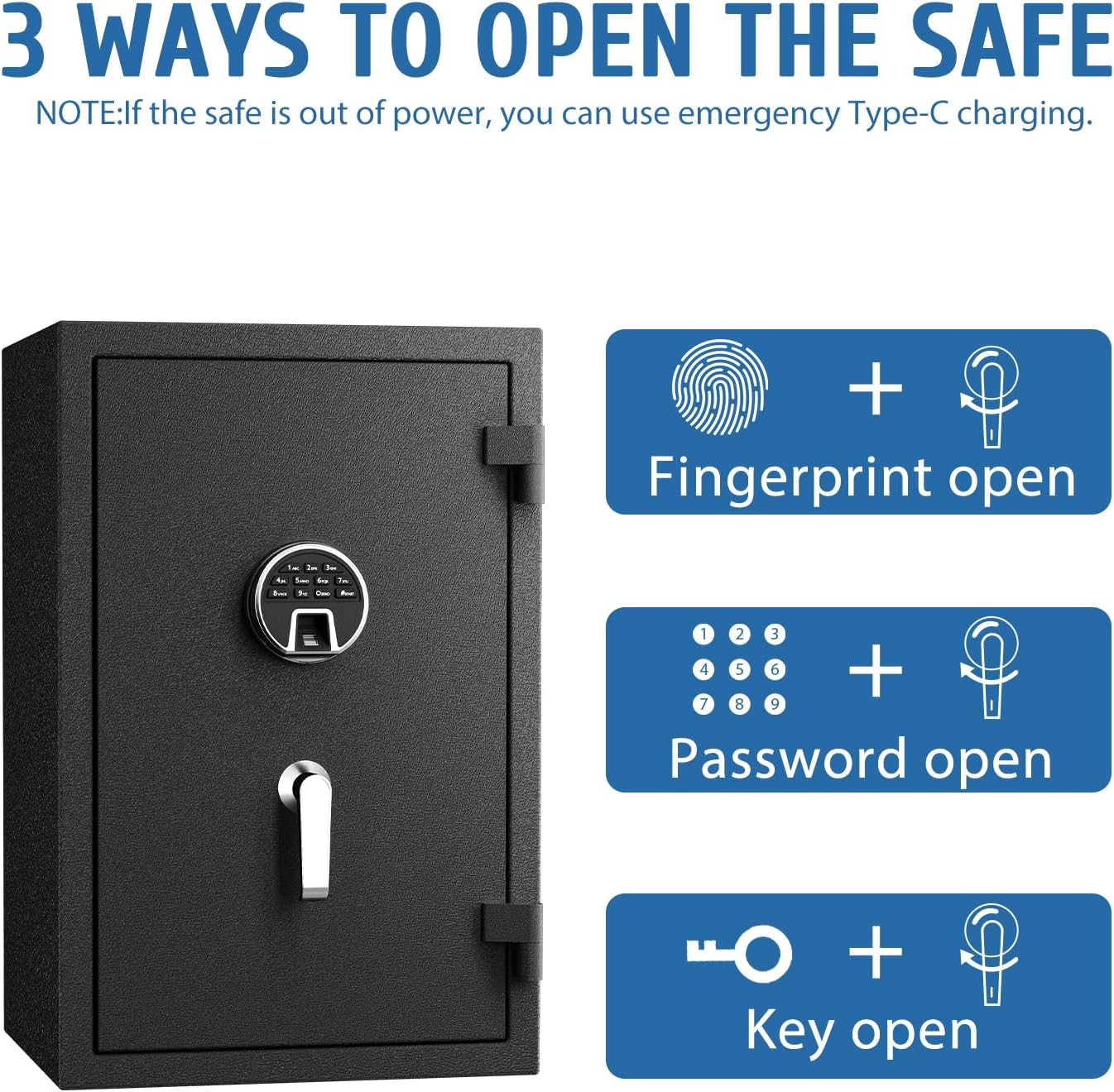
Image: An instructional graphic illustrating the three primary methods for opening the safe: fingerprint recognition, digital password entry, and emergency key access.
- Fingerprint: Place a registered finger on the sensor. The safe will unlock if the fingerprint is recognized.
- Passcode: Enter your 4-8 digit passcode on the keypad, then press "#" or confirm. The safe will unlock.
- Emergency Key: In case of battery failure or forgotten codes, use the emergency key to manually open the safe.
6.4 Emergency Power
If the safe's batteries are depleted, you can provide emergency power via the external Type-C interface to operate the electronic lock.

Image: A detailed view of the emergency Type-C charging port, located on the keypad, for external power supply.
6.5 Dual Warning System
The safe is equipped with a dual alarm system:

Image: A graphic depicting a scenario where the safe's alarm is triggered due to multiple failed entry attempts or violent shaking, indicating a security breach.
- The alarm is triggered by five continuous false fingerprint readings, three incorrect password entries, or violent shocks.
- To clear the alarm, enter the correct password or use a valid fingerprint.
- Note: After each alarm trigger, press "9" again to activate the vibration alarm mode.
7. Maintenance
- Cleaning: Wipe the safe's exterior with a soft, damp cloth. Avoid abrasive cleaners.
- Battery Replacement: Replace batteries when the low battery indicator appears or if the keypad becomes unresponsive. Always use 4 new AA batteries.
- Key Storage: Store emergency keys in a secure location away from the safe.
8. Troubleshooting
| Problem | Possible Cause | Solution |
|---|---|---|
| Safe does not open with fingerprint/passcode. | Low batteries; Incorrect fingerprint/passcode; Fingerprint sensor dirty. | Replace batteries; Re-enter correct fingerprint/passcode; Clean sensor; Use emergency key. |
| Alarm sounds unexpectedly. | Multiple incorrect entries; Safe was shaken. | Enter correct passcode/fingerprint to clear; Ensure safe is stable. |
| Keypad is unresponsive. | Dead batteries. | Use emergency Type-C power or emergency key to open, then replace batteries. |
9. Specifications
| Feature | Detail |
|---|---|
| Brand | WASJOYE |
| Model Number | FP29 |
| Product Dimensions (L x W x H) | 66 x 43 x 35 cm (26 x 16.9 x 13.8 inches) |
| Weight | 45.3 kg (99.9 lbs) |
| Mounting Type | Floor Mounting |
| Special Features | Biometric Fingerprint, Fireproof, Alarm System, Removable Shelf |
| Included Components | Fireproof Safe, 2 Removable Shelves, 2 Emergency Keys, Mounting Screws |
| Batteries Required | Yes (4 x AA, not included) |
| Fire Resistance Standard | UL 72 (30 minutes at 1200℉) |
| Fingerprint Capacity | Up to 20 unique fingerprints |
| Passcode Length | 4-8 digits |
10. Warranty and Support
For any assistance, questions, or concerns regarding your WASJOYE Biometric Fireproof Safe, please contact the manufacturer directly. We are committed to providing support and resolving any issues you may encounter.
If security keys are misplaced, the manufacturer can provide a solution by re-issuing and sending emergency keys.