
Introduction
Thank you for choosing the TigerDad Adjustable Over Bed Table. This versatile and mobile table is designed to provide a convenient surface for various activities, whether you are working, reading, or dining from your bed, sofa, or chair. Its adjustable height and tilt features, along with smooth-rolling casters, offer enhanced comfort and flexibility. This manual provides detailed instructions for assembly, operation, maintenance, and troubleshooting to ensure optimal performance and longevity of your table.
Safety Information
- Ensure all screws and bolts are securely tightened before use. Periodically check for loose connections.
- Do not exceed the maximum weight capacity of 22 lbs (10 kg) on the tabletop.
- Avoid placing hot items directly on the table surface without protective coasters.
- Keep small children and pets away from the table during adjustment to prevent injury.
- Always engage the wheel locks when the table is in a stationary position to prevent unintended movement.
- Do not stand or sit on the table.
- Use caution when adjusting the tilt mechanism to prevent items from sliding off.
Package Contents
Please verify that all components are present before beginning assembly. If any parts are missing or damaged, contact customer support.
- Tabletop (Main and Mouse Pad sections)
- Adjustable Height Pole
- Base Frame with Wheels (4 casters, 2 with stop plugs)
- Assembly Hardware (screws, bolts, knobs)
- Installation Tools (wrench, screwdriver)
- Assembly Guide
Setup and Assembly
Follow these steps to assemble your TigerDad Adjustable Over Bed Table. It is recommended to have a clear, flat workspace.
- Attach Casters to Base Frame: Insert the four 1.5-inch casters into the designated holes on the base frame. Ensure the two casters with stop plugs are placed on the front side for easy access.
- Assemble Vertical Pole: Secure the adjustable height pole to the center of the base frame using the provided screws and tools. Tighten firmly.
- Attach Tabletop Sections: Connect the main tabletop section and the smaller mouse pad section to the top of the adjustable pole. Ensure the tilting mechanism is correctly aligned.
- Secure Tabletop: Use the remaining hardware to firmly attach both tabletop sections to the support brackets on the pole.
- Final Tightening: Double-check all screws and knobs to ensure they are securely tightened.
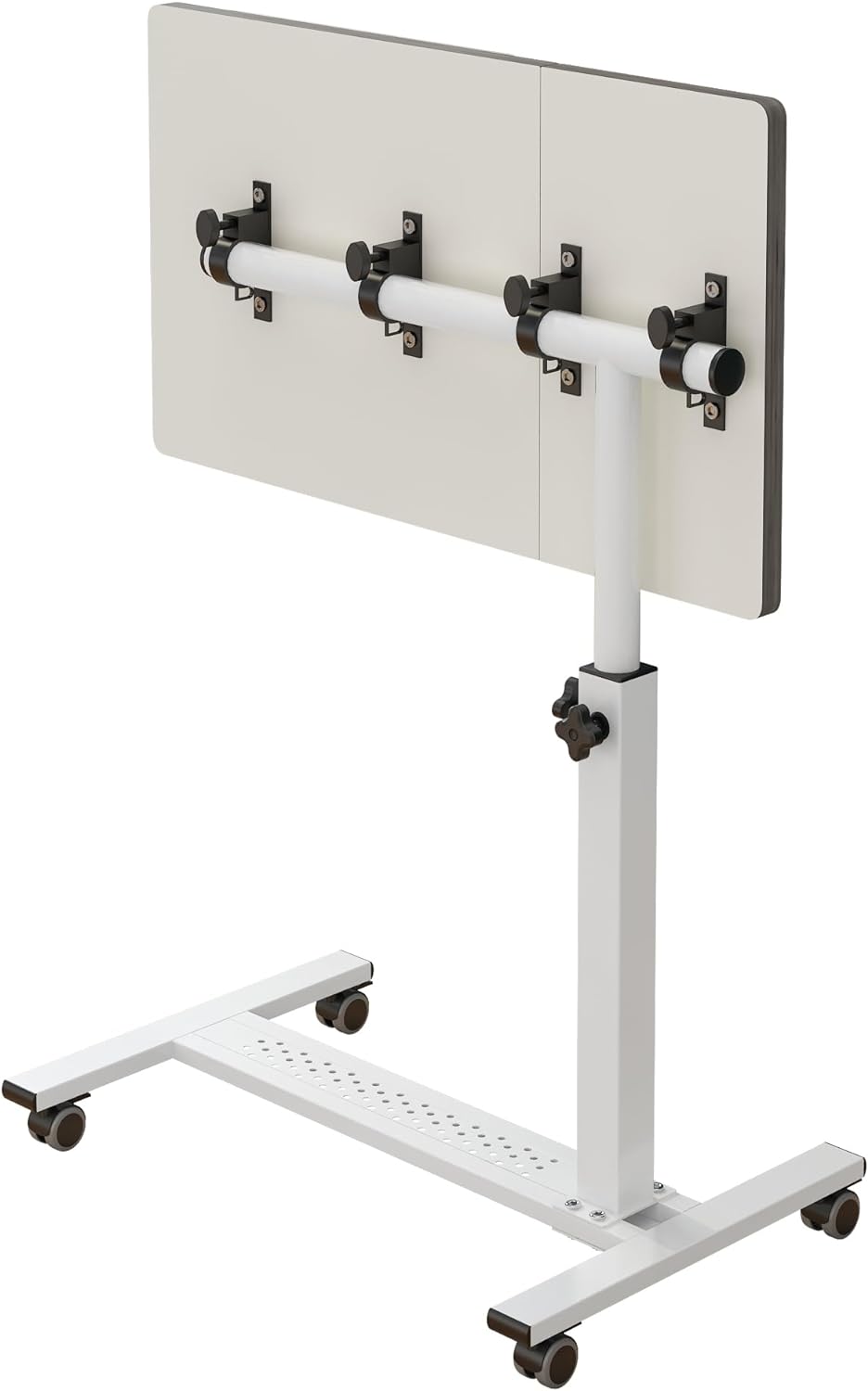
Image: Underside view of the table, illustrating the connection points for the tabletop and the adjustable pole.
Operating Instructions
1. Height Adjustment
The table's height can be adjusted from 23.6 inches to 37.4 inches to suit various needs and seating arrangements.
- Locate the height adjustment knob on the vertical pole.
- Loosen the knob by turning it counter-clockwise.
- Carefully raise or lower the tabletop to your desired height.
- Once the desired height is reached, tighten the knob securely by turning it clockwise to lock the table in position.
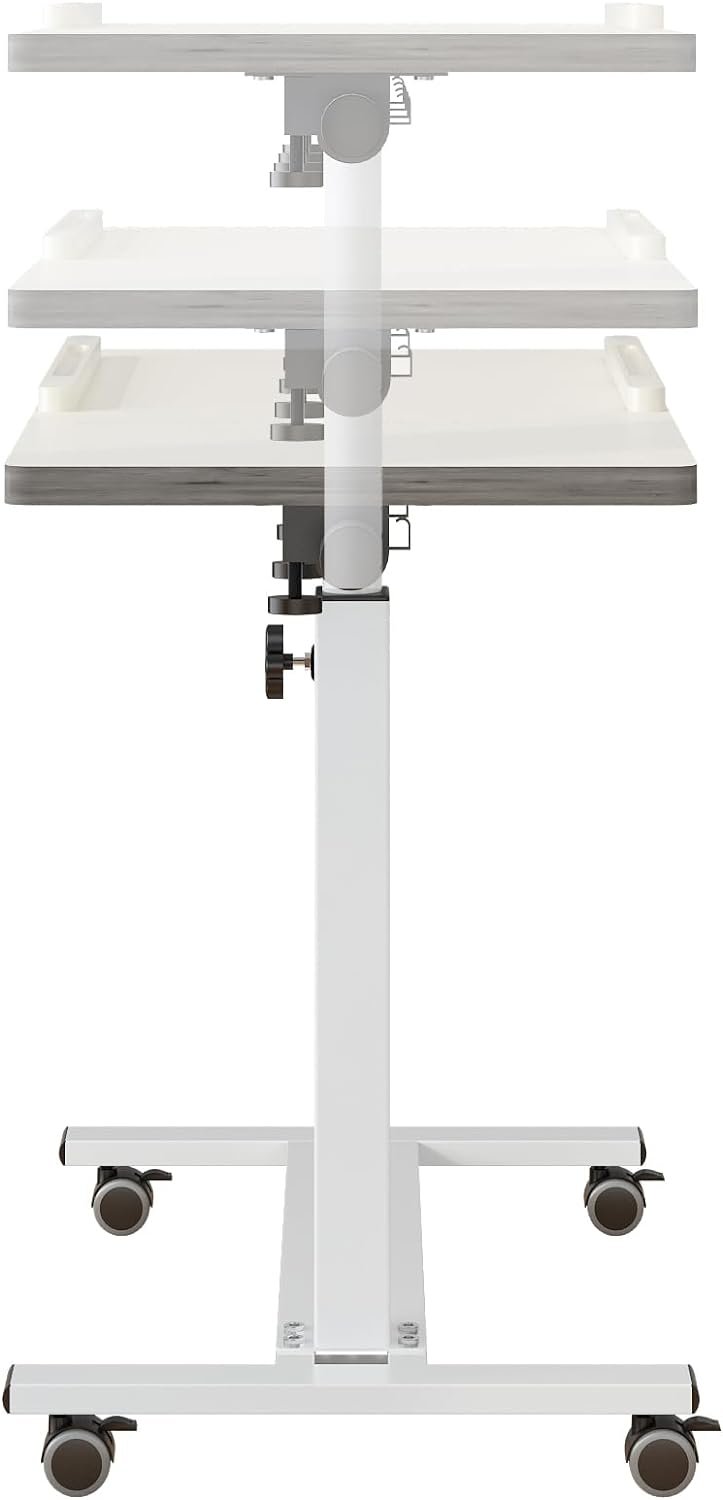
Image: The table shown at different heights, demonstrating the adjustable height feature.
2. Tilt Adjustment
The main tabletop section can be tilted to various angles for comfortable reading, drawing, or laptop use. The smaller section remains flat for drinks or a mouse.
- Locate the tilt adjustment knobs beneath the main tabletop section.
- Loosen the knobs by turning them counter-clockwise.
- Adjust the main tabletop to your preferred angle.
- Securely tighten the knobs by turning them clockwise to lock the tilt in place.
- An edge stopper is provided to prevent items from sliding off the tilted surface.
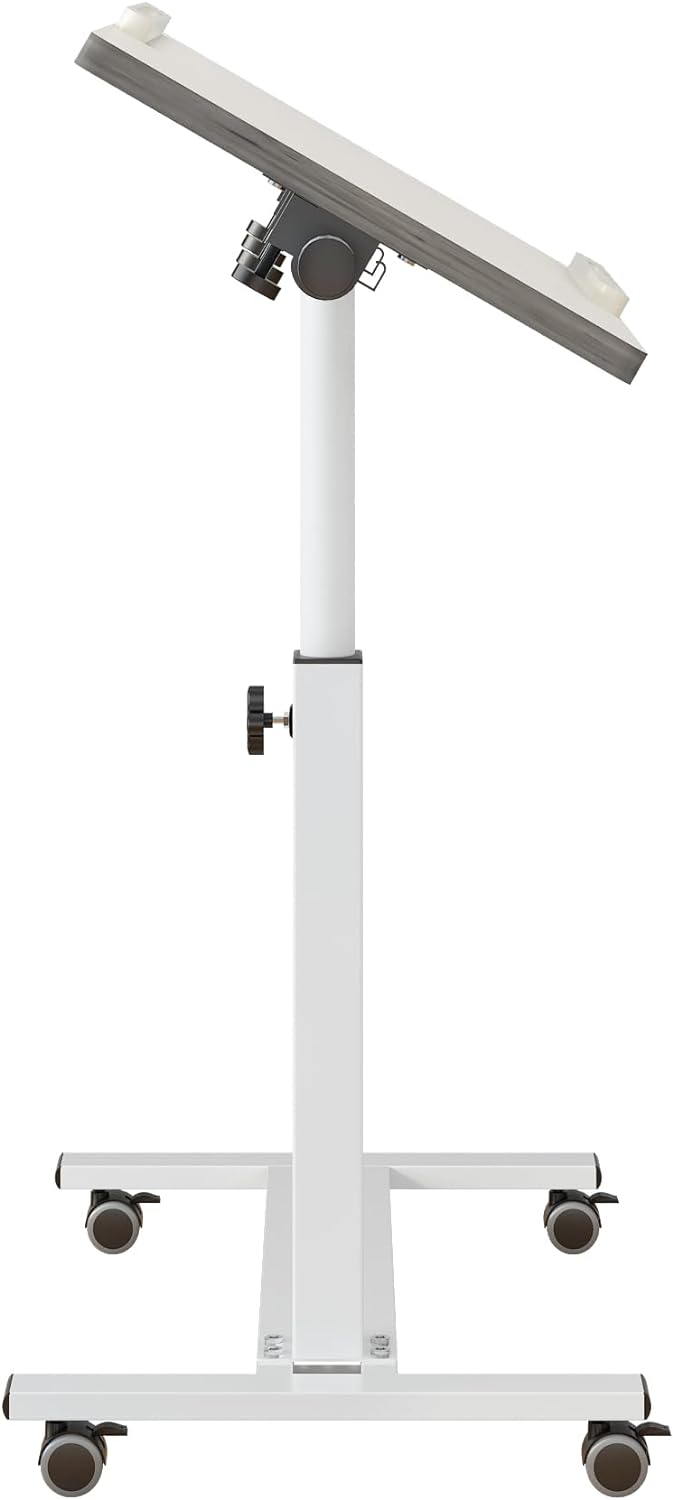
Image: The table with its main surface tilted, illustrating the tilt adjustment feature.
3. Mobility and Stability
The table is equipped with four casters for easy movement. Two of these casters include stop plugs for stability.
- To move the table, ensure the stop plugs on the casters are disengaged (unlocked).
- To secure the table in a stationary position, press down on the stop plugs of the two front casters until they click into place (locked).

Image: The over bed table in use next to a sofa, demonstrating its versatile placement.
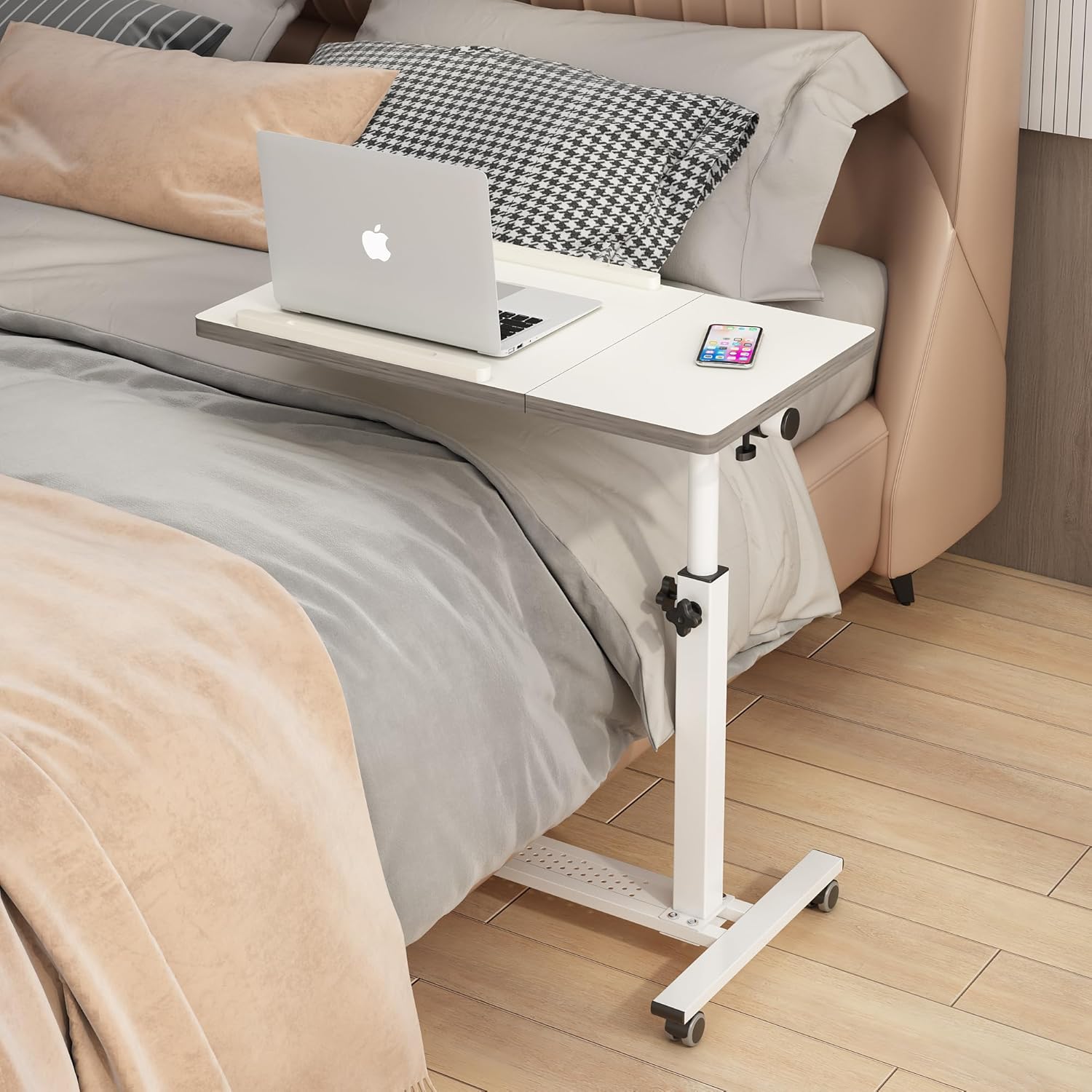
Image: The over bed table in use over a bed, highlighting its primary function.
Maintenance
To maintain the condition and functionality of your table:
- Cleaning: Wipe the table surface and frame with a damp cloth. Avoid harsh chemicals or abrasive cleaners that may damage the finish.
- Hardware Check: Periodically inspect all screws, bolts, and adjustment knobs. Tighten any loose hardware to ensure stability and safety.
- Caster Care: Keep the casters free of dust and debris to ensure smooth rolling.
Troubleshooting
| Problem | Possible Cause | Solution |
|---|---|---|
| Table is wobbly. | Loose assembly hardware. Uneven floor. | Ensure all screws and knobs are securely tightened. Move the table to a flat surface. |
| Height adjustment mechanism slips. | Adjustment knob not tightened sufficiently. Internal mechanism wear. | Tighten the height adjustment knob firmly. If the issue persists, contact customer support. |
| Table does not roll smoothly. | Casters are locked. Debris in casters. | Unlock the caster stop plugs. Clean any hair or debris from the caster wheels. |
| Tabletop does not tilt or hold position. | Tilt adjustment knobs are loose. | Tighten the tilt adjustment knobs firmly. |
Specifications
- Model: QQ-8B
- Color: White
- Material: 15mm thick E1 grade MDF panel with thicker metal frame (Alloy Steel)
- Table Dimensions (Main): 18.5 x 15.7 inches
- Table Dimensions (Mouse Pad): 9.1 x 15.7 inches
- Overall Product Dimensions: 15.7"D x 27.6"W x 37.4"H
- Adjustable Height Range: 23.6 inches to 37.4 inches
- Weight Capacity: 22 lbs (10 kg)
- Wheels: Four 1.5-inch casters (two with stop plugs)
- Assembly Required: Yes
- Care Instructions: Wipe with Damp Cloth

Image: Detailed dimensions of the table, including tabletop and height measurements.
Warranty and Support
For warranty information or technical support, please contact TigerDad customer service. Keep your purchase receipt and model number (QQ-8B) handy for faster service.
Manufacturer: TigerDad