
Introduction
This manual provides comprehensive instructions for the Lexibook Paw Patrol Bilingual Educational Laptop, model JC599PAi2. This device is designed to offer an engaging learning experience for children, featuring 170 activities in both English and Spanish across various subjects including languages, mathematics, logic, and music. Please read this manual carefully to ensure proper setup, operation, and maintenance of the product.
Safety Information
Recommended Age: This product is suitable for children aged 4 years and up.
Battery Safety:
- Always use 4 AA alkaline batteries.
- Do not mix old and new batteries.
- Do not mix alkaline, standard (carbon-zinc), or rechargeable (nickel-cadmium) batteries.
- Remove batteries during long periods of non-use to prevent leakage.
- Dispose of used batteries responsibly.
General Safety:
- Keep the device away from water and moisture.
- Do not expose to direct sunlight or extreme temperatures.
- Regularly inspect the device for any damage. Discontinue use if damaged.
What's in the Box
Upon opening the package, please verify that all the following items are included:
- 1 x Lexibook Paw Patrol Bilingual Educational Laptop
- 1 x Wired Mouse
- 1 x Instruction Manual (this document)
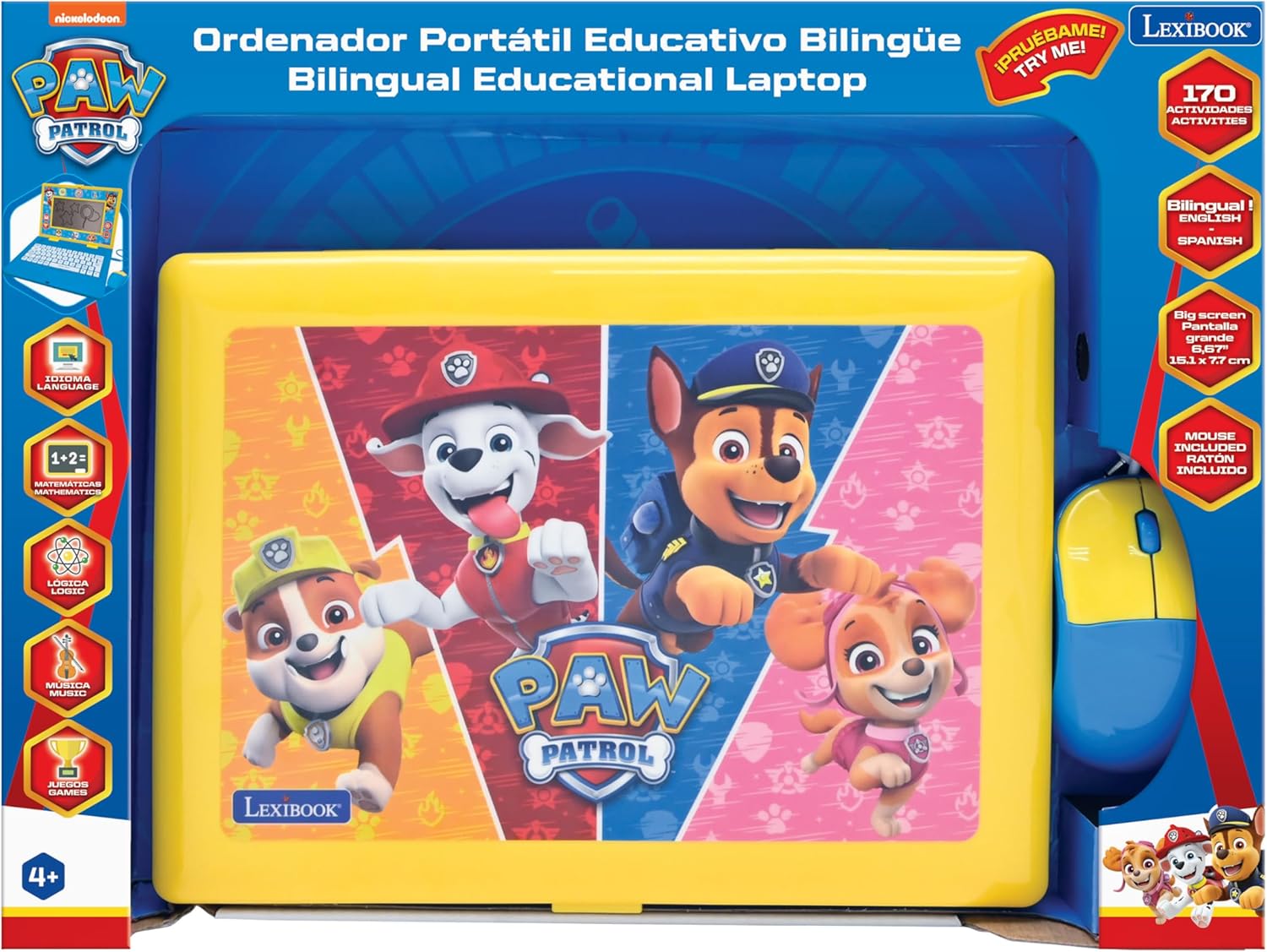
Image: The Lexibook Paw Patrol Bilingual Educational Laptop shown in its retail packaging, including the laptop and wired mouse.
Setup
- Unboxing: Carefully remove the laptop and its accessories from the packaging.
- Battery Installation:
Locate the battery compartment on the underside of the laptop. Open the compartment cover and insert 4 AA alkaline batteries (included), ensuring correct polarity (+/-). Close the cover securely.
- Connect the Mouse:
Plug the wired mouse connector into the designated port on the side of the laptop.

Image: The Lexibook Paw Patrol laptop with its blue and yellow wired mouse connected to the side port.
- Power On:
Press the ON/OFF button located on the keyboard to turn on the laptop. The screen will illuminate, and the device will be ready for use.
Operating Instructions
Basic Operation
- Power On/Off: Use the ON/OFF button on the keyboard.
- Volume Control: Adjust the volume using the dedicated buttons on the keyboard.
- Screen: The laptop features a 6.67-inch LCD screen for displaying activities and animations.
Language Selection
The laptop supports both English and Spanish. To switch between languages:
- Press the Language button on the keyboard.
- Select your desired language (English or Spanish) from the on-screen options using the arrow keys and Enter button, or by clicking with the mouse.

Image: A close-up view of the laptop's keyboard, highlighting the language selection and other function keys.
Activities and Learning Modes
The laptop offers 170 educational activities categorized into:
- Languages: Learn letters, words, and spelling.
- Mathematics: Practice numbers, counting, addition, and subtraction.
- Logic: Develop problem-solving skills with various logic games.
- Music: Explore musical notes and melodies.
- Games: Engaging games for entertainment and skill reinforcement.
Navigate through the activity categories using the arrow keys or the mouse. Select an activity by pressing Enter or clicking the mouse button.

Image: A close-up of the laptop screen showing various activity icons, including those for writing, trophies, and other learning categories.
Using the Keyboard and Mouse
- Keyboard: The interactive keyboard allows for typing practice and input for various activities.
- Mouse: Use the wired mouse to navigate menus, select options, and interact with on-screen elements. The mouse functions similarly to a standard computer mouse.
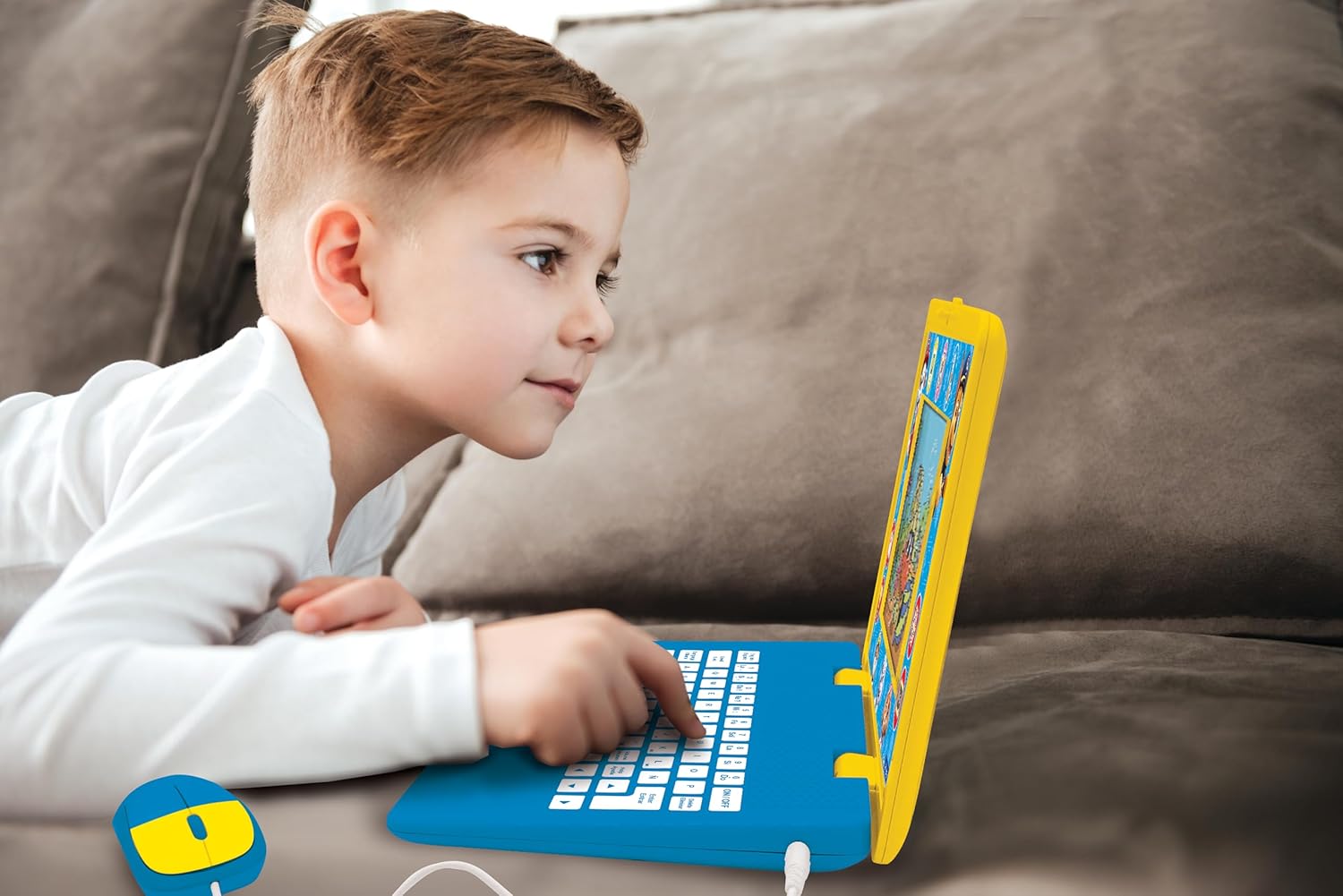
Image: A child is shown actively engaging with the Lexibook Paw Patrol laptop, pressing keys on the keyboard.
Maintenance
- Cleaning: Wipe the laptop and mouse with a soft, dry cloth. Do not use abrasive cleaners or solvents.
- Storage: Store the device in a cool, dry place away from direct sunlight and extreme temperatures.
- Battery Replacement: Replace batteries when the screen dims or the device functions erratically. Refer to the "Setup" section for battery installation instructions.
Troubleshooting
| Problem | Possible Cause | Solution |
|---|---|---|
| Laptop does not turn on. |
|
|
| Screen is dim or flickering. | Low battery power. | Replace with new AA alkaline batteries. |
| Cannot switch languages or language reverts. |
|
|
| Mouse is unresponsive. |
|
|
Specifications
| Feature | Detail |
|---|---|
| Model Number | JC599PAi2 |
| Product Dimensions | 13.38 x 1.81 x 0.1 inches |
| Item Weight | 1.41 pounds |
| Recommended Age | 4 years and up |
| Batteries Required | 4 AA batteries |
| Screen Size | 6.67 inches LCD |
| Activities | 170 (English/Spanish) |
| Manufacturer | Lexibook |
Warranty and Support
This product comes with a standard manufacturer's warranty. For specific warranty details, please refer to the documentation included with your purchase or visit the official Lexibook website.
For technical support, troubleshooting assistance, or inquiries regarding replacement parts, please contact Lexibook customer service. Contact information can typically be found on the product packaging or the official Lexibook website.
Online Resources: Visit the LEXiBOOK Store on Amazon


