1. Product Overview
The UNbit E88 Pro is a compact, foldable RC quadcopter equipped with a 4K dual camera system, designed for both beginners and intermediate users. It features altitude hold, headless mode, visual positioning, and automatic return functions for an enhanced flight experience.
Package Contents
Before operating your drone, please verify that all components are present in the package:
- E88 Pro Drone (1 unit)
- Remote Control (1 unit)
- USB Charging Cable (1 unit)
- Protective Frames (4 units)
- Screwdriver (1 unit)
- Spare Propellers (4 units)
- Drone Battery (quantity may vary, typically 2 units)
- User Manual (1 unit)
- APP Manual (1 unit)

Image 1.1: Contents of the UNbit E88 Pro Drone package, including the drone, remote control, charging cable, propellers, protective frames, screwdriver, batteries, and manuals.
Drone Components
The E88 Pro drone features a dual camera system, with one camera positioned at the front and another at the bottom, allowing for versatile aerial perspectives.

Image 1.2: Close-up view of the UNbit E88 Pro drone's dual camera system, highlighting the front and bottom lenses for 4K HD recording and 120-degree range shooting.
2. Setup
2.1 Battery Installation and Charging
- Drone Battery: Insert the 3.7V 1800mAh lithium battery into the drone's battery compartment. Ensure it clicks securely into place.
- Remote Control Batteries: Open the battery cover on the back of the remote control and insert three 1.5V AA batteries (not included), observing the correct polarity. Close the cover.
- Charging: Connect the drone battery to the USB charging cable. Plug the USB cable into a suitable USB power source (e.g., computer, USB wall adapter). The charging time is approximately 100 minutes.
2.2 Propeller and Protective Frame Installation
- Propellers: If not already installed, attach the propellers to the motor shafts. Ensure each propeller is correctly oriented (indicated by markings A and B) and securely fastened. Refer to the drone manual for specific propeller attachment instructions.
- Protective Frames: Snap the protective frames onto the drone's arms around each propeller to prevent damage during flight.
2.3 App Download and Connection
- Download App: Scan the QR code in the provided APP Manual or search for the designated app (e.g., 'WiFi_CAM' or similar as per APP Manual) on your smartphone's app store.
- Connect to Wi-Fi: Power on the drone. On your smartphone, go to Wi-Fi settings and connect to the drone's Wi-Fi network (e.g., 'WiFi_CAM-XXXXXX').
- Launch App: Open the downloaded app. You should see a real-time video feed from the drone's camera, indicating a successful connection.
3. Operating Instructions
3.1 Powering On and Pairing
- Power On Drone: Press and hold the power button on the drone until the indicator lights illuminate.
- Power On Remote Control: Press the power button on the remote control.
- Pairing: Push the left joystick on the remote control fully up, then fully down. The drone's indicator lights will stop flashing and remain solid, indicating successful pairing.
3.2 Basic Flight Controls
Refer to the remote control guide image for button layout and functions:

Image 3.1: Diagram of the UNbit E88 Pro drone's remote control, detailing the functions of each button and joystick for flight operation.
- One-Key Takeoff/Landing: Press the designated button on the remote control for automatic takeoff or landing.
- Left Stick (Throttle/Yaw):
- Up/Down: Controls altitude (throttle).
- Left/Right: Controls rotation (yaw).
- Right Stick (Pitch/Roll):
- Up/Down: Controls forward/backward movement (pitch).
- Left/Right: Controls left/right side flight (roll).
- Altitude Hold: The drone maintains its current altitude automatically, providing stable flight.
- Headless Mode: Press the Headless Mode button. In this mode, the drone's orientation is relative to the pilot, regardless of the drone's front direction. Press again to exit.
- Speed Switch: Use the speed switch button to cycle through three flight speed levels (low, medium, high).
- Automatic Return: Press and hold the designated button to initiate an automatic return to the takeoff point.
3.3 Camera Operation
With the app connected, you can control the drone's 4K camera functions:
- Real-time Transmission: View live video feed on your smartphone screen.
- Photo/Video Recording: Use the app interface to capture photos or start/stop video recording.
- Dual Camera Switching: The app allows switching between the front and bottom cameras for different perspectives.
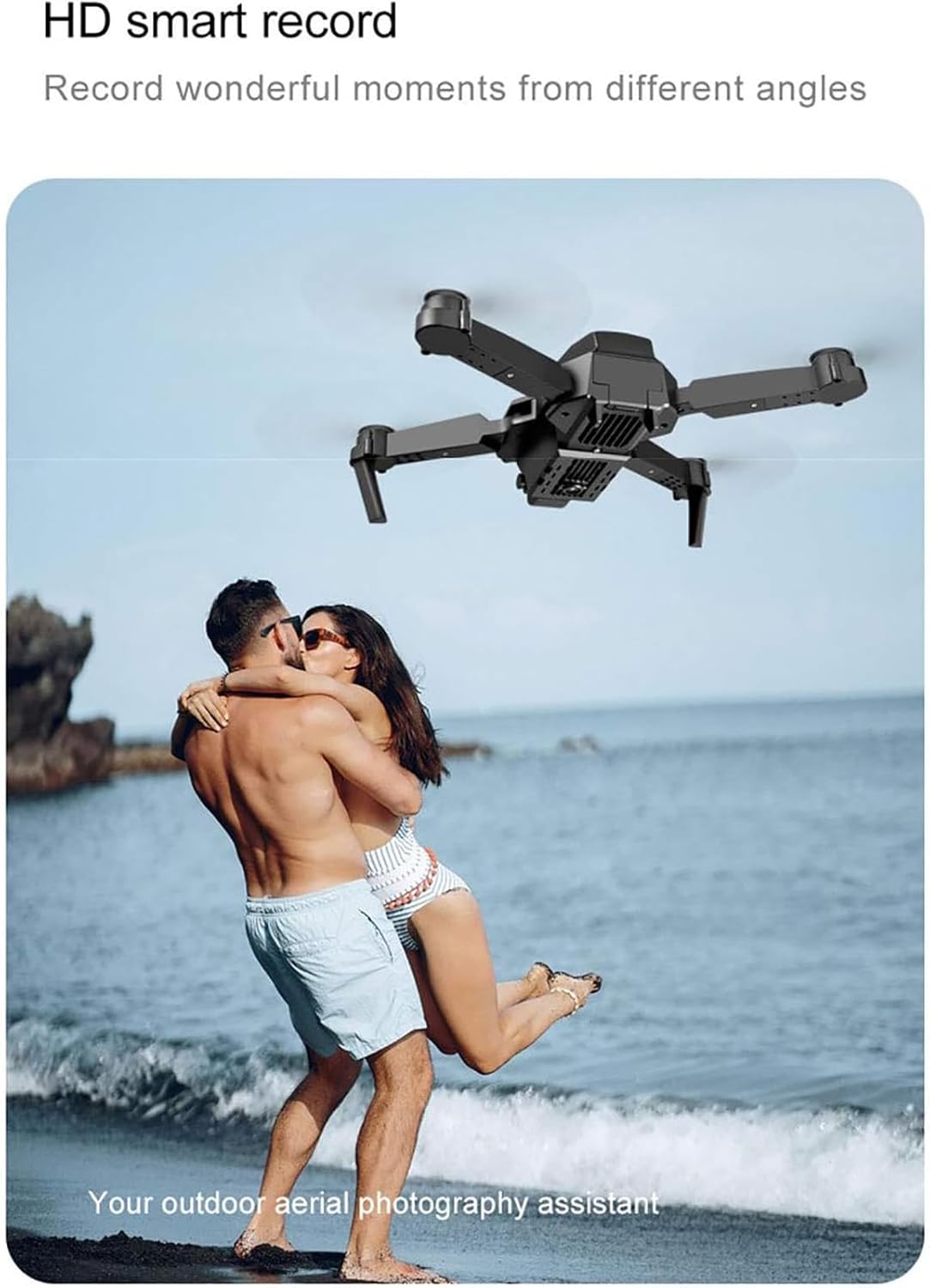
Image 3.2: The UNbit E88 Pro drone in flight, demonstrating its capability for aerial photography and videography.
4. Maintenance
4.1 Cleaning and Storage
- Cleaning: Use a soft, dry cloth to clean the drone's body and camera lenses. Avoid using liquids or solvents.
- Storage: Store the drone in a cool, dry place away from direct sunlight. Remove batteries from both the drone and remote control if storing for extended periods.
4.2 Propeller Replacement
If propellers are damaged, replace them with the spare propellers provided. Ensure the correct 'A' and 'B' marked propellers are installed on the corresponding motor shafts.
4.3 Battery Care
- Do not overcharge or over-discharge the drone battery.
- Charge batteries in a safe, supervised environment.
- If the battery swells or shows signs of damage, discontinue use immediately and dispose of it properly.

Image 4.1: The UNbit E88 Pro drone in flight, illustrating its 15-minute battery life with the equipped 3.7V 1800mAh battery.
5. Troubleshooting
If you encounter issues with your UNbit E88 Pro drone, refer to the following common problems and solutions:
- Drone does not power on: Ensure the drone battery is fully charged and correctly installed. Check remote control batteries.
- Drone does not pair with remote: Ensure both devices are powered on and within range. Repeat the pairing procedure (left joystick up then down).
- Unstable flight/Drifting: Perform a gyroscope calibration as per the drone manual. Check for damaged propellers and replace if necessary.
- No video feed in app: Ensure your smartphone is connected to the drone's Wi-Fi network. Restart the app and drone.
- Short flight time: Ensure the battery is fully charged. Flight time can be affected by aggressive flying, wind conditions, and battery age.
For more detailed troubleshooting, please consult the dedicated APP Manual included in your package.
6. Specifications
| Feature | Specification |
|---|---|
| Brand | UNbit |
| Model Name | E88 Pro |
| Frequency | 2.4G |
| Channels | 4ch |
| Engine Type | 816 Coreless engine |
| Drone Battery | 3.7V 1800mAh Lithium Battery |
| Remote Control Battery | 3 x 1.5V AA batteries (not included) |
| Flight Time | Approximately 15 minutes |
| Charging Time | Approximately 100 minutes |
| Remote Control Distance | Approximately 100 meters |
| Camera | 4K Pro (Dual Camera) |
| Video Capture Resolution | 4K |
| Video Capture Format | MP4 |
| Optical Sensor Technology | CMOS |
| Connectivity Technology | USB, Wi-Fi |
| Material | Plastic (High resistance technopolymers) |
| Product Dimensions (Unfolded) | 25 x 20 x 5.5 cm (9.84"L x 7.87"W x 2.17"H) |
| Product Dimensions (Folded) | 12.5 x 8 x 5.5 cm |
| Skill Level | Intermediate |
| Age Range | Adult |
7. Warranty Information
No specific warranty information is provided in the product details. Please refer to the retailer or manufacturer's official website for any applicable warranty terms and conditions.
8. Support
For further assistance, technical support, or inquiries not covered in this manual, please refer to the contact information provided by your retailer or the UNbit official support channels, if available.