
1. Product Overview
The CITYWAY Waterproof Bike Mount for AirTag is designed to securely and discreetly attach an Apple AirTag to your bicycle, typically under a bottle cage. Constructed from robust ABS composite and PC material, it offers durability, scratch resistance, and IP68 waterproof protection. The mount utilizes specialized security screws to deter theft, ensuring your AirTag remains hidden and protected while tracking your bicycle.
2. What's Included
Please verify that all components are present before beginning installation.
- 1x AirTag Holder Case (upper and lower half)
- 1x Waterproof Ring
- 2x 28mm Ultralight & Extended M5 Black Security Screws
- 1x Security Wrench (Torx Allen Wrench)
- 1x User Manual (this document)
3. Key Features
- Hidden Design: Mounts discreetly under your bicycle's bottle cage, making it inconspicuous.
- Anti-theft Security: Equipped with M5 black security screws that require a special Torx Allen wrench (included) for removal, enhancing theft deterrence.
- IP68 Waterproof: Features a waterproof ring to protect your AirTag from water ingress, suitable for rain and bike washing.
- Durable Construction: Made from robust ABS composite and PC material, providing high resistance to breakage and scratches.
- Easy Installation: Designed for quick and straightforward attachment to most bicycle frames with bottle cage mounts.
4. Installation Guide
Follow these steps to install the CITYWAY Waterproof Bike Mount for AirTag.
4.1 Inserting the AirTag
- Separate the upper and lower halves of the AirTag holder case.
- Ensure the waterproof ring is correctly seated within the groove of one half of the case.
- Place your Apple AirTag inside the half with the waterproof ring.
- Align the two halves and press them firmly together until they click, ensuring a secure and waterproof seal.

Figure 4.1: Placing the waterproof ring.

Figure 4.2: Inserting the AirTag into the holder.
4.2 Attaching to Bicycle
- Locate the bottle cage mounting holes on your bicycle frame.
- Position the assembled AirTag holder against the frame, aligning its screw holes with the frame's mounting holes.
- Place your bottle cage over the AirTag holder, aligning its holes with the holder's and frame's holes.
- Insert the provided M5 black security screws through the bottle cage, then through the AirTag holder, and into the bicycle frame.
- Use the included security wrench to tighten the screws firmly. Do not overtighten.

Figure 4.3: Exploded view of the installation process.

Figure 4.4: Positioning the holder and bottle cage.

Figure 4.5: Inserting the black security screws.

Figure 4.6: Tightening the security screws with the provided wrench.
Important: Keep the security wrench in a safe place, as it is required to remove the mount.
4.3 Installation Video
Video 4.1: Step-by-step installation guide for the CITYWAY AirTag Bike Mount. This video demonstrates how to insert the AirTag into the waterproof case and then securely attach the case under a bicycle's bottle cage using the provided security screws and wrench.
5. Operating Instructions
Once installed, the CITYWAY Waterproof Bike Mount operates passively with your Apple AirTag. The AirTag will function as designed, allowing you to track your bicycle's location via the Find My app on your Apple device. The mount's design ensures the AirTag remains protected and hidden.
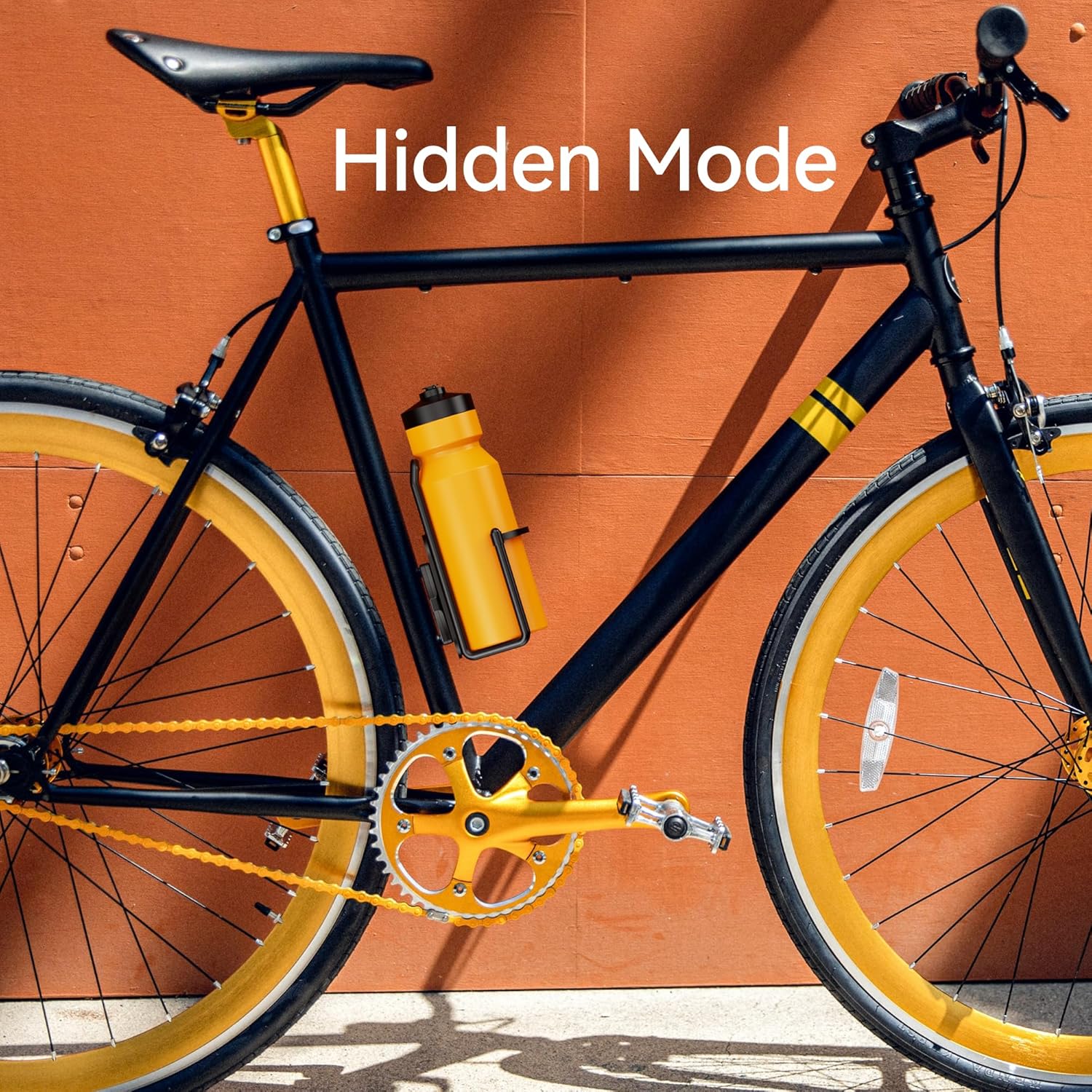
Figure 5.1: The AirTag mount in "Hidden Mode" on a bicycle.
6. Maintenance
- Cleaning: The mount can be cleaned with a damp cloth. Avoid harsh chemicals that may damage the material.
- Waterproof Seal: Periodically inspect the waterproof ring for any signs of wear or damage. If the seal appears compromised, replace the mount to maintain IP68 protection.
- Screw Tightness: Occasionally check the security screws to ensure they remain tight. Use only the provided security wrench for adjustments.
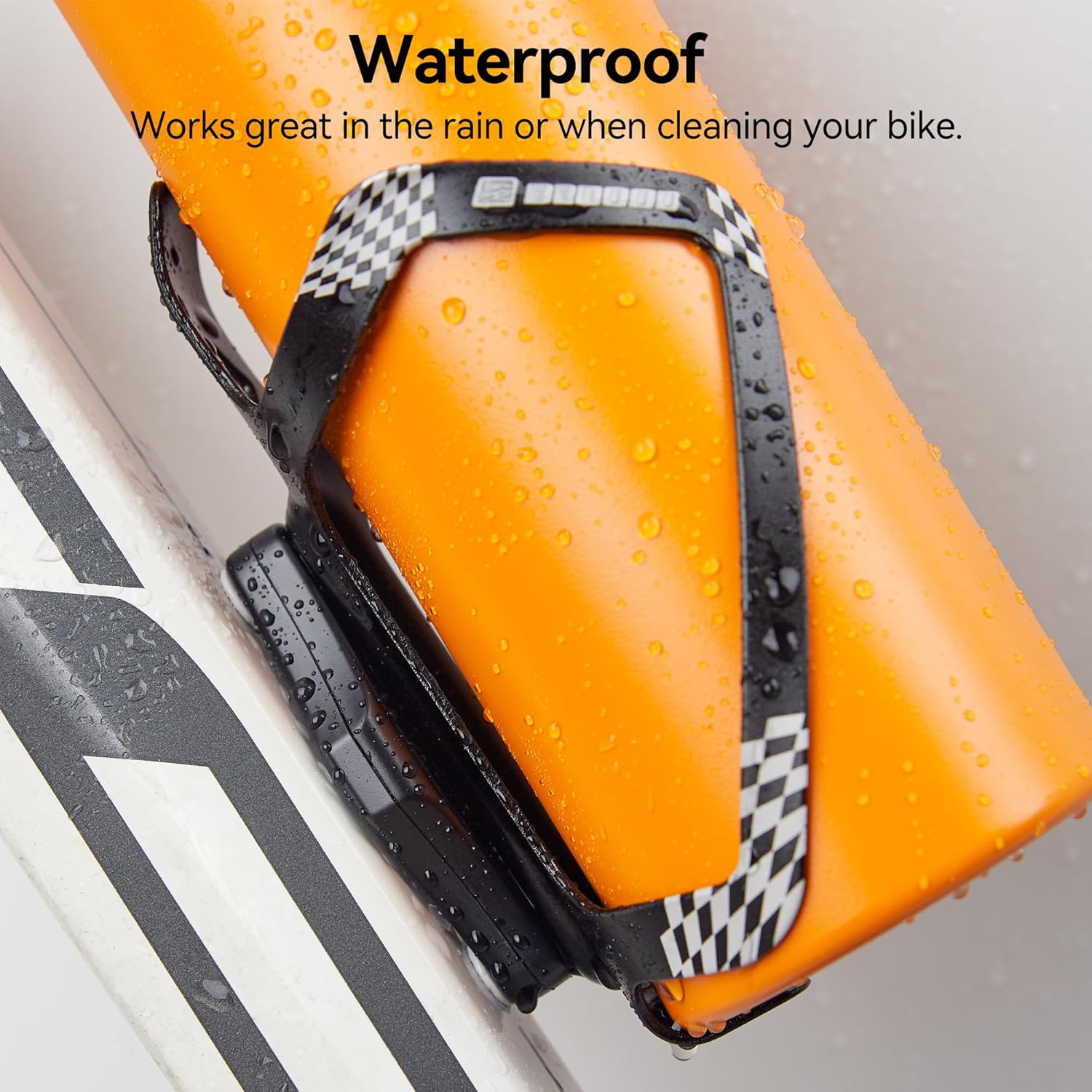
Figure 6.1: The mount is designed to withstand water exposure.
7. Troubleshooting
| Issue | Possible Cause | Solution |
|---|---|---|
| AirTag not tracking or signal weak. | AirTag battery low or dead; AirTag not properly seated in the mount; environmental interference. | Check AirTag battery and replace if necessary. Ensure AirTag is correctly inserted and the case is fully closed. Move to an open area to test signal. |
| Water inside the AirTag holder. | Waterproof ring improperly seated or damaged; case not fully closed. | Open the case, dry the AirTag and interior. Re-seat the waterproof ring carefully. Ensure both halves of the case are securely closed. If the ring is damaged, replace the mount. |
| Mount feels loose. | Security screws are not tight enough. | Use the provided security wrench to tighten the M5 screws. Do not overtighten. |
8. Specifications
| Brand | CITYWAY |
| Model Name | CITYWAY |
| Color | Black |
| Compatible Devices | Apple AirTag |
| Mounting Type | Vehicle Mount (Bicycle Bottle Cage) |
| Water Resistance Level | IP68 Waterproof |
| Material | Acrylonitrile Butadiene Styrene (ABS) composite and PC |
| Item Weight | 0.03 Kilograms |
| Security Feature | Anti-theft internal hexagonal screws (M5) |
9. Warranty Information
This product comes with a 1 Year Warranty from the date of purchase. This warranty covers manufacturing defects under normal use. It does not cover damage resulting from misuse, accidents, unauthorized modifications, or normal wear and tear. Please retain your proof of purchase for warranty claims.
10. Customer Support
For any questions, concerns, or technical assistance regarding your CITYWAY Waterproof Bike Mount for AirTag, please contact our customer support team. Refer to the product packaging or the retailer's website for specific contact details.
When contacting support, please have your product model number (CITYWAY) and purchase information ready.