
1. Introduction
This manual provides essential information for the safe and efficient use of your Samsung Galaxy S21 FE 5G smartphone. Please read this manual thoroughly before operating your device to ensure proper functionality and to prevent damage.
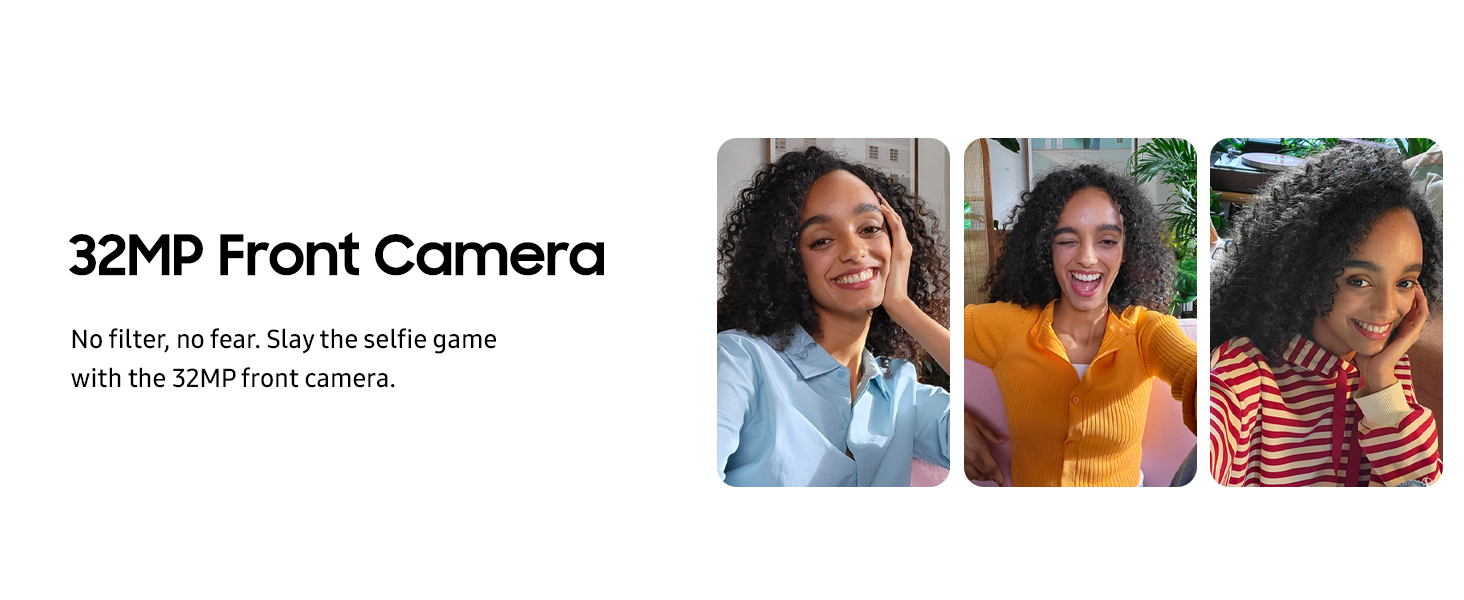
Image: The Samsung Galaxy S21 FE 5G smartphone shown in various color options.
2. What's in the Box
Verify that the following items are included in your product package:
- Samsung Galaxy S21 FE 5G Smartphone
- USB Cable
- User Manual (this document)
- SIM Tray Ejector Tool
Note: A power adapter is not included and must be purchased separately.
3. Device Layout
Familiarize yourself with the physical components of your Samsung Galaxy S21 FE 5G.

Image: Front view of the Samsung Galaxy S21 FE 5G, showing the display, front camera, and speaker grille.
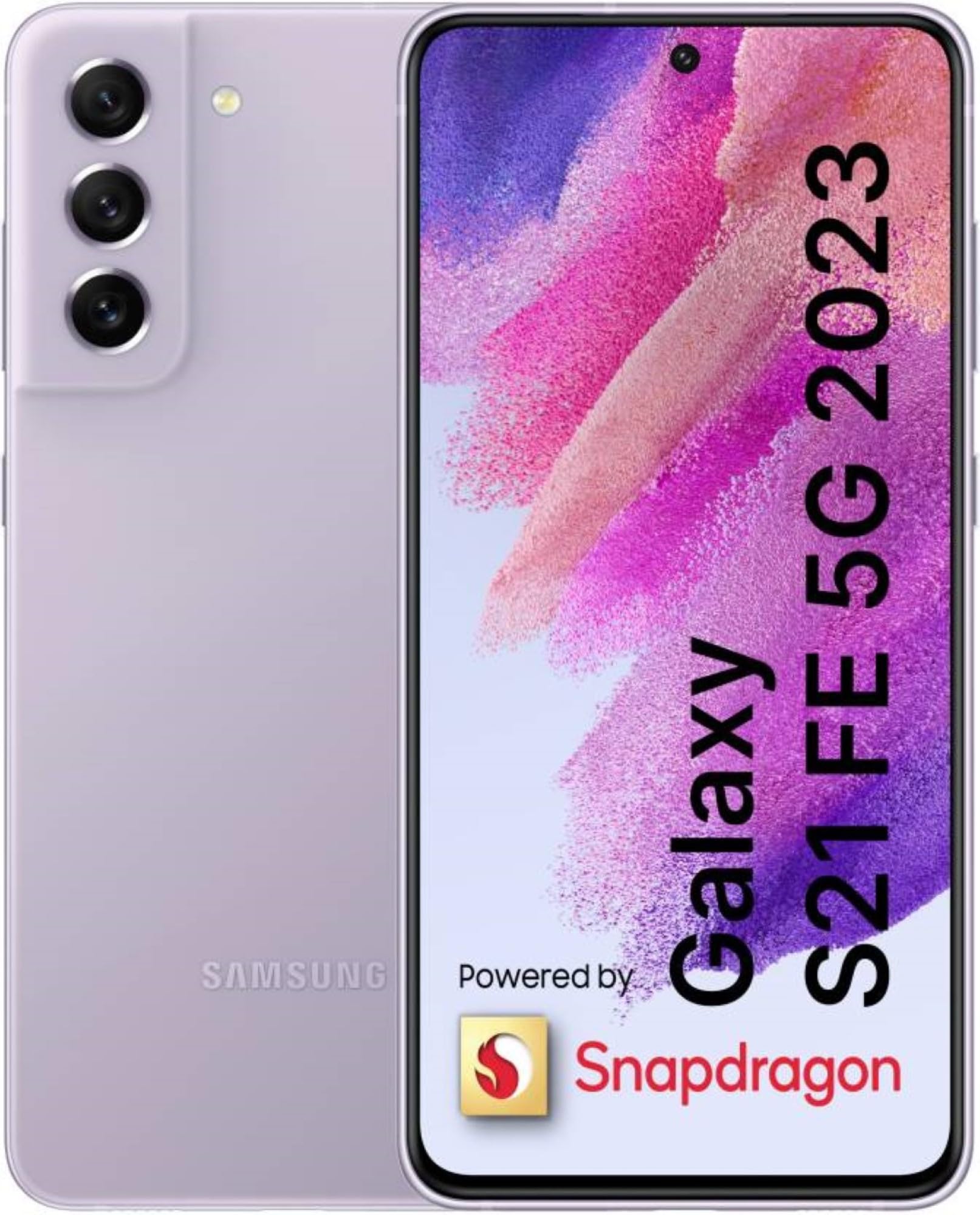
Image: Back view of the Samsung Galaxy S21 FE 5G in Lavender, highlighting the triple camera module and Samsung branding.

Image: Side view of the Samsung Galaxy S21 FE 5G, showing the power button and volume rocker.
- Front Camera: Located at the top center of the display.
- Volume Buttons: On the right side of the device.
- Power/Side Key: Below the volume buttons on the right side.
- USB Type-C Port: At the bottom for charging and data transfer.
- SIM Card Tray: Located on the side of the device.
- Rear Cameras: Triple camera setup on the upper left of the back panel.
4. Setup
4.1. Inserting the SIM Card
- Locate the SIM card tray on the side of your device.
- Insert the SIM tray ejector tool into the small hole next to the tray.
- Gently pull out the SIM tray.
- Place your Nano-SIM card(s) into the tray with the gold contacts facing down.
- Carefully reinsert the tray into the device.
4.2. Initial Power On and Setup
- Press and hold the Power/Side Key until the Samsung logo appears.
- Follow the on-screen prompts to select your language, connect to Wi-Fi, and set up your Google account.
- You will be guided through setting up security features such as face recognition or a fingerprint.
4.3. Charging the Battery
Connect the USB cable to the device's USB Type-C port and then to a compatible power adapter (sold separately) or a computer's USB port. The device supports Super Fast Charging and Fast Wireless Charging.
5. Operating Your Device
5.1. Display Features
The Galaxy S21 FE 5G features a 16.28cm (6.4-inch) Dynamic AMOLED 2X Display.
- 120Hz Refresh Rate: Provides smooth scrolling and fluid animations.
- Intelligent Eye Comfort Shield: Reduces blue light to minimize eye strain.
- High Resolution: 1080x2340 (FHD+) for clear and vibrant visuals.
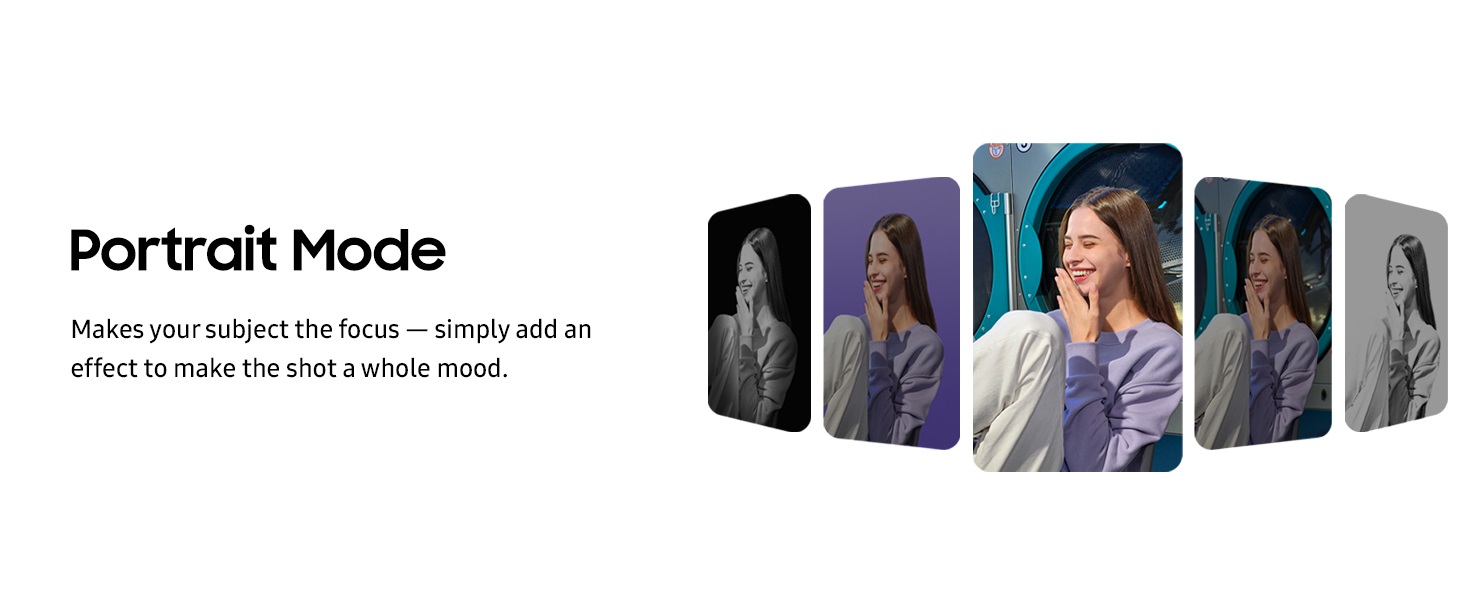
Image: The Dynamic AMOLED 2X display showcasing its vibrant colors and smooth 120Hz refresh rate.

Image: A visual comparison demonstrating the smoothness of a 120Hz display versus a 60Hz display.
5.2. Camera Functions
The device is equipped with a versatile pro-grade camera system.
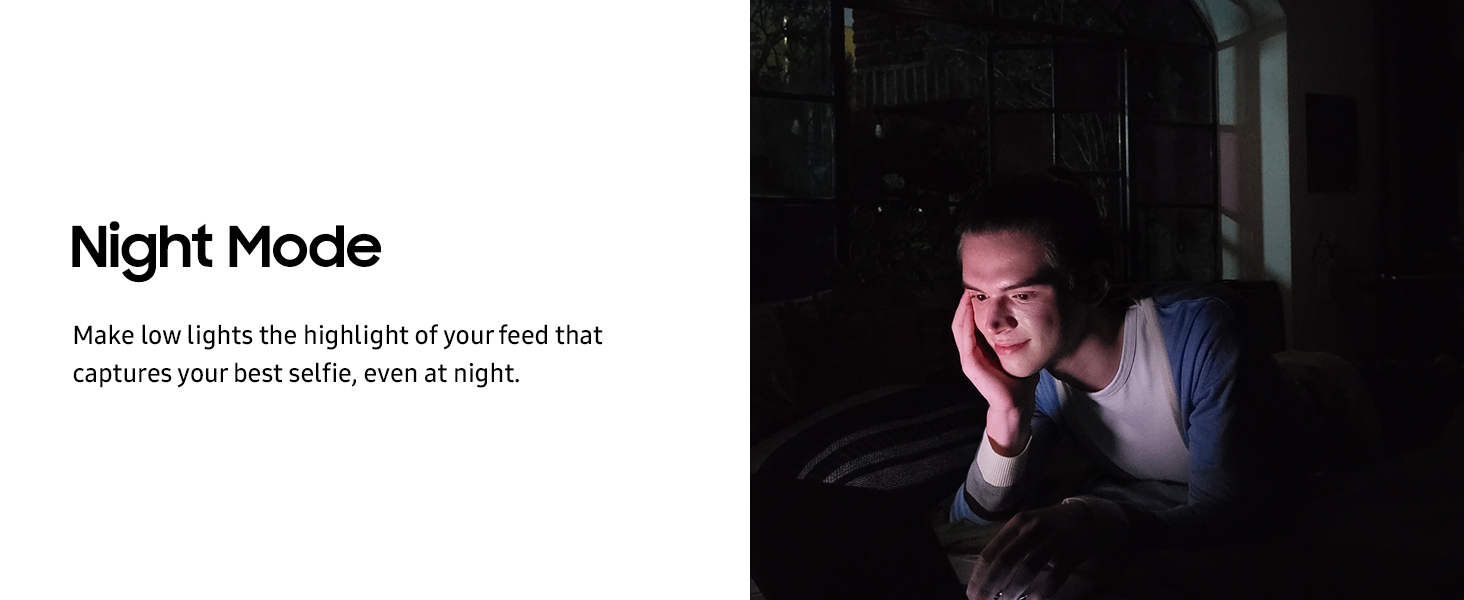
Image: Overview of the camera specifications, including 12MP Ultra Wide, 12MP Wide-angle, 8MP Telephoto, and 32MP Selfie cameras.
- Rear Camera System:
- 12MP F1.8 Main Camera (Dual Pixel AF & OIS)
- 12MP UltraWide Camera (123° FOV)
- 8MP Telephoto Camera (3x Optical Zoom, 30X Space Zoom, OIS)
- Front Camera: 32 MP F2.2 for high-resolution selfies.
Camera Modes and Features:
- AI Single Take: Captures multiple types of photos and videos with one tap.
- Portrait Mode: Focuses on your subject by blurring the background.
- Night Mode: Enhances photos taken in low-light conditions.
- 30X Space Zoom: Allows for significant magnification of distant subjects.
- Dual Recording: Records video from both the front and rear cameras simultaneously.
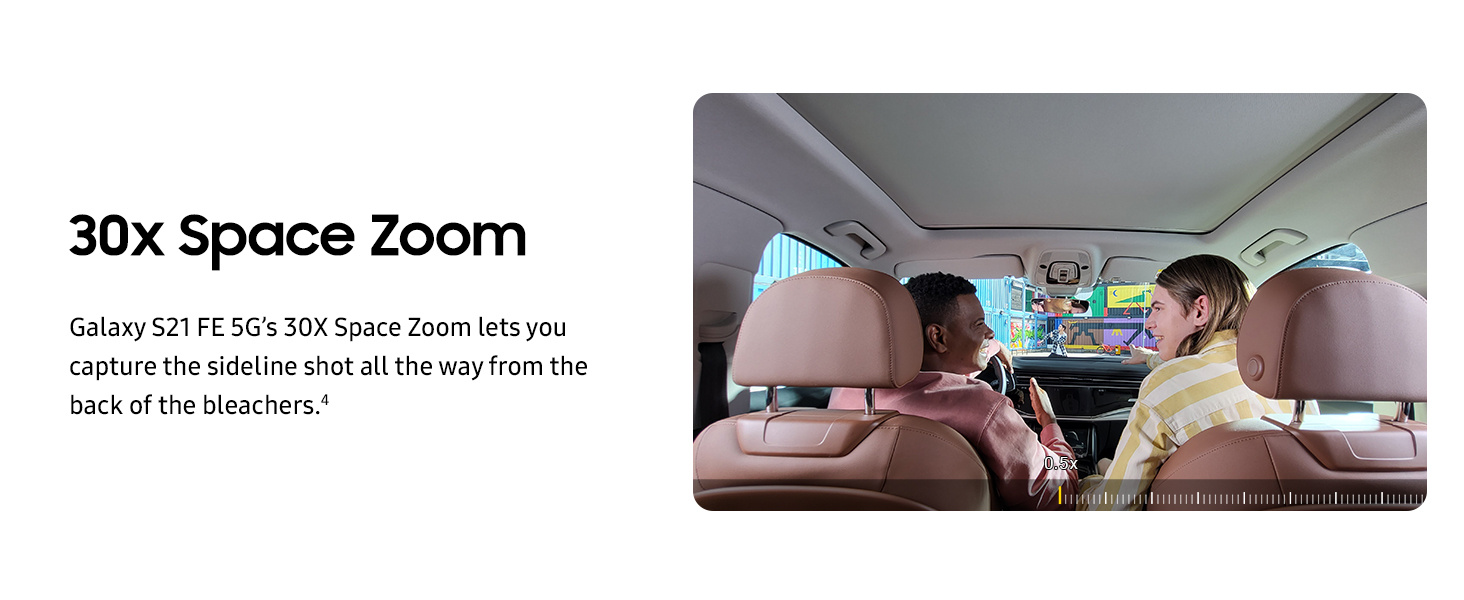
Image: A demonstration of Portrait Mode, showing how it isolates the subject from the background.
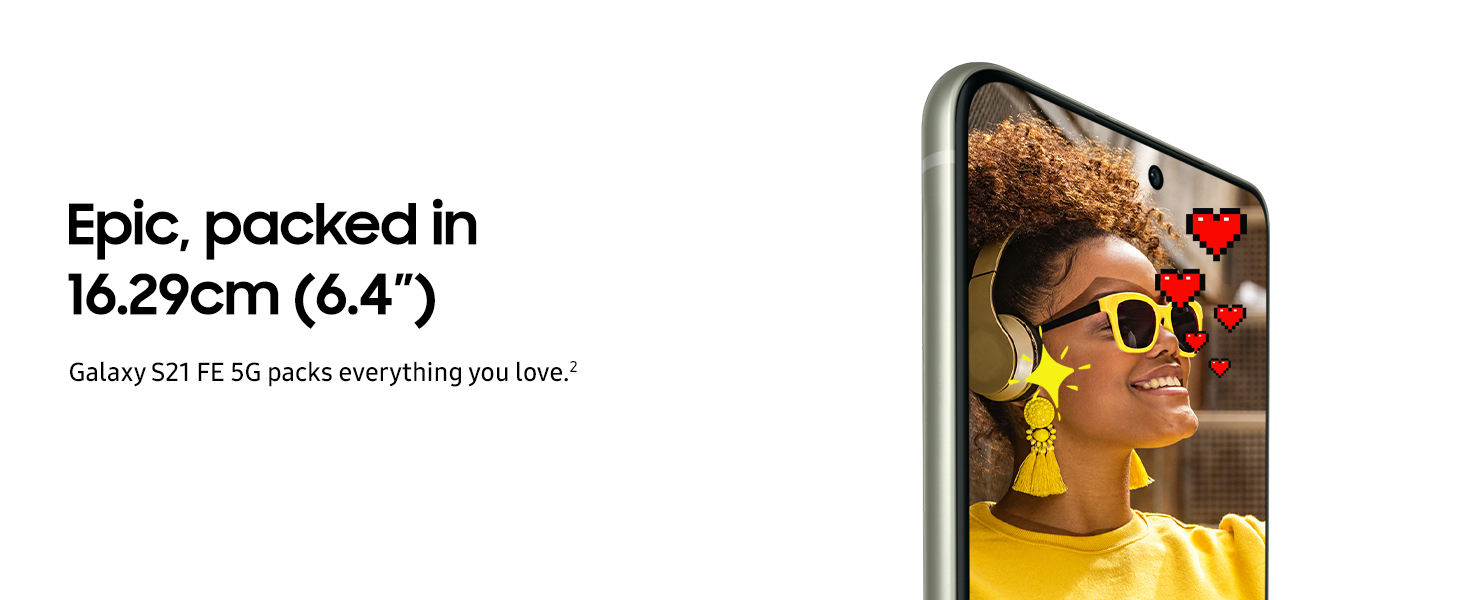
Image: An example of a photo taken using Night Mode, demonstrating improved visibility in low light.
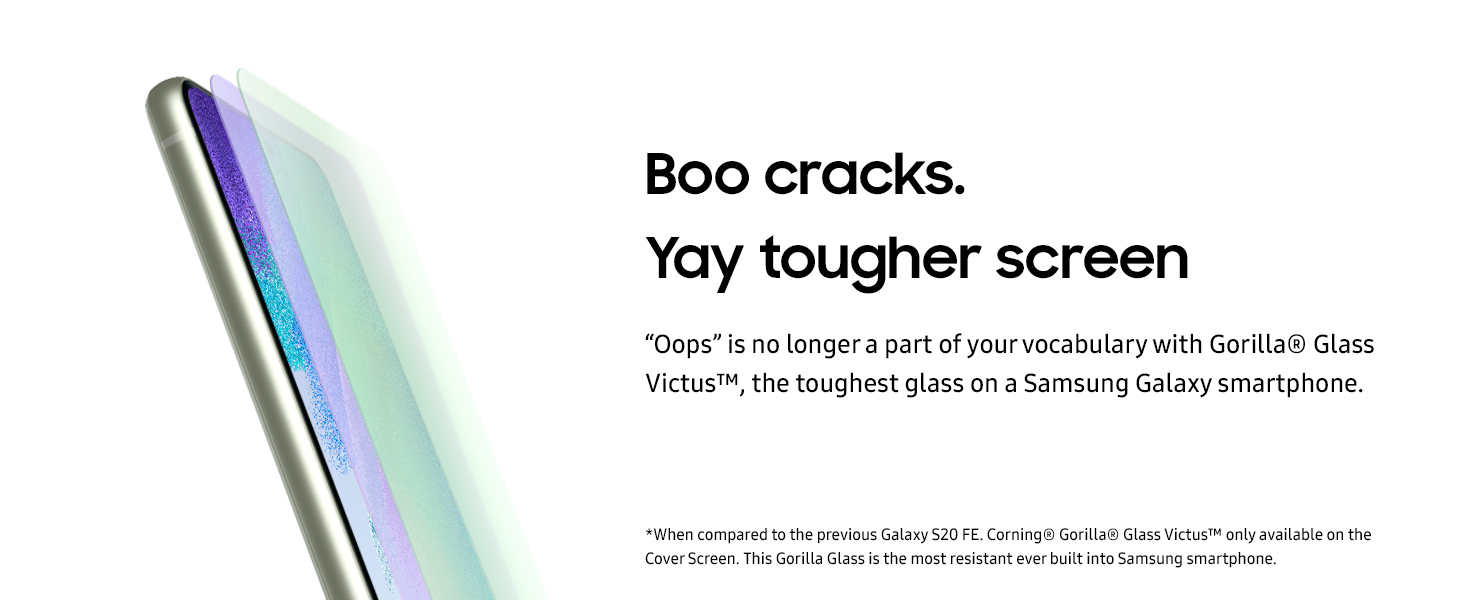
Image: A visual representation of the 30x Space Zoom capability, showing a magnified view of a distant object.

Image: A screenshot showing the Dual Recording feature, capturing video from both front and rear cameras simultaneously.
5.3. Performance
The device is powered by the Snapdragon 888 Processor, providing efficient performance for daily tasks and demanding applications.
5.4. Battery Management
The Galaxy S21 FE 5G is equipped with a 4500 mAh battery.
- Super Fast Charging: Allows for quick recharging of the device.
- Fast Wireless Charging: Offers convenient charging without cables.
- Wireless PowerShare: Enables charging of compatible accessories by placing them on the back of your phone.

Image: An illustration highlighting the 4500mAh battery capacity, designed for extended use.
5.5. Connectivity
The device supports various connectivity options:
- 5G Cellular Technology: For high-speed mobile data.
- Wi-Fi: For wireless internet access.
- Bluetooth: For connecting to wireless accessories.
- USB Type-C: For wired connections and charging.
6. Maintenance and Care
Proper care ensures the longevity and optimal performance of your device.
- Water Resistance (IP68): The device is rated IP68 for water and dust resistance. This means it can withstand immersion in up to 1.5 meters of fresh water for up to 30 minutes. Avoid exposing the device to saltwater, chlorinated water, or other liquids. If the device gets wet, dry it thoroughly before use or charging.
- Gorilla Glass Victus: The display is protected by Gorilla Glass Victus, offering enhanced durability against scratches and drops. However, it is not indestructible.
- Cleaning: Use a soft, lint-free cloth to clean the device. Avoid abrasive materials or harsh chemicals.
- Temperature: Operate the device within normal temperature ranges. Extreme heat or cold can affect battery life and performance.

Image: A visual representation of the phone's enhanced durability, featuring IP68 water resistance and Gorilla Glass Victus protection.
7. Troubleshooting
If you encounter issues with your device, refer to the following common solutions:
- Device Not Responding: If your device is frozen or unresponsive, press and hold the Power/Side Key and Volume Down button simultaneously for more than 7 seconds to restart it.
- Battery Draining Quickly:
- Reduce screen brightness and set a shorter screen timeout.
- Close unused apps running in the background.
- Disable Wi-Fi, Bluetooth, and GPS when not in use.
- Check for software updates, as updates often include battery optimizations.
- Device Overheating: Prolonged heavy usage, especially during gaming or charging, can cause the device to warm up. If it becomes excessively hot, close demanding applications, disconnect from charging, and allow it to cool down. Avoid using the device in direct sunlight or hot environments.
- Display Anomalies (e.g., Green Line): In rare cases, display issues such as a green line may appear, often after software updates. If you experience this, try restarting the device. If the issue persists, contact Samsung customer support.
- Network Connectivity Issues:
- Ensure your SIM card is properly inserted.
- Toggle Airplane Mode on and off.
- Restart your device.
- Check your network settings or contact your service provider.
- Software Issues: Ensure your device's software is up to date. Go to Settings > Software update > Download and install. If issues persist, a factory reset may be necessary (back up your data first).
8. Specifications
Detailed technical specifications for the Samsung Galaxy S21 FE 5G:
| Feature | Specification |
|---|---|
| Brand | Samsung |
| Model | Galaxy S21 FE 5G |
| Operating System | Android 13.0 |
| RAM Memory Installed Size | 8 GB |
| CPU Model | Snapdragon |
| CPU Speed | 2.84 GHz |
| Memory Storage Capacity | 256 GB |
| Colour | Lavender |
| SIM Card Slot Count | Dual SIM |
| Connector Type | USB Type C |
| Form Factor | Bar |
| Biometric Security Feature | Face Recognition |
| Water Resistance Level | Water Resistant (IP68) |
| Headphones Jack | USB Type-C |
| Front Photo Sensor Resolution | 32 MP |
| Rear Facing Camera Photo Sensor Resolution | 12 MP (Main), 12 MP (Ultrawide), 8 MP (Telephoto) |
| Number of Rear Facing Cameras | 3 |
| Number of Front Cameras | 1 |
| Battery Capacity | 4500 Milliamp Hours |
| Item Weight | 177 Grams |
| Item Dimensions | 8 x 74 x 156 Millimeters |
| Screen Size | 6.4 Inches |
| Resolution | 1080 x 2340 Pixels |
| Refresh Rate | 120 Hz |
| Display Type | AMOLED |
| Cellular Technology | 5G |
| Wireless Network Technology | GSM, Wi-Fi |
| Model Year | 2023 |
| Video Capture Resolution | 1080p |
9. Warranty Information
Your Samsung Galaxy S21 FE 5G comes with the following warranty:
- 1 year manufacturer warranty for the device.
- 6 months manufacturer warranty for in-box accessories.
Please retain your purchase receipt for warranty claims. The warranty covers manufacturing defects and does not cover damage caused by misuse, accidents, or unauthorized repairs.
10. Customer Support
For further assistance, technical support, or service inquiries, please contact Samsung customer support through their official website or authorized service centers. You can find more information on the Samsung Brand Store.


