
Introduction
The JBL Bar 800 is a 5.1.2-channel soundbar system designed to deliver an immersive audio experience for movies, music, and games. It features detachable, battery-powered surround speakers, a 10-inch wireless subwoofer, and supports Dolby Atmos for three-dimensional sound. Built-in Wi-Fi enables streaming via AirPlay, Alexa Multi-Room Music, and Chromecast. This manual provides essential information for setting up, operating, and maintaining your JBL Bar 800 system.
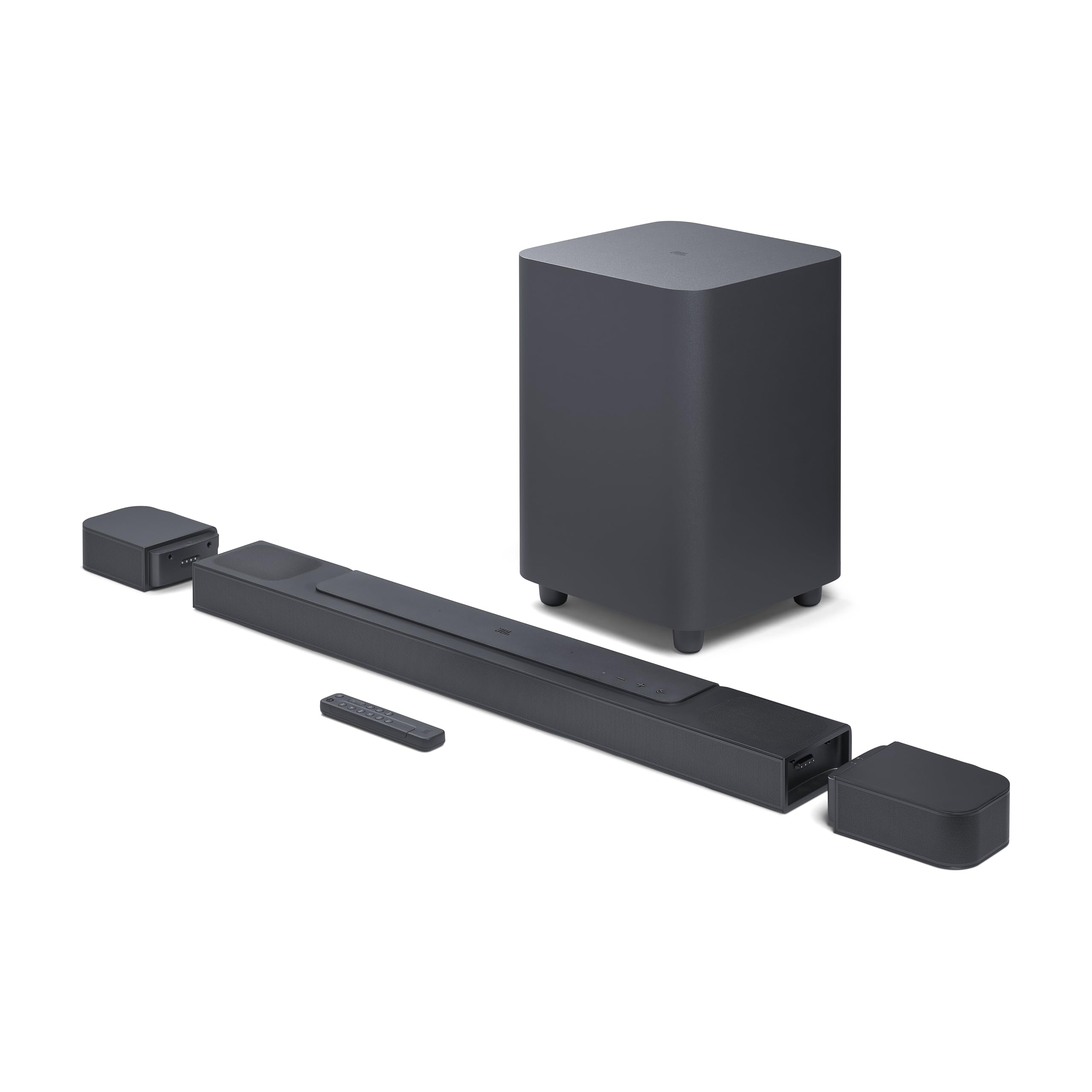
Image: The JBL Bar 800 soundbar and wireless subwoofer integrated into a home entertainment setup, providing audio for viewers.
What's in the Box
Carefully unpack all components and ensure the following items are included:
- 1x JBL Bar 800 Main Soundbar Unit
- 2x Detachable Wireless Surround Speakers
- 1x Wireless Subwoofer
- 1x Remote Control with 2 x AAA Batteries
- 1x HDMI Cable
- 2x L-shape Wall-Mount Brackets (for main bar)
- 2x U-shape Wall-Mount Brackets (for surround speakers) kit with screws
- 4x Side Caps
- Quick Start Guide, Safety Instruction, and Warranty Card

Image: All included accessories for the JBL Bar 800, featuring the remote control, wall-mount brackets, and an HDMI cable.
Setup
1. Placement
For optimal sound performance, position the soundbar centrally below your TV. The wireless subwoofer can be placed anywhere in the room, ideally near a power outlet. The detachable surround speakers should be placed behind the listening area for true surround sound.

Image: The JBL Bar 800 soundbar with its two detachable surround speakers placed separately, alongside the wireless subwoofer.
2. Connections
Connect the soundbar to your TV using the supplied HDMI cable. For the best audio quality, use the HDMI eARC port on your TV if available. Connect the power cables to the soundbar and subwoofer, then plug them into a power outlet.

Image: The rear panel of the JBL Bar 800 soundbar and subwoofer, highlighting the various input and output ports for connectivity.
3. Detachable Surround Speakers
The two surround speakers are battery-powered and can be detached from the main soundbar unit. To detach, gently pull them away from the main bar. Place them behind your listening position for an immersive surround sound experience. Reattach them to the main soundbar for charging or when not in use as surround speakers.

Image: A visual representation of the detachable surround speakers being separated from the main JBL Bar 800 soundbar unit.
Operating Instructions
1. Basic Controls
Use the included remote control or the buttons on the top of the soundbar to control power, volume, and input source selection. Refer to the Quick Start Guide for a detailed diagram of the remote control functions.
2. Audio Modes and Features
- Dolby Atmos: The JBL Bar 800 supports true Dolby Atmos 3D surround sound, utilizing up-firing drivers to create an overhead audio dimension.
- PureVoice Technology: This feature optimizes dialogue clarity, ensuring voices are distinct even during intense action scenes.

Image: The JBL Bar 800 soundbar system, highlighting its support for True Dolby Atmos surround sound.
3. Music Streaming
The soundbar features built-in Wi-Fi and Bluetooth for various music streaming options:
- Bluetooth: Pair your mobile device via Bluetooth to stream audio wirelessly.
- Wi-Fi: Connect to your home Wi-Fi network to access AirPlay, Alexa Multi-Room Music (MRM), and Chromecast built-in for high-definition audio streaming from over 300 online music services.

Image: A smartphone displaying a music streaming interface, positioned near the JBL Bar 800 soundbar, illustrating its Wi-Fi, AirPlay, Alexa Multi-Room Music, and Chromecast capabilities.
4. Sound Calibration
The JBL Bar 800 includes a sound calibration feature to optimize 3D surround effects for your specific room layout. Follow the instructions in the Quick Start Guide or JBL One App to perform calibration.
5. JBL One App
Download the JBL One App to customize EQ settings, control compatible speakers, and manage integrated music services. The app simplifies setup and personalization of your soundbar.
Maintenance
1. Cleaning
Wipe the surfaces of the soundbar, subwoofer, and surround speakers with a soft, dry cloth. Avoid using liquid cleaners or abrasive materials, as these can damage the finish.
2. Battery Care for Surround Speakers
To maintain battery life, regularly reattach the detachable surround speakers to the main soundbar for charging. Avoid fully discharging the batteries frequently.
Troubleshooting
If you encounter issues with your JBL Bar 800, refer to the following common solutions:
- No Power: Ensure all power cables are securely connected to the soundbar, subwoofer, and wall outlets.
- No Sound: Verify the correct input source is selected on the soundbar and your TV. Check HDMI cable connections. Increase volume on both the soundbar and TV.
- Subwoofer Not Connecting: Ensure the subwoofer is powered on and within range of the soundbar. Re-pair the subwoofer if necessary (refer to the Quick Start Guide for pairing instructions).
- Surround Speakers Not Working: Ensure the detachable speakers are charged and properly placed. Check their connection status via the JBL One App.
- Poor Sound Quality: Perform sound calibration using the JBL One App. Check for obstructions between the soundbar and listening area.
- Wi-Fi/Streaming Issues: Ensure the soundbar is connected to your home Wi-Fi network. Check your router and internet connection.
For further assistance, consult the full user manual or contact JBL customer support.
Specifications
| Brand | JBL |
| Model Name | JBL Bar 800 |
| Model Number | JBLBAR800PROBLKAM |
| Speaker Type | Soundbar with Detachable Surround Speakers and Wireless Subwoofer |
| Speaker Maximum Output Power | 720 Watts (Total System Power) |
| Subwoofer Size | 10 Inches |
| Connectivity Technology | Bluetooth, Ethernet, HDMI, USB, Wi-Fi |
| Additional Features | Built-in Microphone, Dolby Enabled, Multi-Room Audio, USB Port |
| Item Dimensions (D x W x H) | 4.7"D x 34.8"W x 2.2"H (Main Bar) |
| Item Weight | 3400 Grams (Main Bar) |
| UPC | 050036387811 |
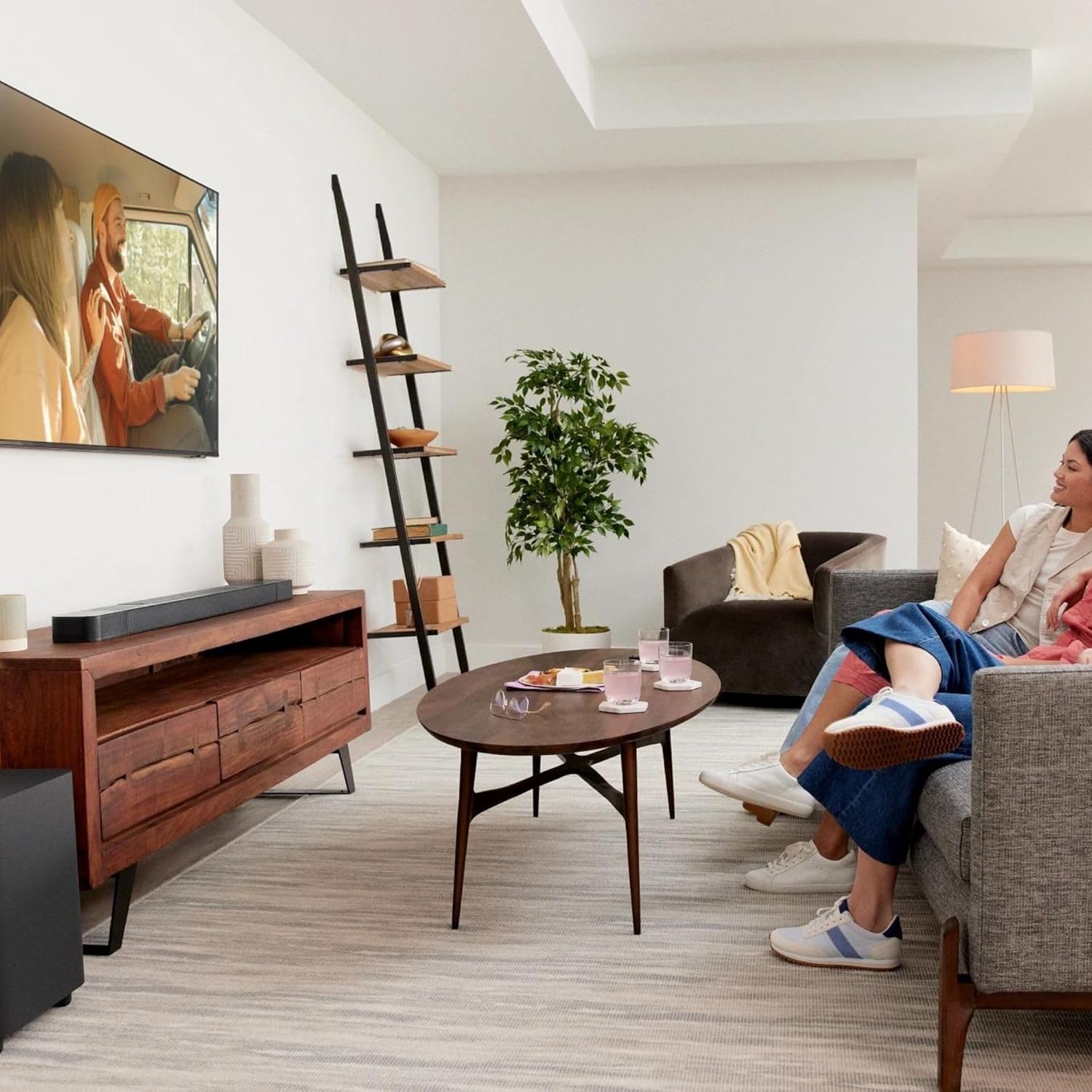
Image: An exploded view of the JBL Bar 800 soundbar, illustrating its internal components and speaker arrangement.

Image: A visual representation emphasizing the 720W total output power of the JBL Bar 800 soundbar system.

Image: The 10-inch wireless subwoofer of the JBL Bar 800, highlighting its capability for thrilling bass.

Image: A detailed close-up of the 10-inch driver within the JBL Bar 800 wireless subwoofer.
Official Product Video
Video: An official product video showcasing the features and capabilities of the JBL Bar 800 soundbar system. This video provides a visual overview of its design, detachable surround speakers, Dolby Atmos support, and connectivity options.
Warranty and Support
The JBL Bar 800 comes with a 1-Year Manufacturer's Warranty. For warranty claims, technical support, or service inquiries, please refer to the contact information provided in the Warranty Card included with your product or visit the official JBL support website.
Additional protection plans may be available for purchase from authorized retailers.


