
FUVISION 4G LTE Cellular Trail Camera 2.7K
FUVISION 4G LTE Cellular Trail Camera User Manual
Model: 4G LTE Cellular Trail Camera 2.7K
Introduction
Thank you for choosing the FUVISION 4G LTE Cellular Trail Camera. This manual provides detailed instructions for setting up, operating, and maintaining your camera to ensure optimal performance. This camera is designed for remote monitoring of wildlife, property, or other outdoor areas, offering high-resolution imaging and cellular connectivity for real-time alerts and viewing.
What's in the Box
Carefully unpack all components and check for any damage. If any items are missing or damaged, please contact customer support.
- 1 x 4G LTE Cellular Trail Camera
- 1 x 5W Solar Power Panel
- 1 x Bracket for solar panel
- 1 x Detailed user manual (this document)
- Rechargeable Batteries (pre-installed or included separately)

Image: All components included in the package, laid out on a table.
Product Overview
The FUVISION 4G LTE Cellular Trail Camera is a robust and versatile device designed for outdoor surveillance. It features a durable, camouflage-patterned casing, an integrated solar panel for continuous power, and advanced imaging capabilities.
Key Features:
- 4G LTE Connectivity: Enables remote viewing and direct app notifications without Wi-Fi.
- High-Resolution Capture: 2.7K Ultra HD video and 14MP photos for clear imaging.
- Night Vision: Enhanced low-light night vision for clear recordings in darkness.
- Fast Trigger Speed: 0.2-second trigger speed to capture fast-moving subjects.
- Dual Activation: Triggered by PIR motion or via the mobile app.
- Sustainable Power: 7800mAh battery with a 5W solar panel for extended operation.
- Durable Design: IP67 waterproof rating for outdoor use.
- Storage Options: Supports up to 128GB Micro SD cards (not included) and offers cloud storage.
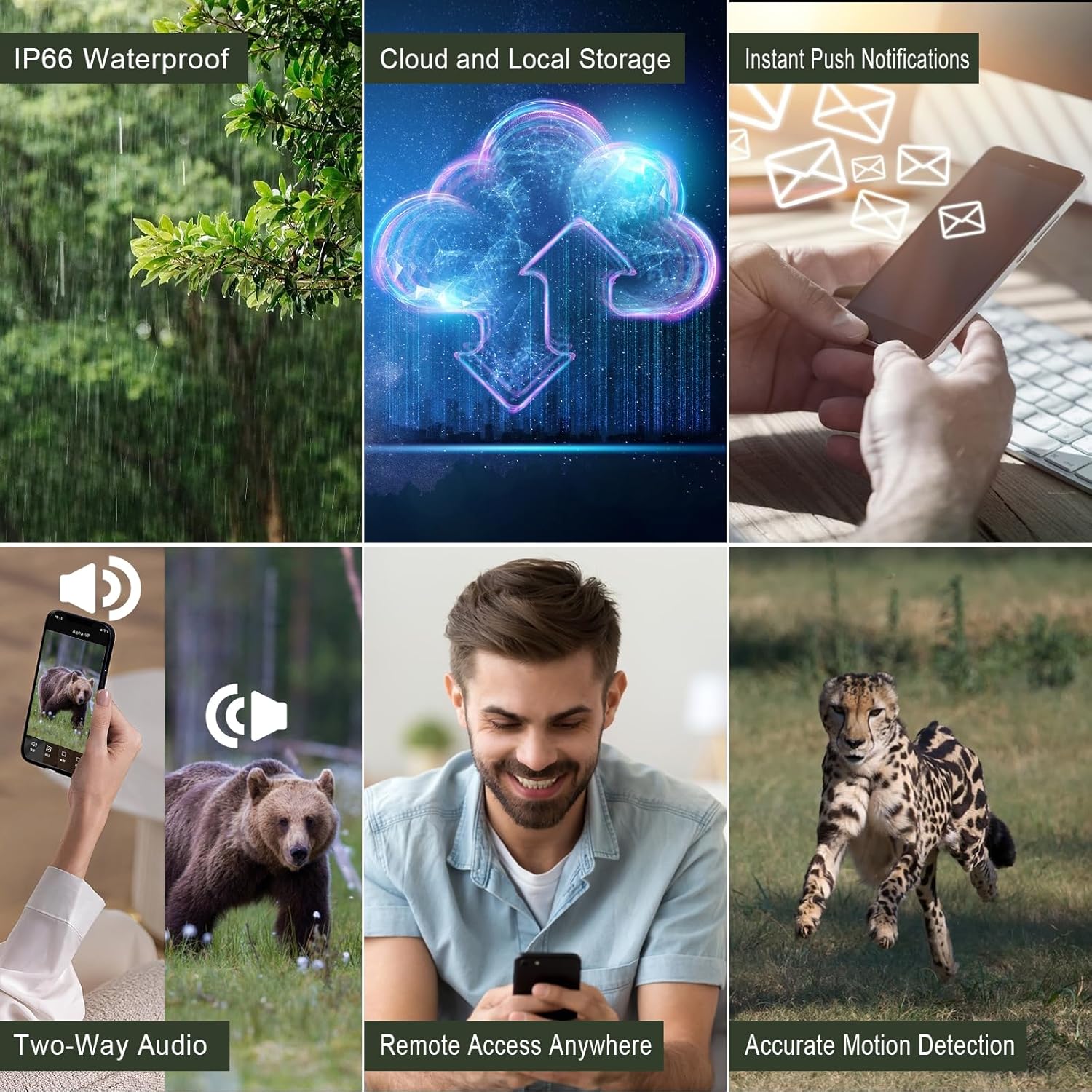
Image: Visual representation of the camera's key functionalities, including its robust design and connectivity features.
Setup Guide
Follow these steps for the initial setup of your FUVISION Trail Camera.
1. Unboxing and Component Check
Refer to the 'What's in the Box' section to ensure all components are present.
2. Battery and SIM Card Installation
- Open the camera's latch to access the battery compartment.
- Ensure the 7800mAh rechargeable batteries are correctly inserted.
- Insert the pre-installed SIM card into its designated slot. Note: This camera works with the pre-installed SIM card only.
- Close the compartment securely to maintain the IP67 waterproof seal.
Video: A demonstration of unboxing the camera, installing the antenna, opening the battery compartment, inserting the SIM card, and powering on the device. It also shows the initial app setup and connecting the solar panel.
3. App Download and Pairing
- Download the official FUVISION app from your smartphone's app store (iOS compatible).
- Open the app and follow the on-screen instructions to create an account and pair your camera.
- Scan the QR code on the camera or follow the app's discovery process.
- Once paired, you will receive a confirmation message.

Image: The trail camera in an outdoor setting, highlighting its 4G LTE connectivity and app control features for remote monitoring.
4. Solar Panel Connection
Connect the 5W solar panel to the camera's charging port. Mount the solar panel in a location that receives ample direct sunlight to ensure continuous charging of the internal battery.
Operating Instructions
Your FUVISION Trail Camera offers flexible operation modes for various monitoring needs.
Capture Modes:
- PIR Motion Trigger: The camera automatically captures photos or videos when motion is detected by the Passive Infrared (PIR) sensor.
- App Activation: Manually trigger photo or video capture, or initiate live streaming directly from the mobile app.

Image: The camera can be activated by motion detection or controlled remotely via the mobile application for real-time monitoring.
Viewing and Storage:
- Live Stream: Access 2.7K live video feed through the app.
- Photo/Video Playback: View captured 14MP photos and 2.7K videos directly from the app.
- Local Storage: Recordings are saved to a Micro SD card (up to 128GB, not included).
- Cloud Storage: Utilize the 30-day free trial for cloud storage and playback functionality.
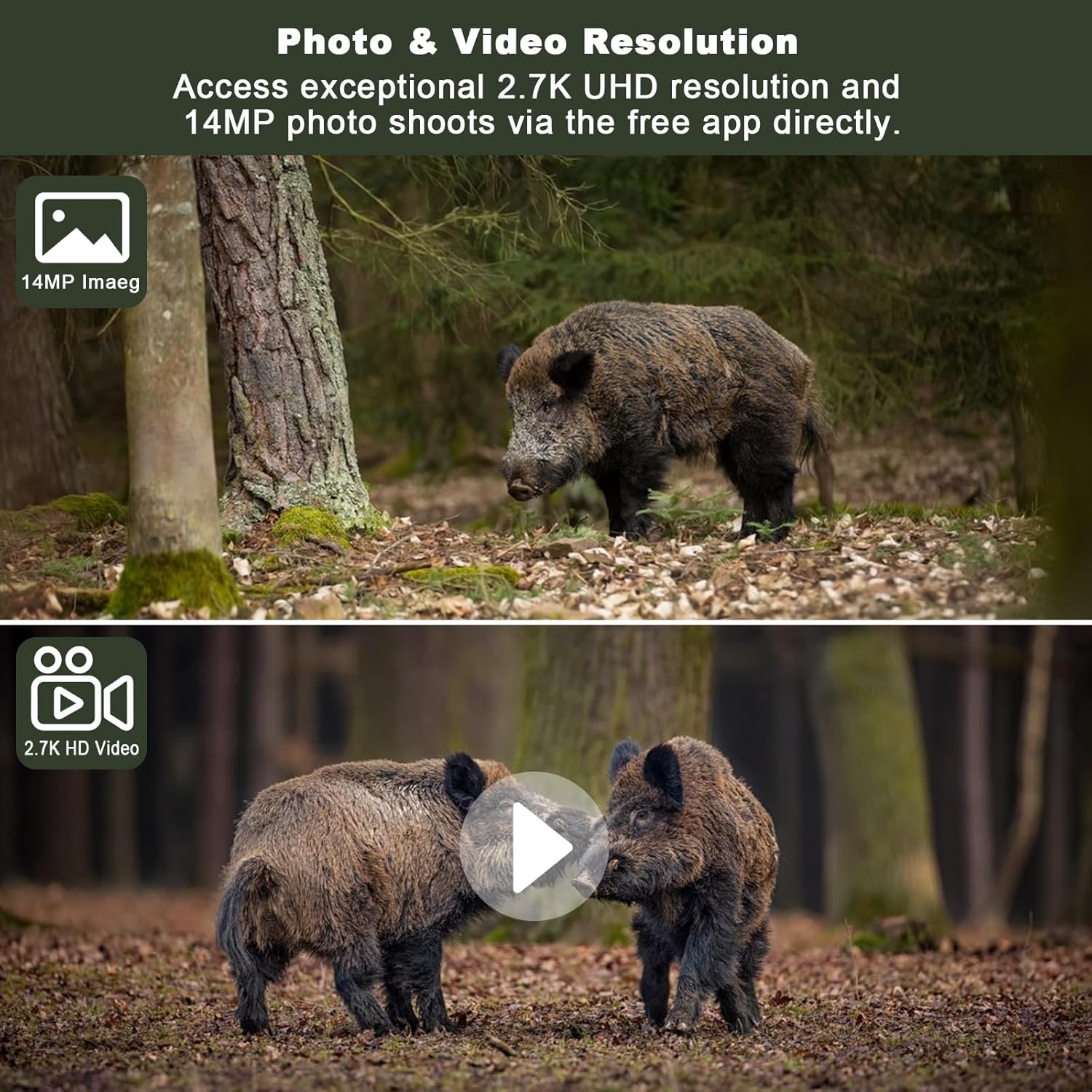
Image: Examples of the high-resolution photo (14MP) and video (2.7K UHD) capabilities of the camera, showcasing detailed captures of wildlife.
Night Vision:
The camera is equipped with enhanced non-glow night vision, allowing it to capture clear images and videos in complete darkness without emitting visible light that could disturb wildlife.

Image: The camera's night vision captures clear images of animals in low-light conditions, making it difficult for them to detect the camera.
Maintenance
Proper maintenance ensures the longevity and optimal performance of your trail camera.
Cleaning:
- Wipe the camera lens and solar panel regularly with a soft, clean cloth to remove dust and debris.
- Do not use abrasive cleaners or solvents.
Battery Management:
The integrated 5W solar panel helps maintain the 7800mAh battery charge. For best results, ensure the solar panel is positioned to receive maximum sunlight. If the camera is stored for extended periods, fully charge the batteries before storage and recharge periodically.

Image: The camera's solar panel provides continuous power, ensuring extended operation in the field.
Storage:
When not in use, store the camera in a cool, dry place away from direct sunlight and extreme temperatures.
Troubleshooting
If you encounter issues with your camera, refer to the following common problems and solutions:
| Problem | Possible Cause | Solution |
|---|---|---|
| Camera not powering on | Low battery; Incorrect battery installation | Charge batteries fully; Reinstall batteries correctly. |
| No cellular signal | Poor network coverage; SIM card issue | Relocate camera to an area with better signal; Contact SIM card provider if issues persist. |
| No images/videos captured | PIR sensitivity too low; SD card full/corrupted; Incorrect settings | Adjust PIR sensitivity in app; Format or replace SD card; Check camera settings in app. |
| App connection issues | Network problem; App outdated | Check phone's internet connection; Update app to the latest version. |
| Solar panel not charging | Insufficient sunlight; Panel obstructed/dirty | Relocate panel to direct sunlight; Clean panel surface. |
Specifications
| Feature | Detail |
|---|---|
| Model Name | 4G LTE Cellular Trail Camera 2.7K |
| Video Capture Resolution | 2560 x 1440 (2.7K UHD) |
| Effective Still Resolution | 14 MP |
| Connectivity Technology | 4G LTE Cellular |
| Power Source | Solar Powered (5W Solar Panel) |
| Battery Capacity | 7800 mAh Lithium Ion |
| Trigger Speed | 0.2 seconds |
| Night Vision Range | 20 Meters |
| Water Resistance Level | IP67 |
| Max Flash Memory Supported | 128 GB (Micro SD) |
| Viewing Angle | 120 Degrees |
| Material | Acrylonitrile Butadiene Styrene (ABS) |
| Item Weight | 1.92 pounds |
Warranty and Support
FUVISION products are designed for reliability and performance. For warranty information and technical support, please refer to the contact details provided with your purchase or visit the official FUVISION website.
For additional assistance, you may also refer to the User Manual (PDF) available online.
Related documents4G LTE Cellular Trail Camera 2.7K

Ask a question about this manual
Ask about setup, troubleshooting, compatibility, parts, safety, or missing instructions. Manuals+ will review the question and use this page’s manual context to help answer it.