
Important Safety Information
Please read all instructions carefully before using the appliance and retain them for future reference. Failure to follow these instructions may result in electric shock, fire, or serious injury.
- Water Hazard: Do not use this appliance near bathtubs, showers, basins, or other vessels containing water. Never immerse the appliance in water or any other liquid.
- Children: This appliance is not intended for use by persons (including children) with reduced physical, sensory or mental capabilities, or lack of experience and knowledge, unless they have been given supervision or instruction concerning use of the appliance by a person responsible for their safety. Children should be supervised to ensure that they do not play with the appliance.
- Overheating: To prevent overheating, avoid prolonged continuous use. Ensure the air inlet and outlet are not blocked during operation.
- Power Cord: Regularly inspect the power cord for any damage. Do not use the appliance if the cord or plug is damaged.
- Maintenance: Always unplug the appliance from the power outlet before cleaning or performing any maintenance.
Product Overview
The Taurus Digital Force 2000 Ionic hair dryer is engineered for efficient and gentle hair drying. It features a powerful digital brushless motor, advanced ionic technology, and multiple customizable settings to suit various hair types and styling needs. Its compact and lightweight design ensures comfortable handling and portability.
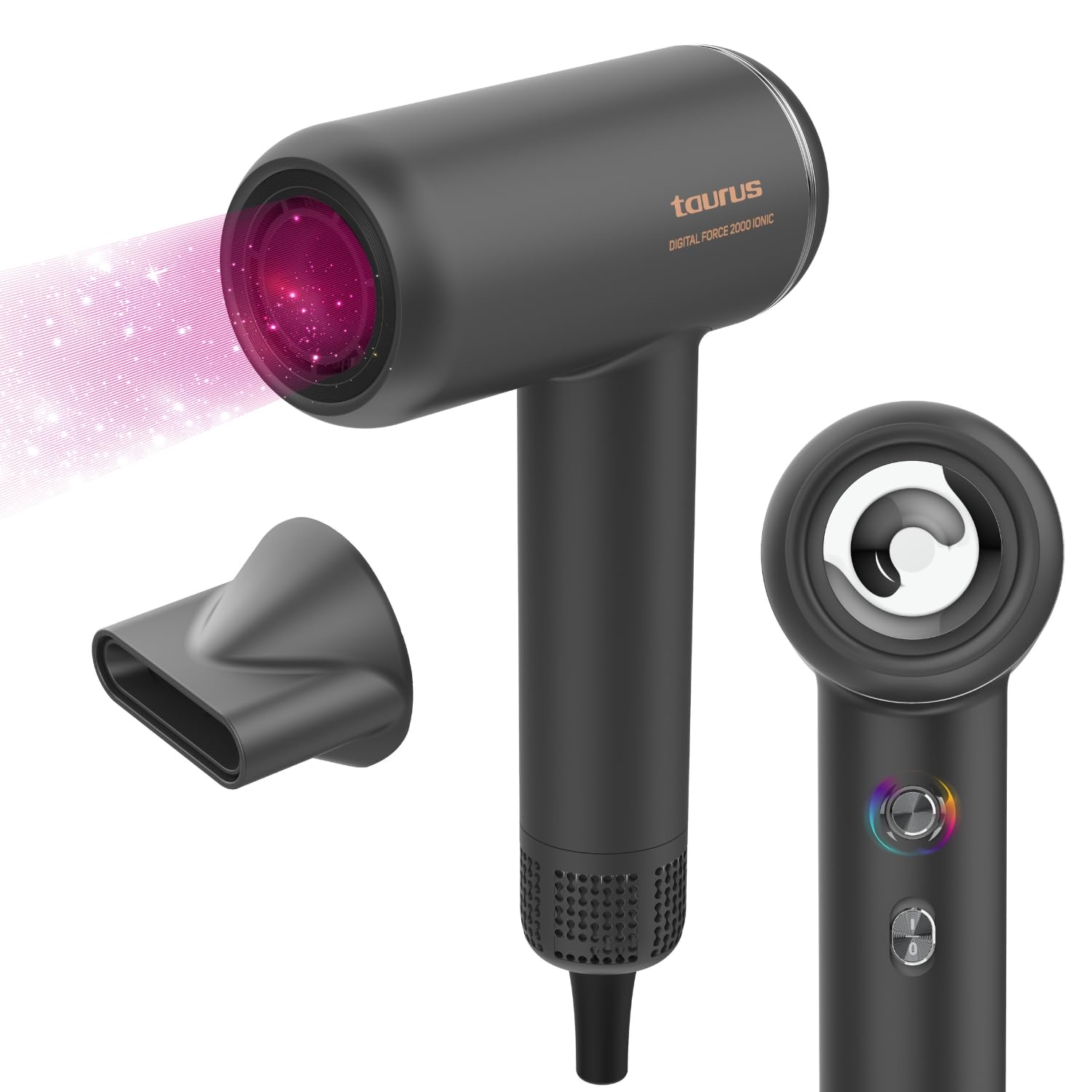
Front view of the Taurus Digital Force 2000 Ionic Hair Dryer.
Setup
- Unpack: Carefully remove the hair dryer and all accessories from the packaging. Retain packaging for storage or future transport.
- Inspect: Check the appliance for any visible damage. Do not use if damaged.
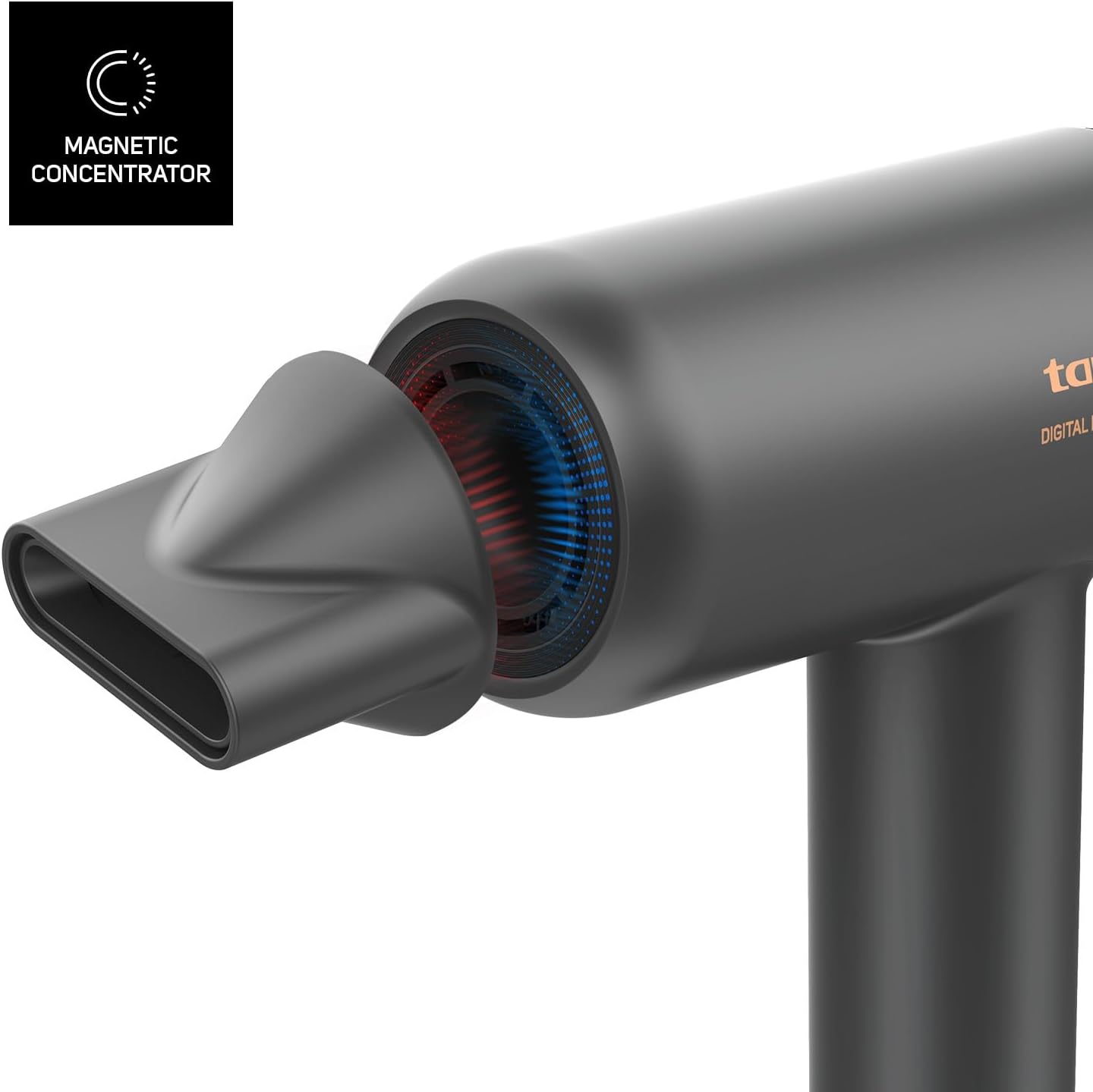
- Attach Nozzle (Optional): For focused airflow during styling, attach the magnetic concentrator nozzle to the front of the hair dryer. It will snap into place securely.
- Power Connection: Plug the power cord into a standard electrical outlet. Ensure the voltage of your power supply matches the rating indicated on the appliance.
Operating Instructions
Familiarize yourself with the controls before use.
Back view of the hair dryer, illustrating the location of control buttons.
- Power On/Off: Press the main power button (usually located on the handle) to turn the hair dryer on or off.
- Speed Settings: Use the speed control button (often indicated by fan icons) to select your desired airflow speed. There are 2 settings: low and high.
- Temperature Settings: Press the temperature control button (often indicated by a thermometer icon) to cycle through the 5 available heat settings. These include:
- Cold Air
- 60°C
- 80°C
- 100°C
- Oscillating Mode: This unique setting alternates between 100°C and cold air every 5 seconds to help protect your hair from excessive heat exposure.
Visual representation of the 5 temperature settings, including the oscillating temperature protection mode.
- Ionic Function: The integrated ionic technology automatically activates when the hair dryer is in use. It releases negative ions to neutralize static electricity, reduce frizz, and leave your hair smoother and shinier.
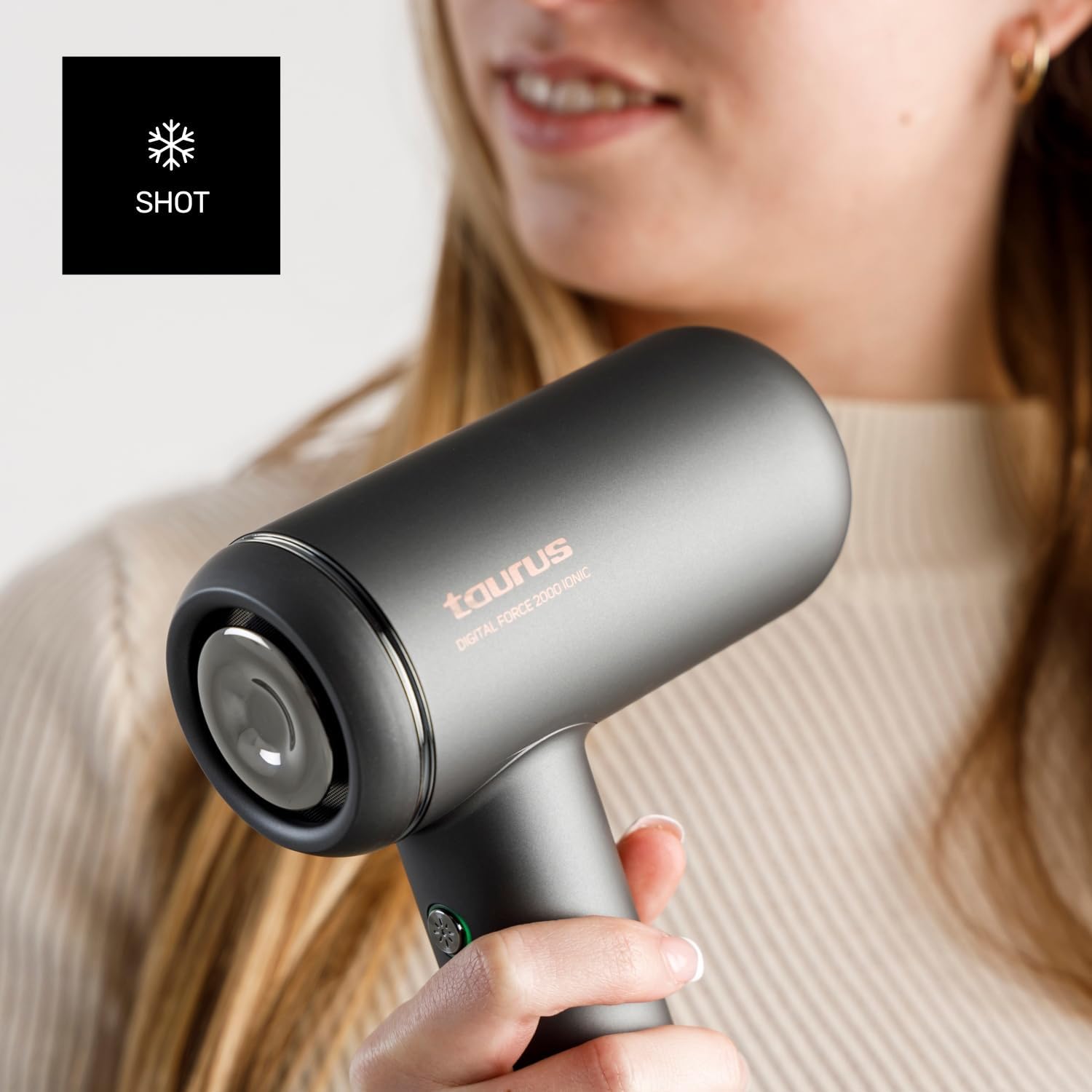
- Cold Shot: For an instant burst of cool air to set your style and add shine, press and hold the cold shot button (often indicated by a snowflake icon).

Detail of the cold shot button, used to deliver a burst of cool air.
Maintenance
Proper maintenance ensures the longevity and optimal performance of your hair dryer.
- Cleaning the Exterior: Ensure the appliance is unplugged and completely cool. Wipe the exterior surfaces with a soft, damp cloth. Do not use abrasive cleaners, solvents, or harsh chemicals.
- Cleaning the Air Inlet Filter: The air inlet filter (located at the back of the hair dryer) should be cleaned regularly to prevent dust and hair buildup, which can affect performance and lead to overheating.
- Unplug the hair dryer.
- Gently twist or pull to remove the filter cover.
- Use a soft brush or a dry cloth to remove any accumulated dust or lint from the filter mesh.
- Reattach the filter cover securely.
- Storage: When not in use, store the hair dryer in a dry place, away from direct sunlight and moisture. Do not wrap the power cord tightly around the appliance, as this can cause damage.
Troubleshooting
If you encounter any issues, refer to the following troubleshooting guide before contacting customer support.
| Problem | Possible Cause | Solution |
|---|---|---|
| Hair dryer does not turn on. | No power supply. Appliance malfunction. | Ensure the power cord is securely plugged into a functional outlet. Test the outlet with another device. If the problem persists, contact customer support. |
| Weak or inconsistent airflow. | Blocked air inlet filter. Obstruction in air outlet. | Unplug the hair dryer and clean the air inlet filter as described in the Maintenance section. Check for any blockages in the air outlet. |
| Hair dryer overheats or shuts off automatically. | Overheating protection activated. Blocked air filter. | Unplug the appliance and allow it to cool down for at least 10-15 minutes. Clean the air inlet filter. Ensure proper ventilation during use. |
| Unusual noise during operation. | Foreign object inside. Motor issue. | Unplug the hair dryer and carefully check the air inlet and outlet for any foreign objects. If the noise continues, discontinue use and contact customer support. |
Specifications
- Brand: Taurus
- Model: Digital Force 2000 Ionic (HD2000D)
- Power: 1800 Watts
- Motor Type: Digital Brushless Motor
- Speed Settings: 2
- Temperature Settings: 5 (Cold Air, 60°C, 80°C, 100°C, Oscillating 100°C/Cold)
- Special Features: Ionic Technology, Magnetic Concentrator Nozzle
- Weight: Approximately 520 grams
- Dimensions (L x W x H): 23 cm x 6 cm x 16.6 cm
- Power Source: Corded Electric
- Color: Grey
Warranty and Support
For detailed warranty information, product registration, or to contact customer support, please refer to the warranty card or documentation included with your purchase. You may also visit the official Taurus website for further assistance and frequently asked questions.
Online Support: www.taurus-home.com


