
Introduction
The Monster Boomerang Neckband Bluetooth Speaker is designed to provide an immersive audio experience with the convenience of a wearable device. This manual provides essential information for setting up, operating, maintaining, and troubleshooting your speaker, ensuring optimal performance and longevity.
What's in the Box
- 1x Monster Boomerang Neck Speaker
- 1x Type-C USB Charging Cable
- Quick Start Guide
Setup
1. Charging the Speaker
Before initial use, fully charge the Monster Boomerang speaker. Connect the provided Type-C USB charging cable to the speaker's charging port and a compatible USB power source. The speaker requires approximately 1.5 hours for a full charge, providing up to 12 hours of playtime.

Image: The Type-C USB charging port on the Monster Boomerang Neck Speaker.
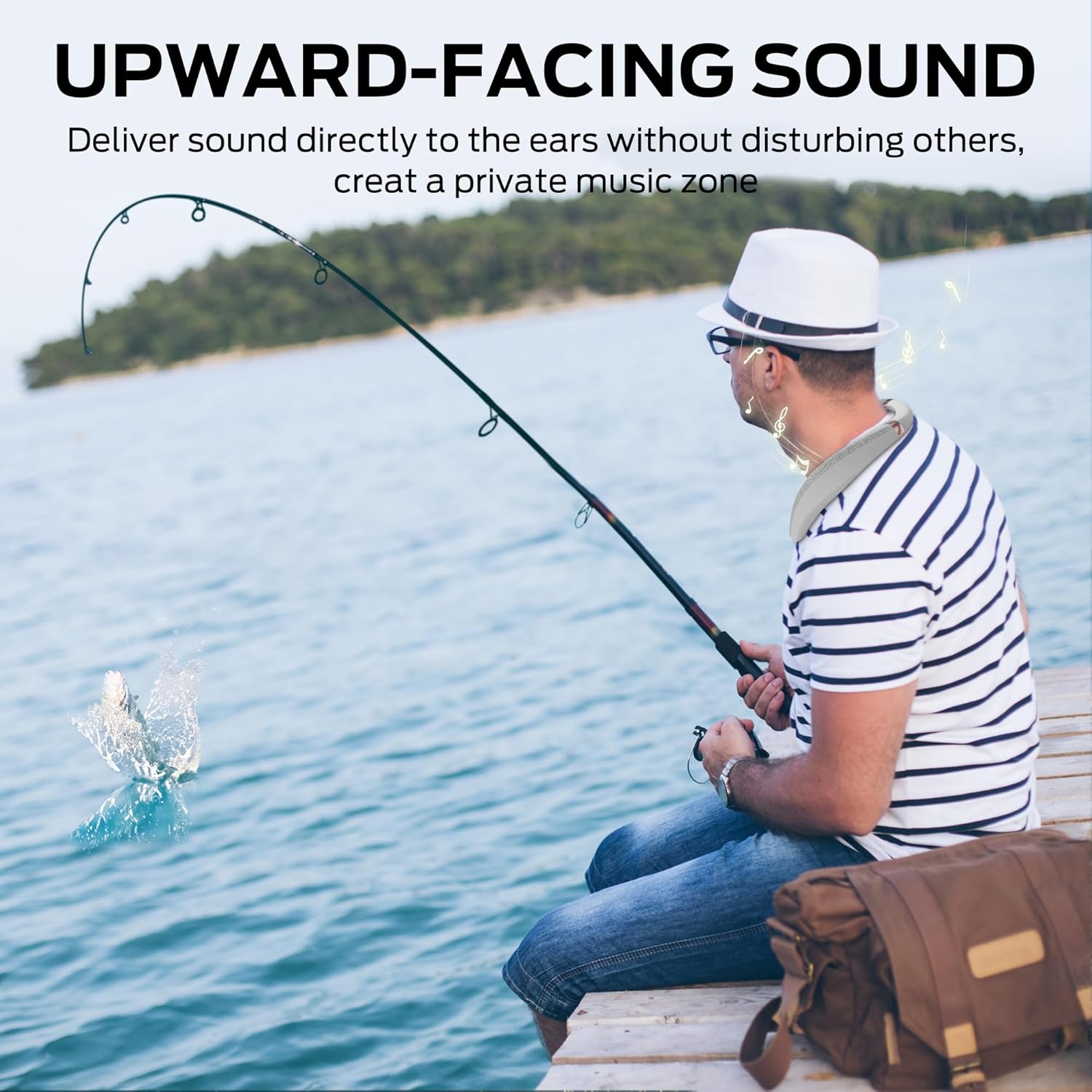
Image: Visual representation of 12 hours of playtime from a 1.5-hour quick charge.
2. Bluetooth Pairing
- Power on the Monster Boomerang speaker. It will automatically enter pairing mode, indicated by a flashing LED light.
- On your device (smartphone, tablet, computer), enable Bluetooth and search for available devices.
- Select "Monster Boomerang" from the list of devices.
- Once connected, the LED indicator will stop flashing, and you will hear an audible confirmation.
The speaker utilizes Bluetooth 5.0 technology for a fast and stable connection.

Image: Depiction of Bluetooth 5.3 technology for stable wireless connection.
Operating Instructions
1. Wearing the Speaker
Place the Monster Boomerang speaker around your neck. Its ergonomic design and lightweight construction (approximately 216g) ensure comfort for extended listening periods, resting gently on your shoulders.

Image: A man wearing the Monster Boomerang Neck Speaker, highlighting its ergonomic design.

Image: Illustration demonstrating the comfortable and soft material, designed to fit the neck ergonomically.
2. Basic Controls
The speaker features intuitive button controls for various functions:
- Power On/Off: Press and hold the power button.
- Play/Pause: Press the play/pause button once.
- Volume Up/Down: Use the volume buttons to adjust audio levels.
- Next/Previous Track: Double-press or triple-press the play/pause button (refer to Quick Start Guide for specific sequence).
- Answer/End Call: Press the call button once during an incoming call.
- Reject Call: Press and hold the call button during an incoming call.
3. Hands-Free Calling
The built-in microphone with precise voice pickup technology allows for clear, hands-free calls. When a call comes in, you can answer directly from the speaker.

Image: A woman using the neck speaker for a clear hands-free call.

Image: A man demonstrating the hands-free calling feature with the neck speaker.
4. Sound Experience
Experience Pure Monster Sound with 3D stereo audio. The upward-facing speakers deliver sound directly to your ears, creating a personal music zone without disturbing others, while still allowing you to hear ambient sounds for safety awareness.

Image: Visualizing the "Pure Monster Sound" and 360-degree immersive audio from the speaker.
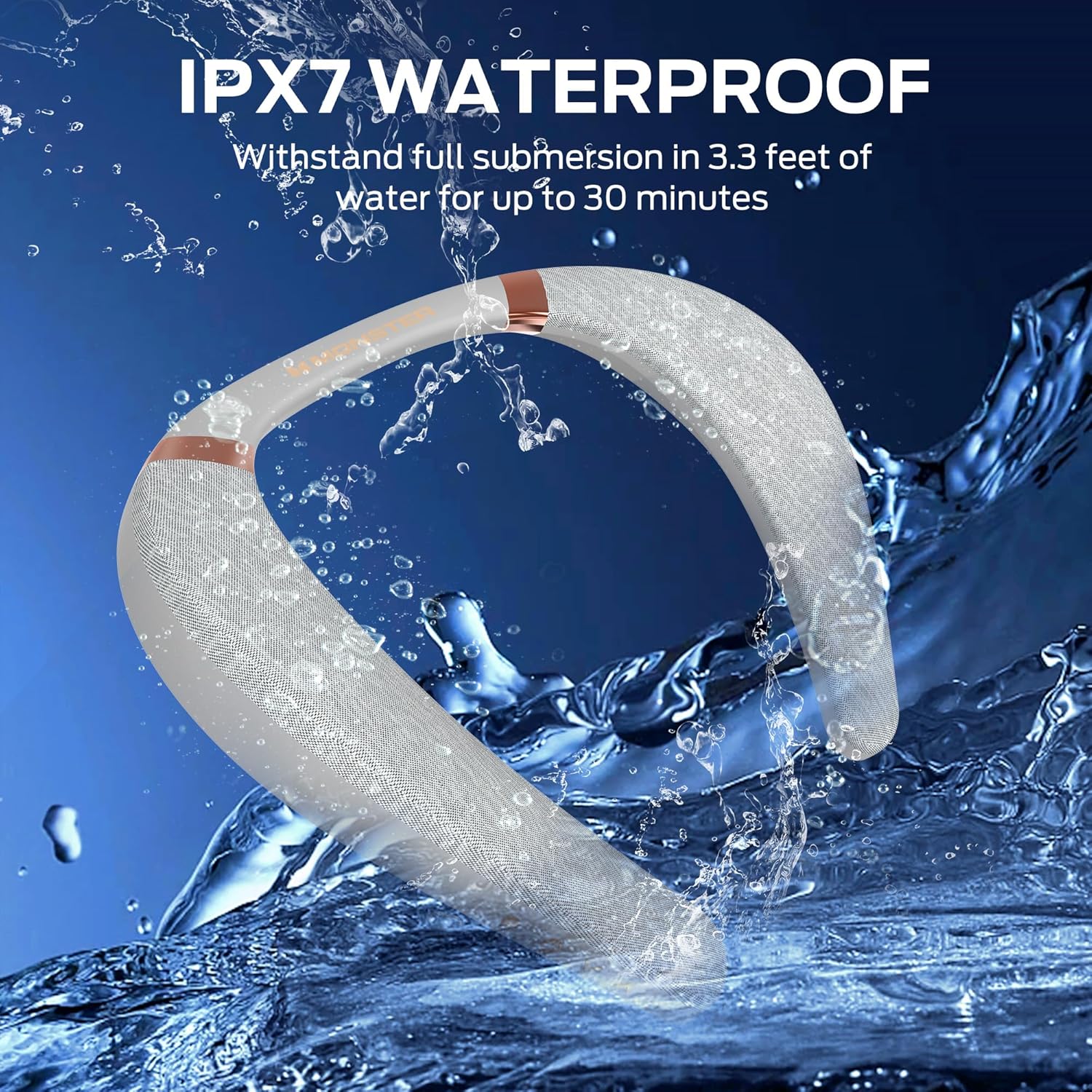
Image: A man fishing while wearing the neck speaker, illustrating the upward-facing sound delivery.

Image: Detailed view of the speaker drivers and the concept of 360-degree spatial sound.

Image: Visual explanation of the upward-facing sound technology.

Image: A cyclist wearing the neck speaker, emphasizing safety and awareness of surroundings.
Maintenance
1. Waterproof Protection (IPX7)
The Monster Boomerang speaker is IPX7 waterproof, meaning it can withstand full submersion in 3.3 feet (1 meter) of water for up to 30 minutes. This makes it suitable for use by the sea, in the pool, on a boat, or in a shower room. However, it is not designed for prolonged submersion or high-pressure water jets.
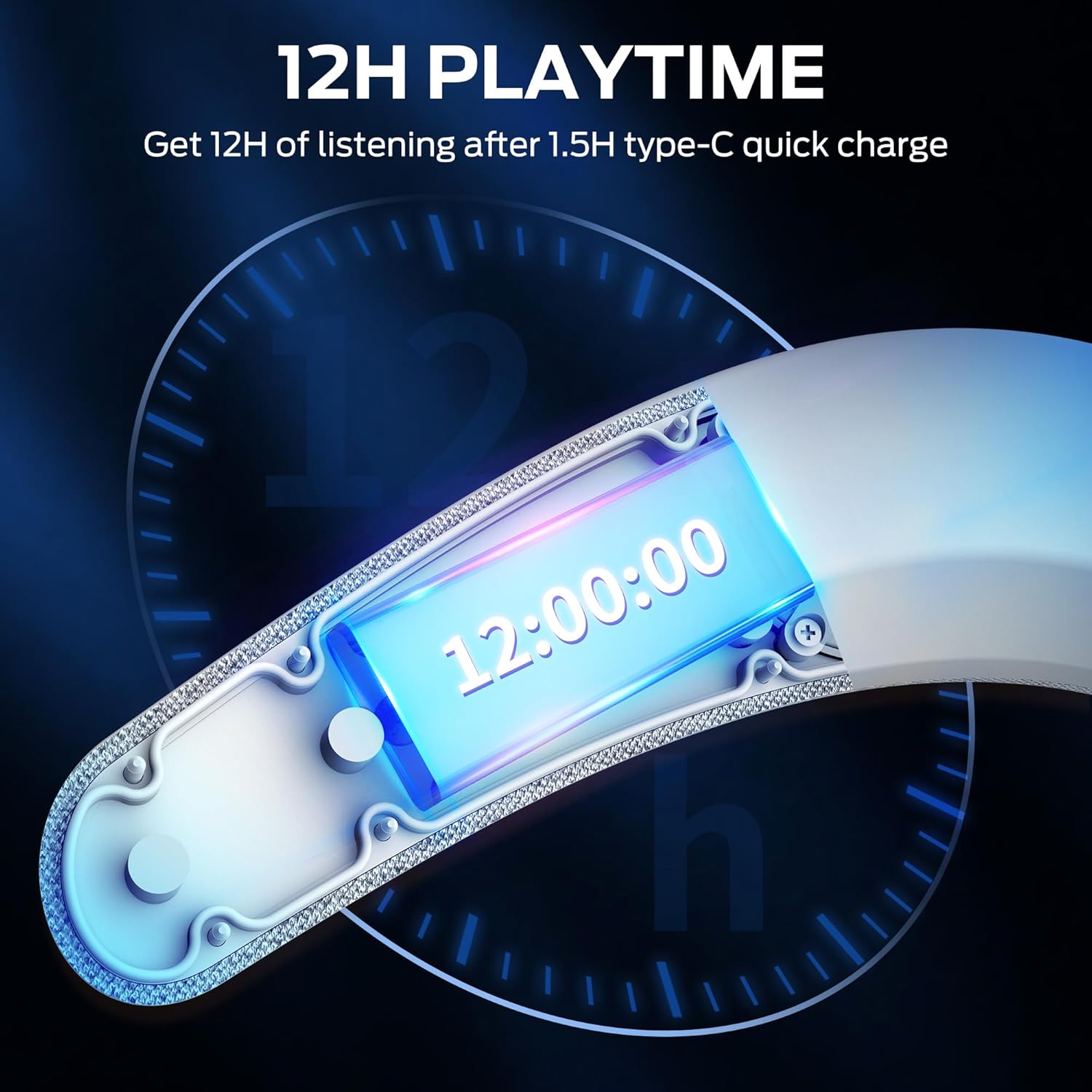
Image: The Monster Boomerang Neck Speaker partially submerged in water, illustrating its IPX7 waterproof capability.

Image: A woman exercising with the neck speaker, emphasizing its IPX7 protection against rain, sweat, and splashes.
2. Cleaning and Storage
- Clean the speaker with a soft, damp cloth. Do not use abrasive cleaners or solvents.
- Ensure the charging port cover is securely closed when not charging to maintain water resistance.
- Store the speaker in a cool, dry place away from direct sunlight and extreme temperatures.
Troubleshooting
No Power
- Ensure the speaker is fully charged.
- Press and hold the power button for a few seconds to turn it on.
No Sound
- Check if the speaker is properly paired with your device.
- Increase the volume on both the speaker and your connected device.
- Ensure the speaker is not muted.
Pairing Issues
- Make sure the speaker is in pairing mode (flashing LED).
- Disable and re-enable Bluetooth on your device.
- Move the speaker closer to your device (within 10 meters).
- Forget the device from your Bluetooth list and try pairing again.
- Ensure no other Bluetooth devices are interfering.
Specifications
| Brand | Monster |
| Model Number | Monster Boomerang |
| Model Name | MS32103 |
| Connectivity Technology | Bluetooth 5.0 |
| Speaker Maximum Output Power | 3 Watts |
| Audio Output Mode | 3D Spatial Audio |
| Battery Average Life | 12 Hours |
| Battery Charge Time | 1.5 Hours |
| Water Resistance Level | IPX7 (Waterproof) |
| Bluetooth Range | 10 Meters |
| Item Weight | 0.5 Kilograms (216g) |
| Item Dimensions (D x W x H) | 4"D x 12"W x 14"H |
| Number of Microphones | 1 |
| Control Method | Button, Touch |
Warranty and Support
Warranty Information
The Monster Boomerang Neckband Bluetooth Speaker comes with a 3-month warranty from the date of purchase. This warranty covers manufacturing defects under normal use. Please retain your proof of purchase for warranty claims.
Customer Support
For technical assistance, warranty inquiries, or any questions regarding your Monster Boomerang speaker, please refer to the contact information provided in the Quick Start Guide or visit the official Monster support website.


