
VOCOlinc AUS-01-2P-W
VOCOlinc Air Tracker Tags
User Manual
Model: AUS-01-2P-W
Product Overview
The VOCOlinc Air Tracker Tags are smart Bluetooth locators designed to help you find your valuable items. These tags work exclusively with the Apple Find My network, leveraging hundreds of millions of iOS devices worldwide to help locate your belongings, whether they are nearby or far away. Each tag is lightweight, compact, and features a replaceable battery for extended use.
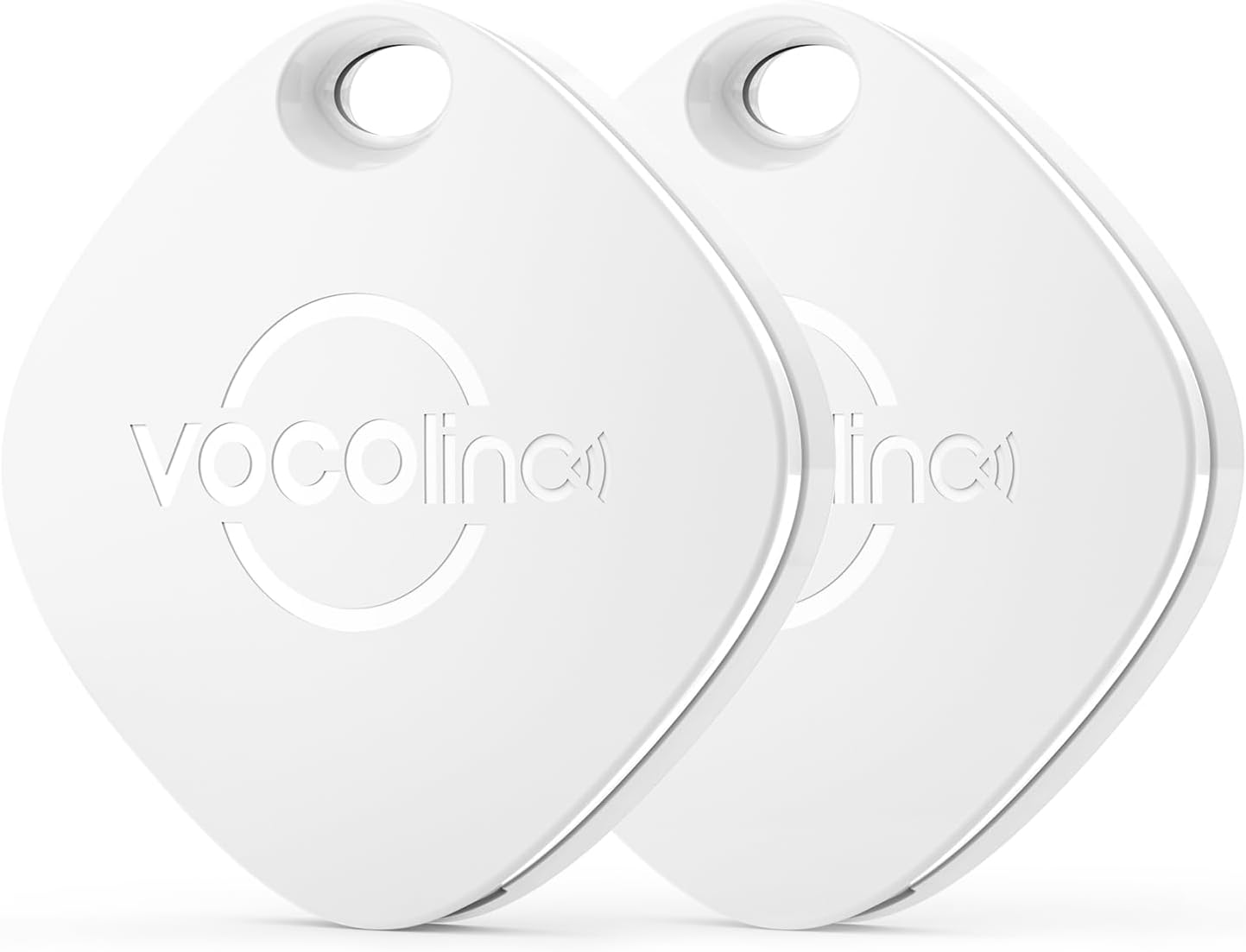
Image: Two white VOCOlinc Air Tracker Tags, showcasing their compact design.
Key Features:
- Apple Find My Network Compatibility: Utilizes the extensive Find My network for long-distance tracking of lost items.
- Bluetooth Tracking (Nearby): Locate items within a 60-meter (200ft) Bluetooth range using the Find My app or Siri.
- Loud Built-in Speaker: Emits an 80-100 dB sound to help pinpoint items when nearby.
- Left-Behind Alerts: Receive instant notifications on your iOS device if you leave your tagged item behind.
- NFC Functionality: Allows others to scan your tag with an NFC-enabled device to retrieve your contact information, aiding in the return of lost items.
- IP65 Water-Resistant: Provides protection against dust and water splashes.
- Replaceable Battery: Powered by a standard CR2032 coin cell battery, easily replaceable for extended product life.
- Compact and Lightweight: Measuring 3.6cm x 3.6cm x 0.75cm and weighing only 10g, suitable for various items.

Image: Visual representation of key features including Apple Find My compatibility, Siri support, privacy, and replaceable battery.
Setup and Pairing
The VOCOlinc Air Tracker Tag is designed for easy pairing with your iOS device. Please note that these tags are only compatible with iOS devices and do not support Android.
Pairing Instructions:
- Ensure your iOS device's Bluetooth is enabled.
- Open the Find My app on your iOS device.
- Tap on the "Items" tab at the bottom of the screen.
- Tap "Add Item" and then select "Other Supported Item".
- Bring your VOCOlinc Air Tracker Tag close to your iOS device. The app will guide you through the remaining steps to complete the pairing process.
- For subsequent pairing with other items or after a reset, tap the "+" icon in the Find My app and select "Add Other Item".

Image: Visual steps for connecting the VOCOlinc Tag to the Find My app.
Operating Your Air Tracker Tag
Finding Items Nearby:
When your VOCOlinc Air Tracker Tag is within Bluetooth range (up to 60 meters or 200 feet), you can use the Find My app to locate it. Simply open the app, select your item, and tap "Play Sound". The tag will emit a loud beep (80-100 dB) to help you find it quickly. You can also ask Siri for assistance.

Image: Illustrates finding a nearby item (keys) using the Find My app's sound feature.
Finding Items Far Away:
If your item is outside the Bluetooth range, the Apple Find My network comes into play. Hundreds of millions of iOS devices anonymously and securely relay the location of your tag to the Find My app, allowing you to see its last known location on a map. This feature helps you track items even when they are far from you.

Image: A user viewing the location of their VOCOlinc Tag on a map within the Find My app, showing directions to the item.
Left-Behind Alerts:
The Find My app can notify you if you accidentally leave your tagged item behind. If the tag disconnects from your iOS device's Bluetooth, you will receive an immediate notification, helping you prevent loss.

Image: An iPhone displaying a "Key left behind" notification, with a VOCOlinc Tag on keys on an airport tarmac, illustrating the left-behind alert feature.
NFC Function:
The VOCOlinc Air Tracker Tag includes a built-in NFC function. If someone finds your lost item, they can tap their NFC-enabled smartphone to the tag to retrieve your contact information (which you can set up in the Find My app), facilitating the return of your item.
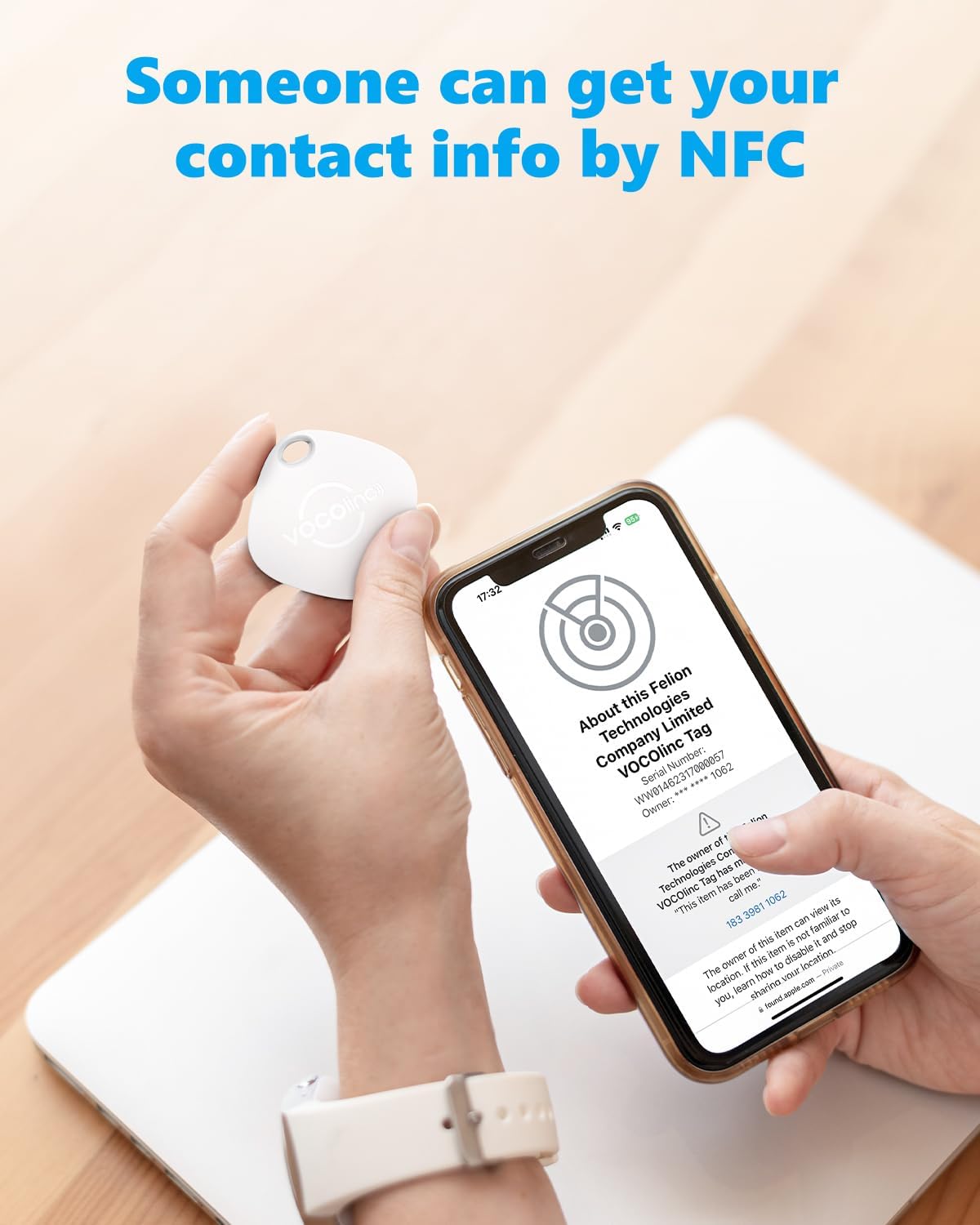
Image: A hand holding an iPhone near a VOCOlinc Tag, demonstrating how NFC can be used to retrieve contact information for a lost item.
Maintenance
Battery Replacement:
The VOCOlinc Air Tracker Tag is powered by a replaceable CR2032 coin cell battery. When the battery level is low, the Find My app will notify you. To replace the battery:
- Gently twist the back cover of the tag counter-clockwise to open it.
- Remove the old CR2032 battery.
- Insert a new CR2032 battery with the positive (+) side facing up.
- Align the back cover and twist clockwise to secure it.

Image: Diagram showing the process of replacing the CR2032 battery in the tracker tag.
Water Resistance:
The tag has an IP65 water-resistant rating, meaning it is protected from dust ingress and low-pressure water jets from any direction. While it can withstand splashes, it is not designed for submersion in water.

Image: A VOCOlinc Tag on a keychain near a sink with water, illustrating its IP65 water-resistant capability.
Troubleshooting
- Tag not connecting or frequently disconnecting:
Ensure your iOS device's Bluetooth is on and the device is within range. Check the tag's battery level in the Find My app. If issues persist, try resetting the tag by pressing and holding the button for 10 seconds, then re-pair it with your device.
- Sound not playing or too quiet:
Verify the tag's battery is not low. Ensure there are no obstructions muffling the sound. The tag's speaker is designed to be loud (80-100 dB), but environmental noise can affect perceived volume.
- Location not updating or inaccurate:
For nearby tracking, ensure you are within Bluetooth range. For far-away tracking, the accuracy depends on the Find My network. Ensure your iOS device has a stable internet connection. Location updates may take time depending on network activity.
- NFC function not working:
Ensure the scanning device has NFC enabled and is positioned correctly over the tag. The contact information must be set up and enabled within the Find My app for the tag's NFC to share details.
Specifications
| Model Number | AUS-01-2P-W |
| Dimensions (L x W x H) | 3.6 cm x 3.6 cm x 0.75 cm (1.4 in x 1.4 in x 0.29 in) |
| Weight | 10g (0.35 oz) |
| Connectivity | Bluetooth |
| Bluetooth Range | Up to 60 meters (200 feet) |
| Sound Level | 80-100 dB |
| Water Resistance | IP65 |
| Battery Type | CR2032 Coin Cell (replaceable) |
| Compatible Devices | iOS devices only (iPhone, iPad, iPod touch) |

Image: Visual summary of the tag's physical dimensions and key technical specifications.
Customer Support
VOCOlinc is committed to providing high-quality products and excellent customer service. If you have any questions regarding the use, setup, or functionality of your Air Tracker Tags, please do not hesitate to contact our support team. While specific warranty details are not provided in this manual, we encourage you to reach out for any product-related inquiries.
For assistance, please visit the official VOCOlinc website or refer to the contact information provided with your product packaging.
Related documentsAUS-01-2P-W


Ask a question about this manual
Ask about setup, troubleshooting, compatibility, parts, safety, or missing instructions. Manuals+ will review the question and use this page’s manual context to help answer it.