
1. Introduction
This manual provides comprehensive instructions for the safe and efficient installation, operation, and maintenance of your Hoenofly 52in Smart Low Profile Ceiling Fan. This fan features a quiet DC motor, 3 white wood blades, dimmable and color-changing LED lights, and multiple control options including remote, app, and voice commands via Wi-Fi, Alexa, and Google Assistant. Designed for both indoor and outdoor (covered patio) use, it offers 6 speeds and a reversible function for year-round comfort.
2. Safety Information
Please read all instructions carefully before beginning installation. Failure to do so may result in electric shock, fire, or personal injury.
- Always disconnect power at the main circuit breaker before installation or servicing.
- Ensure all electrical connections comply with local codes and ordinances.
- The fan must be mounted to a structurally sound ceiling capable of supporting the fan's weight.
- Do not install on plaster or drywall ceilings. Applicable for concrete, cement, metal, or wood ceilings only.
- Maintain a minimum clearance of 7 feet from the floor to the fan blades.
- Do not bend the blade holders during installation or cleaning.
- This fan is wet-rated for covered outdoor areas but should not be exposed directly to water.
3. Package Contents
Verify all parts are present before beginning installation:
- Fan Motor Assembly
- 3 White Wood Blades
- LED Light Kit
- Remote Control (2 AAA batteries required, not included)
- Mounting Bracket and Hardware
- Instruction Manual
4. Setup & Installation
4.1 Pre-Installation
Before starting, ensure you have the necessary tools (screwdriver, wire strippers, ladder) and that power to the installation area is turned off at the circuit breaker.

Figure 1: Installation diagram showing flat mounted vs. sloped ceiling compatibility and recommended room sizes.

Figure 2: Diagram illustrating compatible ceiling types (metal, concrete, wood) and incompatible (drywall) for mounting.
4.2 Installation Steps
Follow these steps for a successful installation:
- Mounting the Bracket: Securely attach the mounting bracket to the ceiling junction box. Ensure it is firmly fixed to a structural beam or blocking.
- Wiring Connections: Connect the fan's electrical wires to your household wiring. Match colors (e.g., black to black, white to white, green/ground to ground). Ensure all connections are secure.
- Attaching Blades and Light Kit: Carefully attach the fan blades to the motor housing. Then, connect and secure the LED light kit.
Video 1: Demonstrating the installation of the ceiling fan mounting bracket.
Video 2: Showing how to connect the electrical wires for the ceiling fan.
Video 3: Illustrating the process of attaching the fan blades and light kit.
5. Operating Instructions
5.1 Remote Control
The included remote control allows for easy adjustment of fan speed, light settings, and other functions. Insert 2 AAA batteries (not included) into the remote.
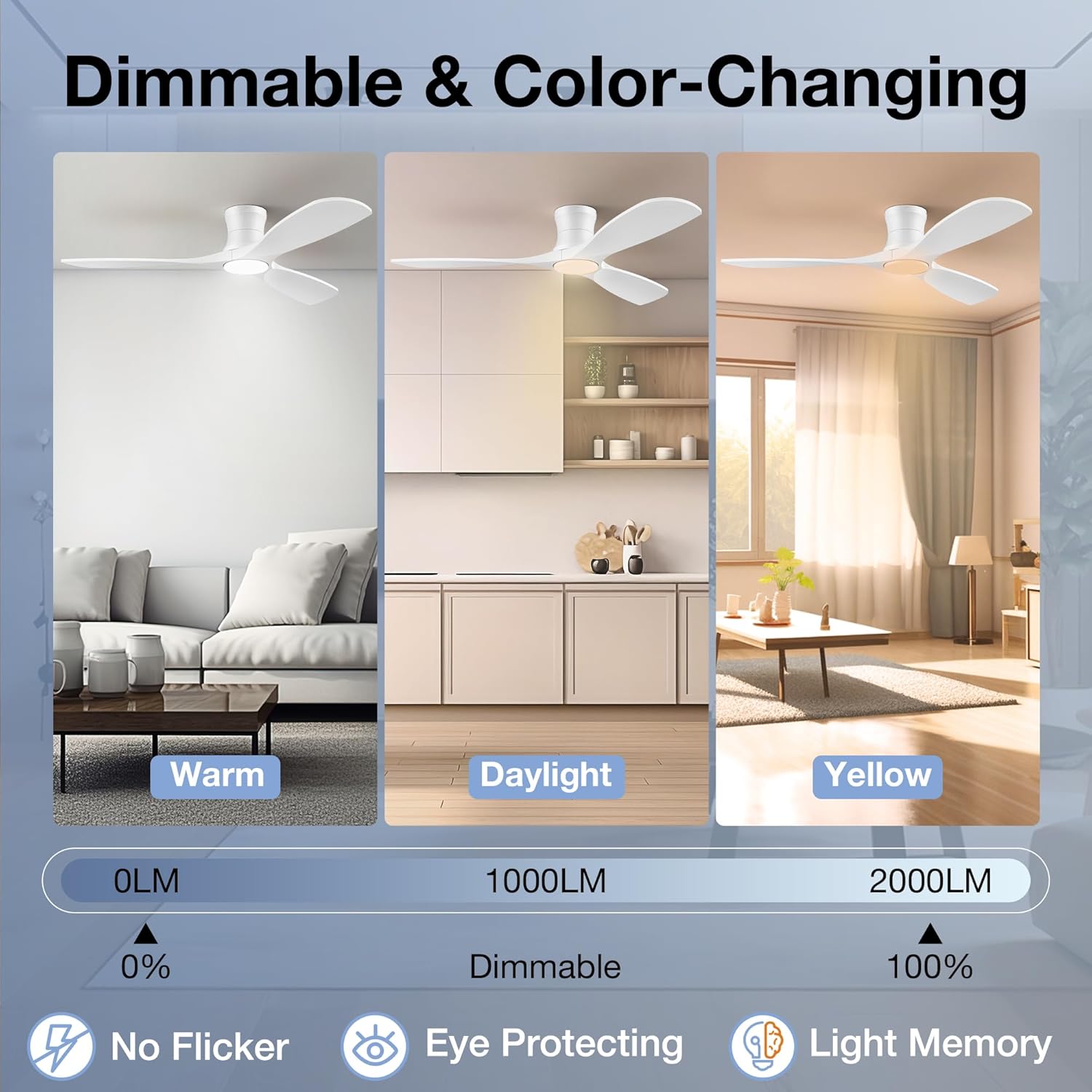
Figure 3: Remote control for the Hoenofly ceiling fan.
Video 4: Demonstrating the remote control functionality for fan speed and light settings.
5.2 Smart Control (Wi-Fi, App, Voice)
Your Hoenofly ceiling fan can be controlled via Wi-Fi using a dedicated app or voice commands through Alexa and Google Assistant. Refer to the app's instructions for pairing and setup.

Figure 4: Smart control options for the ceiling fan.
Video 5: Showcasing the smart control features of the fan, including app and voice commands.
5.3 Fan Speed and Direction
The fan features a quiet 6-speed DC motor and a reversible function. Use higher speeds for maximum airflow and lower speeds for gentle circulation. The reversible function allows for downdraft mode in summer to create a cooling effect and updraft mode in winter to circulate warm air.

Figure 5: 6-speed and reversible function.
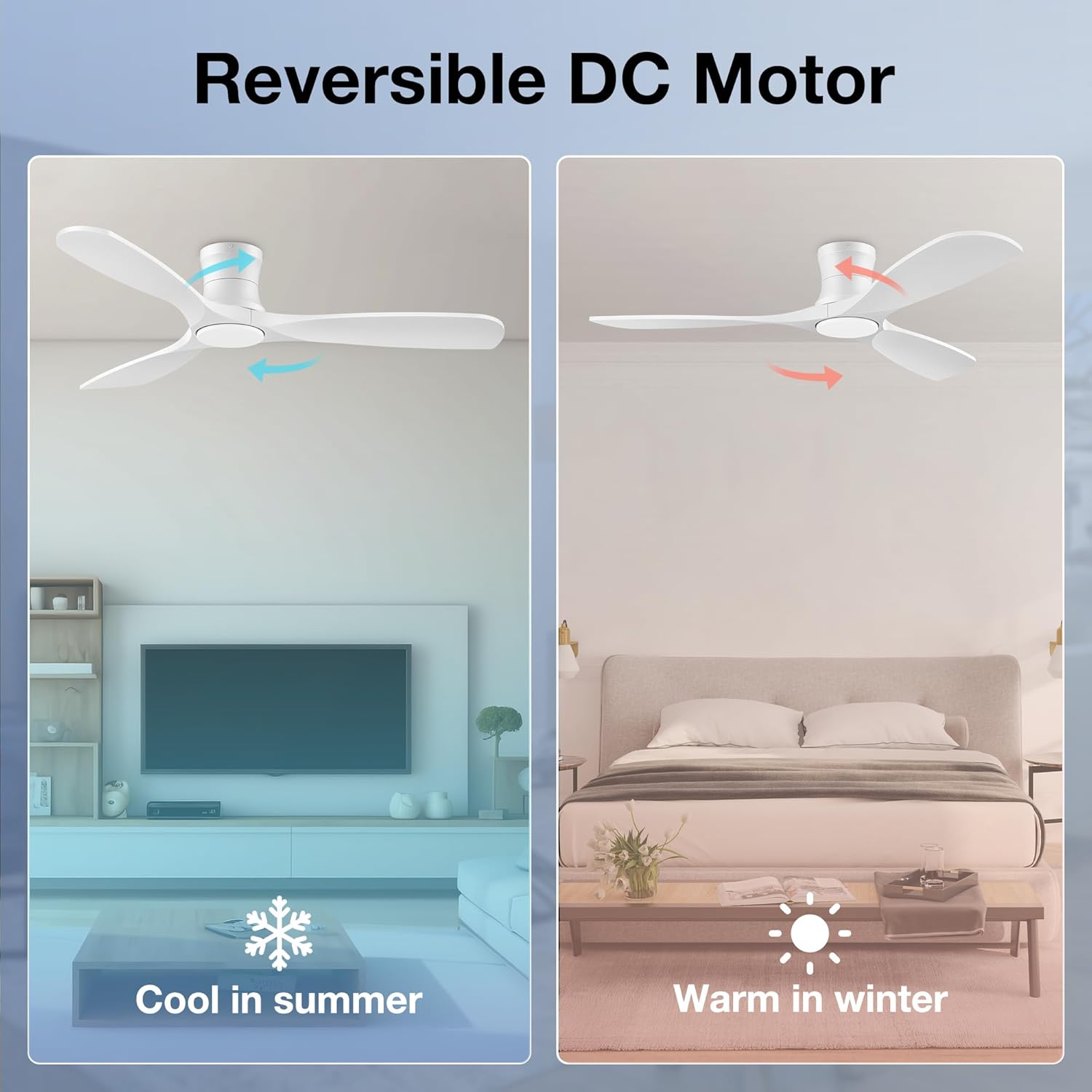
Figure 6: Reversible DC Motor for seasonal comfort.
5.4 LED Lighting
The integrated LED light is dimmable from 0-100% and offers three color temperatures: 3000K (warm yellow light), 4000K (bright daylight), and 5000K (cool white light). Adjust the brightness and color to suit your preference and create the desired ambiance.

Figure 7: Dimmable and color-changing LED lights.
6. Maintenance
Regular maintenance ensures optimal performance and longevity of your ceiling fan.
- Cleaning: Periodically clean the fan blades and motor housing with a soft, damp cloth. Do not use abrasive cleaners or solvents.
- Tightening: Check all screws and connections annually to ensure they are secure.
- Blade Balancing: If the fan wobbles, ensure all blades are securely attached and use the included balancing kit if necessary.
7. Troubleshooting
If you encounter issues with your fan, refer to the following common solutions:
- Fan does not start: Check power supply at the circuit breaker. Ensure all wiring connections are secure. Verify remote control batteries are functional.
- Light does not work: Check power supply. Ensure light kit wiring is correctly connected.
- Fan wobbles: Ensure all blade screws are tight. Check that the mounting bracket is securely fastened. Use the included balancing kit if needed.
- Remote not responding: Replace remote batteries. Ensure the fan's receiver is not obstructed.
8. Specifications
| Brand | Hoenofly |
| Model Name | 52-YJ682-WH |
| Model Number | YJ682 |
| Product Dimensions | 52"D x 52"W x 8.3"H |
| Color | White Wood |
| Material | Metal, Wood |
| Number of Blades | 3 |
| Power Source | Quiet DC Motor |
| Number of Speeds | 6 |
| Noise Level | 30 Decibels |
| Air Flow Capacity | 4124 Cubic Feet Per Minute |
| Light Type | LED (Dimmable, Color-changing) |
| Control Method | App, Remote, Voice (Alexa, Google Assistant) |
| Mounting Type | Flush Mount |
| Indoor Outdoor Usage | Indoor, Outdoor (Covered) |
9. Warranty & Support
Hoenofly offers a 1-year quality period for the entire smart ceiling fan, ensuring high quality and customer satisfaction. The DC motor has a lifetime free replacement policy, and other accessories are covered by a 3-year free replacement warranty.

Figure 8: Hoenofly Customer Service and Warranty details.
Our 24/7 customer support team is dedicated to providing excellent after-sales service. For any inquiries or assistance, please contact us.

Figure 9: After-sales service and replacement parts information.