1. Product Overview
The CLATINA Ergonomic Mesh Office Chair EDA is designed to provide comfort and support for extended periods of sitting. It features an S-shaped ergonomic backrest, adjustable lumbar support, 90-degree flip-up armrests, and a 360-degree swivel base with height adjustment and back tilt tension control.
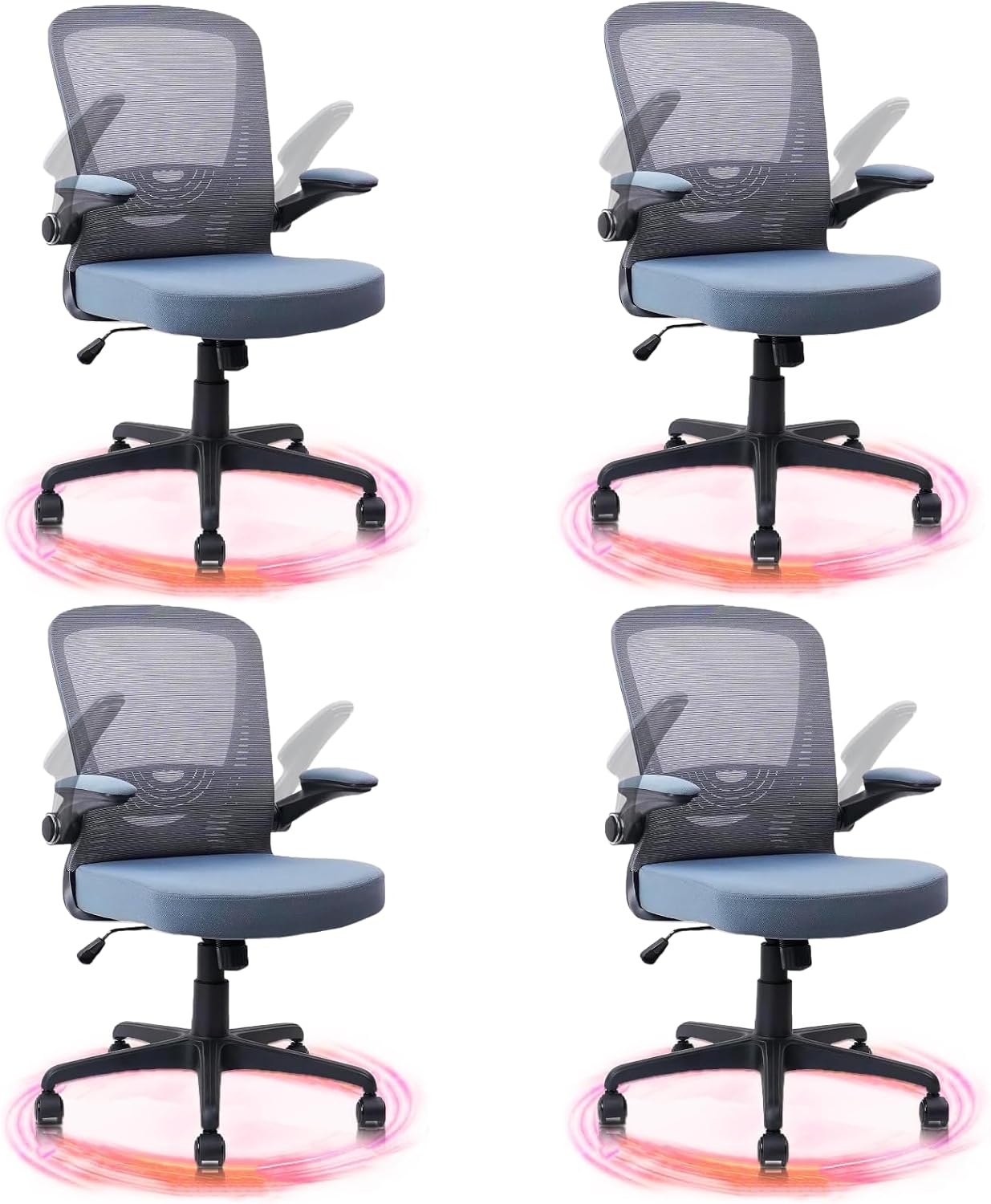
Image 1.1: Front view of the CLATINA Ergonomic Mesh Office Chair EDA.
2. Package Contents
Before assembly, ensure all components are present. Refer to the diagram below for identification.
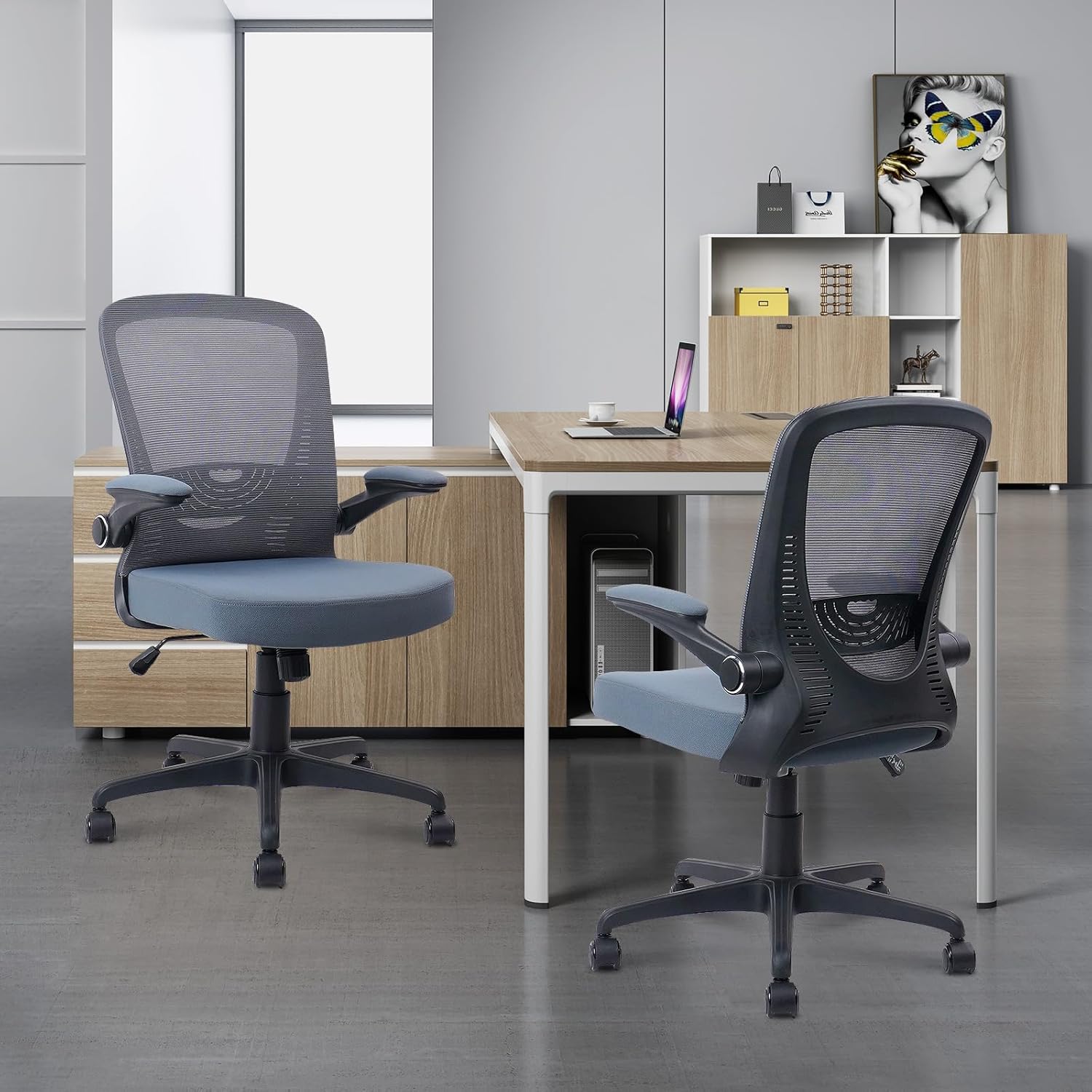
Image 2.1: Diagram showing all components included in the package for the CLATINA Ergonomic Mesh Office Chair EDA.
- Backrest (1)
- Seat Cushion (1)
- Armrests (2)
- Gas Lift (1)
- Base (1)
- Casters (5)
- Mechanism (1)
- Hardware Pack (screws, tools)
3. Setup and Assembly
Follow these steps to assemble your CLATINA Ergonomic Mesh Office Chair EDA. It is recommended to assemble on a soft, clean surface to prevent damage.
- Attach Casters to Base: Insert the five casters into the holes at the end of each leg of the chair base. Push firmly until they click into place.
- Insert Gas Lift: Place the gas lift cylinder into the center hole of the assembled base.
- Attach Mechanism to Seat: Secure the chair mechanism to the underside of the seat cushion using the provided screws. Ensure the front of the mechanism aligns with the front of the seat.
- Attach Armrests to Seat: Fasten the armrests to the sides of the seat cushion using the designated screws. Do not overtighten initially.
- Attach Backrest to Seat and Armrests: Connect the backrest to the seat and armrests using the remaining screws. Once all components are loosely attached, tighten all screws securely.
- Connect Seat Assembly to Gas Lift: Carefully place the assembled seat and backrest onto the gas lift cylinder, ensuring it is centered.
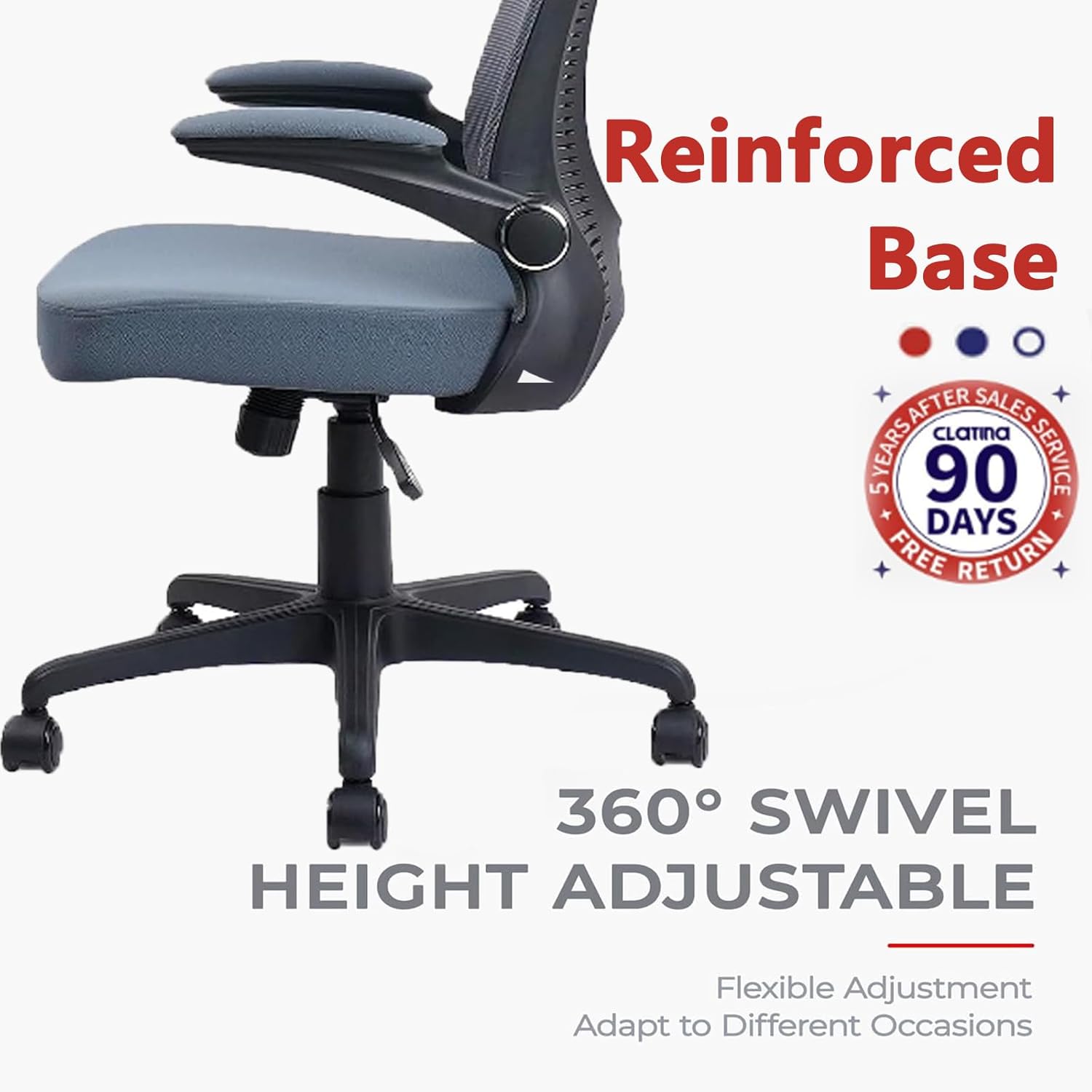
Image 3.1: Illustration of the chair's reinforced base, 360-degree swivel, and height adjustment features, relevant during assembly.
4. Operating Instructions
Your CLATINA Ergonomic Mesh Office Chair EDA offers several adjustments to customize your seating experience.
- Seat Height Adjustment: To raise the seat, lift the lever located under the right side of the seat while taking your weight off the chair. To lower the seat, lift the lever while seated. The chair can be adjusted by approximately 4.7 inches.
- Back Tilt Tension Adjustment: The knob located under the front of the seat controls the tension of the backrest tilt. Turn clockwise to increase tension (making it harder to recline) and counter-clockwise to decrease tension (making it easier to recline).
- Adjustable Lumbar Support: The lumbar support is integrated into the backrest and can be adjusted vertically by approximately 1.2 inches to provide optimal support for your lower back. Gently push or pull the lumbar support area to position it.
- Flip-Up Armrests: The armrests can be flipped up 90 degrees. This feature allows the chair to be pushed further under a desk, saving space, and provides flexibility for different tasks.
- 360-Degree Swivel: The chair's base allows for full 360-degree rotation, providing ease of movement and access to your workspace.

Image 4.1: Detail of the back tilt tension adjustment knob located beneath the seat.

Image 4.2: View of the adjustable lumbar support mechanism on the backrest.

Image 4.3: The chair demonstrating its 90-degree flip-up armrests for space-saving and versatility.
5. Maintenance
Proper maintenance ensures the longevity and performance of your office chair.
- Cleaning: Wipe clean with a damp cloth. Avoid harsh chemicals or abrasive cleaners, which can damage the mesh or fabric.
- Inspection: Periodically check all screws and fasteners to ensure they are tight. Retighten if necessary.
- Caster Care: Keep casters free of hair and debris to ensure smooth rolling.
6. Troubleshooting
If you encounter issues with your chair, refer to the following common solutions:
- Chair Sinks or Does Not Hold Height: This typically indicates an issue with the gas lift. Ensure the height adjustment lever is not stuck in the 'up' position. If the problem persists, the gas lift may need replacement.
- Chair Squeaks: Check all bolted connections and tighten any loose screws. A small amount of lubricant applied to moving parts (e.g., the mechanism under the seat) can also resolve squeaking.
- Difficulty Rolling: Remove any hair or debris from the casters. Ensure the chair is used on an appropriate surface (hard floor recommended).
- Backrest Does Not Tilt or Tilts Too Easily/Stiffly: Adjust the back tilt tension knob under the seat. Turn clockwise to increase resistance, counter-clockwise to decrease.
7. Specifications
| Feature | Detail |
|---|---|
| Brand | CLATINA |
| Model Name | EDA |
| Color | Grey |
| Product Dimensions | 18.5"D x 18.89"W x 38.6"H |
| Item Weight | 30.4 pounds |
| Seat Depth | 18.5 inches |
| Fill Material | Sponge |
| Special Feature | Ergonomic, Adjustable Lumbar Support, Flip-up Armrests, Swivel, Height Adjustable, Back Tilt Tension |
| Furniture Base Movement | Swivel |
| Recommended Uses | Office, Home Office, Conference Room |
| Indoor/Outdoor Usage | Indoor |
8. Warranty and Support
CLATINA provides a 3-Year Limited Warranty for this product, covering manufacturing defects and functional components under normal use. Additionally, a 30-Day Refund without Preconditions is offered from the date of purchase.
For warranty claims, technical support, or any questions regarding your CLATINA Ergonomic Mesh Office Chair EDA, please contact CLATINA customer service. Refer to the contact information provided with your purchase or visit the official CLATINA website for assistance.


