
1. Introduction
Thank you for choosing the Cecotec Bolero Hexa C126000 Inox Built-in Oven. This manual provides essential information for the safe and efficient use, installation, and maintenance of your new appliance. Please read these instructions thoroughly before operating the oven and keep them for future reference.
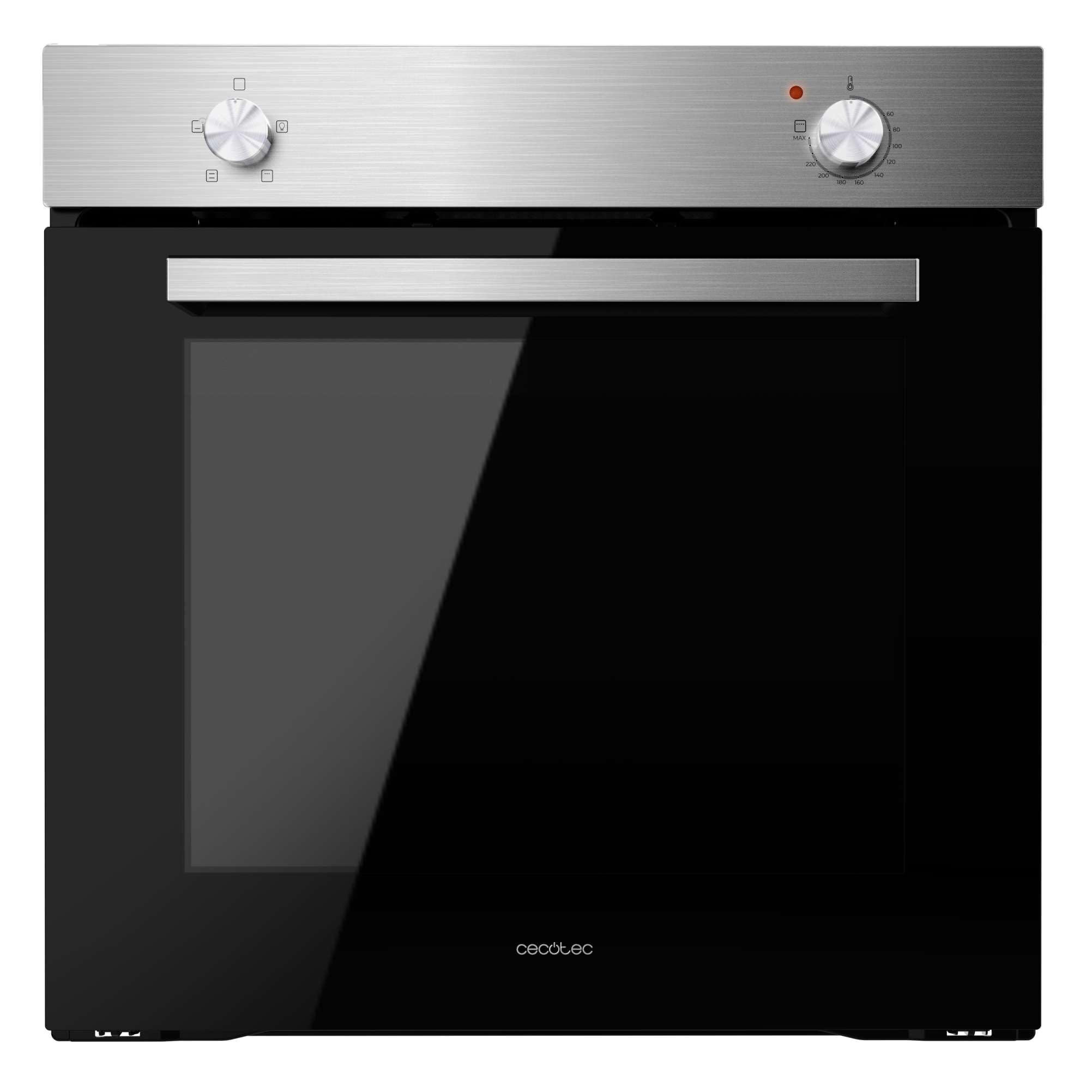
Figure 1: Front view of the Cecotec Bolero Hexa C126000 Inox Built-in Oven.
2. Safety Instructions
To prevent personal injury or damage to the appliance, always follow basic safety precautions, including the following:
- Read all instructions carefully before use.
- This appliance is intended for household use only.
- Ensure the oven is properly installed and grounded by a qualified technician before use.
- Do not touch hot surfaces. Use oven mitts or pot holders.
- Never use the oven for heating the room.
- Keep children away from the oven during operation and cooling.
- Do not store flammable materials in or near the oven.
- Always disconnect the power supply before cleaning or maintenance.
- Do not use abrasive cleaners or sharp metal scrapers to clean the oven door glass, as they can scratch the surface, which may result in shattering.
3. Product Overview and Features
The Cecotec Bolero Hexa C126000 Inox Built-in Oven is designed for efficient and versatile cooking. Key features include:
- Large Capacity: 77 liters, suitable for cooking for the entire family with 5 grill positions.
- Energy Efficiency: Class A rating for reduced energy consumption.
- Steam EasyClean: A steam-assisted cleaning function that helps loosen dirt and grease for easier manual cleaning.
- Steam Assist: Incorporates steam during cooking to ensure dishes are crispy on the outside and juicy on the inside.
- Cooling Fan: An air ventilation system for rapid cooling of the oven, minimizing condensation and excess temperature between the oven and the hob.
- Triple-Glazed Door: Features three layers of glass to keep the exterior cool to the touch and prevent heat loss, enhancing efficiency.
- 4 Cooking Functions: Offers natural convection, forced convection, Steam Assist, and Steam EasyClean, along with an interior light.
- Double Steam Zone (Steam Base X2): A dual steam zone with an XXL capacity of up to 1 liter (500 ml + 500 ml) for optimal use of Steam EasyClean and Steam Assist functions.
- High Power: 2800 W for quick and effective cooking results.

Figure 2: The oven's spacious 77-liter interior.

Figure 3: Energy Class A rating for efficient operation.

Figure 4: Control panel illustrating the 4 cooking functions.
4. Setup and Installation
Proper installation is crucial for the safe and optimal performance of your oven. It is highly recommended that installation be performed by a qualified professional.
4.1. Electrical Connection
- Ensure the electrical supply matches the voltage and frequency specified on the oven's rating plate.
- The oven must be properly grounded.
- Do not use extension cords or adapters.
4.2. Built-in Dimensions
Refer to the diagrams below for the correct dimensions for built-in installation. Ensure adequate ventilation around the appliance.

Figure 5: Dimensions for standard built-in installation (52P x 59.2W x 59.6H cm).

Figure 6: Dimensions for tall cabinet built-in installation.
5. Operating Instructions
Familiarize yourself with the control knobs and functions before first use.
5.1. First Use
- Remove all packaging materials and accessories from the oven cavity.
- Clean the oven interior with a damp cloth and mild detergent.
- Heat the empty oven at maximum temperature for approximately 30 minutes to burn off any manufacturing residues. Ensure good ventilation during this process.
5.2. Setting the Cooking Function and Temperature
Your oven features two main control knobs: one for selecting the cooking function and another for setting the temperature.
- Function Knob: Rotate this knob to select one of the 4 available cooking functions (Natural Convection, Forced Convection, Steam Assist, Steam EasyClean) or to activate the interior light.
- Temperature Knob: Rotate this knob to set the desired cooking temperature.
5.3. Using Steam Assist
The Steam Assist function adds moisture to your cooking for enhanced results.
- Pour water into the designated Steam Base X2 reservoir at the bottom of the oven cavity. The total capacity is 1 liter (500 ml + 500 ml).
- Place your food inside the oven.
- Select the Steam Assist function using the function knob.
- Set the desired temperature and cooking time.

Figure 7: Example of food prepared using Steam Assist for optimal texture.

Figure 8: The Double Steam Zone (Steam Base X2) for steam functions.
6. Maintenance and Cleaning
Regular cleaning and maintenance will prolong the life of your oven and ensure hygienic operation.
6.1. Steam EasyClean Function
This function uses steam to soften food residues, making manual cleaning easier.
- Ensure the oven is cool.
- Pour approximately 500 ml of water into the Steam Base X2 reservoir.
- Select the Steam EasyClean function using the function knob.
- Allow the cycle to complete (refer to specific timing in the full manual).
- Once the cycle is finished and the oven has cooled, wipe the interior with a soft cloth to remove softened residues.

Figure 9: Steam EasyClean function in action, loosening grime.
6.2. General Cleaning
- Always ensure the oven is switched off and cool before cleaning.
- Clean the exterior surfaces with a soft, damp cloth and mild detergent. Do not use abrasive cleaners.
- The oven door features triple glazing. Consult the full manual for instructions on how to safely remove and clean the inner glass panels if necessary.

Figure 10: The triple-glazed door design for safety and efficiency.
7. Troubleshooting
Before contacting customer support, please refer to the following common issues and their solutions:
| Problem | Possible Cause | Solution |
|---|---|---|
| Oven does not heat up | No power supply; incorrect settings | Check power connection and circuit breaker; ensure function and temperature knobs are correctly set. |
| Uneven cooking | Incorrect rack position; overloaded oven | Use recommended rack positions; avoid overcrowding the oven. |
| Excessive smoke during cooking | Food spillage; excessive fat | Clean oven thoroughly; trim excess fat from food. |
| Oven light not working | Bulb failure | Replace the oven bulb (refer to full manual for instructions). |
If the problem persists after attempting these solutions, please contact Cecotec customer support.
8. Specifications
Technical details for the Cecotec Bolero Hexa C126000 Inox Built-in Oven:
| Feature | Detail |
|---|---|
| Brand | Cecotec |
| Model Number | 02270 |
| Color | Inox (Stainless Steel) |
| Product Dimensions (L x W x H) | 64 x 58 x 65.5 cm |
| Installation Dimensions (D x W x H) | 52P x 59.2W x 59.6H cm |
| Item Weight | 25.85 Kilograms |
| Capacity | 77 Liters |
| Power | 2800 Watts |
| Voltage | 240V |
| Material | Stainless Steel |
| Energy Class | A |
| Features | Steam EasyClean, Steam Assist, Cooling Fan, Triple Glass |
| Heating Method | Radiant |
| Fuel Type | Electric |
| Installation Type | Integrated |
| Spare Parts Availability | 10 Years |
9. Warranty and Support
Your Cecotec Bolero Hexa C126000 Inox Built-in Oven comes with a manufacturer's warranty. Please refer to the warranty card included with your purchase for specific terms and conditions.
9.1. Customer Support
For technical assistance, spare parts, or any questions regarding your appliance, please contact Cecotec customer support. Contact details can typically be found on the official Cecotec website or in your warranty documentation.
Online Support: Visit the official Cecotec website for FAQs, product registration, and service requests.
Spare Parts: Spare parts are available for a period of 10 years from the date of purchase.


