
1. Introduction
This manual provides essential instructions for the safe and proper use, setup, and maintenance of your WOLWES XRRJFYH 59-inch Wood TV Stand. Please read this manual thoroughly before use and retain it for future reference.
The WOLWES XRRJFYH TV Stand is designed as a media console for televisions up to 75 inches, featuring a solid wood construction and convenient sliding doors for storage.

Figure 1.1: WOLWES XRRJFYH 59-inch Wood TV Stand. This image displays the TV stand in a natural wood finish, positioned in a living room environment, showcasing its design and functionality.
2. Important Safety Information
WARNING: Failure to follow these safety instructions could result in injury or damage to the product.
- Always assemble the furniture according to the instructions provided.
- This product is designed to hold TVs up to 75 inches. Ensure the television is securely placed and does not exceed the weight capacity of the stand.
- To prevent tip-over, keep the area around the furniture clear and avoid placing heavy objects on the edges.
- Do not allow children to climb on or play with the TV stand.
- Avoid exposing the stand to excessive moisture or direct sunlight.
3. Package Contents
Upon receiving your WOLWES XRRJFYH TV Stand, please verify that all components are present and undamaged.
- Pre-assembled TV Stand Body (1)
- Legs (4)

Figure 3.1: Pre-assembled TV stand body and separate legs. The main body of the TV stand is shown fully assembled, with an inset image detailing the four wooden legs that require attachment.
4. Setup Instructions
The WOLWES XRRJFYH TV Stand is designed for minimal assembly. Only the legs require attachment.
- Unpack: Carefully remove the TV stand body and the four legs from the packaging. Place the main body on a soft, clean surface to prevent scratches, preferably upside down to access the leg attachment points.
- Attach Legs: Locate the pre-drilled holes on the underside of the TV stand. Align each leg with a set of holes and secure them using the provided screws. Ensure all screws are tightened firmly but do not overtighten.
- Position Stand: With the legs securely attached, carefully turn the TV stand upright and place it in your desired location. Ensure the stand is level and stable before placing any items on it.
5. Operating the Sliding Doors
The TV stand features two sliding doors for convenient access to storage compartments.

Figure 5.1: Sliding door mechanism. This image shows a close-up of the solid wood slide rail and an arrow indicating the horizontal movement of the sliding door.
- Opening/Closing: Gently grasp the handle on the door and slide it horizontally along the track. The solid wood drawer slides are designed for smooth operation.
- Storage: Utilize the compartments behind the sliding doors for organizing media devices, accessories, or other items.
6. Care and Maintenance
Proper care will ensure the longevity and appearance of your WOLWES TV Stand.
- Cleaning: Wipe the surface with a dry, soft cloth. Avoid using abrasive cleaners, harsh chemicals, or wet cloths, as these can damage the wood finish.
- Spills: In case of spills, wipe immediately with a dry cloth. The surface is treated with a water-based varnish for resistance to moisture.
- Protection: Avoid placing hot items directly on the surface. Use coasters or protective pads when necessary.
- Environmental Conditions: Keep the stand away from direct heat sources and prolonged direct sunlight to prevent warping or fading.
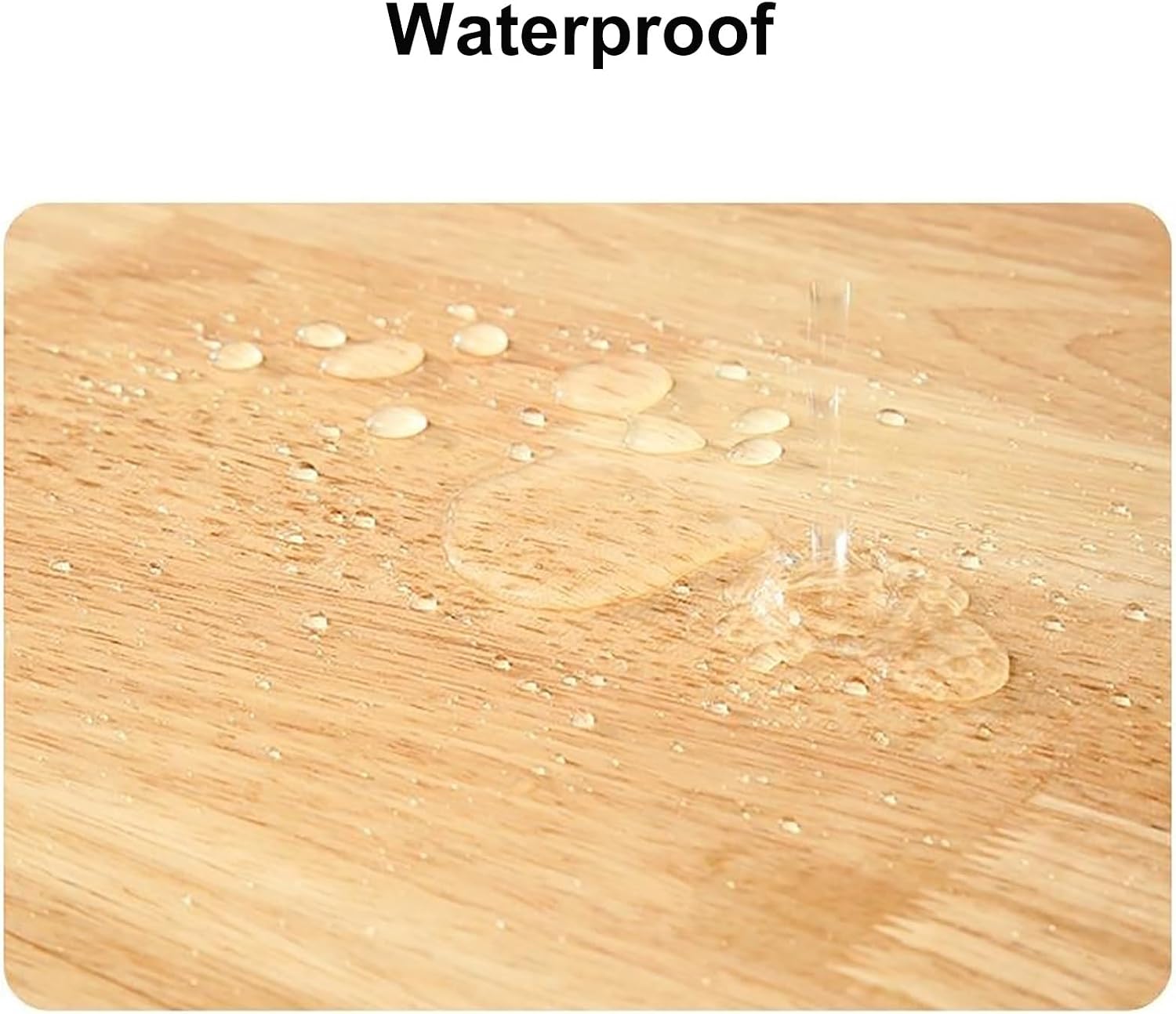
Figure 6.1: Waterproof surface. This image displays water droplets beading on the wood surface, indicating its water-resistant finish.
7. Troubleshooting
This section addresses common issues you might encounter.
| Problem | Possible Cause | Solution |
|---|---|---|
| Stand is wobbly after assembly. | Legs not tightened sufficiently or uneven floor. | Check and tighten all leg screws. Move the stand to a level surface or use shims under the legs if necessary. |
| Sliding doors feel stiff. | Dust or debris in the track. | Clean the sliding tracks with a dry cloth to remove any obstructions. Avoid using lubricants. |
| Surface appears dull or scratched. | Improper cleaning or impact. | Ensure only dry, soft cloths are used for cleaning. For minor scratches, consult a professional for wood furniture repair. |
8. Product Specifications
| Feature | Detail |
|---|---|
| Brand | WOLWES |
| Model Number | XRRJFYH |
| Material | Solid Rubber Wood |
| Finish | 5 layers of environmentally friendly water-based varnish |
| Color | Wood Color |
| Dimensions (L x W x H) | 59 inches x 11.8 inches x 15.7 inches (150cm x 30cm x 40cm) |
| Weight | Approximately 35.3 pounds (16 kg) |
| TV Size Compatibility | Up to 75 inches |
| Assembly Required | Minimal (legs only) |

Figure 8.1: Product Dimensions. This diagram illustrates the length (59 inches), width (11.8 inches), and height (15.7 inches) of the TV stand.

Figure 8.2: Material and Finish. This image shows a detailed cross-section of the wood, emphasizing the solid wood core and the protective layers of environmentally friendly varnish.
9. Warranty and Support
For warranty information or technical support, please refer to the retailer's policy where the product was purchased or contact WOLWES customer service through their official channels. Keep your purchase receipt as proof of purchase.
For further assistance, please visit the WOLWES Brand Store on Amazon.