
Introduction
Thank you for choosing the TRIUMPHKEY Height-Adjustable Desk. This manual provides essential information for the safe and efficient assembly, operation, and maintenance of your new desk. Please read this manual thoroughly before use and retain it for future reference.
Safety Information
To ensure safe operation and prevent damage, please observe the following safety guidelines:
- Always ensure that there are no obstacles in the desk's path during height adjustment.
- Do not exceed the maximum load capacity of 70 kg (154 lbs).
- Keep children and pets away from the desk during operation.
- Do not sit or stand on the desk.
- Disconnect power before cleaning or maintenance.
- The anti-collision system is designed to prevent damage; however, always be aware of your surroundings.
- Refer to the operating instructions for proper use of the control panel and memory functions.
Warning: Please refer to the operating manual for important safety instructions regarding the use of the electric height-adjustable desk. Pay attention to the maximum load capacity and ensure that there are no obstacles in the movement area.
Product Overview
The TRIUMPHKEY Height-Adjustable Desk is designed for ergonomic comfort and efficiency, allowing seamless transitions between sitting and standing positions. It features a robust construction, intelligent control panel, and convenient USB charging.

Image: The TRIUMPHKEY Height-Adjustable Desk in black, showcasing its spacious desktop, dual monitor setup, and integrated control panel.
- 3 Adjustable Memory Functions: Easily save and recall your preferred sitting and standing heights.
- Wireless USB Charger: Conveniently charge your mobile devices directly from the desk.
- Certified Quality: Durable, heat-resistant, and easy-to-clean desktop with a powerful, quiet motor (<50 dB).
- Safety and Anti-Collision System: Prevents damage by stopping movement upon encountering obstacles.
- Cable Management: Integrated solutions to keep your workspace tidy.
- Robust Design: Features thick table legs (80x50mm) for enhanced stability and a 70 kg load capacity.
What's in the Box
Upon unpacking, please verify that all components are present:
- Height-Adjustable Desk Frame
- Desktop (4-piece design)
- Control Panel with USB Port
- Power Adapter and Cable
- Cable Management Tray
- Headphone Hook
- Assembly Hardware and Tools
- User Manual

Image: An exploded view illustrating the main components of the TRIUMPHKEY desk, including the frame, multi-piece desktop, and various accessories.
Setup and Assembly
Assembly of your TRIUMPHKEY desk typically involves attaching the desktop sections to the frame and connecting the control unit. Follow the detailed instructions provided in the separate assembly guide included with your product. Ensure all connections are secure before powering on the desk.

Image: A diagram detailing the product dimensions (200x80x72-116cm) and highlighting the four-piece construction of the desktop.
Pre-Assembly Checklist:
- Clear a spacious area for assembly.
- Ensure all parts listed in the 'What's in the Box' section are present.
- Have a Phillips head screwdriver and Allen wrenches (usually included) ready.
Operating Instructions
Control Panel Functions:
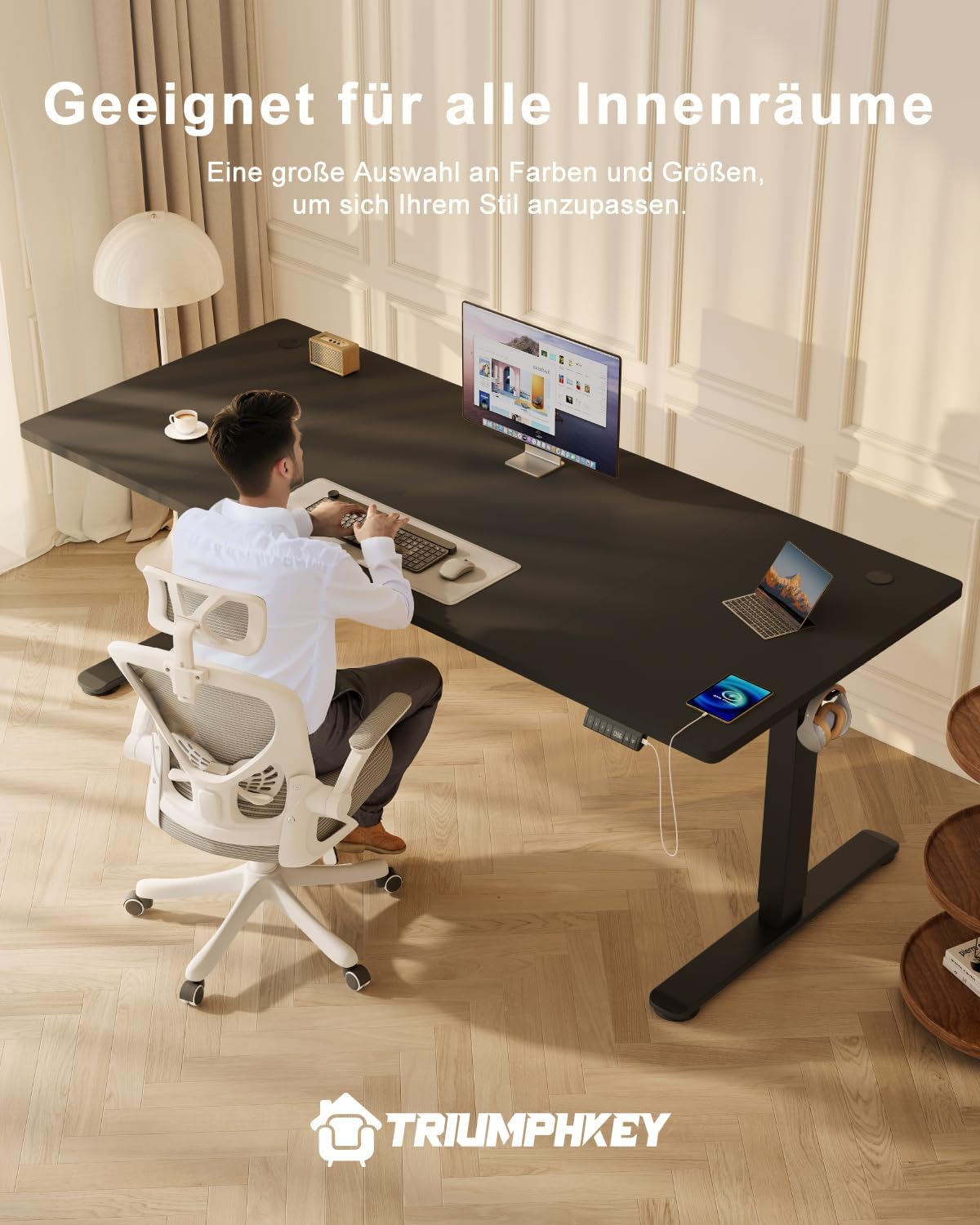
Image: A detailed view of the intelligent control panel, showing the digital height display, memory preset buttons (1, 2, 3), up/down arrows, and an integrated USB-A fast charging port.
- Up/Down Arrows (▲ / ▼): Press and hold to adjust the desk height continuously. Release to stop.
- Memory Presets (1, 2, 3): To save a height, adjust the desk to your desired position, then press and hold a memory button (1, 2, or 3) until the display flashes or beeps. To recall a saved height, simply press the corresponding memory button.
- USB Charging Port: Located on the control panel, this port provides power for charging mobile phones and other electronic devices.
- Sedentary Reminder: The desk features a reminder function for prolonged sitting. Consult the full assembly guide for instructions on how to activate and customize this feature.
Height Adjustment Range:
The desk can be adjusted electrically between 72 cm (28.3 inches) and 116 cm (45.7 inches).

Image: A user standing comfortably at the TRIUMPHKEY desk, illustrating the ergonomic benefits of its height-adjustable feature for a standing workstation.

Image: The desk shown at its minimum (72cm) and maximum (118cm) height settings, demonstrating the full range of vertical adjustment.
Maintenance
Regular maintenance ensures the longevity and optimal performance of your desk:
- Cleaning: Wipe the desktop and frame with a soft, damp cloth. Avoid abrasive cleaners or harsh chemicals.
- Cable Management: Periodically check and organize cables in the cable management tray to prevent tangles and damage.
- Motor and Frame: Ensure no dust or debris accumulates around the motor or lifting columns. Do not lubricate the lifting columns.
- Fasteners: Occasionally check all screws and bolts to ensure they are tight. Retighten if necessary.
Image: A close-up view of the desk's integrated cable management system, designed to keep wires organized and out of sight for a clean workspace.
Troubleshooting
If you encounter issues with your TRIUMPHKEY desk, refer to the table below for common problems and solutions:
| Problem | Possible Cause | Solution |
|---|---|---|
| Desk does not move. | Power cable disconnected; Overload; Motor error. | Check power connection; Reduce load (max 70kg); Unplug for 30 seconds and plug back in. |
| Desk moves unevenly or makes unusual noise. | Uneven load; Loose connections; Obstruction. | Distribute weight evenly; Check all assembly connections; Remove any obstructions. |
| Anti-collision system frequently activates. | Obstruction in path; Sensitivity setting. | Ensure clear path; Refer to assembly guide for sensitivity adjustment. |
| Memory function not working. | Incorrect saving procedure. | Ensure you press and hold the memory button until the display flashes to save the height. |
If the problem persists after attempting these solutions, please contact TRIUMPHKEY customer support.
Specifications
| Feature | Detail |
|---|---|
| Brand | TRIUMPHKEY |
| Model Number | 0287 |
| Color | Black+black |
| Product Dimensions | 200 x 80 x 72-116 cm (Length x Width x Height) |
| Item Weight | 16.5 Kilograms |
| Material | Alloy Steel (Base Material) |
| Surface Type | Laminated |
| Height Adjustment Range | 72 cm to 116 cm |
| Load Capacity | 70 kg |
| Motor Noise Level | <50 dB |
| Special Features | Electric, Ergonomic, Integrated USB Port, Adjustable Height, Anti-Collision System, 3 Memory Presets, Sedentary Reminder |
| Room Type | Office, Bedroom, Business, Living Room |
| Recommended Applications | Working, Writing, Sketching, Gaming |
Warranty and Support
TRIUMPHKEY products are manufactured to high-quality standards. For specific warranty details, please refer to the warranty card included with your product or visit the official TRIUMPHKEY website. If you require technical assistance, have questions about assembly, or need to report a defect, please contact TRIUMPHKEY customer support through the vendor's contact information on your purchase platform or the official brand website.
Online Support: For additional resources, FAQs, and contact information, please visit the TRIUMPHKEY Store on Amazon.


