
Venustas Venustas-6000
Venustas Ultra-Compact 7.4V Heated Apparel Battery Pack (Model Venustas-6000) Instruction Manual
Model: Venustas-6000 | Brand: Venustas
1. Product Overview
The Venustas Ultra-Compact Battery Pack is designed to provide portable power for 7.4V heated apparel, including vests, jackets, and hoodies. Its compact and lightweight design ensures maximum portability and comfort. This battery pack also functions as a versatile power bank for charging other USB-compatible devices.

Figure 1: Venustas Ultra-Compact Battery Pack (Model Venustas-6000)
2. Safety Information
This Venustas battery is certified by CE/FCC, ensuring premium quality and utmost safety. Please adhere to the following safety guidelines:
- Do not disassemble, open, or shred the battery pack.
- Do not expose the battery pack to heat or fire. Avoid storage in direct sunlight.
- Do not short-circuit the battery pack.
- Do not expose the battery pack to mechanical shock.
- In case of a leak, do not allow the liquid to come into contact with skin or eyes. If contact occurs, wash the affected area with copious amounts of water and seek medical advice.
- Keep the battery pack out of reach of children.
- This battery is not compatible with Venustas 12V heated apparel. Using it with incompatible devices may cause damage or malfunction.
3. Package Contents
Upon opening the package, you should find the following items:
- 1 x Venustas Ultra-Compact Rechargeable Battery Pack (Model Venustas-6000)
- 1 x Charging Cord (USB-A to USB-C)
- (Note: A 20W charger is not included and must be purchased separately for optimal charging speed.)
4. Specifications
| Feature | Detail |
|---|---|
| Model Number | Venustas-6000 |
| Product Dimensions | 3.15 x 2.6 x 1.02 inches |
| Item Weight | 6.6 ounces |
| Battery Type | Lithium Polymer |
| Battery Capacity | 10000mAh@3.6V = 5000mAh@7.2V (37Wh) |
| USB-A Output | 5V/2.1A |
| DC Output | 7.4V/2.4A |
| Type-C Input | 5V/2.0A |
| Special Features | LED Indicator Lights |
| Color | Black |
| Manufacturer | Shenzhen Ruiche Technology Innovation Co.,Ltd. |
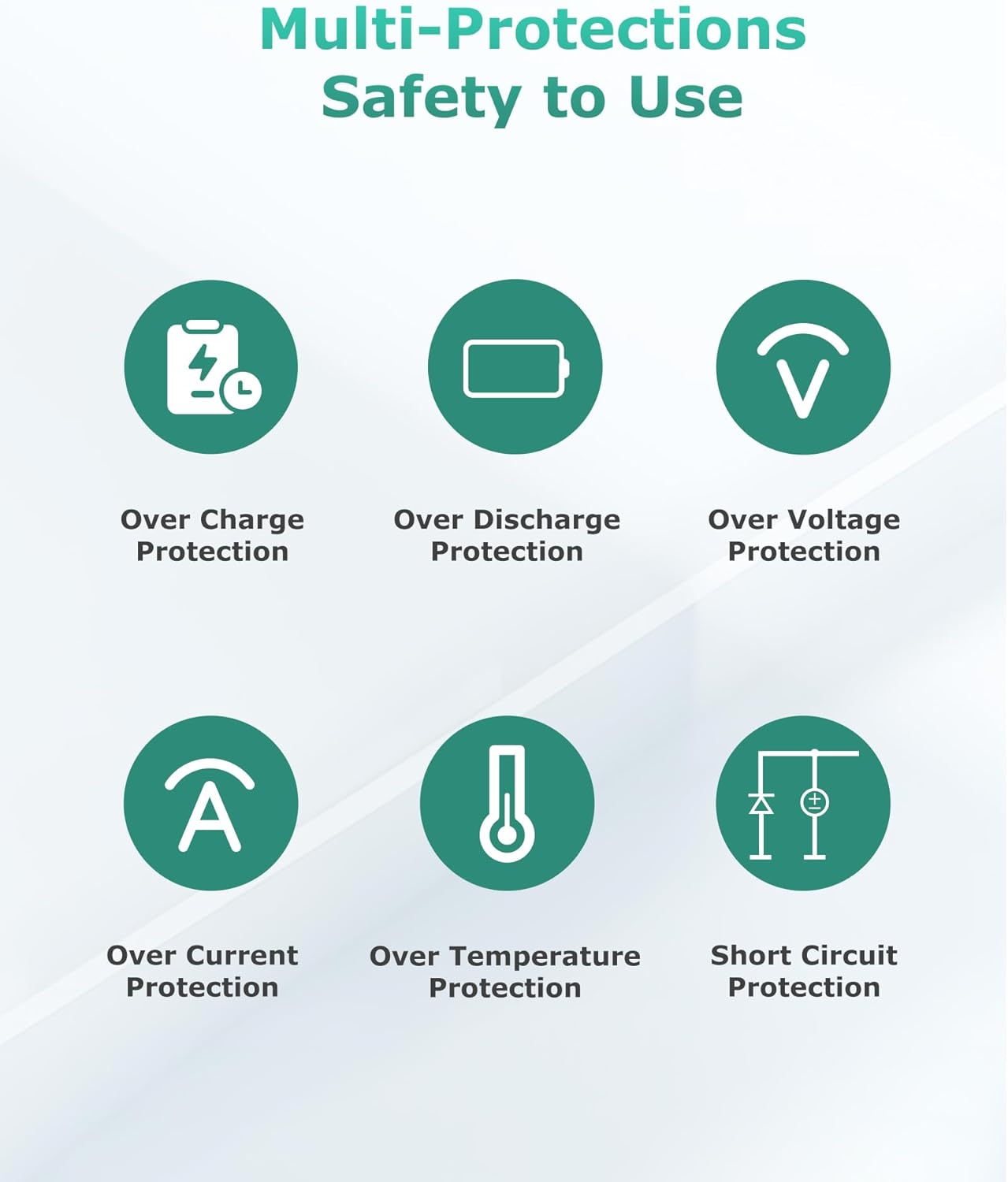
Figure 2: Detailed view of the battery pack's ports and specifications.
5. Setup
5.1 Charging the Battery Pack
Before initial use, fully charge your Venustas battery pack.
- Connect the provided USB-A to USB-C charging cord to the Type-C input port on the battery pack.
- Plug the USB-A end of the cable into a 20W (9V/2.2A) or higher power adapter (not included).
- The LED indicator lights on the battery pack will show the charging progress. A full charge typically takes approximately 2.5 hours with a 20W charger.

Figure 3: Connecting the charging cable to the battery pack.
Video 1: A user demonstrates the charging process of the Venustas battery pack, showing the integrated USB-C cable and the battery level display.
5.2 Connecting to Heated Apparel
To power your Venustas 7.4V heated apparel:
- Locate the DC power cable inside the pocket of your heated apparel.
- Connect the DC male connector from your apparel to the DC output port (7.4V/2.4A) on the battery pack.
- Place the battery pack securely into the apparel's battery pocket.
- Press the power button on the battery pack to activate it, then use the apparel's control button to turn on the heating elements.
Video 2: A demonstration of connecting the Venustas battery pack to heated apparel and activating the heating function.
6. Operating Instructions
6.1 Powering Heated Apparel
Once connected, the battery pack will supply power to your 7.4V heated apparel. The battery life varies depending on the heat setting:
- High Heat: Up to 3 hours
- Medium Heat: Up to 6 hours
- Low Heat: Up to 10 hours
To check the remaining battery percentage, press the small button on the side of the battery pack. The LED display will show the current charge level.
6.2 Using as a Portable Power Bank
The Venustas battery pack can also charge other devices:
- USB-A Port: Connect your device's USB-A charging cable to the USB-A output port (5V/2.1A) on the battery pack.
- Type-C Port: The Type-C port can also function as an output. Connect your device's USB-C charging cable to the Type-C port.
Press the power button to initiate charging for your external devices. The LED display will indicate the battery level.

Figure 4: The Venustas battery pack can charge smartphones and other USB-compatible devices.
7. Maintenance
- Store the battery pack in a cool, dry place when not in use.
- Avoid extreme temperatures, both hot and cold, as they can affect battery performance and lifespan.
- Charge the battery pack at least once every three months to maintain optimal battery health, even if not in regular use.
- Clean the exterior of the battery pack with a soft, dry cloth. Do not use harsh chemicals or abrasive materials.
8. Troubleshooting
- Battery not charging: Ensure the charging cable is securely connected to both the battery pack and the power adapter. Verify that the power adapter is functioning correctly and provides at least 20W output for fast charging.
- Heated apparel not turning on: Check that the battery pack is sufficiently charged. Ensure the DC connector is firmly plugged into the apparel's power cable and the battery pack's DC output port. Press the power button on the battery pack to activate it before using the apparel's control.
- Device not charging via USB: Confirm that the USB cable is properly connected to both the battery pack and your device. Press the power button on the battery pack to ensure it is active.
- Battery pack swelling: Discontinue use immediately and contact customer support. Swollen lithium batteries can be a safety hazard.
9. Warranty and Support
This product is covered by a return policy allowing for refund/replacement for up to 2026 days from the date of purchase. For specific warranty details or to inquire about extended protection plans, please refer to your purchase documentation or contact Venustas customer support.
For further assistance, please visit the official Venustas store or contact their customer service department.
- Venustas Store: Visit Store
Related documentsVenustas-6000


Ask a question about this manual
Ask about setup, troubleshooting, compatibility, parts, safety, or missing instructions. Manuals+ will review the question and use this page’s manual context to help answer it.