
1. Product Overview
The Dpofirs Mini Portable Nanny Cam is a compact home security camera designed for versatile monitoring in various environments such as homes, apartments, cars, and offices. It features 4K resolution, night vision, and motion detection capabilities, allowing for real-time monitoring via a mobile application.

Image 1.1: The Dpofirs Mini Portable Nanny Cam shown in different monitoring environments, including home, office, and car settings.
Key Features:
- Real-Time Monitoring: Connects to your mobile phone via Wi-Fi for remote viewing and control from any location.
- Motion Detection: Triggers alarm notifications to your mobile app and records video when motion is detected. Requires a memory card for recording.
- Clear Picture & Wide Angle Night Vision: Features a 4K optical lens with a 170-degree wide viewing angle and built-in non-luminous infrared light for effective night vision up to 8 meters.
- Storage Card Support: Supports 8GB to 128GB memory cards for local storage. Older files are automatically overwritten when storage is full.
- Versatile Use: Suitable for indoor use in various scenes including stores, warehouses, offices, and parking lots.
2. Package Contents
Please verify that all items listed below are included in your package:
- 1 x Mini Camera Host
- 1 x Magnetic Fixing Ring
- 1 x Base
- 1 x Back Clip
- 1 x Charging Cable
- 1 x Card Reader
- 1 x Instruction Manual
- 2 x Double-Sided Adhesive Pads

Image 2.1: All components included in the Dpofirs Mini Portable Nanny Cam package, laid out for inspection.
3. Product Components
Familiarize yourself with the various parts of your Dpofirs Mini Portable Nanny Cam:

Image 3.1: A detailed diagram highlighting the camera's components, including the lens, light sensor, motion sensor, boot switch, Micro USB charging port, MicroSD card slot, and reset button.
- Camera: 4K Ultra HD resolution camera with 170-degree viewing angle.
- Light Sensor: Automatically detects ambient brightness to activate or deactivate night vision.
- Motion Sensor: Passive infrared sensor (PIR) for detecting movement.
- Boot Switch: Upper position for ON, lower position for OFF.
- Micro USB Charging Port: DC-5V/1A input for charging the device.
- MicroSD Card Slot: Supports up to 128GB MicroSD cards with a reading speed above class 10.
- Reset Button: Press and hold for 6 seconds to reset the device.
4. Setup Instructions
4.1 Initial Setup
- Charge the Camera: Before first use, fully charge the camera using the provided charging cable and a DC-5V/1A power source.
- Insert MicroSD Card: Insert a compatible MicroSD card (8GB-128GB, Class 10 or higher) into the MicroSD card slot. Ensure it is inserted correctly.
- Power On: Slide the Boot switch to the upper position to turn the camera ON.
4.2 App Installation and Connection
- Download App: Download and install the "iWFCam" application on your smartphone.
- Connect via Hotspot: Open the iWFCam app. The app will guide you to connect the camera through its local Wi-Fi hotspot. Follow the on-screen instructions to establish the connection.
- Configure Wi-Fi: Once connected via hotspot, configure the camera to connect to your home or office Wi-Fi network for remote access.

Image 4.1: The Dpofirs Mini Portable Nanny Cam with its back clip attached, demonstrating its portability and ease of placement.
5. Operating Instructions
5.1 Real-Time Monitoring
After successfully connecting the camera to your Wi-Fi network and the iWFCam app, you can view live video feed from your smartphone. The app allows for remote control of camera functions.
5.2 Motion Detection and Alerts
The camera is equipped with a Passive Infrared (PIR) motion sensor. When motion is detected, the camera will automatically:
- Send an alarm notification to your mobile app.
- Begin recording video to the inserted MicroSD card.
Ensure a memory card is inserted for motion-activated recording. The clock time on the camera synchronizes with your connected phone's time and can be calibrated within the app.
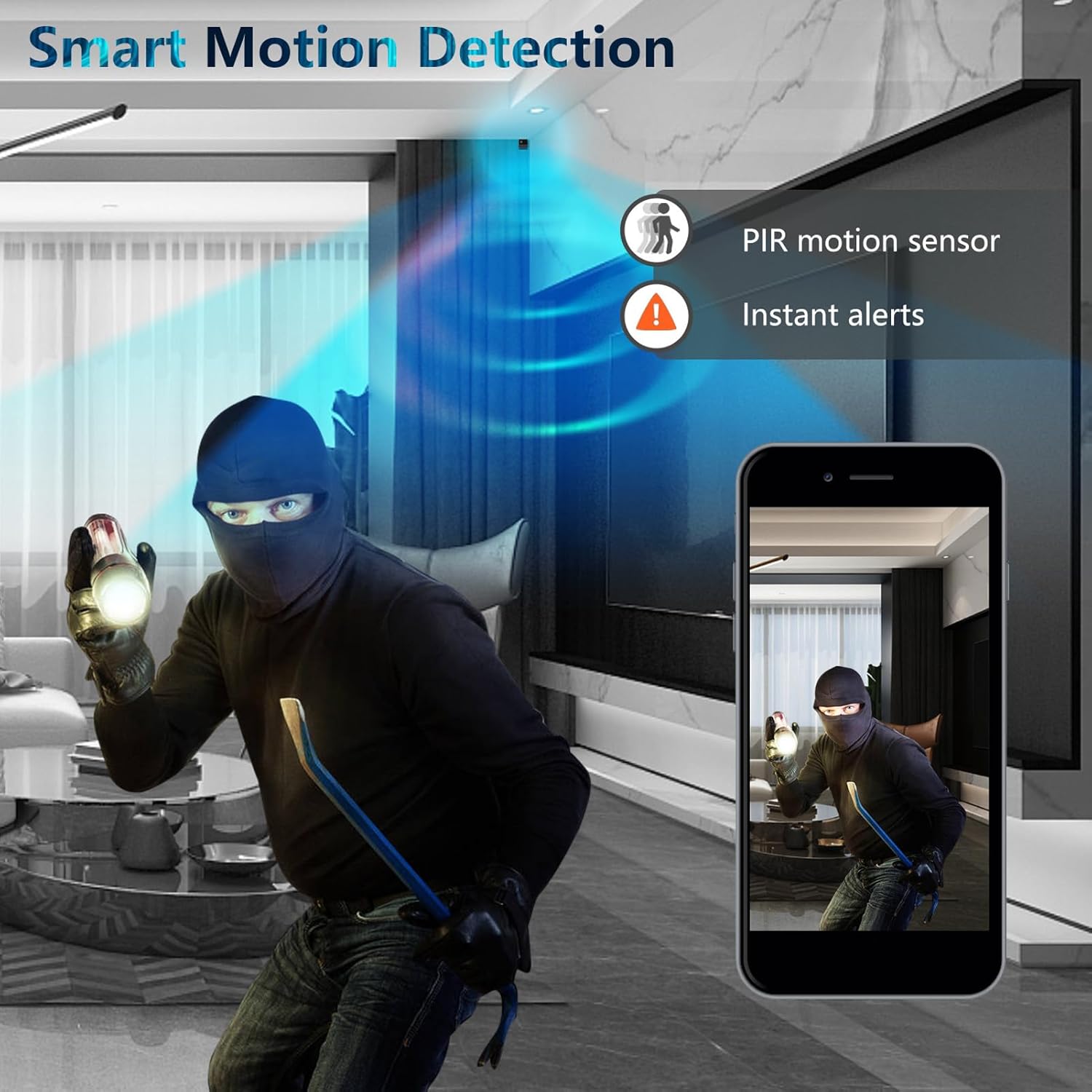
Image 5.1: Illustration of the smart motion detection feature, showing a PIR motion sensor detecting an intruder and sending instant alerts to a smartphone.
5.3 Night Vision
The camera features built-in non-luminous infrared lights, providing clear night vision up to 8 meters without emitting visible light. The light sensor automatically activates night vision in low-light conditions.
5.4 Video Quality
The camera supports video recording in 4K and 1080P resolutions. You can select your preferred resolution within the mobile application settings.
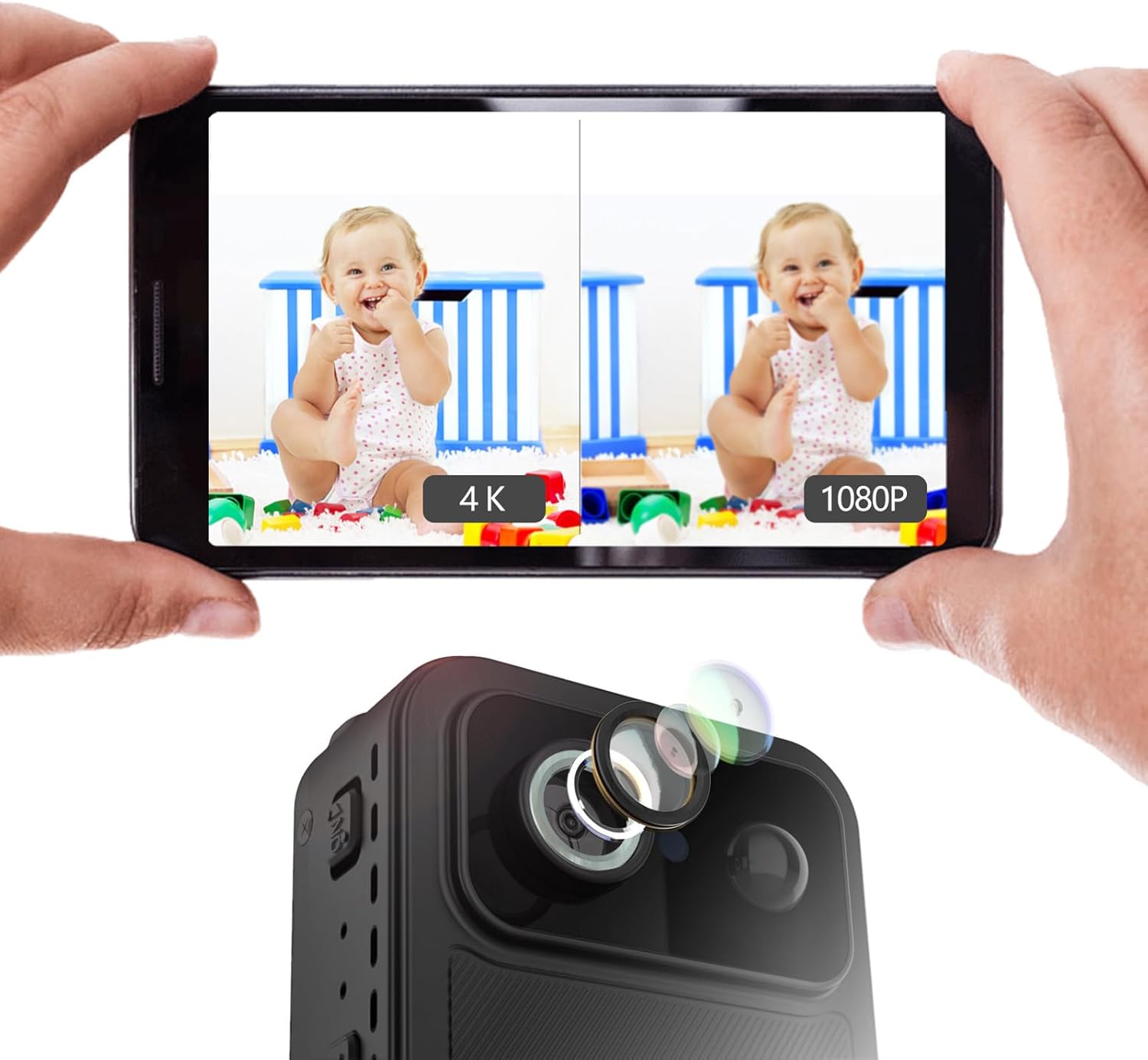
Image 5.2: A side-by-side comparison on a smartphone screen demonstrating the difference in clarity between 4K and 1080P video resolutions captured by the camera.
5.5 Video Tutorial
For a visual guide on setting up and operating your Dpofirs Mini Portable Nanny Cam, please watch the official product video below.
Video 5.3: Official product video demonstrating the features and basic operation of the Dpofirs Mini Portable Nanny Cam, including Wi-Fi connectivity, night vision, and motion detection.
6. Maintenance
To ensure the longevity and optimal performance of your camera, follow these maintenance guidelines:
- Cleaning: Use a soft, dry cloth to clean the camera lens and body. Avoid using liquid cleaners or abrasive materials.
- Storage: When not in use for extended periods, store the camera in a cool, dry place away from direct sunlight and extreme temperatures.
- Battery Care: Recharge the battery periodically if the camera is stored for a long time to prevent deep discharge.
7. Troubleshooting
If you encounter issues with your Dpofirs Mini Portable Nanny Cam, refer to the following common problems and solutions:
| Problem | Possible Solution |
|---|---|
| Camera not powering on | Ensure the battery is charged. Connect the camera to a power source using the charging cable. Check the boot switch position. |
| Unable to connect to Wi-Fi/App | Verify your phone's Wi-Fi is enabled. Ensure you are connecting to the camera's hotspot first. Check your router's Wi-Fi signal strength. Try resetting the camera by holding the reset button for 6 seconds. |
| No recording or motion detection alerts | Ensure a MicroSD card is properly inserted and formatted. Check if the MicroSD card has sufficient free space. Verify motion detection settings in the app are enabled. |
| Poor video quality | Check the selected resolution in the app settings. Ensure the camera lens is clean. Verify adequate lighting conditions or proper night vision activation. |
8. Specifications
Detailed technical specifications for the Dpofirs Mini Portable Nanny Cam:
| Feature | Detail |
|---|---|
| Model Name | Dpofirs06eftmgky5 |
| Resolution | 4K/1080P |
| Lens Wide Angle | 170 degrees |
| Battery Capacity | 2000mAh Li-ion battery |
| Battery Life | Up to 30 days standby |
| Wi-Fi | 2.4G |
| Night Vision Distance | 8 meters |
| Storage Support | 8G-128G MicroSD card (Class 10+) |
| Connectivity Technology | Wireless (Wi-Fi) |
| Compatible Devices | Smartphone (Android) |
| Power Source | Battery Powered |
| Alert Type | Motion Only |
| Waterproof Rating | IP65 |
| Control Method | App |
| Focus Type | Manual Focus |
| Manufacturer | Dpofirs |
9. Warranty Information
This Dpofirs product comes with a standard manufacturer's warranty. Please refer to the warranty card included in your package or contact customer support for specific details regarding warranty coverage and duration.
10. Customer Support
For technical assistance, troubleshooting, or any inquiries regarding your Dpofirs Mini Portable Nanny Cam, please contact our customer support team. Contact information can typically be found on our official website or on the product packaging.