1. Introduction
This manual provides essential information for the safe and effective operation of your QUANSHENG K6 UVK5(8) Multi-Band Walkie Talkie. Please read it thoroughly before use and retain it for future reference.
Safety Information
- Do not transmit without a proper antenna attached.
- Ensure battery is correctly installed and charged before use.
- Avoid exposing the device to extreme temperatures, direct sunlight, or moisture.
- Do not attempt to disassemble or modify the device. Refer servicing to qualified personnel.
- Adhere to all local regulations and licensing requirements for radio transmission.
2. Package Contents
Verify that all items are present in your package:
- Intercom Host (Walkie Talkie Unit)
- Li-Battery (1600mAh)
- Antenna
- Belt Clip
- Battery Charger (0.74m cable)
- User Manual
- Type-C Direct Charging Line (1m cable)
- Intercom Earphones
3. Product Overview
Components and Controls
The QUANSHENG K6 UVK5(8) features a robust design with intuitive controls. Familiarize yourself with the main components:
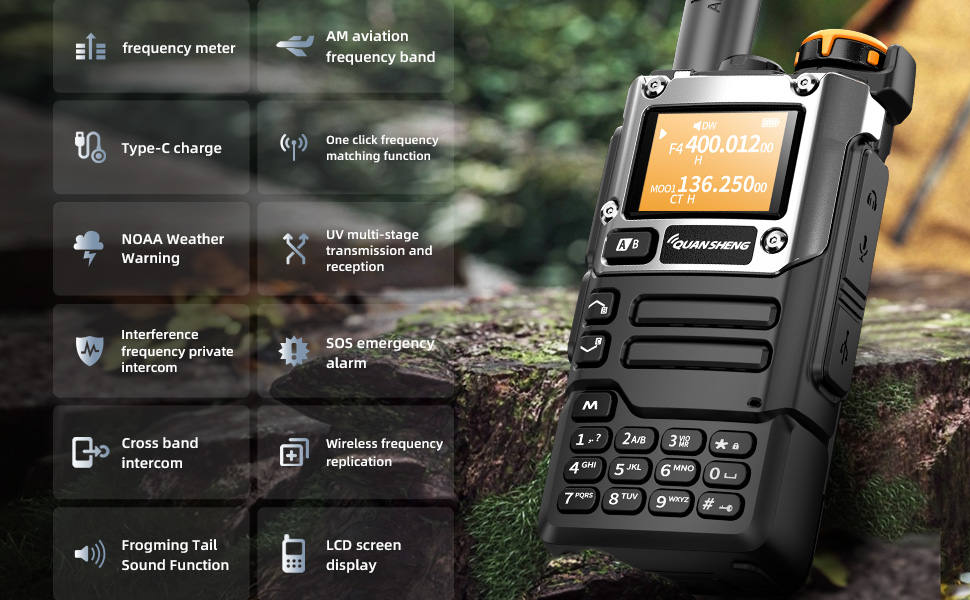
The device includes a frequency meter, AM aviation frequency band reception, Type-C charging port, one-click frequency matching, NOAA weather warning, UV multi-stage transmission and reception, interference frequency private intercom, SOS emergency alarm, cross-band intercom, wireless frequency replication, frog sound tail function, and an LCD screen display.

The side of the radio features the Push-to-Talk (PTT) button, programmable function keys, and covered ports for the earpiece/microphone and Type-C charging.
4. Setup
Battery Installation
To install the battery, align the battery pack with the compartment on the back of the radio and slide it into place until it clicks securely. To remove, press the release latch and slide the battery out.

Antenna Attachment
Screw the provided antenna clockwise onto the antenna connector at the top of the radio until it is finger-tight. Do not overtighten.
5. Operating Instructions
Power On/Off and Volume
To power on the radio, rotate the top knob clockwise. Continue rotating to adjust the volume. To power off, rotate counter-clockwise until it clicks.
Channel Selection and Frequency Bands
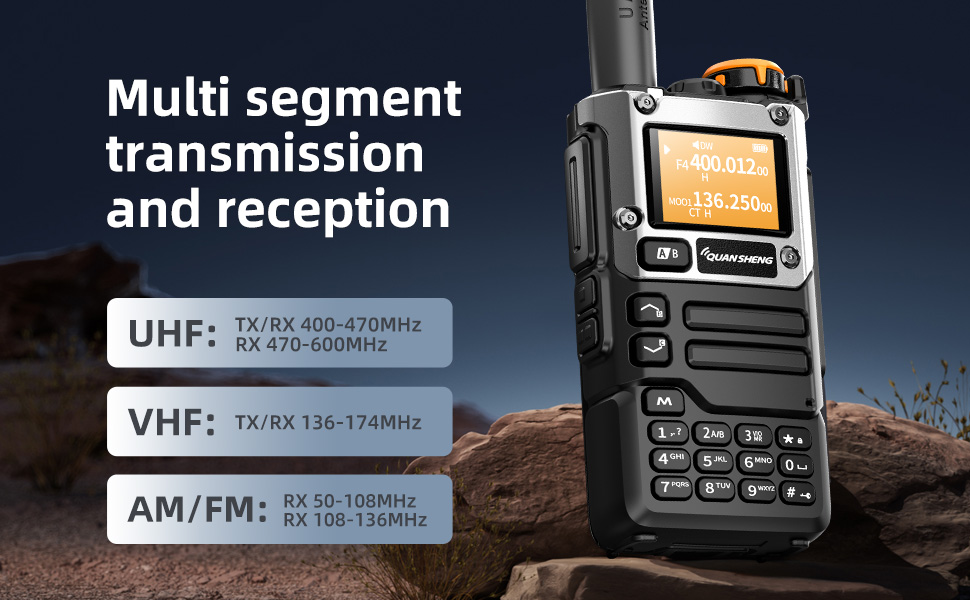
Use the up/down arrow keys to navigate through channels or frequencies. The radio supports multi-segment transmission and reception across various bands including UHF, VHF, AM, and FM.
NOAA Weather Forecast
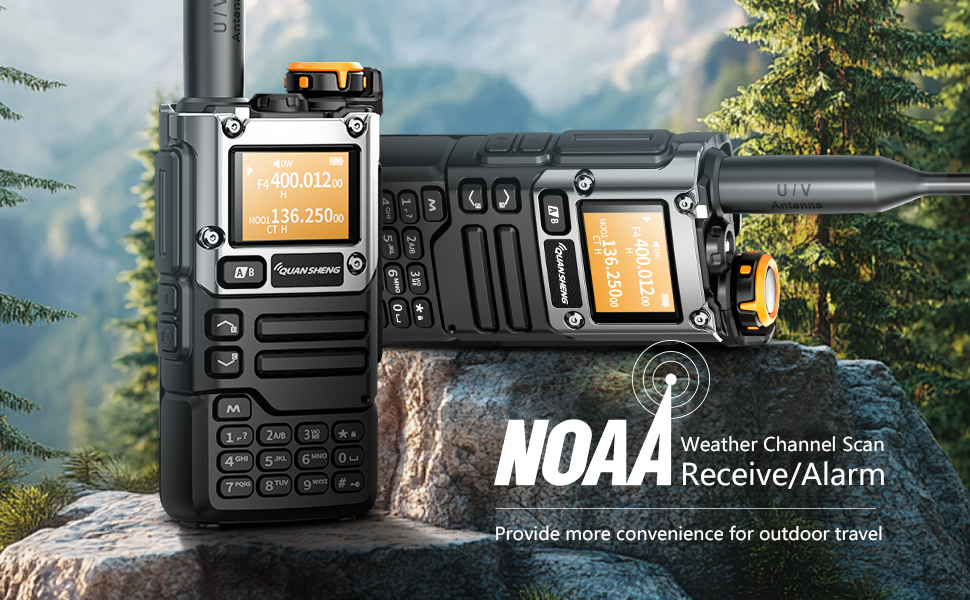
The radio can receive NOAA weather forecasts, providing crucial weather alerts for outdoor activities. Refer to the manual for specific NOAA channel settings.

AM/FM Radio Reception
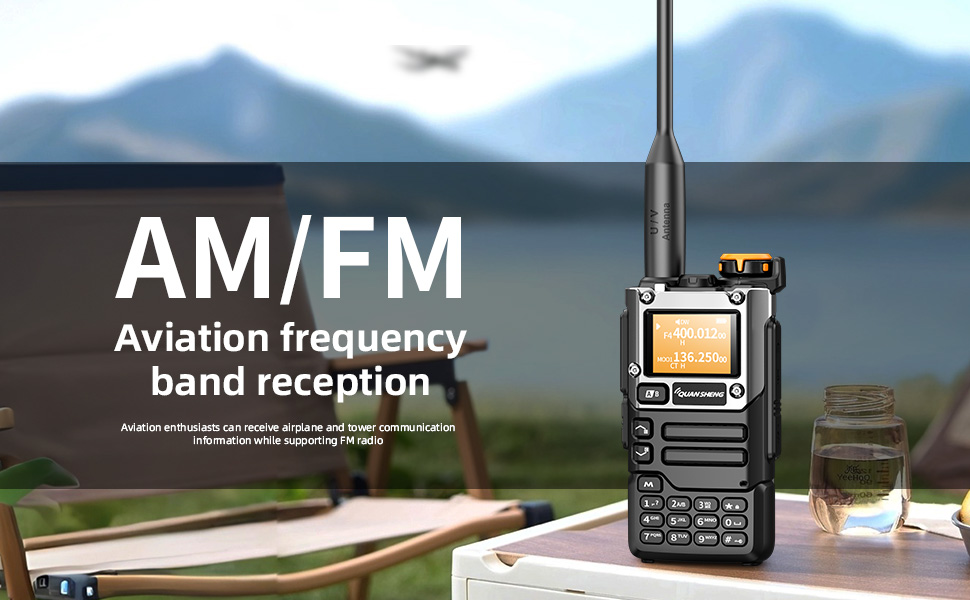
Enjoy AM and FM radio reception. Aviation enthusiasts can also receive airplane and tower communication information.
One-Button Frequency Matching / Wireless Replication
The device supports one-button frequency matching and wireless replication, allowing for quick and easy setup with other compatible radios. It can also act as a frequency meter for some devices.
Voice Encryption and Interference Function
Multiple secure encryption options ensure call privacy and security, minimizing interference.
SOS Emergency Alarm
Activate the SOS emergency alarm function in critical situations to alert others.
6. Charging
Dual Charging Methods
The QUANSHENG K6 UVK5(8) offers versatile charging options:
- Type-C Charging: Connect the provided Type-C cable directly to the radio's Type-C port for convenient charging.
- Desktop Charger: Place the radio in the included desktop charging cradle. Ensure the contacts align for proper charging.

7. Specifications
| Feature | Specification |
|---|---|
| Model Number | UV-K5(8) |
| Signal Channels | 200 |
| FM Radio Storage | 20 Stations |
| Frequency Stability | ±1ppm |
| Dimensions | 115mm x 60mm x 37.5mm (4.53"W x 1.48"D x 1.48"H) |
| Weight | 234g (7 ounces) |
| Operating Temperature | -20℃ to +60℃ |
| Antenna Impedance | 50 ohms |
| Modulation Mode | FM: 11KOF3E (12.5KHz), 16K0F3E (25KHz) |
| Transmit Power | 5W |
| Transmit Current | ≤1.5A |
| Maximum Frequency Offset | ≤5KHz (25KHz), ≤2.5KHz (12.5KHz) |
| Modulation Distortion | ≤5% |
| NOAA Channel Number | 10 |
| Battery Capacity | 1600mAh |
| Audio Power | ≥0.5W |
| Audio Distortion | ≤10% |
| Reference Sensitivity (FM) | F1(50~76) -121dBm, F2(108~135.9975) -121dBm, F3(136~173.9975) -123dBm, F4(174~349.9975) -123dBm, F5(350~399.9975) -123dBm, F6(400~469.9975) -123dBm, F6(470~599.9975) -121dBm |
| Reference Sensitivity (WFM) | WFM(76~108) -110dBm |
| Reference Sensitivity (AM) | F2(108~135.9975) -113dBm |
| Water Resistance Level | Not Water Resistant |
| Display Type | LCD |
8. Maintenance
- Cleaning: Use a soft, damp cloth to clean the radio's exterior. Do not use harsh chemicals or abrasive cleaners.
- Storage: Store the radio in a cool, dry place when not in use. Remove the battery if storing for extended periods.
- Battery Care: Fully charge the battery before first use. Avoid overcharging or completely draining the battery to prolong its lifespan.
9. Troubleshooting
| Problem | Possible Solution |
|---|---|
| Radio does not power on | Ensure the battery is fully charged and correctly installed. Check the power knob. |
| No reception or poor audio quality | Check antenna connection. Verify frequency/channel settings. Adjust squelch level. Ensure you are within range of other radios or repeaters. |
| Cannot transmit | Confirm you are on a valid transmitting frequency. Check battery level. Ensure PTT button is functioning correctly. |
| Battery not charging | Check Type-C cable or desktop charger connection. Ensure power adapter is working. Verify battery contacts are clean. |
10. Warranty and Support
For warranty information, please refer to the documentation provided at the time of purchase or contact QUANSHENG customer support. Optional protection plans are available for extended coverage.
For technical assistance or further inquiries, please visit the official QUANSHENG website or contact their authorized service centers.


