
alltogetho 8869
Instruction Manual: Leaning Tower of Pisa Micro Mini Building Blocks
Brand: alltogetho
Model: 8869
1. Introduction
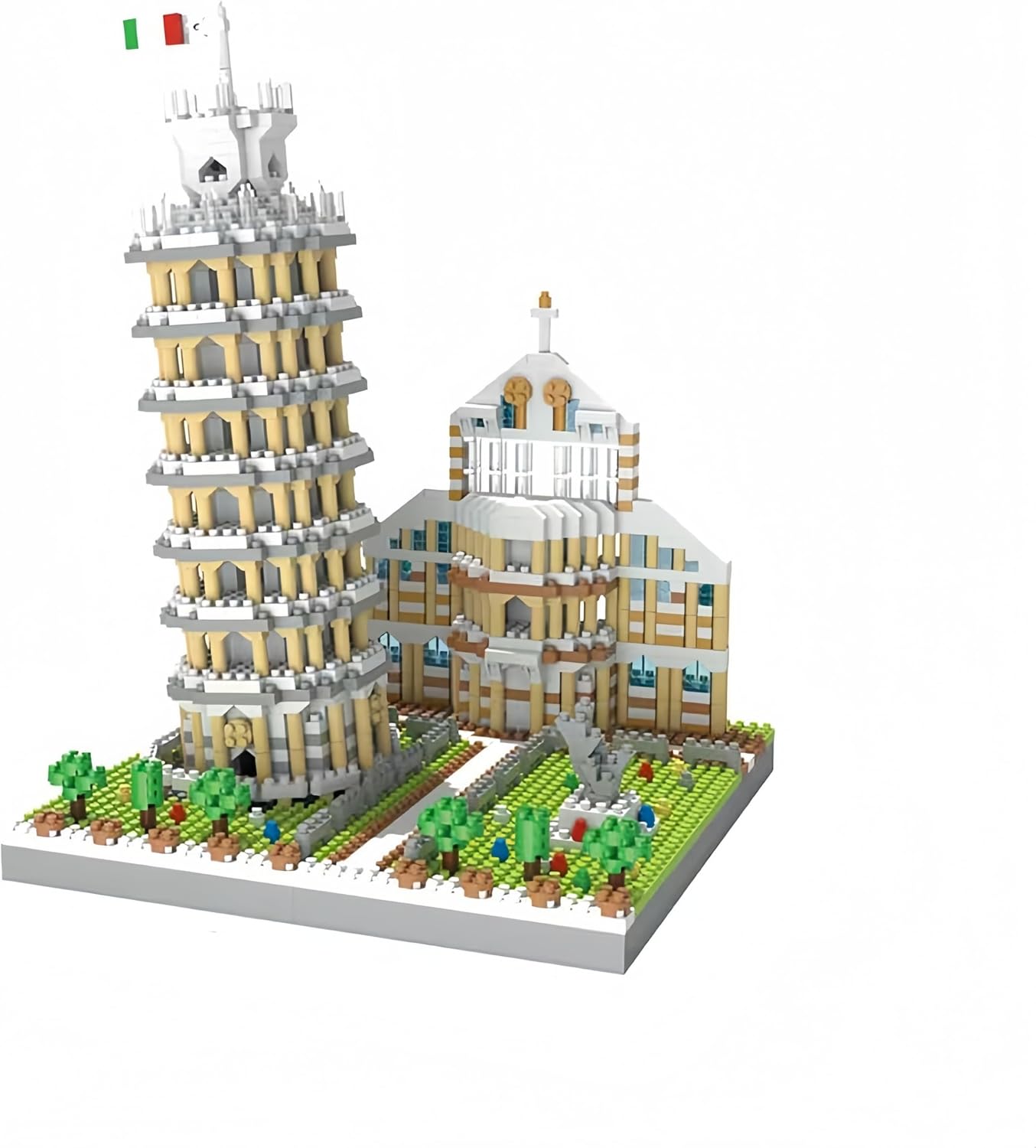
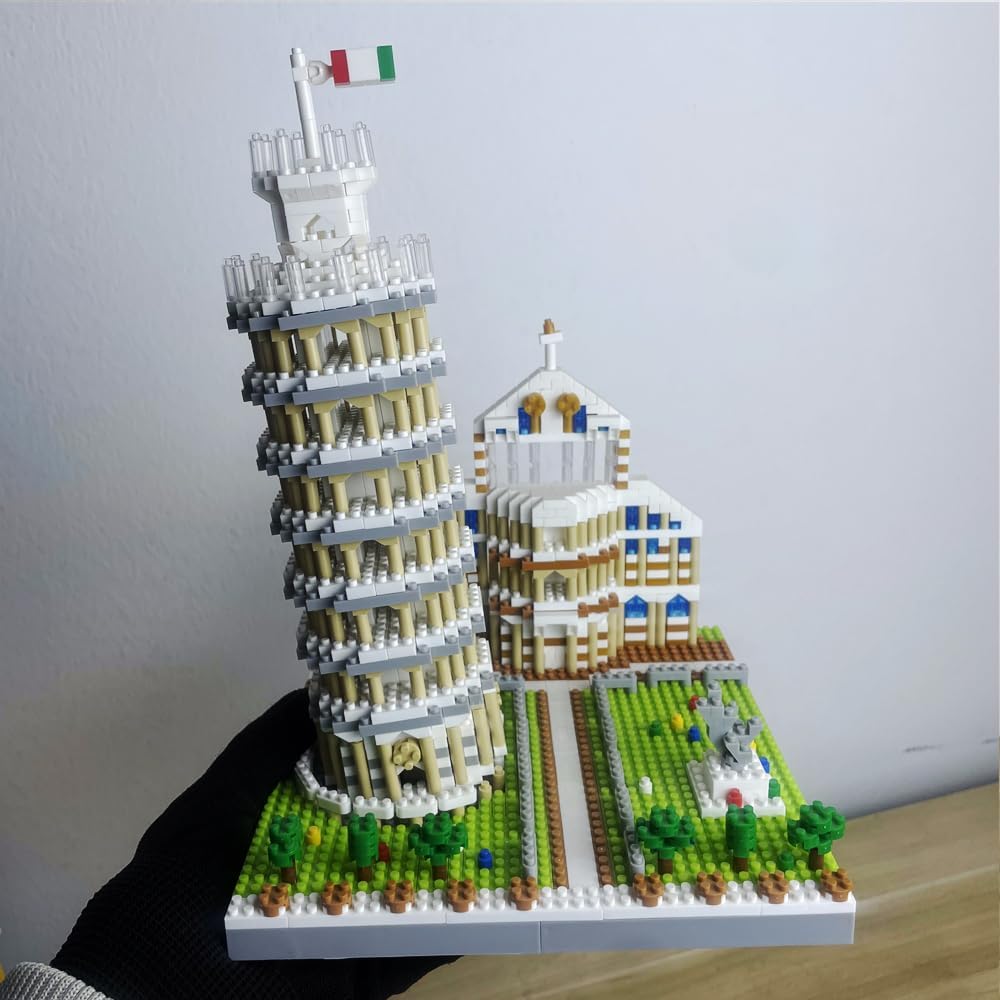
This manual provides comprehensive instructions for assembling your alltogetho Leaning Tower of Pisa Micro Mini Building Blocks kit. This intricate model, comprising over 1700 pieces, allows you to recreate the iconic Italian landmark with remarkable detail and a precise 3.99° tilt, reflecting the real structure's lean. Designed for individuals aged 14 and up, this kit offers an engaging and educational building experience, fostering spatial reasoning and engineering skills.
2. Safety Information
- Choking Hazard: This product contains small parts and is not suitable for children under 3 years of age. Keep all building blocks and packaging materials away from infants and young children.
- Recommended Age: This building kit is recommended for ages 14 and up due to the complexity and small size of the micro mini blocks.
- Handling: Handle blocks carefully to avoid loss. Store unused blocks in a secure container.
3. Package Contents
Please verify that all components are present before beginning assembly. The package should contain:
- Over 1700 Micro Mini Building Blocks (various shapes and colors)
- Detailed Instruction Manual (physical copy)

4. Setup and Assembly
Follow the step-by-step instructions provided in the physical manual included with your kit. The assembly process is designed to be intuitive but requires attention to detail due to the small size of the blocks.
4.1 Preparation
- Unpack: Carefully open the package and remove all block bags and the instruction manual.
- Organize: It is highly recommended to sort the blocks by color and shape before starting. This will significantly streamline the building process. Use small containers or trays to keep pieces organized.
- Workspace: Ensure you have a clean, well-lit, and stable workspace to prevent loss of small pieces.
4.2 Building Steps Overview
The model is typically built in sections, starting with the base, then the main structures (the Leaning Tower and the adjacent cathedral), and finally adding intricate details.
- Base Construction: Begin by assembling the foundation plate and the initial layers of the landscape, including pathways and green areas.
- Leaning Tower Assembly: Construct the tower layer by layer, paying close attention to the instructions for achieving the characteristic lean. The design incorporates 200+ arched column details.
- Cathedral Assembly: Build the adjacent cathedral structure, integrating its unique architectural elements.
- Detailing: Add smaller elements such as trees, statues, and the Italian flag at the top of the tower.


5. Display and Care
5.1 Display Recommendations
- Place your completed model on a stable, flat surface away from direct sunlight to prevent potential fading of colors.
- Avoid areas with high humidity or extreme temperature fluctuations.
- Keep the model out of reach of small children and pets to prevent accidental damage or disassembly.
5.2 Cleaning Instructions
- To clean the model, gently dust it with a soft, dry cloth or a soft-bristled brush.
- For more stubborn dust, a can of compressed air can be used from a safe distance.
- Avoid using liquid cleaners or abrasive materials, as these may damage the plastic blocks or printed details.
6. Troubleshooting
If you encounter any issues during assembly, please refer to the following common solutions:
| Problem | Solution |
|---|---|
| Missing or damaged pieces | Carefully re-check all packaging and sorting trays. If pieces are genuinely missing or damaged, contact alltogetho customer support for assistance. |
| Difficulty connecting blocks | Ensure blocks are correctly oriented and aligned. Apply gentle, even pressure. Micro mini blocks require precise alignment. |
| Model appears unstable or incorrect | Review the previous steps in the instruction manual to ensure all blocks are placed correctly and securely. Small errors can affect the overall stability and appearance. |
7. Specifications
| Feature | Detail |
|---|---|
| Product Dimensions | 11.22 x 9.65 x 2.36 inches (packaging) |
| Item Weight | 1.15 pounds |
| ASIN | B0CL916GDG |
| Item Model Number | 8869 |
| Manufacturer Recommended Age | 14 years and up |
| Number of Pieces | 1700+ |
| Scale | 1:300 scale replica |
| Tilt Angle | 3.99° |
8. Warranty and Support
alltogetho products are manufactured to high-quality standards. For specific warranty details, please refer to the documentation included with your purchase or visit the official alltogetho website. If you require assistance with missing parts, assembly issues, or general inquiries, please contact alltogetho customer support.
You can often find contact information on the product packaging or by visiting the alltogetho store page on Amazon: alltogetho Store
Related Documents - 8869
 |
VenaPro™ Patient Quick Start Guide: DVT Prevention Device Setup and Usage Comprehensive quick start guide for the VenaPro™ DVT prevention device. Learn about application, power indicators, alarms, charging, cleaning, device purpose, indications, contraindications, warnings, and troubleshooting. |
 |
Tripp Lite SmartPro LCD UPS Systems Owner's Manual This owner's manual provides comprehensive guidance for the installation, operation, and maintenance of Tripp Lite SmartPro LCD UPS Systems, including models SMART1200LCD, SMART1500LCD, and SMART1500LCDXL. Learn how to ensure reliable power protection for your valuable equipment. |
 |
Tripp Lite SmartPro LCD UPS Systems Owner's Manual Owner's Manual for Tripp Lite SmartPro LCD UPS Systems (SMART1200LCD, SMART1500LCD, SMART1500LCDXL). Covers installation, operation, safety, features, and troubleshooting for these Uninterruptible Power Supply units. |
 |
Product Instructions and Safety Information for Power Tool Accessory Detailed product instructions, safety warnings, and compliance information for a power tool accessory, including CE mark details and contact information for EC REP EUROTAXEX S.R.L. |
 |
Baby Trend Trend High Chair Instruction Manual - Models 8836, 8869, 8878T, 8888 Comprehensive instruction manual for the Baby Trend Trend High Chair, covering assembly, usage, safety warnings, and care instructions for models 8836, 8869, 8878T, and 8888. |
 |
Eaton Switch Catalog: Aerospace and Industrial Switches Comprehensive catalog from Eaton detailing a wide range of aerospace and industrial switches, including toggle, pushbutton, rocker, and precision snap-action types, with detailed specifications, part numbers, and application information. |
Ask a question about this manual
Ask about setup, troubleshooting, compatibility, parts, safety, or missing instructions. Manuals+ will review the question and use this page’s manual context to help answer it.