
1. Introduction
Thank you for choosing the Devoko Computer Desk. This manual provides essential information for the safe assembly, operation, and maintenance of your new desk. Designed with a robust metal frame and high-density panels, this desk offers a stable and versatile workspace for various environments.
Please read these instructions carefully before assembly and retain them for future reference.
2. Safety Information
- Do not exceed the maximum recommended weight capacity of 80 kg.
- Ensure the desk is stable on all surfaces. Use the adjustable feet to compensate for uneven floors.
- Follow all assembly instructions precisely to prevent structural instability.
- Keep small parts away from children during assembly to avoid choking hazards.
Failure to follow these safety guidelines may result in injury or damage to the product.
3. Package Contents
Before beginning assembly, verify that all components are present and undamaged. If any parts are missing or damaged, please contact customer support.
- Desk tabletop (high-density engineered wood)
- Metal frame components (legs, support bars)
- Assembly hardware (screws, bolts, washers)
- Hexagonal key
- Wrench
- Adjustable feet
- Instruction manual
4. Setup and Assembly
Assembly typically takes 20-30 minutes and requires one person. All necessary tools are included.
- Unpack Components: Carefully remove all parts from the packaging and lay them out on a clean, soft surface to prevent scratches.
- Attach Legs to Tabletop: Align the metal frame components with the pre-drilled holes on the underside of the tabletop. Secure them using the provided screws. Do not overtighten screws initially.
- Install Support Bars: Attach the diagonal support bars to the frame as indicated in the diagram. These bars enhance stability.
- Install Adjustable Feet: Screw the adjustable feet into the bottom of each leg.
- Tighten All Fasteners: Once all components are loosely assembled, gradually tighten all screws and bolts until secure. Avoid excessive force.
- Level the Desk: Place the desk in its desired location. Adjust the leveling feet to ensure the desk is stable and does not wobble.


5. Operating Instructions
The Devoko Computer Desk is designed for versatile use in various settings:
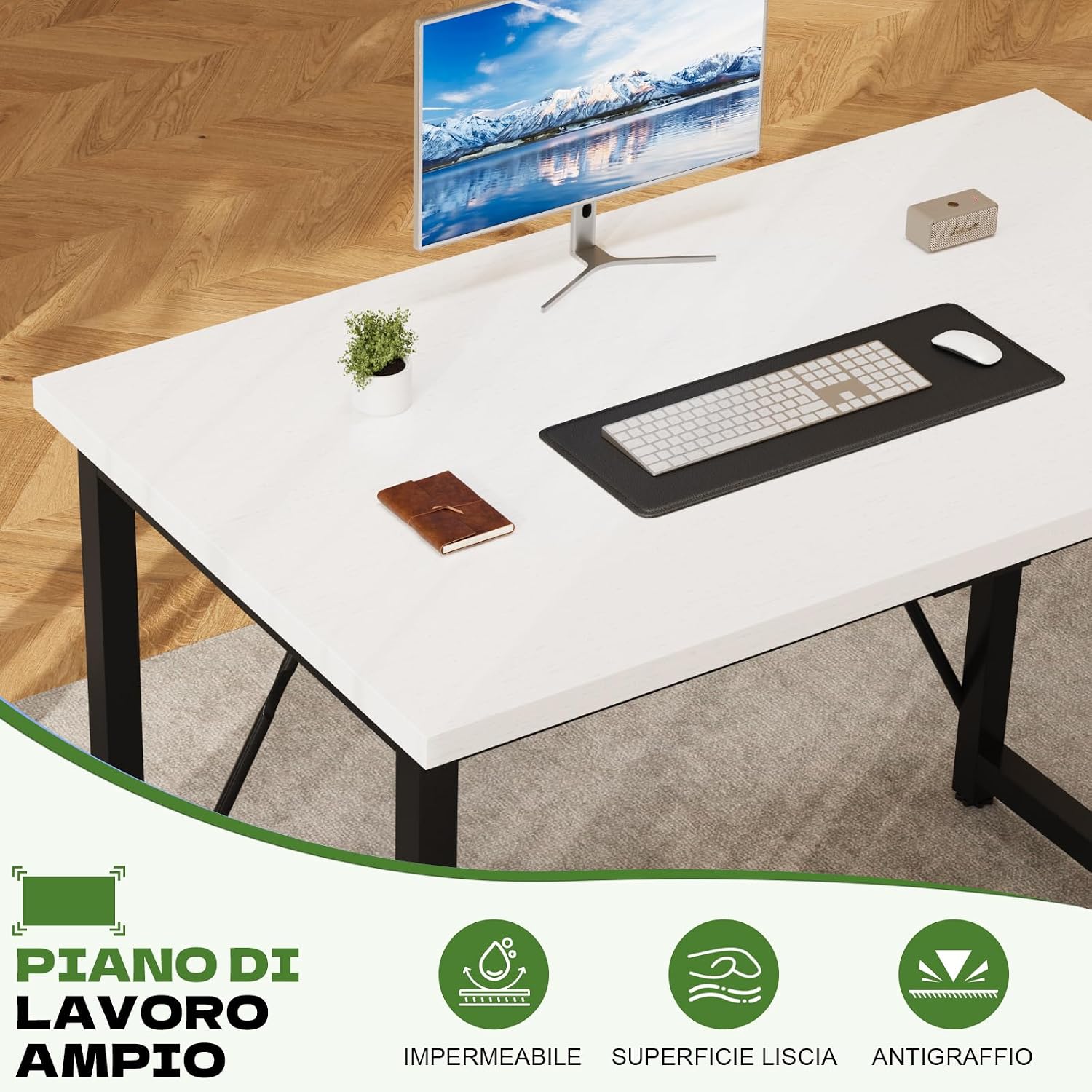
- Computer Workstation: Place your computer, monitor, keyboard, and mouse on the spacious tabletop.
- Study Table: Ideal for reading, writing, and other academic activities.
- General Workspace: Suitable for crafts, hobbies, or as an additional surface in any room.
Ensure that the total weight placed on the desk does not exceed 80 kg to maintain stability and prevent damage.

6. Maintenance
To ensure the longevity and appearance of your Devoko Computer Desk, follow these simple maintenance guidelines:
- Cleaning: Wipe the desk surface and frame with a dry or damp cloth. Avoid using harsh chemicals or abrasive cleaners, which can damage the finish.
- Spills: Clean up spills immediately to prevent staining or damage to the tabletop. The surface is waterproof and wear-resistant, but prompt cleaning is always recommended.
- Fasteners: Periodically check all screws and bolts to ensure they remain tight. Retighten if necessary to maintain desk stability.
7. Troubleshooting
If you encounter any issues with your Devoko Computer Desk, refer to the following common solutions:
- Desk is Unstable/Wobbly:
- Ensure all assembly screws and bolts are securely tightened.
- Adjust the leveling feet on each leg to compensate for uneven floor surfaces. Turn them clockwise or counter-clockwise until the desk is stable.
- Verify that the diagonal support bars are correctly installed and tightened.
- Missing Parts: If any parts were missing upon delivery, please contact Devoko customer support immediately for assistance.
8. Specifications
| Brand | Devoko |
| Model Number | 0266 |
| Product Dimensions (L x W x H) | 100 x 50 x 75 cm |
| Color | White (Tabletop), Matte Black (Base) |
| Material (Tabletop) | High-density Engineered Wood |
| Material (Frame) | Alloy Steel |
| Item Weight | 9.5 Kilograms |
| Maximum Recommended Weight | 80 Kilograms |
| Assembly Required | Yes (Tools included) |
| Recommended Number of People for Assembly | 1 |
| Special Features | Portable, Adjustable Feet |

9. Warranty and Support
Your Devoko Computer Desk comes with a limited warranty. For specific details regarding warranty coverage, please refer to the documentation included with your purchase or contact Devoko customer support.
Devoko offers 24-hour customer assistance to address any questions or concerns you may have regarding your product. Please reach out to our support team for help with assembly, missing parts, or any other product-related inquiries.
For support, please visit the official Devoko website or contact the retailer where you purchased the product.


