1. Introduction
This manual provides essential information for the safe and effective use of your ALLC CS-NP55 replacement NiMH battery. Please read these instructions carefully before installation and operation to ensure optimal performance and longevity of your battery.
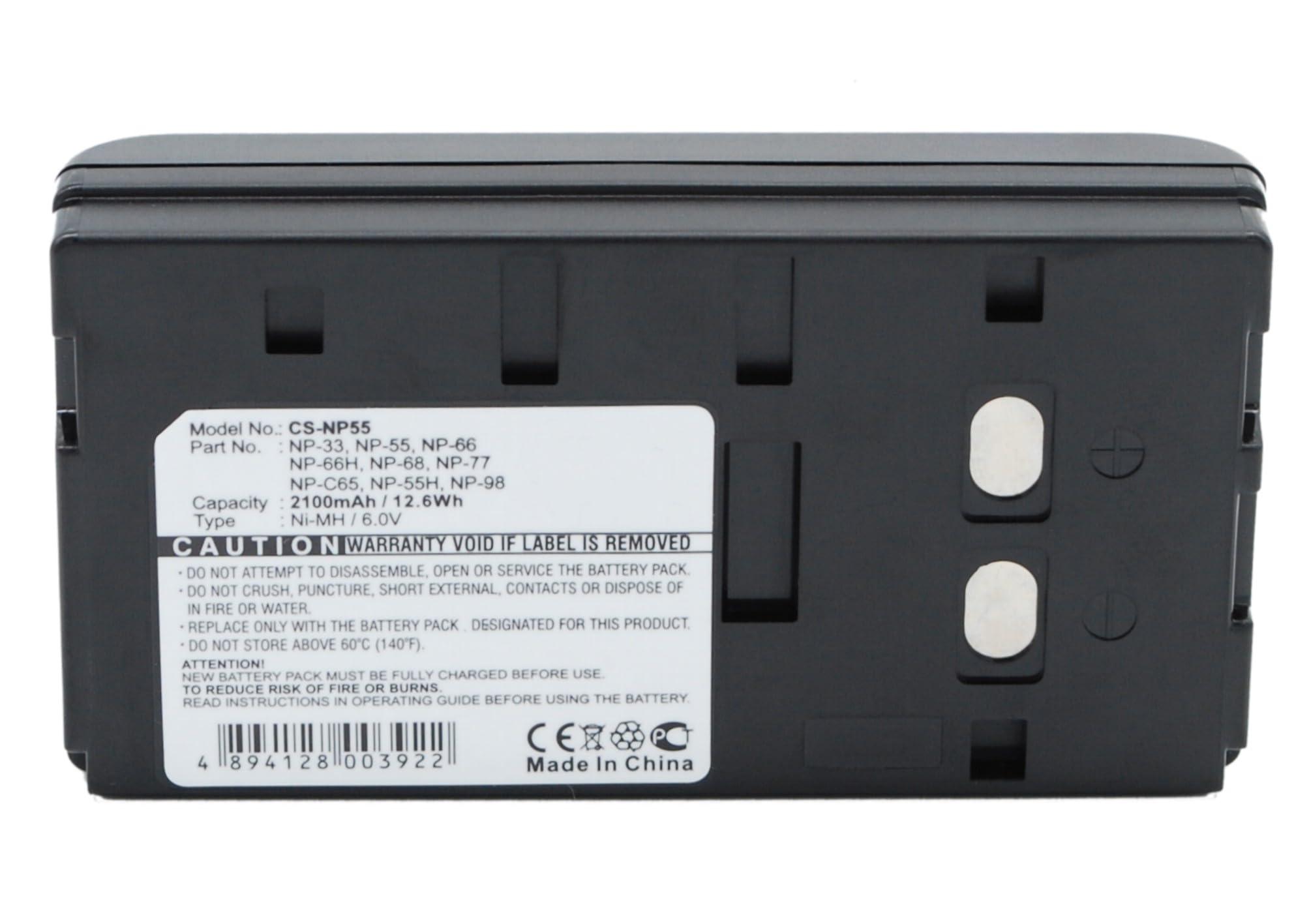
Figure 1: ALLC CS-NP55 Replacement Battery (Overall View)
2. Safety Information and Warnings
Failure to follow these safety instructions may result in fire, electric shock, injury, or damage to the battery or device.
- Warranty Void: The warranty is void if the product label is removed.
- Physical Damage: Do not crush, puncture, or short external contacts of the battery.
- Water and Fire: Do not dispose of the battery in fire or water. Do not expose to temperatures above 140°F (60°C).
- Storage: Do not store the battery pack in a fully discharged state for extended periods.
- Disposal: Dispose of batteries according to local regulations. Do not burn.
- General Use: Always read and follow the instructions provided with your device and charger before using this battery.
This battery is designed with built-in protection against over-charge, over-discharge, over-heat, over-current, and short-circuit conditions to enhance safety and battery life.
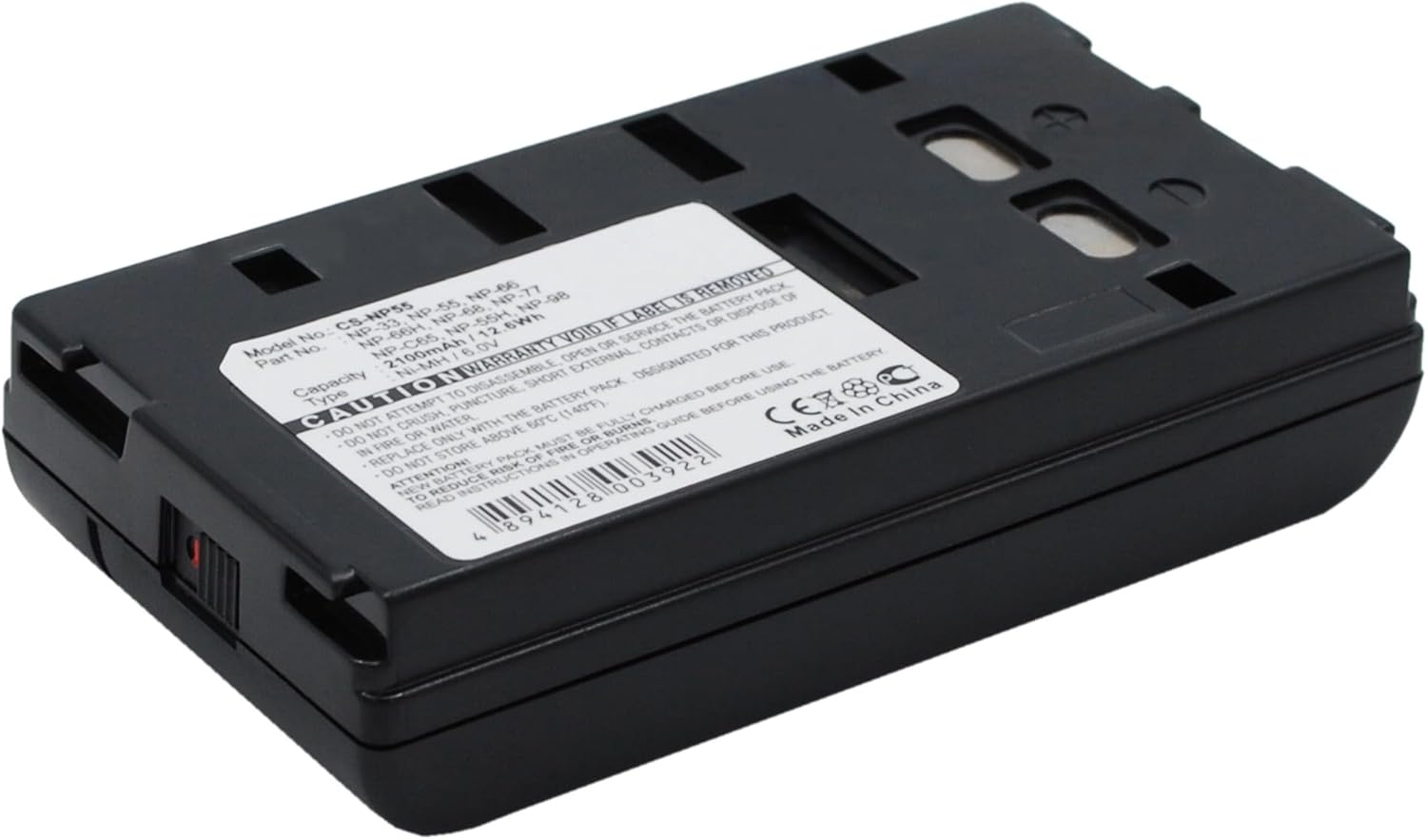
Figure 2: Battery Label with Model Information and Safety Warnings
3. Product Overview
The ALLC CS-NP55 is a high-capacity NiMH replacement battery designed for a wide range of MINOLTA C-series devices. It offers reliable power and is engineered to meet or exceed the specifications of original batteries.
Compatible MINOLTA Models:
- C512, C513, C516E, C518, C522, C532, C538, C542
- C550, C552, C560U, C561, C562CL, C563CLS, C570
- C60, C606, C618
This battery features a 2100mAh capacity and 6.0V output, providing extended usage time for your compatible devices.
4. Setup and Installation
- Identify Battery Compartment: Locate the battery compartment on your MINOLTA device. Refer to your device's original manual if unsure.
- Remove Old Battery (if applicable): If replacing an existing battery, carefully open the compartment and remove the old battery.
- Insert New Battery: Align the ALLC CS-NP55 battery with the contacts inside the compartment. Ensure proper polarity (+ and - terminals) as indicated in the device. Gently push the battery into place until it is securely seated.
- Close Compartment: Close the battery compartment cover securely.
- Initial Charge: For optimal performance, fully charge the battery before its first use.

Figure 3: Battery Bottom View with Contacts for Device Insertion
5. Operating Instructions
Charging the Battery:
- Use a compatible charger designed for NiMH batteries and your MINOLTA device.
- Connect the charger to the device with the battery installed.
- Allow the battery to charge completely. Charging indicators on your device or charger will typically show when charging is complete.
- This battery features a "No Memory Effect," meaning it can be recharged at any time without significantly reducing its overall capacity.
Using the Battery:
Once installed and charged, the battery will power your MINOLTA device. Monitor your device's battery indicator to determine remaining power. Recharge the battery when the device indicates low power to avoid unexpected shutdowns.
6. Maintenance and Storage
- Cleaning: Keep battery contacts clean and dry. Use a clean, dry cloth to wipe off any dust or debris.
- Storage: If storing the battery for an extended period, store it in a cool, dry place away from direct sunlight and extreme temperatures. It is recommended to store NiMH batteries with a partial charge (around 50%) to maintain health. Avoid storing in a fully discharged state.
- Avoid Extreme Temperatures: Do not expose the battery to temperatures above 140°F (60°C) or below 0°F (-18°C).
7. Troubleshooting
| Problem | Possible Cause | Solution |
|---|---|---|
| Battery not charging. |
|
|
| Device does not power on with battery. |
|
|
| Battery life is shorter than expected. |
|
|
8. Specifications
| Model Number | CS-NP55 |
| Battery Type | NiMH (Nickel-Metal Hydride) |
| Capacity | 2100mAh |
| Voltage | 6.0V |
| Manufacturer | cameronsino |
| Certifications | ISO9001, RoHS, CE |
| Compatible Devices | MINOLTA C512, C513, C516E, C518, C522, C532, C538, C542, C550, C552, C560U, C561, C562CL, C563CLS, C570, C60, C606, C618 |
9. Warranty and Support
ALLC stands behind the quality of its products. This battery has undergone strict quality control standards and has passed ISO9001, RoHS, and CE certifications.
For any questions, concerns, or technical assistance, please contact our customer support team. We guarantee 24-hour email support to address your inquiries promptly.
Please ensure to check the compatible voltage, cell size, and connector type for the best fit before purchase and use.
Seller: WALENG


