1. Introduction
Thank you for choosing the UrbanX M190 Bluetooth Speaker. This manual provides essential information for the proper setup, operation, and maintenance of your device. The UrbanX M190 is designed to deliver powerful stereo sound with features like IPX7 waterproofing, True Wireless Stereo (TWS) pairing, and a portable design, making it suitable for various environments.
2. Package Contents
Please verify that all items are present in your package:
- UrbanX M190 Bluetooth Speaker
- USB Type-C Charging Cable
- User Manual (this document)
3. Setup
3.1 Charging the Speaker
Before initial use, fully charge the speaker. Connect the provided USB Type-C charging cable to the speaker's charging port and a compatible USB power adapter (not included). The charging indicator will illuminate during charging and turn off when fully charged. A full charge typically takes 3-4 hours.
3.2 Powering On/Off
- To power on: Press and hold the power button for approximately 3 seconds.
- To power off: Press and hold the power button for approximately 3 seconds.
3.3 Bluetooth Pairing
- Ensure the speaker is powered on and in Bluetooth pairing mode (indicated by a flashing LED).
- On your device (smartphone, tablet, etc.), enable Bluetooth and search for available devices.
- Select "UrbanX M190" from the list of devices.
- Once connected, the speaker will emit an audible confirmation, and the LED indicator will stop flashing.
3.4 True Wireless Stereo (TWS) Pairing
To achieve surround sound, you can pair two UrbanX M190 speakers together:
- Ensure both UrbanX M190 speakers are powered on and not connected to any other Bluetooth device.
- On one speaker, press and hold the TWS pairing button (refer to button layout in Section 4.1) for 2-3 seconds. It will enter TWS pairing mode.
- The two speakers will automatically connect to each other. An audible tone will confirm successful TWS pairing.
- Once TWS paired, connect your device to one of the speakers via Bluetooth as described in Section 3.3. Both speakers will now play audio simultaneously.
4. Operating the Speaker
4.1 Button Functions
The UrbanX M190 features intuitive controls for easy operation:
- Power Button: Press and hold to power on/off. Short press to play/pause music.
- Volume Up (+): Short press to increase volume. Long press for next track.
- Volume Down (-): Short press to decrease volume. Long press for previous track.
- Call Button (if applicable): Short press to answer/end calls. Long press to reject calls.
- TWS Button: Press and hold to initiate TWS pairing (refer to Section 3.4).
4.2 Media Playback
- Bluetooth Playback: After successful Bluetooth pairing, audio from your connected device will play through the speaker.
- SD/TF Card Playback: Insert a microSD (TF) card (up to 32GB) with audio files into the designated slot. The speaker will automatically switch to card playback.
- AUX Input: Connect an audio device using a 3.5mm AUX cable (not included) to the AUX port. The speaker will automatically switch to AUX mode.
4.3 Hands-Free Calling
When connected via Bluetooth, the built-in microphone allows for hands-free calls. Use the call button to manage incoming calls.
5. Key Features
- IPX7 Waterproof: The speaker is designed to withstand immersion in water up to 1 meter for 30 minutes, making it suitable for outdoor and wet environments.
- True Wireless Stereo (TWS): Connect two UrbanX M190 speakers for an enhanced stereo sound experience.
- Powerful Audio: Features a 1.69-inch driver and BASSBOOST technology for clear and robust sound.
- Long Battery Life: Up to 20 hours of continuous playback on a single charge with its 1800mAh rechargeable lithium-ion battery.
- Multiple Playback Modes: Supports Bluetooth V5.2, SD/TF card, and AUX input.
- Portable Design: Compact and lightweight with a fixed loop for easy carrying.
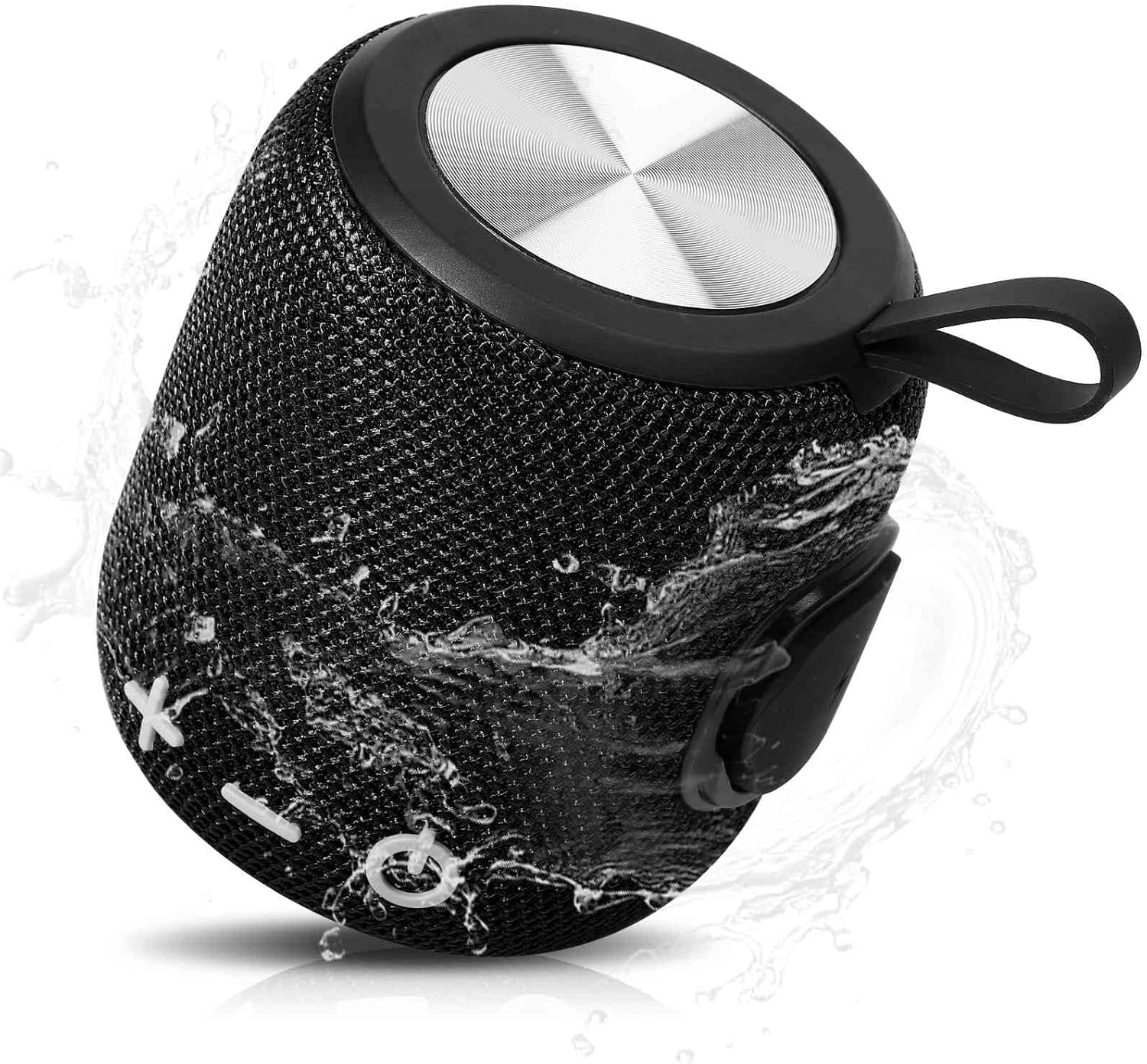
Image: The UrbanX M190 Bluetooth Speaker, showcasing its compact design and water-resistant capabilities with water splashing across its mesh exterior.

Image: An illustration highlighting the speaker's internal driver and bass boost technology, emphasizing its powerful audio output.

Image: The UrbanX M190 Bluetooth Speaker partially submerged in water, demonstrating its IPX7 waterproof rating in a natural outdoor setting.

Image: Two UrbanX M190 speakers, one black and one blue, wirelessly paired and emitting sound waves, illustrating the True Wireless Stereo (TWS) feature for a surround sound experience.

Image: A person riding a scooter with the UrbanX M190 speaker attached, highlighting its ultra-compact and lightweight design for portability during outdoor activities.

Image: The UrbanX M190 speaker attached to a bicycle, demonstrating its slim and light design for convenient transport while on the go.
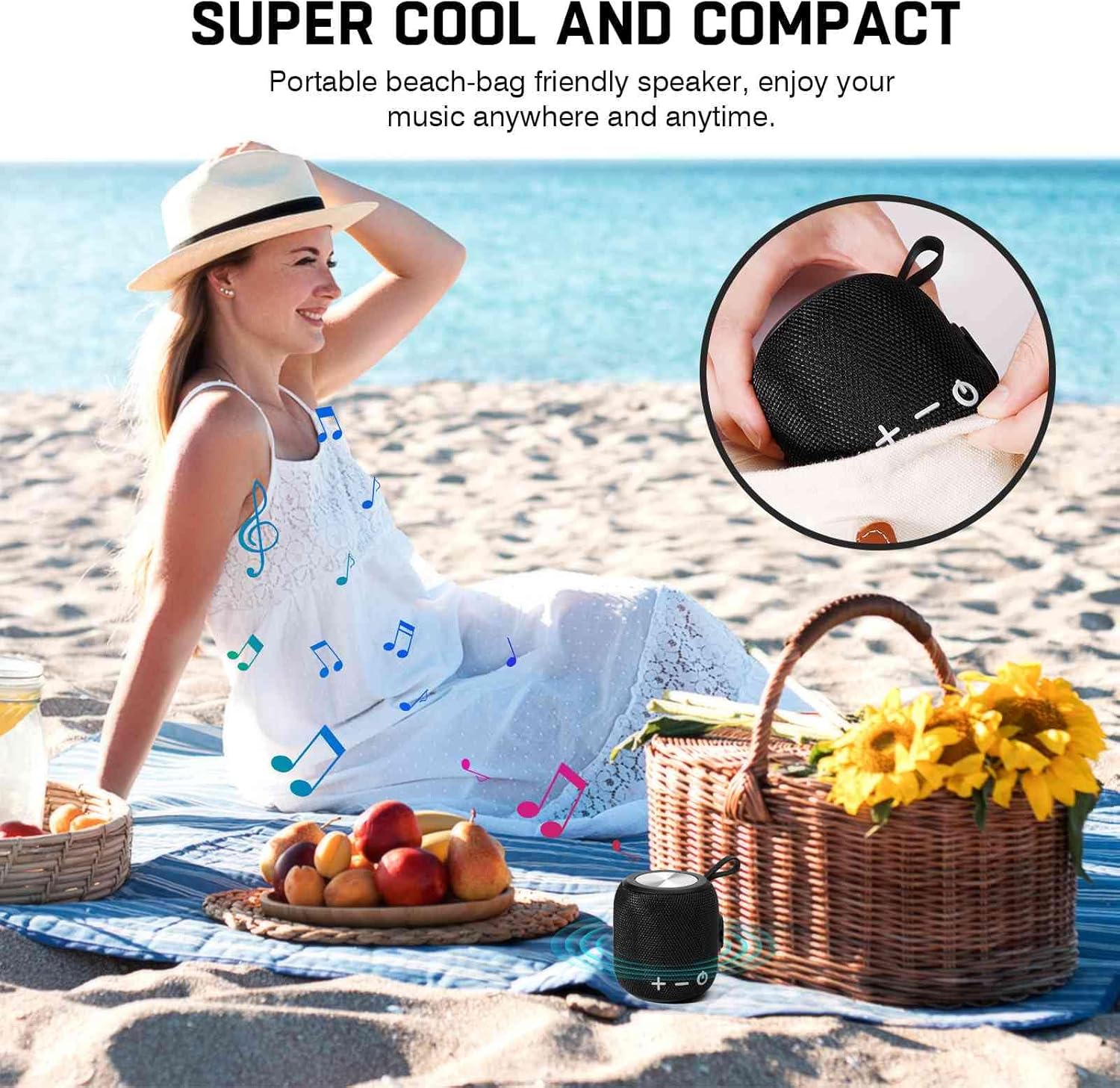
Image: The UrbanX M190 speaker placed on a beach blanket next to a picnic basket, illustrating its compact size and suitability for beach outings.
6. Maintenance
6.1 Cleaning
Wipe the speaker with a soft, damp cloth. Do not use harsh chemicals or abrasive cleaners. Ensure the charging port cover is securely closed before cleaning or exposing to water.
6.2 Storage
Store the speaker in a cool, dry place away from direct sunlight and extreme temperatures. If storing for an extended period, charge the battery to approximately 50% every few months to maintain battery health.
6.3 Battery Care
To prolong battery life, avoid fully discharging the speaker frequently. Charge the speaker regularly, even if not in use.
7. Troubleshooting
- Speaker will not power on: Ensure the battery is charged. Connect to a power source and try again.
- Cannot pair via Bluetooth:
- Ensure the speaker is in pairing mode (flashing LED).
- Make sure Bluetooth is enabled on your device.
- Move the speaker closer to your device (within 10 meters).
- Forget the speaker from your device's Bluetooth list and try pairing again.
- Restart both the speaker and your device.
- No sound:
- Check the volume level on both the speaker and your connected device.
- Ensure the speaker is correctly paired via Bluetooth or the correct input mode (SD/TF, AUX) is selected.
- If using TWS, ensure both speakers are properly paired to each other and then to your device.
- Poor sound quality:
- Move the speaker closer to your device to avoid interference.
- Ensure there are no obstructions between the speaker and your device.
- Check the audio source quality.
8. Specifications
| Model Name | Waterproof Bluetooth Speaker |
| Item Model Number | FM0190 |
| Brand | UrbanX |
| Connectivity Technology | Bluetooth V5.2 |
| Speaker Type | Surround |
| Special Features | Bass Boost, Shockproof, USB Port, Waterproof (IPX7), TWS Pairing |
| Recommended Uses | Indoor/Outdoor |
| Battery Capacity | 1800mAh Lithium-ion |
| Playback Time | Up to 20 hours |
| Charging Time | 3-4 hours |
| Product Dimensions | 5.4"D x 3.76"W x 3.82"H (140mm x 95.5mm x 97mm) |
| Item Weight | 15 Ounces (approx. 425g) |
| Control Method | Touch/Button |
| Material | ABS, Nylon Fabric, Rubber Oil, Metal |
| UPC | 788951086303 |
9. Warranty and Support
UrbanX products are manufactured to high-quality standards. For warranty information or technical support, please refer to the contact details provided with your purchase or visit the official UrbanX website. Please retain your proof of purchase for warranty claims.
