Introduction
Thank you for choosing the UrbanX Bluetooth Speaker FM0190. This manual provides essential information for the safe and efficient use of your new speaker. Please read these instructions carefully before operating the device and retain them for future reference.
The UrbanX FM0190 is a portable Bluetooth speaker designed to deliver powerful stereo sound with features like IPX7 waterproofing, True Wireless Stereo (TWS) pairing, and Bluetooth V5.2 connectivity. Its compact design makes it suitable for various indoor and outdoor environments.
Product Overview
The UrbanX FM0190 speaker features a robust design with intuitive controls. It includes a 1.69-inch driver for enhanced audio output and BASSBOOST technology. The speaker is constructed from ABS plastic, nylon fabric, rubber oil, and metal, ensuring durability.
Components and Controls
Familiarize yourself with the speaker's layout:
- Power Button: Used to turn the speaker on or off.
- Volume Up/Next Track Button: Increases volume with a short press, skips to the next track with a long press.
- Volume Down/Previous Track Button: Decreases volume with a short press, goes to the previous track with a long press.
- Play/Pause Button: Controls music playback and call functions.
- Type-C Charging Port: For charging the internal battery.
- Microphone: For hands-free calling.
- LED Indicator: Displays status (power, charging, Bluetooth pairing).
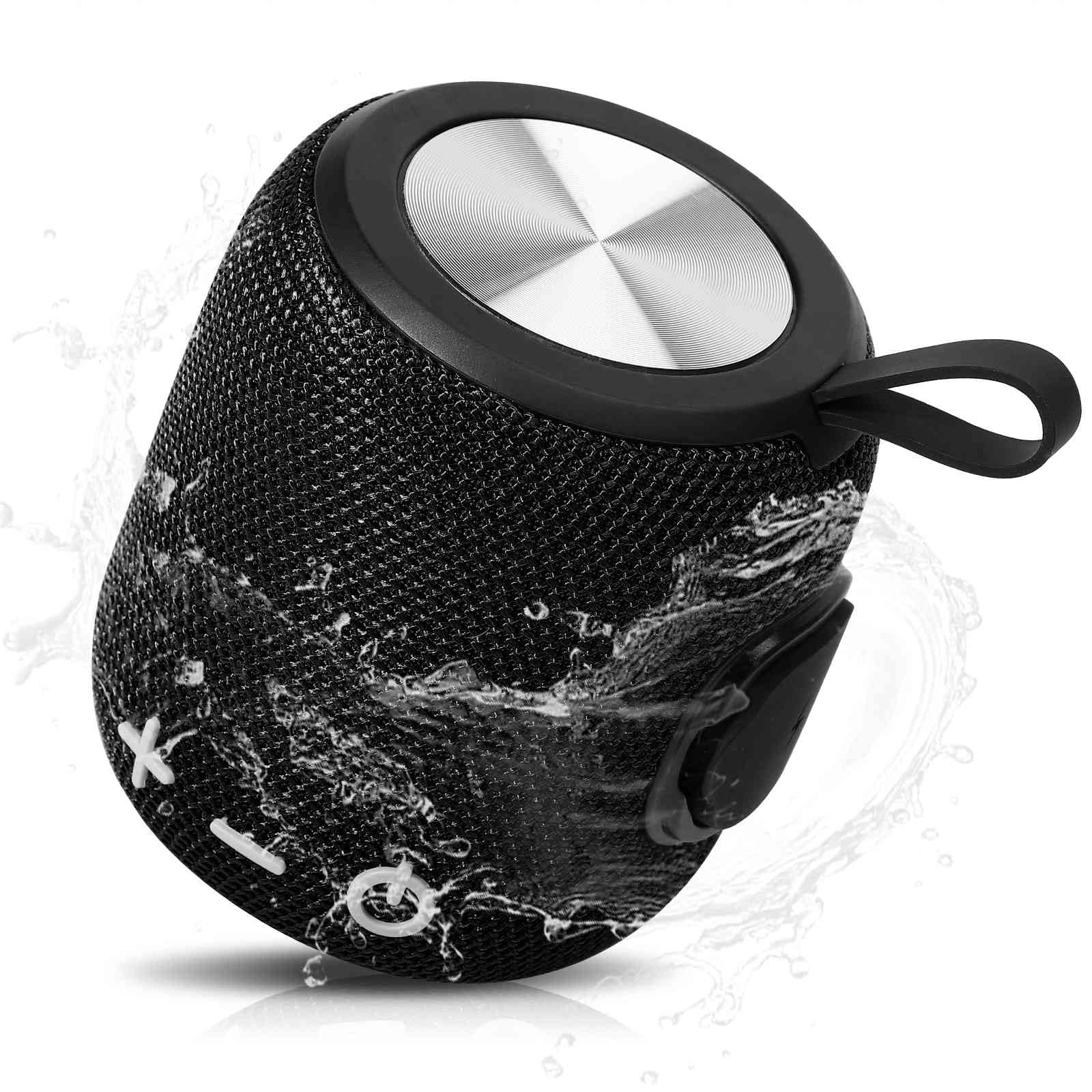
Image: The UrbanX Bluetooth Speaker FM0190, highlighting its powerful audio driver and compact design.
Setup
1. Charging the Speaker
Before first use, fully charge the speaker. Connect the provided Type-C charging cable to the speaker's charging port and the other end to a USB power adapter (not included) or a computer's USB port. The LED indicator will show charging status and turn off or change color when fully charged. A full charge typically takes 3-4 hours and provides up to 20 hours of playback.
2. Powering On/Off
- To Power On: Press and hold the Power button for approximately 3 seconds until you hear an audible prompt and the LED indicator lights up.
- To Power Off: Press and hold the Power button for approximately 3 seconds until you hear an audible prompt and the LED indicator turns off.
3. Bluetooth Pairing
To connect your UrbanX FM0190 speaker to a Bluetooth-enabled device:
- Ensure the speaker is powered on and in pairing mode. The LED indicator will flash, indicating it is ready to pair.
- On your device (smartphone, tablet, etc.), enable Bluetooth and search for available devices.
- Select "UrbanX FM0190" from the list of devices.
- Once connected, the speaker will emit an audible confirmation, and the LED indicator will stop flashing and remain solid.
The speaker will automatically attempt to reconnect to the last paired device when powered on, if that device is within range.
Operating
Music Playback
- Play/Pause: Press the Play/Pause button once.
- Volume Up: Short press the Volume Up button.
- Volume Down: Short press the Volume Down button.
- Next Track: Long press the Volume Up button.
- Previous Track: Long press the Volume Down button.
True Wireless Stereo (TWS) Pairing
The TWS feature allows you to connect two UrbanX FM0190 speakers for a synchronized stereo sound experience.
- Ensure both UrbanX FM0190 speakers are powered on and not connected to any Bluetooth device.
- On one of the speakers (this will be the primary speaker), double-press the Power button. The speaker will enter TWS pairing mode.
- The two speakers will automatically search for and connect to each other. Once connected, you will hear an audible confirmation.
- Now, connect your Bluetooth device to the primary speaker as described in the "Bluetooth Pairing" section. Both speakers will play audio in stereo.
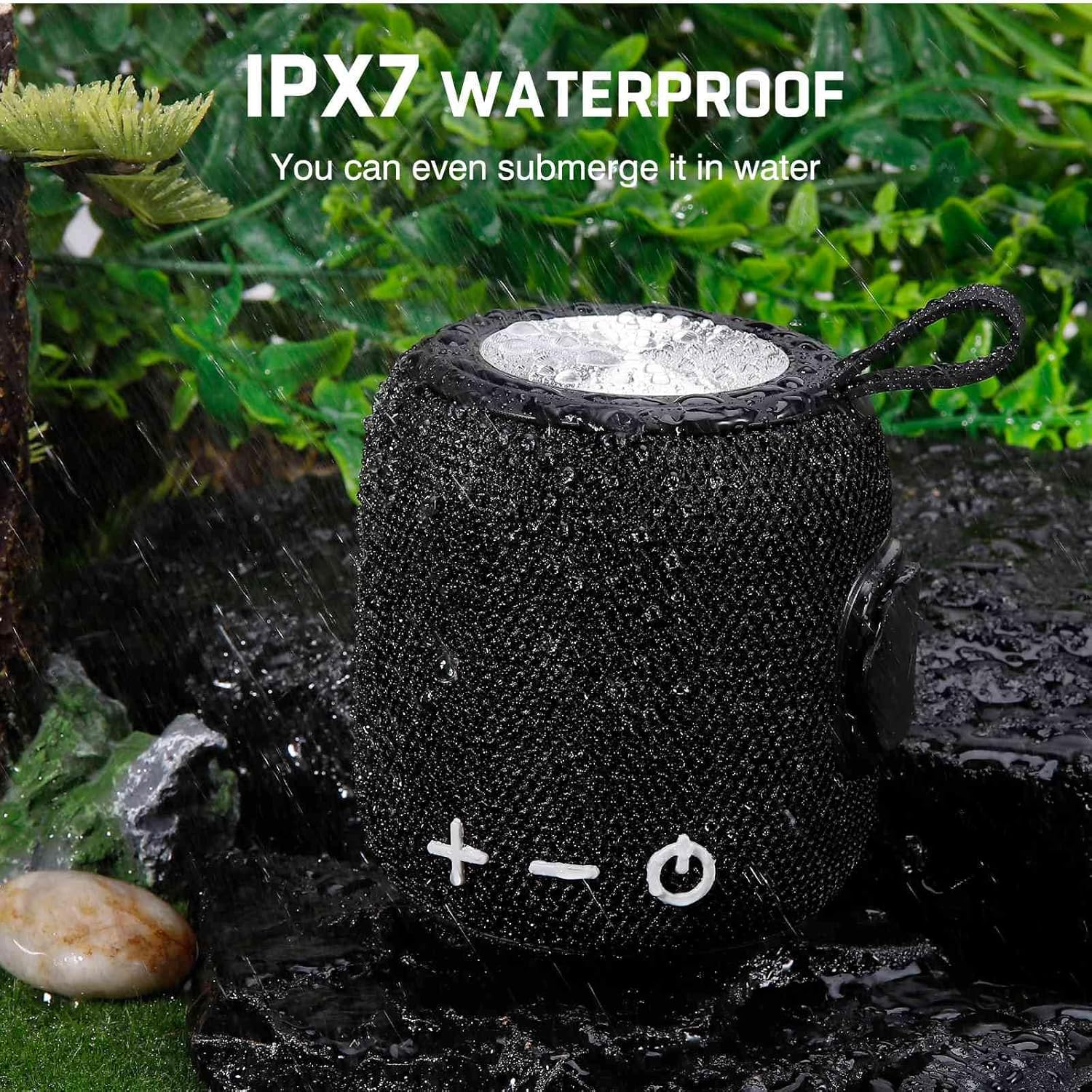
Image: Two UrbanX Bluetooth Speakers demonstrating True Wireless Stereo (TWS) pairing for immersive sound.
Call Handling
With the built-in microphone, you can manage phone calls through the speaker when connected to your smartphone:
- Answer Call: Press the Play/Pause button once.
- End Call: Press the Play/Pause button once during a call.
- Reject Call: Long press the Play/Pause button.
SD/TF Card Playback and AUX Input
The speaker supports playback from a 32GB SD/TF card. Insert the card into the designated slot. The speaker will automatically switch to card playback mode. An AUX input is also available for wired connections to audio sources.
Maintenance
Waterproofing (IPX7)
The UrbanX FM0190 speaker features an IPX7 waterproof rating, meaning it can be submerged in water up to 1 meter for 30 minutes. This makes it suitable for use near water, such as at the beach or by the pool. Ensure the charging port cover is securely closed before exposing the speaker to water.

Image: The UrbanX Bluetooth Speaker FM0190, showcasing its IPX7 waterproof capability by being partially submerged in water.
Cleaning and Storage
- Clean the speaker with a soft, damp cloth. Do not use abrasive cleaners or solvents.
- Ensure the speaker is dry before charging.
- Store the speaker in a cool, dry place away from extreme temperatures and direct sunlight.
- If not used for extended periods, charge the battery at least once every three months to prolong its lifespan.
Troubleshooting
If you encounter issues with your UrbanX FM0190 speaker, refer to the following common solutions:
| Problem | Possible Cause | Solution |
|---|---|---|
| Speaker does not power on | Low battery; Power button not pressed correctly | Charge the speaker; Press and hold the Power button for 3 seconds. |
| Cannot pair with Bluetooth device | Speaker not in pairing mode; Device Bluetooth off; Speaker already connected to another device | Ensure speaker LED is flashing; Turn on Bluetooth on your device; Disconnect from other devices. |
| No sound | Volume too low; Device not connected; Audio source issue | Increase speaker and device volume; Re-pair Bluetooth; Check audio source. |
| TWS pairing fails | Speakers already paired to a device; Not in TWS pairing mode | Ensure both speakers are disconnected from other devices; Double-press Power button on one speaker to initiate TWS pairing. |
| Poor sound quality/intermittent connection | Too far from device; Obstructions; Interference | Move speaker closer to device (within 5m); Remove obstructions; Avoid strong electromagnetic fields. |
Specifications
| Model Name | Waterproof Bluetooth Speaker |
| Item Model Number | FM0190 |
| Brand | UrbanX |
| Connectivity Technology | Bluetooth V5.2 |
| Wireless Communication Range | Up to 5 meters (16 feet) |
| Speaker Type | Surround |
| Speaker Maximum Output Power | 5 Watts |
| Special Features | Bass Boost, Shockproof, USB Port, IPX7 Waterproof, True Wireless Stereo (TWS) |
| Control Method | Touch |
| Power Source | Battery Powered (1800mAh Lithium-ion) |
| Battery Life | Up to 20 hours |
| Charging Time | 3-4 hours |
| Product Dimensions | 5.4"D x 3.76"W x 3.82"H (140mm x 120mm) |
| Item Weight | 15 Ounces |
| Material | ABS Plastic, Nylon Fabric, Rubber Oil, Metal |
| Color | Black |
Warranty Information
The UrbanX Bluetooth Speaker FM0190 comes with a limited manufacturer's warranty. Please refer to the product packaging or the official UrbanX website for detailed warranty terms and conditions. This warranty typically covers defects in materials and workmanship under normal use.
Support
For further assistance, technical support, or inquiries regarding your UrbanX Bluetooth Speaker FM0190, please contact UrbanX customer service through the contact information provided on the product packaging or the official UrbanX website. Please have your model number (FM0190) and purchase details ready when contacting support.

