
Devoko 0463
Devoko Electric Height Adjustable Desk
Model: 0463 (160x70cm, White)
1. Introduction
Thank you for choosing the Devoko Electric Height Adjustable Desk. This manual provides essential information for the safe and efficient use of your new desk. Please read it thoroughly before assembly and operation, and keep it for future reference.
This desk is designed to enhance your workspace by allowing seamless transitions between sitting and standing positions. This promotes better posture, reduces fatigue, and can increase productivity. Its robust construction and intelligent features ensure a reliable and comfortable work environment.

Figure 1: Devoko Electric Height Adjustable Desk (160x70cm, White)
2. Safety Information
- Caution: Use the electric height adjustment with care.
- Do not load the desk with more than 70 kg (154 lbs). Exceeding this weight limit may cause damage to the desk or lead to injury.
- Use stable objects to secure the desk to the floor to prevent tipping, especially when adjusting height or if the desk is heavily loaded.
- Keep children and pets away from the desk during height adjustment to prevent accidents.
- Ensure no obstacles are in the path of the desk's movement (up or down) to avoid collisions and damage.
- Do not disassemble or modify the desk's electrical components. Contact qualified personnel for repairs.
- Ensure the power cord is properly connected and not damaged.
3. Package Contents
Please verify that all components are present before beginning assembly. If any parts are missing or damaged, please contact customer support.
- Desk tabletop (160x70cm)
- Electric lifting columns (legs)
- Foot supports
- Control panel with memory presets
- Power adapter and cable
- Monitor stand
- Assembly hardware (screws, bolts, etc.)
- Assembly instructions manual (separate document)
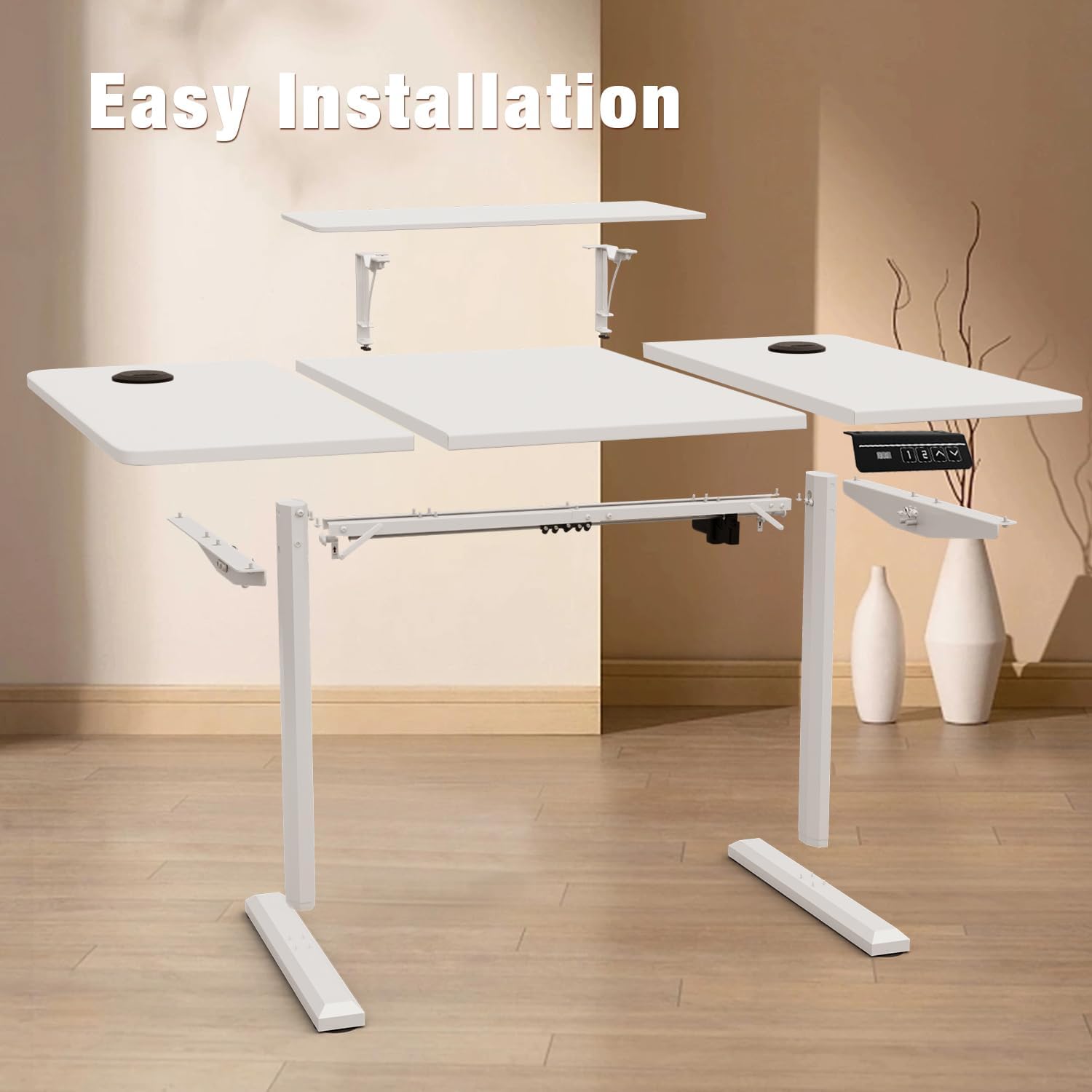
Figure 2: Exploded view of desk components for assembly.
4. Setup Instructions
Assembly is required for this desk. While this manual provides an overview, detailed step-by-step instructions are included in a separate assembly guide provided with your product. Please refer to that guide for complete assembly procedures.
General Assembly Steps:
- Unpack all components and verify against the package contents list.
- Attach the lifting columns to the tabletop using the provided hardware.
- Secure the foot supports to the bottom of the lifting columns.
- Install the control panel to the underside of the tabletop.
- Connect all necessary cables (power, control panel) according to the assembly guide.
- Place the desk in its desired location, ensuring it is on a stable, level surface.
- Install the monitor stand if desired.
Note: Two people are recommended for assembly to ensure safety and ease of installation. All assembly tools are not included, please prepare necessary tools as indicated in the separate assembly guide.
5. Operating Instructions
5.1. Height Adjustment
The desk's height can be adjusted electrically between 73 cm and 118 cm. Use the control panel located on the underside of the desk to operate.
- Press the ▲ button to raise the desk.
- Press the ▼ button to lower the desk.
- Release the button at your desired height.

Figure 3: Control Panel for Height Adjustment and Memory Presets.
5.2. Memory Presets
The control panel allows you to save two preferred heights for quick access.
- Adjust the desk to your desired height using the Up/Down arrows.
- Press the "M" button (or similar memory set button, if present, otherwise assume direct preset buttons).
- Immediately press either "1" or "2" to save the current height to that preset.
- To recall a saved height, simply press the corresponding "1" or "2" button. The desk will automatically move to the saved position.
5.3. Anti-Collision System
The desk is equipped with an anti-collision system to prevent damage or injury. If the desk encounters an obstacle during height adjustment, it will automatically stop and slightly reverse its movement.
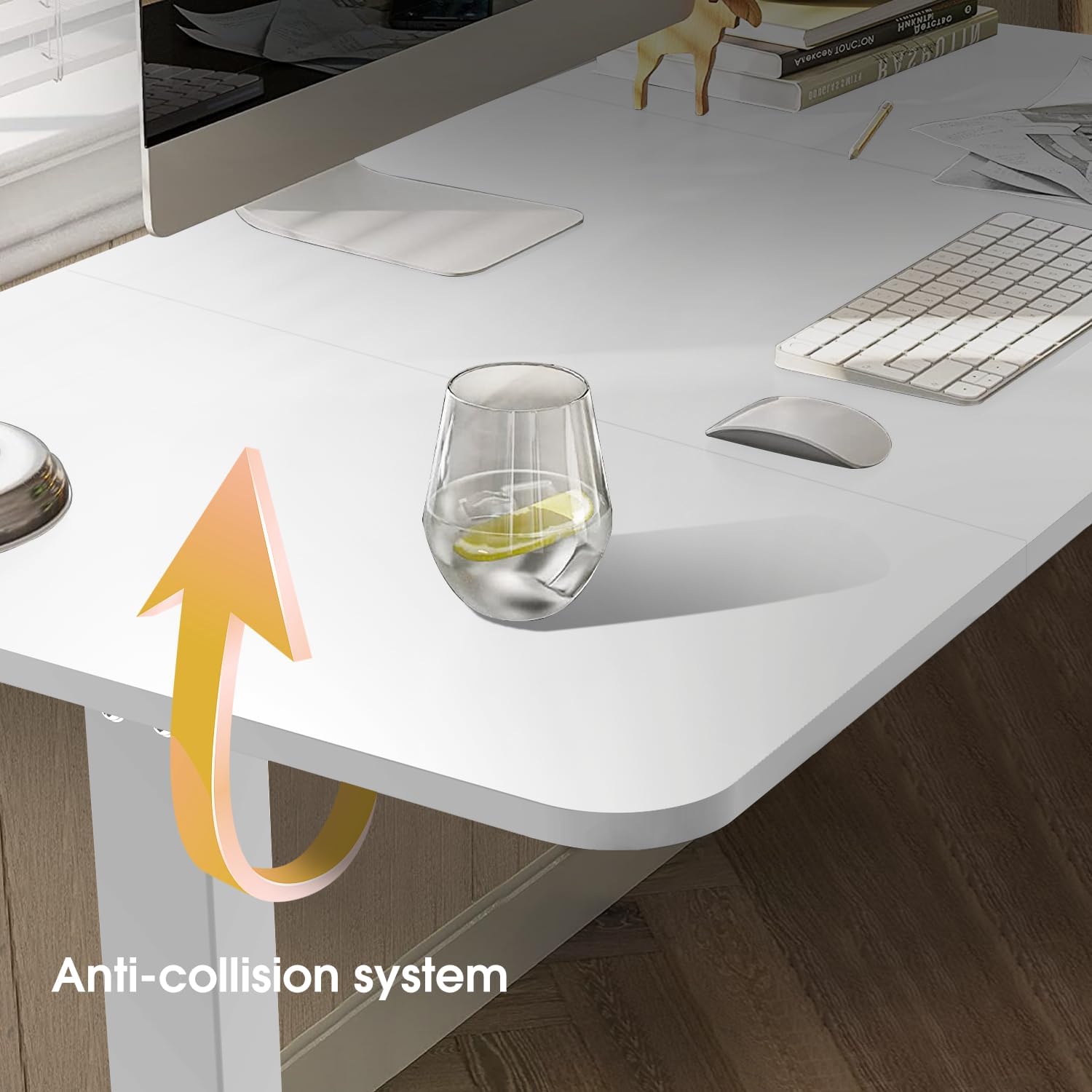
Figure 4: Anti-collision system in action.
5.4. Monitor Stand
The included monitor stand is detachable and can be installed or removed as needed to optimize your viewing height and workspace ergonomics.
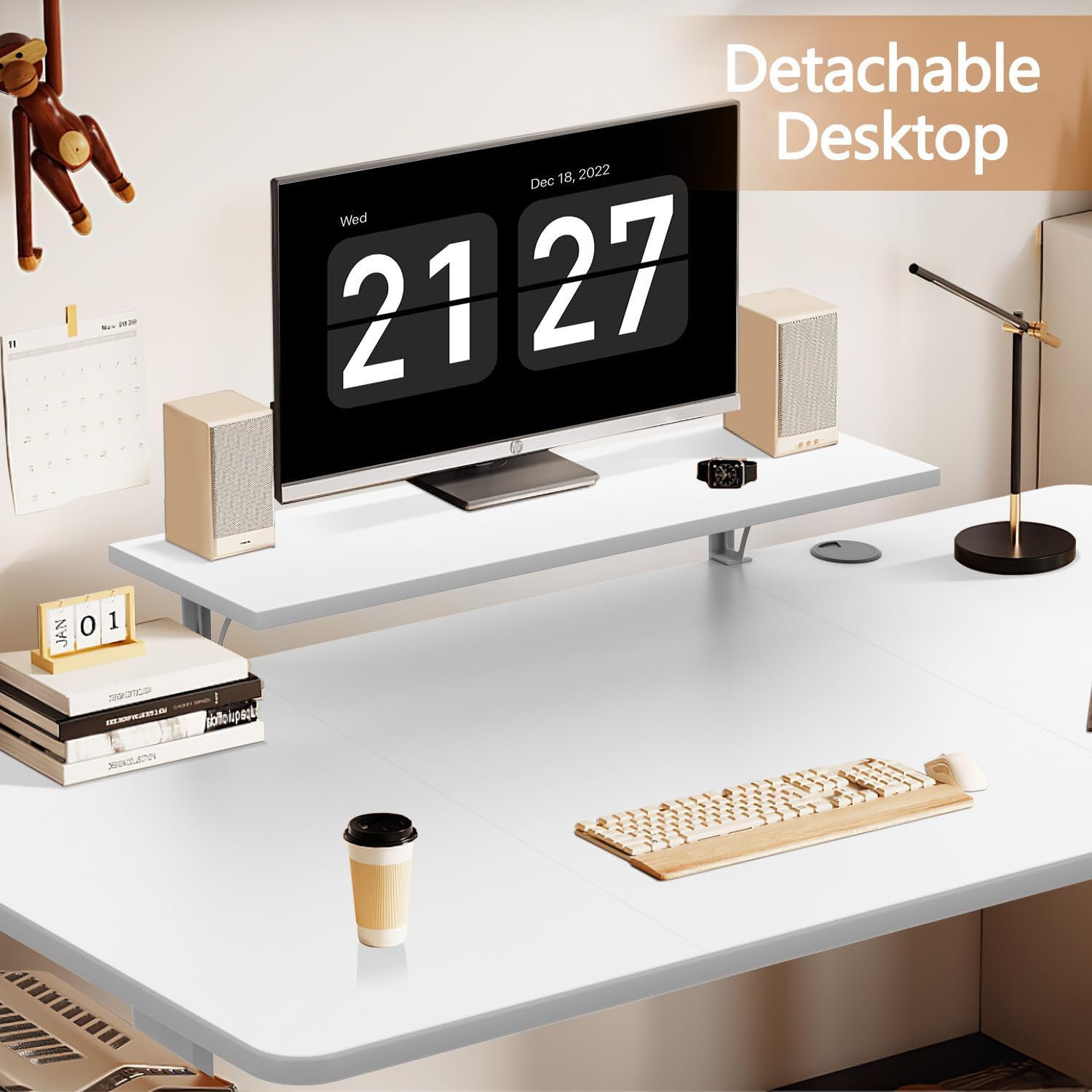
Figure 5: Detachable monitor stand for ergonomic adjustment.
6. Maintenance
- Cleaning: Clean the desk surface with a dry cloth. For more thorough cleaning, use a damp cloth. Avoid harsh chemicals or abrasive cleaners that could damage the finish.
- Inspection: Periodically check all screws and connections to ensure they are tight. Retighten if necessary.
- Cable Management: Ensure cables are neatly managed and not pinched or tangled, especially during height adjustments. The desk includes cable management features (grommets) to assist with this.
- Weight Limit: Adhere to the maximum weight capacity of 70 kg to prevent strain on the motor and frame.
7. Troubleshooting
| Problem | Possible Cause | Solution |
|---|---|---|
| Desk does not move. | Power cable disconnected; motor overload; control panel issue. | Check power connection. Reduce load on desk. Reset the system (refer to detailed assembly guide for reset procedure). |
| Desk moves unevenly or makes unusual noises. | Uneven load; loose connections; foreign object in mechanism. | Distribute weight evenly. Check and tighten all screws. Inspect for obstructions. |
| Anti-collision system triggers too often. | Sensitivity setting too high; actual obstruction. | Ensure no objects are near the desk's path. Refer to the detailed guide for adjusting sensitivity (if applicable). |
| Memory presets not working. | Incorrect saving procedure; power interruption. | Re-save the desired heights following the operating instructions. |
If you encounter problems not listed here or if solutions do not resolve the issue, please contact Devoko customer support.
8. Specifications

Figure 6: Key dimensions and features.
| Feature | Detail |
|---|---|
| Brand | Devoko |
| Model Number | 0463 |
| Size | 160x70cm |
| Color | White |
| Height Adjustment Range | 73 cm - 118 cm |
| Maximum Recommended Weight | 70 kg |
| Lifting Mechanism | Electric |
| Special Features | Height Adjustable, Electric, Ergonomic, 2 Memory Presets, Anti-collision system, Monitor Stand |
| Material | Engineered Wood (Tabletop), Metal (Frame) |
| Assembly Required | Yes |
| Recommended Number of People for Assembly | 2 |
| Product Care Instructions | Wipe with a dry cloth, Wipe with a damp cloth. |
| Country of Origin | China |
9. Warranty and Support
This Devoko product comes with a Limited Warranty. Please refer to the separate warranty card included with your purchase for specific terms and conditions, including coverage duration and claims process.
For technical support, missing parts, or warranty claims, please contact Devoko customer service through the retailer where you purchased the product or visit the official Devoko website for contact information.
Manufacturer: Devoko
Warranty Type: Limited
Ask a question about this manual
Ask about setup, troubleshooting, compatibility, parts, safety, or missing instructions. Manuals+ will review the question and use this page’s manual context to help answer it.