
TWINSTAR 200EA | 20-30 cm - 17W
TWINSTAR LED EA Series Aquarium Light User Manual
Model: 200EA | 20-30 cm - 17W
Introduction
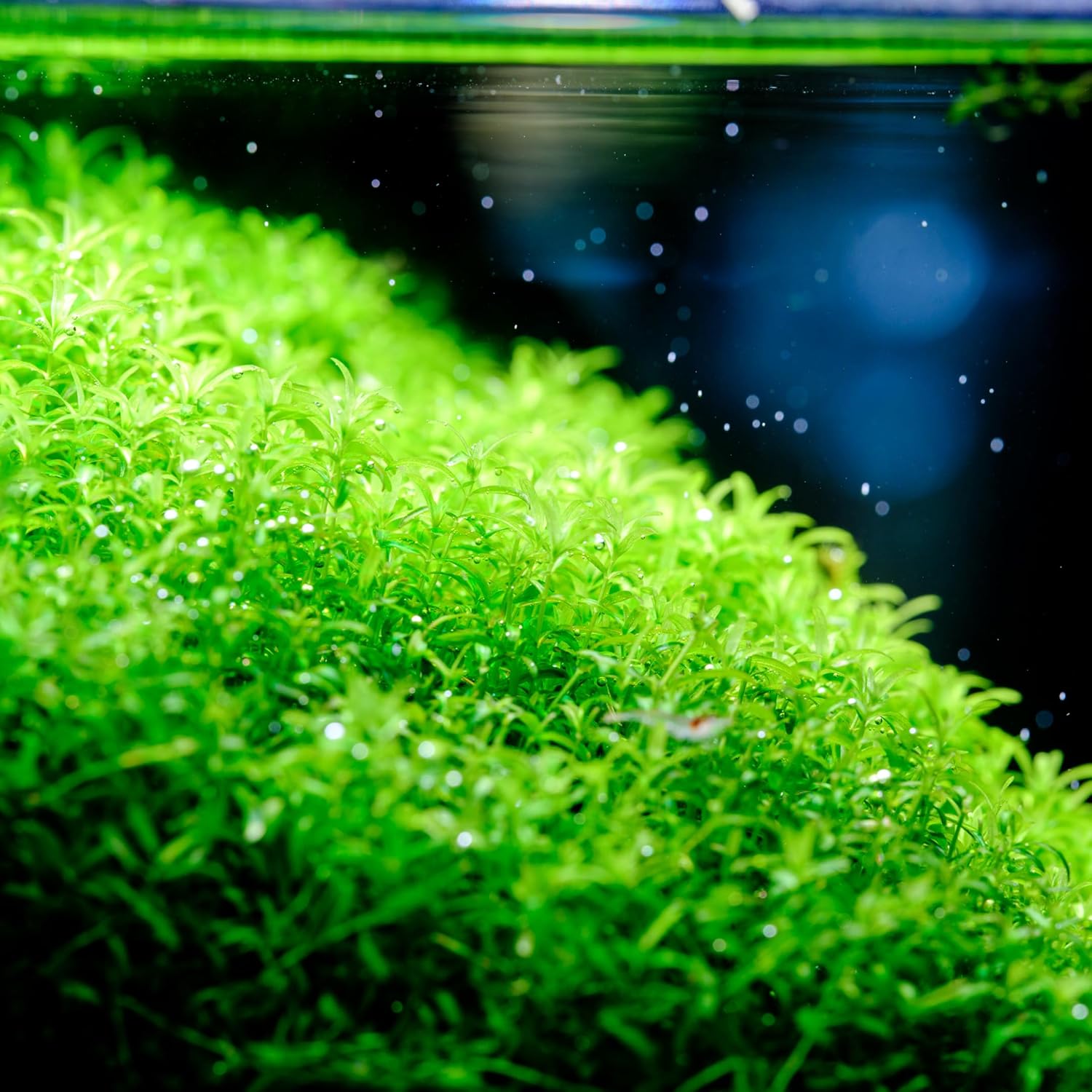
The TWINSTAR LED EA Series Aquarium Light is designed to provide optimal lighting for planted aquariums, enhancing plant growth and bringing out vivid colors in your aquatic environment. This manual provides essential information for the safe and effective installation, operation, and maintenance of your new aquarium light.
This model, the 200EA, is specifically designed for tanks measuring 20-30 cm (7.87 inches) and operates at 17 watts, offering 850 lumens of brightness.
Safety Information
- Read all instructions: Before operating the light, carefully read and understand all instructions to prevent injury or damage.
- Indoor Use Only: This product is designed for indoor use in an aquarium environment. Do not use outdoors or in wet conditions other than over an aquarium.
- Water and Electricity: Always ensure your hands are dry before handling the power cord or light unit. Never immerse the light unit or power supply in water.
- Power Source: Connect the light only to a properly grounded outlet with the specified voltage (1.2E+2 Volts AC).
- Maintenance: Disconnect power before performing any maintenance, cleaning, or when the light is not in use.
- Children and Pets: Keep the product out of reach of children and pets.
- Damage: Do not operate the light if the cord or plug is damaged, or if the light unit malfunctions or has been dropped or damaged in any way. Contact customer support for assistance.
What's in the Box
Verify that all components are present before proceeding with installation:
- Light Unit
- Brackets (Adjustable)
- Dimmer
- Power Cable
- Power Supply

Setup
- Unpack Components: Carefully remove all items from the packaging.
- Attach Brackets: Slide the adjustable brackets onto the ends of the light unit. Ensure they are securely fastened.
- Position on Aquarium: Place the light unit with attached brackets onto the rim of your aquarium. Adjust the brackets to fit your tank's dimensions securely. The light is designed for glass thickness up to 1.2 cm.
- Connect Dimmer: Connect the dimmer unit to the light unit's cable.
- Connect Power Supply: Connect the power cable to the dimmer unit, and then connect the power supply to the power cable.
- Plug In: Plug the power supply into a suitable electrical outlet.

Operating Instructions
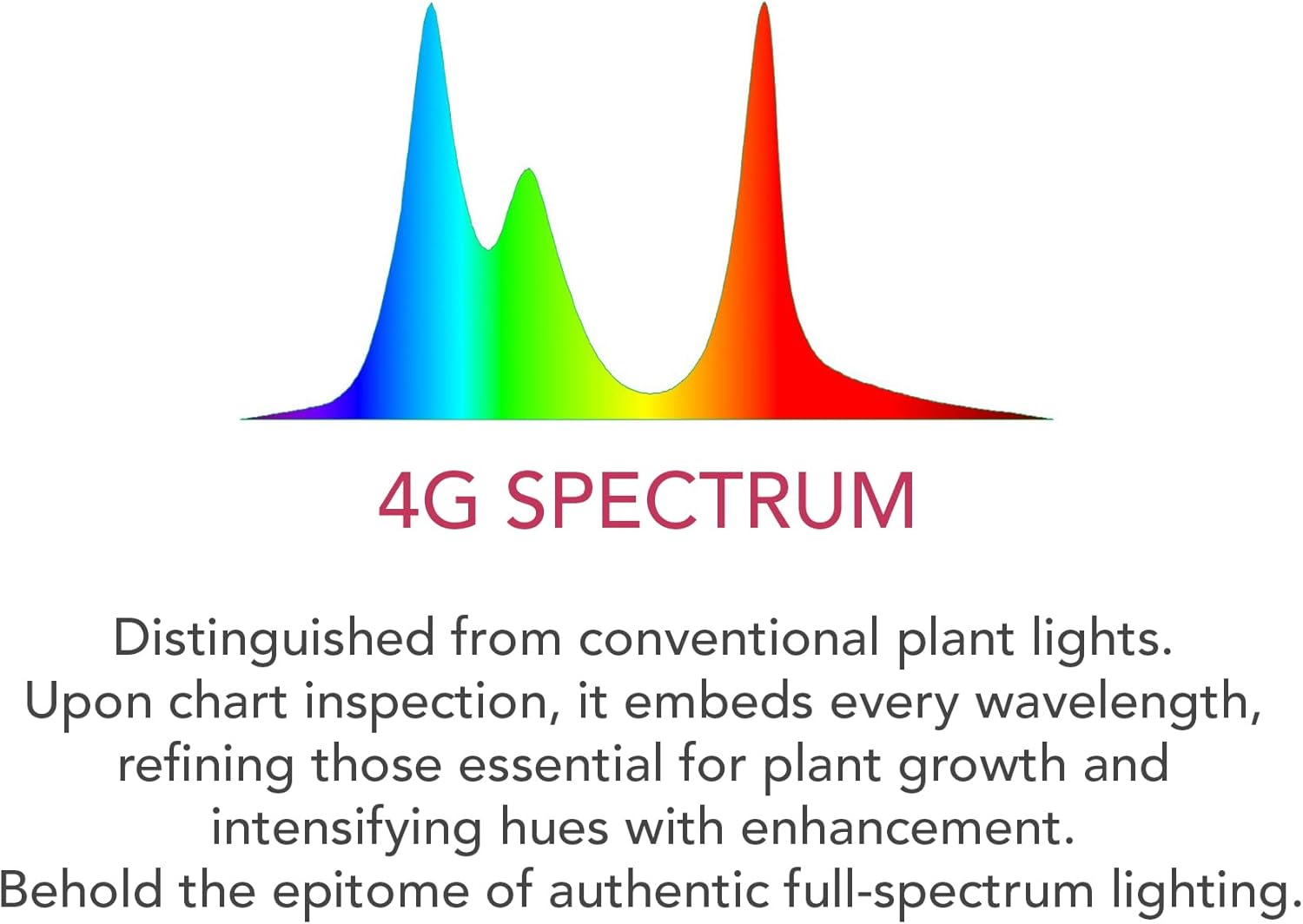
The TWINSTAR LED EA Series light features full-spectrum lighting, adjustable intensity, and a built-in timer for optimal plant growth and natural light cycles.
Power On/Off
Press the ON/OFF button on the dimmer control to turn the light on or off.
Adjusting Brightness (Dimmer)
The light offers 7 brightness levels. Press the DIMMER button repeatedly to cycle through the available brightness settings. This allows you to customize the light intensity to suit your aquarium's needs and mimic natural light conditions.
Setting the Timer
The built-in timer allows you to set the light duration for 6, 8, or 10 hours. Press the TIMER button repeatedly to select your desired duration. The light will automatically turn on and off at the set intervals each day.
The light also features a 10-minute natural light transition for sunrise and sunset, providing a seamless aquatic background and reducing stress on aquatic inhabitants.





Maintenance
- Cleaning: Disconnect the power supply before cleaning. Wipe the light unit with a soft, damp cloth. Do not use abrasive cleaners or solvents. Ensure the light is completely dry before reconnecting power.
- Regular Inspection: Periodically check the power cord and connections for any signs of damage.
- Water Splashes: While the light is designed for aquarium use, avoid direct water splashes onto the light unit or dimmer. It is not waterproof.
Troubleshooting
| Problem | Possible Cause | Solution |
|---|---|---|
| Light does not turn on. | No power, loose connection, faulty power supply/dimmer. | Check if the power cord is securely plugged into the outlet and the light unit. Test the outlet with another device. Ensure the ON/OFF button is pressed. |
| Light flickers or dims unexpectedly. | Unstable power supply, loose connection, dimmer malfunction. | Ensure all connections are secure. Try adjusting the dimmer settings. If the issue persists, contact customer support. |
| Timer function not working. | Incorrect timer setting, power interruption. | Re-set the timer by pressing the TIMER button. Ensure consistent power supply to the unit. |
| Plants not growing well. | Insufficient light duration/intensity, other aquarium parameters. | Increase light duration or brightness using the timer and dimmer functions. Ensure other aquarium parameters (CO2, nutrients, water quality) are optimal for plant growth. |
Specifications
| Feature | Detail |
|---|---|
| Model | 200EA IV |
| Item Model Number | TSLEIV |
| Tank Size (Recommended) | 20-30 cm (7.87 inches) |
| Light Dimensions (L x W x H) | 7.36 x 2.95 x 3.66 inches |
| Brightness | 850 lumens |
| Wattage | 17 Watts |
| Glass Thickness (Max) | Up to 1.2 cm |
| Light Source Type | LED (Full Spectrum, Orange LED Technology) |
| Timer Settings | 6, 8, 10 hours (with 10-min sunrise/sunset transition) |
| Brightness Levels | 7 levels |
| Material | Aluminum (Light Unit), Metal (Base Material) |
| Color | Silver |
| Power Source | Corded Electric |
| Voltage | 1.2E+2 Volts (AC) |
| Control Method | Remote (via dimmer unit) |
| Water Resistance Level | Not Water Resistant |
For detailed product information and energy efficiency data, please refer to the official EPREL database:


Warranty and Support
Specific warranty details are typically provided at the point of purchase or within separate warranty documentation included with your product. Please retain your proof of purchase for warranty claims.
For technical support, troubleshooting assistance, or warranty inquiries, please contact your retailer or the TWINSTAR customer service department. Refer to the contact information provided on the product packaging or the official TWINSTAR website.
Related Documents - 200EA | 20-30 cm - 17W
 |
Twinstar Generation 3 Basket Rake Parts Manual - Models 2027/2030G3-7 This comprehensive parts manual provides detailed information for the Twinstar Generation 3 Basket Rake, models 2027/2030G3-7, covering serial numbers from 2037000 to 2037999. It includes exploded view diagrams, part numbers, and descriptions for all major assemblies, hydraulic systems, and electrical components, along with a limited warranty statement. |
 |
TWINSTAR S LINE III LED Aquarium Light - Enhanced Colors & Performance Discover the TWINSTAR S LINE III, an advanced LED aquarium light designed for vibrant plant colors, optimal growth, and superior durability. Featuring a refined design, high-efficiency RGB LEDs, and multiple sizes for perfect aquarium harmony. |
 |
MingDak MD-GLSD07 Full Spectrum LED Aquarium Light User Manual User manual for the MingDak MD-GLSD07 Full Spectrum LED Aquarium Light, detailing features, specifications, installation, usage, and troubleshooting. |
 |
SuperFish Aquarium Kits: Setup, Safety, and Maintenance Guide Comprehensive guide to setting up, maintaining, and safely using SuperFish aquarium kits (Start 20, 30, 50, 70, 100, 150). Includes safety instructions, warranty details, and care tips. |
 |
SuperFish QubiQ 30 Pro Aquarium: 30L LED Aquarium for Coldwater & Tropical Fish Discover the SuperFish QubiQ 30 Pro, a stylish and easy-to-maintain 30-liter aquarium featuring integrated LED lighting, a Corner-Flow 200 filter, and space for a heater. Perfect for coldwater and tropical fish. |
 |
SuperFish QubiQ 20 Aquarium Setup and User Manual Comprehensive guide for setting up and maintaining your SuperFish QubiQ 20 aquarium, including safety, warranty, and step-by-step instructions for optimal fish and plant health. |
Ask a question about this manual
Ask about setup, troubleshooting, compatibility, parts, safety, or missing instructions. Manuals+ will review the question and use this page’s manual context to help answer it.