Introduction
Thank you for choosing the CIVO Men's Analog Quartz Watch. This manual provides detailed instructions for setting up, operating, and maintaining your new timepiece. Please read this manual carefully to ensure optimal performance and longevity of your watch.
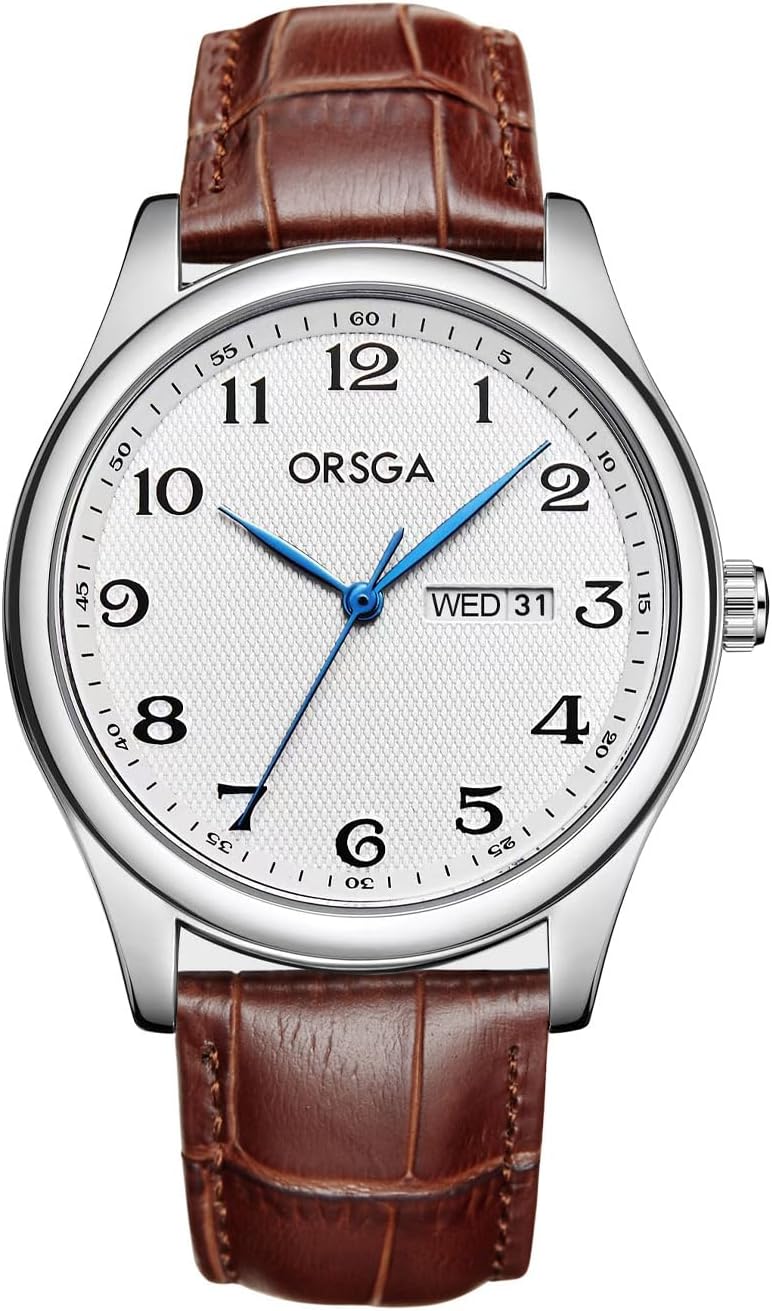
Front view of the CIVO Men's Analog Quartz Watch with brown leather strap and white dial.
Package Contents
Upon opening your package, please verify that all items are present:
- 1 x CIVO Men's Watch
- 1 x Watch Instruction Manual (this document)
- 1 x Microfiber Cleaning Cloth
- 1 x Warranty Card
Specifications
| Feature | Detail |
|---|---|
| Movement | Japanese Quartz |
| Case Diameter | 40 mm (1.57 inches) |
| Case Thickness | 9 mm (0.35 inches) |
| Band Width | 20 mm (0.79 inches) |
| Total Length | 23.2 cm (9.13 inches) |
| Watch Weight | 41 g |
| Clasp Type | Buckle |
| Water Resistance | 3 ATM (30 meters / 3 bars) |
| Battery | 1 Standard Battery (included) |

Detailed dimensions of the CIVO Men's Analog Quartz Watch.
Setup
Setting the Time
- Pull the crown (the small knob on the side of the watch) out to the first click position.
- Turn the crown clockwise or counter-clockwise to set the hour and minute hands to the desired time.
- Once the time is set, push the crown back into its original position to start the watch.
Setting the Date
- Pull the crown out to the first click position.
- Turn the crown counter-clockwise (or clockwise, depending on the model) to adjust the date.
- Once the date is set, push the crown back into its original position.
Important Note: To avoid damaging the date mechanism, do not set the date between 9:00 PM and 3:00 AM. If you need to set the date during this period, first adjust the time outside this window, then set the date, and finally reset the time.

Close-up view of the watch dial, highlighting the date display and water resistance feature.
Operating the Watch
Your CIVO watch is designed for daily wear, offering precise timekeeping and a minimalist aesthetic. The Japanese quartz movement ensures accuracy and reliability.
Daily Use
- The watch is powered by a standard battery, providing long-lasting operation.
- The comfortable and breathable leather strap is suitable for extended wear.
- The minimalist Arabic numeral dial with blue hands allows for easy time reading at a glance.

The CIVO watch elegantly worn on a man's wrist.
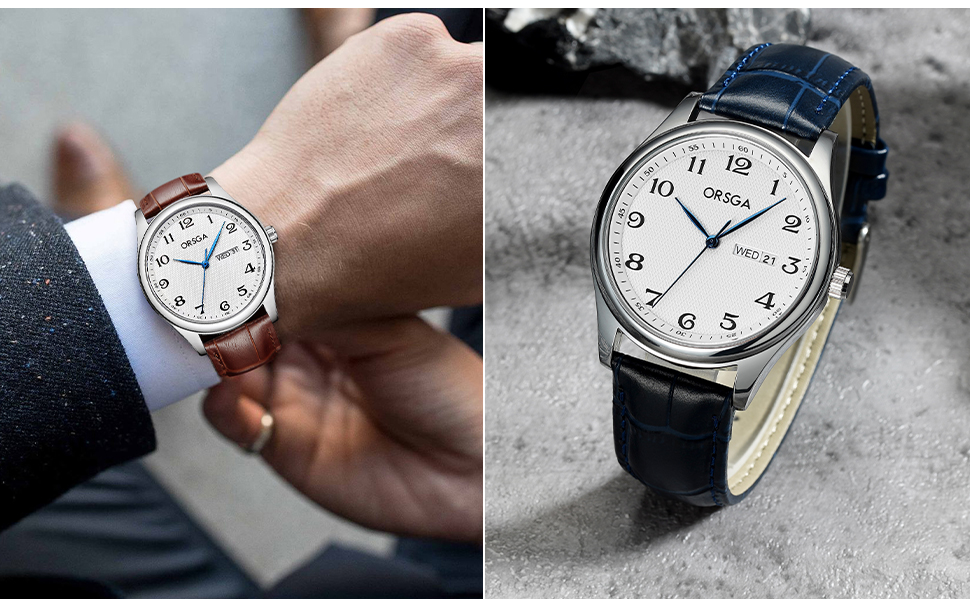
Various styles of the CIVO watch, including brown and blue leather straps.
Maintenance and Care
Water Resistance (3 ATM / 30 Meters)
Your CIVO watch is designed with 3 ATM water resistance, meaning it is suitable for daily use and can withstand:
- Sweat
- Accidental rain splashes
- Hand washing
Caution: This watch is NOT suitable for bathing, swimming, diving, or any prolonged water immersion. Exposure to hot water (e.g., showers, saunas) can damage the seals and compromise water resistance. Do not operate the crown or push buttons when the watch is wet.

Illustration of the 30M water resistance capabilities: suitable for rain, water drops, and hand washing.
Cleaning
Use the provided microfiber cleaning cloth to gently wipe the watch case and crystal to remove fingerprints and smudges. For the leather strap, wipe with a dry, soft cloth. Avoid using chemical cleaners or abrasive materials, as these can damage the watch's finish or strap.
Storage
When not in use, store your watch in a cool, dry place, away from direct sunlight, extreme temperatures, and strong magnetic fields. Keeping it in its original packaging or a watch box can help protect it from dust and scratches.
Troubleshooting
| Problem | Possible Cause | Solution |
|---|---|---|
| Watch stops or runs inaccurately | Low battery; Crown not fully pushed in; Exposure to strong magnetic fields. | Replace battery (consult a professional); Ensure crown is fully pushed in; Move watch away from magnetic sources. |
| Date does not change | Incorrect time setting (AM/PM); Date set during restricted hours. | Advance time by 12 hours; Reset date outside 9 PM - 3 AM window. |
| Condensation under crystal | Exposure to extreme temperature changes or moisture. | Seek professional service immediately to prevent internal damage. |
If you encounter issues not listed here or if the suggested solutions do not resolve the problem, please contact CIVO customer support for assistance.
Warranty and Support
Your CIVO watch comes with a 12-month warranty from the date of purchase, covering manufacturing defects. Additionally, we offer a 90-day full refund guarantee.
For warranty claims, technical support, or any questions regarding your watch, please contact CIVO customer service through the retailer where you purchased the product or visit the official CIVO brand store online. Please have your warranty card and proof of purchase ready when contacting support.
Note: The warranty does not cover damage caused by improper use, accidents, unauthorized repairs, or normal wear and tear.


