
Introduction
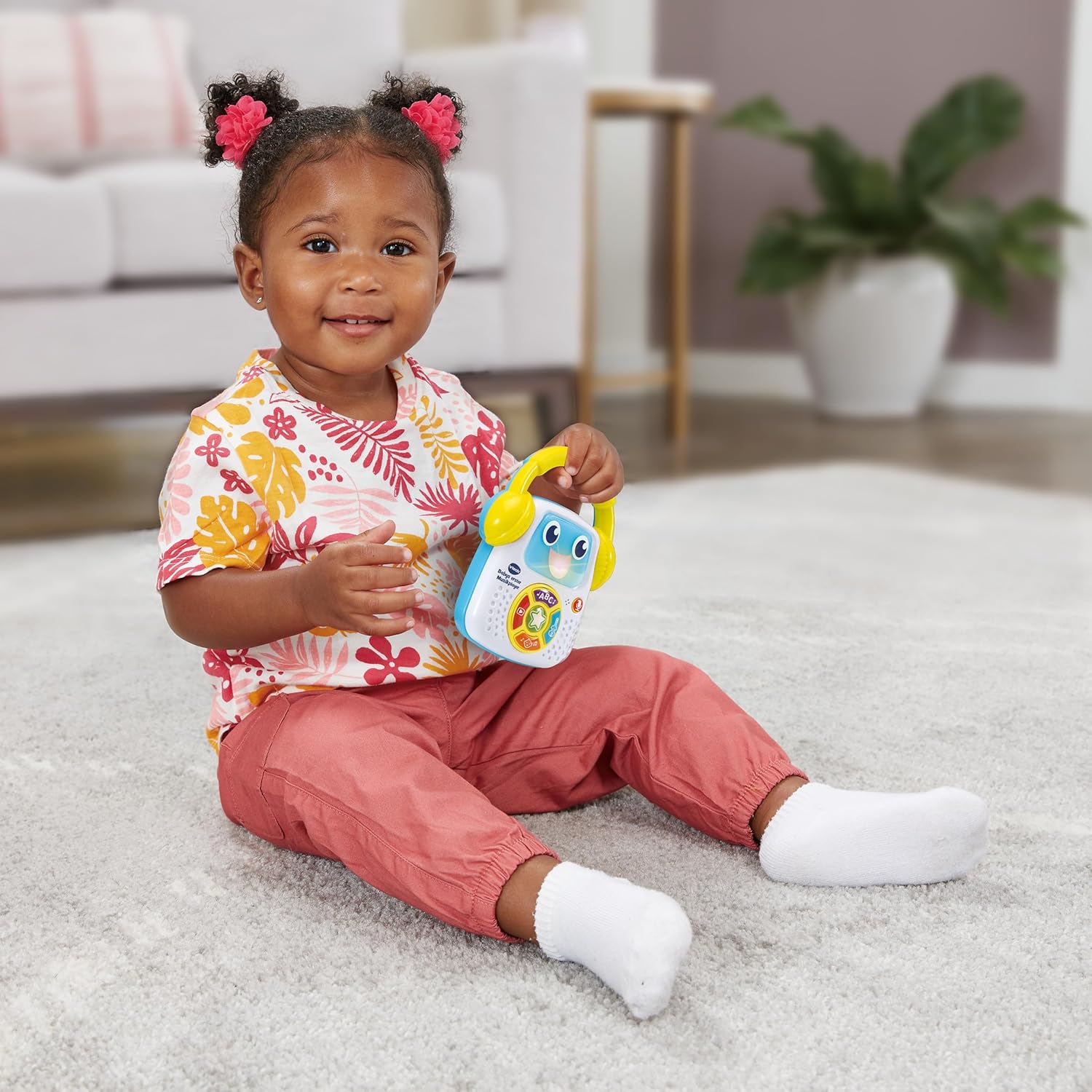
Welcome to the VTech Baby's First Music Player instruction manual. This interactive music player is designed to provide engaging musical experiences for babies and toddlers aged 9 to 36 months. It features various play modes, songs, melodies, and a unique recording function to encourage early learning and musical development.

Key Features
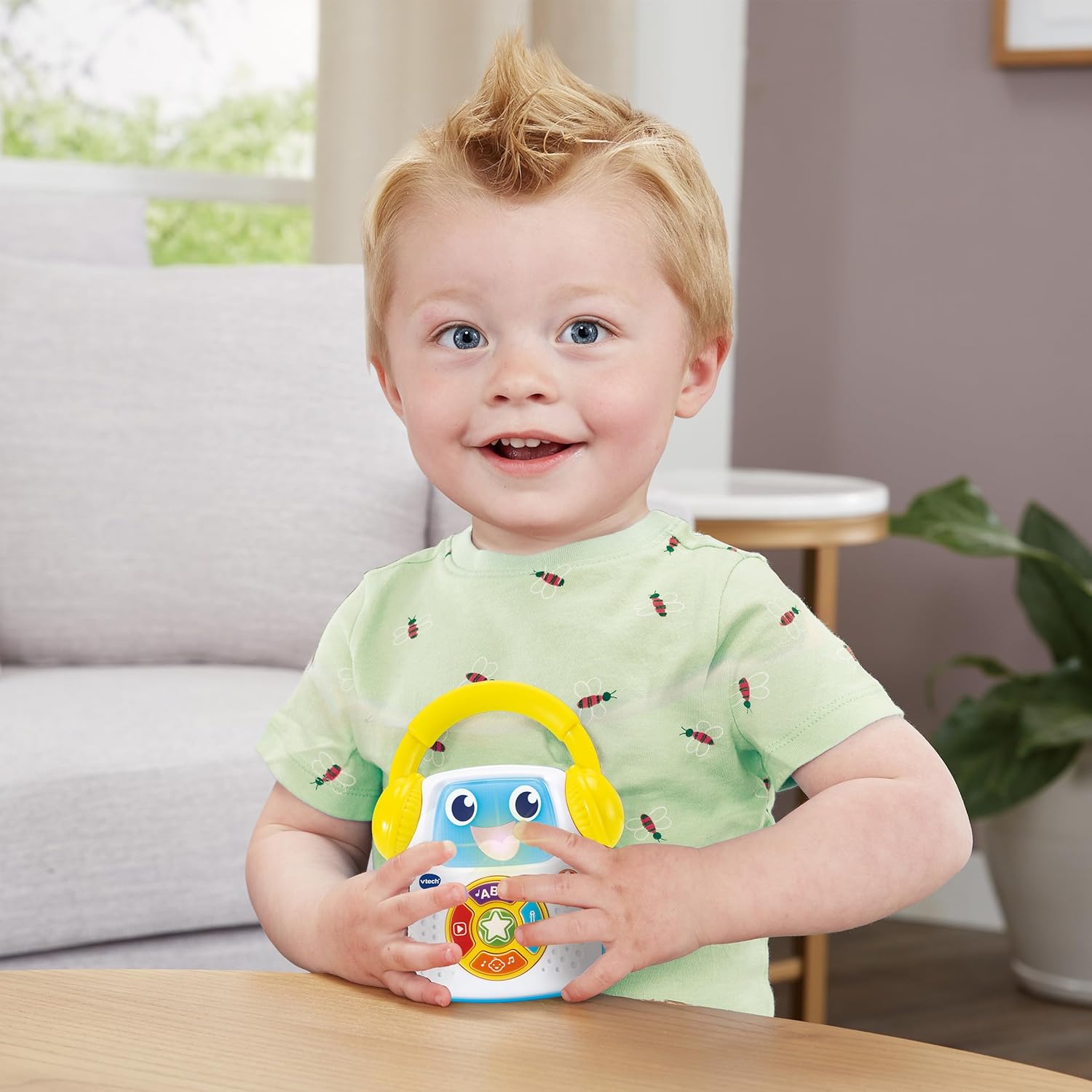
- Portable Design: Cute music player with a practical carrying handle for on-the-go fun.
- Five Play Modes: Includes Nursery Rhymes, Classical Music, Song Mode, Star Mode (interactive), and Recording Mode.
- Recording Function: Allows parents and children to record and play back custom songs, words, or stories.
- Visual Engagement: Features a light-up mouth that responds to music and interaction.
- Extensive Content: Comes with 8 sung songs and 23 melodies.
- User-Friendly Controls: Equipped with volume control, a child-safe battery compartment, and automatic shut-off.
- Developmental Benefits: Promotes speech development and musical understanding.

Setup
Battery Installation
The VTech Baby's First Music Player requires 3 AAA batteries. Demonstration batteries are included, but it is recommended to replace them with new alkaline batteries for optimal performance.
- Locate the battery compartment on the back of the unit.
- Using a screwdriver, loosen the screw on the battery compartment cover.
- Remove the cover.
- Insert 3 new AAA batteries, ensuring correct polarity (+/-) as indicated inside the compartment.
- Replace the battery compartment cover and tighten the screw securely.
Operating Instructions
Power On/Off
To turn the music player on, press the power button (usually indicated by a play/pause symbol or a general power icon). To turn it off, press and hold the power button, or the unit will automatically shut off after a period of inactivity to conserve battery life.
Volume Control
Adjust the volume using the dedicated volume control buttons, typically marked with '+' and '-' symbols, or a single button that cycles through volume levels.
Play Modes
The music player features 5 distinct play modes, each activated by its own button:
- Nursery Rhymes Mode: Press the button with the ABC icon to play a selection of popular nursery rhymes.
- Classical Music Mode: Press the button with the violin icon to enjoy calming classical melodies, ideal for relaxation.
- Song Mode: Press the button with the musical note icon to activate a collection of sung songs.
- Star Mode (Interactive): Press the central star button to engage with the music player through interactive prompts and responses.
- Recording Mode: Press the microphone button to enter recording mode. Speak or sing into the microphone. Press the button again to stop recording. To play back your recording, press the play button (red triangle icon).
Maintenance
To ensure the longevity and proper functioning of your VTech Baby's First Music Player:
- Cleaning: Clean the unit with a slightly damp cloth. Do not use harsh chemicals or abrasive cleaners. Do not immerse the unit in water.
- Storage: Avoid exposing the unit to direct sunlight, high temperatures, or excessive moisture. Store in a cool, dry place.
- Battery Care: Remove batteries if the unit will not be used for an extended period to prevent leakage.
Troubleshooting
If you encounter any issues with your music player, please refer to the following common problems and solutions:
- Unit does not turn on:
- Check that the batteries are installed correctly with the correct polarity.
- Replace old batteries with new, fresh alkaline batteries.
- No sound or distorted sound:
- Adjust the volume using the volume control buttons.
- Ensure batteries are not low; replace them if necessary.
- Unit freezes or malfunctions:
- Remove and reinsert the batteries to reset the unit.
Specifications
| Feature | Detail |
|---|---|
| Product Dimensions (L x W x H) | 4.7 x 10.5 x 14 cm |
| Product Weight | 245 grams |
| Recommended Age | 9 months - 3 years |
| Educational Value | Agility (Motor Skills) |
| Product Language | German |
| Model Number | 80-607804 |
| Number of Players | 1 |
| Assembly Required | No |
| Batteries Required | Yes |
| Batteries Included | Yes (Demonstration batteries) |
| Battery Type | AAA batteries (3 required) |
| Main Material | Plastic |
| Color | Yellow |
| ASIN | B0CKRPXPTW |
| Release Date | October 9, 2023 |
Safety Warnings
This toy is designed for children aged 9 months to 3 years. Always ensure adult supervision during play. Do not attempt to open or modify the product. Keep small parts away from children if the product becomes damaged. Dispose of batteries responsibly.
Manufacturer Contact
For further assistance or inquiries, please contact the manufacturer:
- Manufacturer Name: Vtech
- Manufacturer Address: Martinstr. 5, 70794 - DE, Filderstadt
- Email Address: ab@vtech.com
