
goobay 64589
goobay Energy Cost Meter Model 64589 User Manual
Model: 64589 | Brand: goobay
1. Introduction
This manual provides instructions for the goobay Energy Cost Meter Model 64589. This device is designed to measure the energy consumption of household appliances and calculate their operating costs. It assists users in identifying potential energy savings by monitoring various electrical devices.

Image 1.1: Front view of the goobay Energy Cost Meter, showing the LCD display, Mode and Up buttons, and the integrated socket.
2. Safety Instructions
- This device is intended for indoor use only. Its IP20 rating indicates protection against solid objects larger than 12.5mm, but no protection against water.
- Do not expose the device to moisture, water, or extreme temperatures.
- Ensure the device is properly plugged into a grounded outlet.
- Do not exceed the maximum load capacity of 3680 W (16 A at 230 V). Overloading can cause damage to the device and connected appliances, and poses a fire risk.
- Do not attempt to open or modify the device. Repairs should only be performed by qualified personnel.
- Keep out of reach of children.
3. Product Features
The goobay Energy Cost Meter offers several features to help monitor and manage electricity consumption:
- Energy Cost Calculation: Calculates electricity costs in EUR/kWh based on user-defined tariff data.
- Wide Measurement Range: Measures power from 0.5 W to 3680 W (max. 16 A at 230 V).
- Clear LCD Display: Easy-to-read display shows energy consumption and costs.
- Real-time and Long-term Measurement: Provides immediate data and continuous monitoring as long as the device remains connected.
- Simple Operation: Two-button interface for easy navigation and setting.
- Overload Warning: Displays "ENERGY OVERLOAD" if the connected load exceeds 3680 W.
- Indoor Use: IP20 protection rating, suitable for indoor environments only.

Image 3.1: Overview of key features including clear LCD, 5 display modes, IP20 rating, and 16A max current.
4. Setup
- Unpack the goobay Energy Cost Meter from its packaging.
- Plug the meter directly into a standard wall socket (Type E/F, CEE 7/3).
- Plug the appliance you wish to monitor into the socket on the front of the energy cost meter.
- The LCD display will illuminate, and the device is ready for use.
5. Operation
5.1 Display Modes
The device features two buttons: MODE and UP. Press the MODE button to cycle through the five different display modes:
- Power (W): Displays the current power consumption in Watts.
- Energy Consumption (kWh): Shows the total accumulated energy consumption in kilowatt-hours.
- Total Costs (€): Displays the calculated total cost based on the accumulated energy consumption and the set electricity tariff.
- Voltage (V): Shows the current line voltage in Volts.
- Electricity Price (€/kWh): Displays the currently set electricity tariff per kilowatt-hour.

Image 5.1: Visual representation of the five display modes: Power (W), Energy Consumption (kWh), Total Costs (€), Voltage (V), and Electricity Price (€/kWh).
5.2 Setting Electricity Price
To accurately calculate costs, you must set your local electricity tariff:
- Press the MODE button repeatedly until the display shows "€/kWh" (Electricity Price).
- Press and hold the MODE button for approximately 3 seconds. The digit for setting the price will start flashing.
- Use the UP button to adjust the flashing digit.
- Press the MODE button again to move to the next digit.
- Repeat steps 3 and 4 until the desired electricity price is set.
- Once all digits are set, press and hold the MODE button again to save the setting and exit the setup mode.

Image 5.2: The energy cost meter in use, calculating electricity costs for an air conditioning unit, demonstrating its application in optimizing energy consumption.
5.3 Resetting Values
To reset accumulated energy consumption and cost data, locate the small "RESET" button (often recessed to prevent accidental presses). Use a thin, pointed object (like a paperclip) to press and hold the RESET button for a few seconds until the values clear.

Image 5.3: Diagram highlighting the MODE, UP, and RESET buttons, and the clear LCD display for data viewing.
6. Maintenance
- Clean the device with a dry, soft cloth. Do not use abrasive cleaners or solvents.
- Ensure the device is unplugged before cleaning.
- Store the device in a dry, dust-free environment when not in use.
- As the device has an IP20 rating, it is not protected against water. Avoid any contact with liquids.
7. Troubleshooting
7.1 Overload Warning
If the connected appliance exceeds the maximum load capacity of 3680 W, the display will show "ENERGY OVERLOAD".
- Immediately unplug the connected appliance from the energy cost meter.
- Ensure that the total power consumption of any appliance connected to the meter does not exceed 3680 W.
- The "ENERGY OVERLOAD" message will clear once the overload condition is removed.

Image 7.1: The energy cost meter displaying "ENERGY OVERLOAD" when the load exceeds 3680 W, indicating the need to disconnect the appliance.
8. Specifications
| Model Number | 64589 |
| Brand | goobay |
| Max. Power | 3680 W |
| Max. Current | 16 A |
| Voltage | 230 V (AC) |
| Measurement Range | 0.5 W - 3680 W |
| Protection Rating | IP20 (Indoor use only) |
| Plug Type | Type E/F, CEE 7/3 (Output), Type F, CEE 7/4 (Input) |
| Display | LCD |
| Dimensions (L x W x H) | 10.8 x 6.3 x 6.3 cm |
| Weight | 160 g |
| Material | Plastic |
| Color | White |

Image 8.1: Diagram illustrating the physical dimensions of the goobay Energy Cost Meter.
9. Usage Examples
The goobay Energy Cost Meter can be used to monitor various household and office appliances to identify energy consumption patterns and potential savings:
- Office Appliances: Computers, monitors, printers, and lamps.
- Kitchen Appliances: Refrigerators, microwaves, kettles, and coffee makers.
- Climate Control Devices: Air conditioners, heaters, and fans.
- Entertainment Systems: Televisions, gaming consoles, and audio equipment.

Image 9.1: Examples of environments where the energy cost meter can be used, including office, kitchen, and with climate devices.
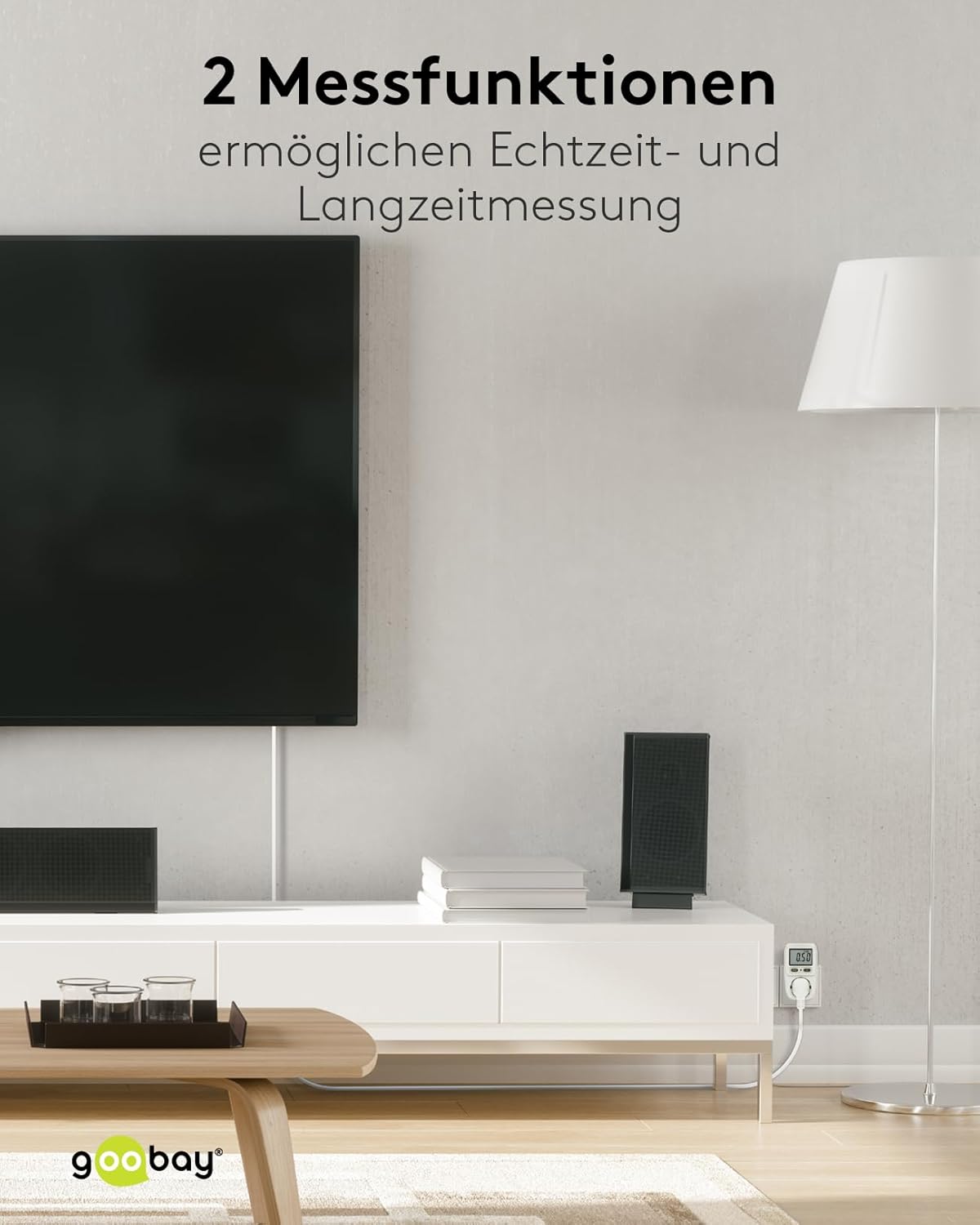
Image 9.2: The energy cost meter monitoring an appliance in a living room, demonstrating its real-time and long-term measurement capabilities.
Ask a question about this manual
Ask about setup, troubleshooting, compatibility, parts, safety, or missing instructions. Manuals+ will review the question and use this page’s manual context to help answer it.