Introduction
The DVKNM Magnetic Solar Wireless Backup Camera System provides a high-definition solution for enhanced visibility and safety for various vehicles, including RVs, trucks, and trailers. Designed for quick and easy installation, this system eliminates the need for complex wiring or drilling.
Featuring a 7-inch Full HD IPS monitor and a 1080P HD color CMOS sensor, it delivers clear and stable images. The camera is equipped with a super magnetic base for flexible placement and supports both solar and Type-C charging for extended use. Advanced features like night vision, DVR loop recording, and a wide transmission range ensure reliable performance in diverse conditions.
Package Contents
- 7 Inch FHD Monitor x1
- Solar Magnetic Camera x2
- 32GB SD Card x1
- Car Charger x1
- Suction Cup Bracket x1
- Standard Antenna x4
- Enhance Signal Antenna x4
- Sunshade x1
- U-Shaped Bracket x1
- Type-C Cable x1
- Power Cord x1
- User Manual x1
- Installation Kit
Setup and Installation
The DVKNM backup camera system is designed for a quick and easy 3-minute DIY installation, requiring no drilling or complex wiring. The magnetic base allows for flexible and secure attachment to any metal surface on your vehicle.
Camera Placement
The solar magnetic wireless reverse camera features a strong magnet for easy attachment and removal from any metal surface. Ensure the camera is placed in a position that provides the desired viewing angle and is secure to prevent detachment during vehicle motion.

Image: The camera's magnetic base securely attaches to a metal surface, demonstrating its easy installation.
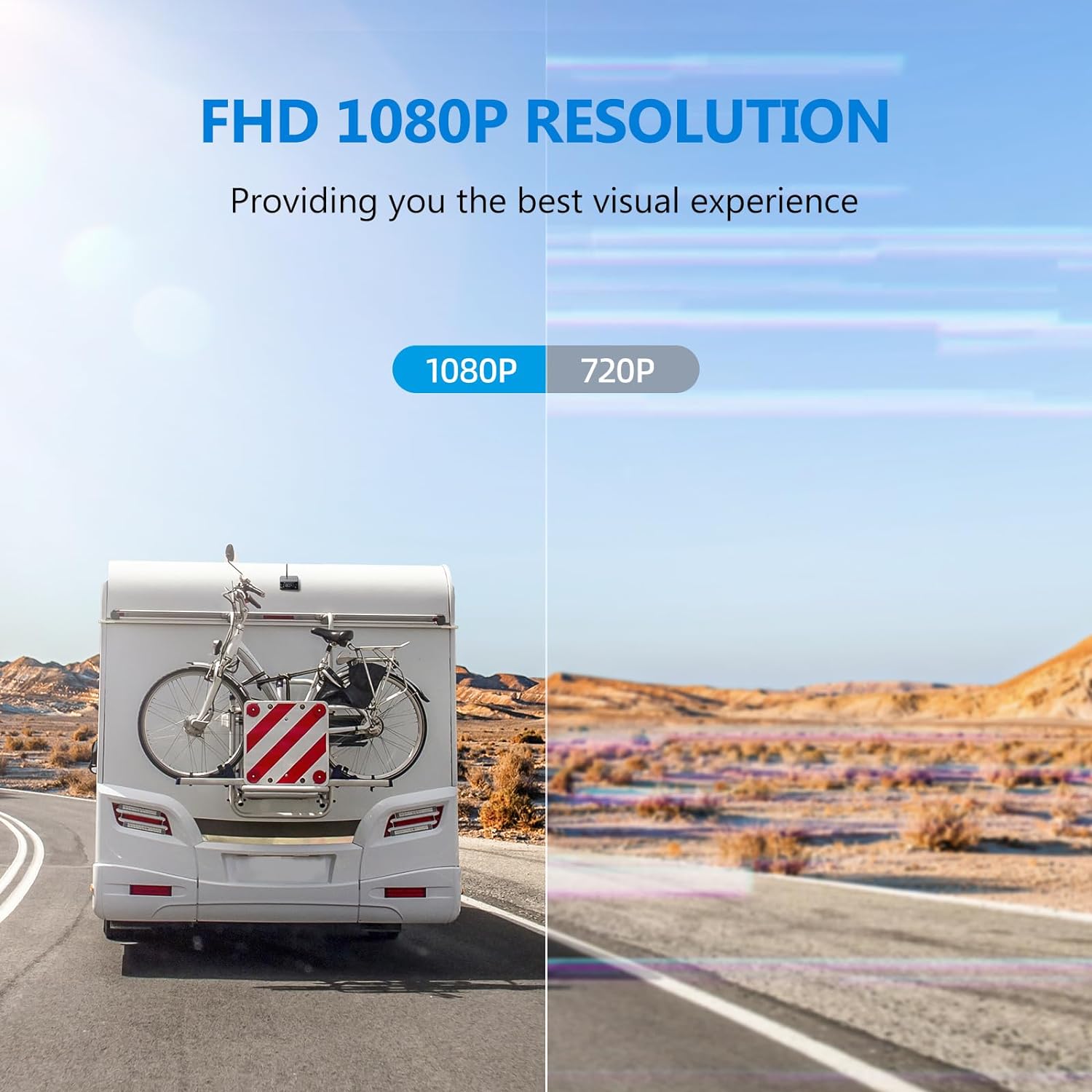
Image: Visual guide showing the three simple steps for installing the camera and connecting the monitor.
Monitor Connection
The 7-inch Full HD IPS monitor is plug-and-play. Connect the monitor to a power source in your vehicle using the provided car charger. The system will automatically establish a stable digital signal connection between the camera(s) and the monitor.
Video: This video demonstrates the magnetic base installation and the plug-and-play setup of the monitor, showing the system's ease of use and immediate functionality upon power-up.
Operating Instructions
Display and Image Quality
The system utilizes an upgraded 1080P HD color CMOS sensor and a 7-inch Full HD IPS panel monitor to provide ultra-high-definition monitoring images. The monitor displays a clear, real-time view from the camera(s).

Image: The main product image showing the 7-inch monitor with a split-screen display from two cameras, highlighting the FHD 1080P resolution and DVR recording capability.
Image: An overview of the monitor's key features, including FHD 1080P resolution, 7-inch screen, split-screen settings, parking lines, loop recording, and image flip function.
Night Vision
Equipped with 9 infrared night vision LED lights, the camera ensures clear visibility even in total darkness or low-light conditions, enhancing safety during nighttime operations.

Image: The monitor displaying a clear night vision view, demonstrating the camera's ability to see everything clearly in low light.
Signal Transmission
The built-in signal booster receiver ensures a fast and stable digital signal with no image freezing. The transmission distance can reach up to 328 feet without obstacles, allowing normal operation even on highways. Enhanced signal antennas are included for optimal performance.

Image: Diagram illustrating the strong signal transmission distance of up to 328 feet between the camera and monitor, suitable for large vehicles.
DVR Loop Recording
The integrated DVR system automatically overwrites old footage to maintain continuous recording. In case of an accident or impact, the system automatically protects the relevant video segment. A 32GB memory card is included for storage.

Image: Visual representation of the loop recording function, indicating how the system continuously records and saves footage.
Maintenance
Charging the Camera
The rear view camera supports two charging methods: solar and Type-C charging. With a 9600 mAh battery capacity, the camera can charge while driving in sunny weather. Ensure the solar panel is clean and exposed to direct sunlight for optimal charging.

Image: The camera unit highlighting its dual charging capabilities: solar power and Type-C cable connection.
Waterproofing
The camera features a unique potting process for IP69 commercial-grade waterproofing, making it durable and long-lasting against rain and snow. Regularly inspect the camera for any physical damage that might compromise its waterproof seal.

Image: The camera shown under a water spray, illustrating its IP69 waterproof design for all-weather durability.
Troubleshooting
While the DVKNM system is designed for reliability, here are some general troubleshooting tips:
- No Image on Monitor: Ensure the monitor is properly powered and the camera is charged. Check the signal strength indicator on the monitor. If the signal is weak, try repositioning the camera or using the enhanced signal antennas.
- Intermittent Signal: Verify that there are no large metal obstructions directly between the camera and the monitor. Ensure antennas are securely attached and oriented correctly.
- Poor Night Vision: Ensure the camera lens and LED lights are clean and free from dirt or obstructions.
- Recording Issues: Check if the 32GB SD card is properly inserted and not full. The loop recording feature will overwrite old files, but ensure the card is functioning correctly.
- Camera Not Charging: For solar charging, ensure the solar panel is exposed to direct sunlight. For Type-C charging, verify the cable and power source are working.
If issues persist, please refer to the Warranty and Support section for assistance.
Specifications
| Feature | Detail |
|---|---|
| Product Dimensions | 9 x 6.3 x 6.1 inches |
| Item Weight | 6.3 pounds |
| Item Model Number | AP7-2 |
| Batteries | 3 Lithium Ion batteries required (included) |
| Special Features | 3 Mins Plug & Play Installation, Magnetic Solar Camera, Parking Guide Line, Stable Signal (328ft Range), Ultra-low delay, No interference, Supports Solar & Type-C charging, 9600mAh Battery, IP69 Waterproof, Night Vision, Loop Recording (32GB SD Card incl.) |
| Other Display Features | Wireless |
| Color | 7"-AP7-2 |
| Screen Size | 7 Inches |
| Compatible Devices | Monitor |
| Installation Type | Magnetic Hitch Camera + Monitor Plug and Play |
| Video Capture Resolution | 1080p |
| Voltage | 12 Volts |
| Optical Sensor Technology | CMOS |
| Real Angle of View | 120 Degrees |
| Connector Type | Wireless |
Warranty and Support
Your DVKNM Magnetic Solar Wireless Backup Camera System comes with an ironclad 3 Years Warranty. We are committed to ensuring your complete satisfaction.
For any issues or assistance, our 24 Hour Customer Service is available to provide helpful support and quickly replace damaged parts to ensure your system functions normally. Please contact us immediately if you experience any problems.


