
Surge SG20028
Surge PS5 PowerPack 2.0 User Manual
Brand: Surge | Model: SG20028
Introduction
The Surge PS5 PowerPack 2.0 is designed to extend the battery life of your PlayStation 5 DualSense and DualSense Edge controllers. With a large 1,600mAh capacity, it ensures you stay powered during extended gaming sessions. Its compact design seamlessly attaches to the back of your controller without affecting ergonomics, and the included 10ft braided cable allows for comfortable play and charge functionality.
Package Contents
- 1x Surge PS5 PowerPack 2.0 (1,600mAh Battery Pack)
- 1x 10ft Braided Charge Cable (USB-A to USB-C)
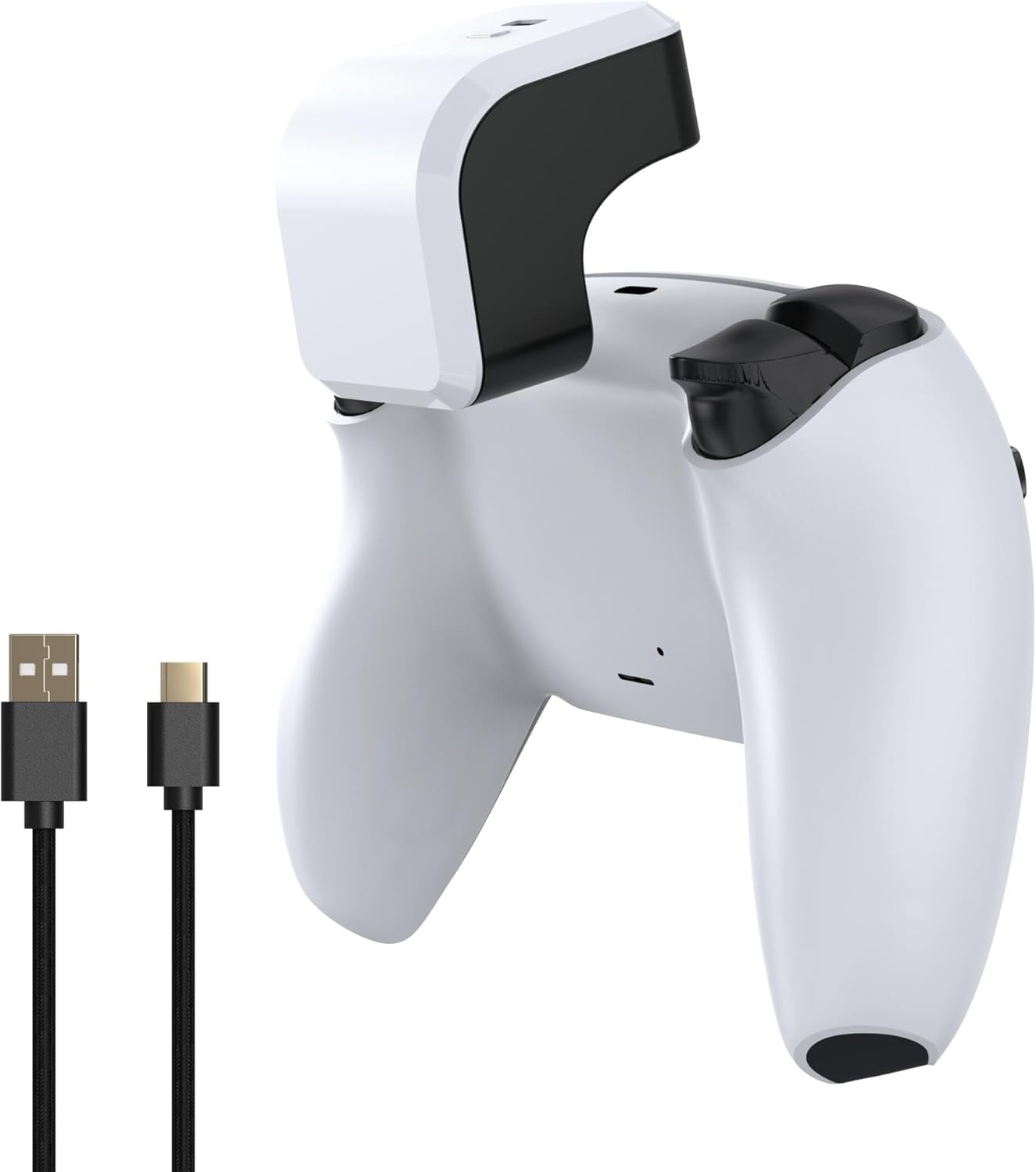
Image: Surge PS5 PowerPack 2.0 and its braided charge cable.
Setup
Attaching the PowerPack
- Ensure your PlayStation 5 DualSense or DualSense Edge controller is clean and free of debris.
- Align the PowerPack with the top of your controller, ensuring the USB-C connector on the PowerPack aligns with the charging port on your controller.
- Gently press the PowerPack onto the controller until it clicks securely into place. It should fit snugly without obstructing any buttons or ports.

Image: PowerPack attached to a DualSense Edge controller.
Initial Charging of the PowerPack
Before first use, it is recommended to fully charge the PowerPack. Connect the included 10ft braided charge cable to the USB-C port on the PowerPack and the other end to a USB-A power source (e.g., PS5 console, USB wall adapter). The LED indicators on the PowerPack will illuminate to show charging status.

Image: PowerPack with LED indicators.
Operating Instructions
Charging Your Controller
Once the PowerPack is attached and charged, it will automatically begin charging your connected DualSense or DualSense Edge controller. The PowerPack supports "Play & Charge" functionality, meaning you can continue to use your controller while it is being charged by the PowerPack or by the included braided cable connected to the PowerPack.

Image: Play & Charge setup with PowerPack and cable.
Battery Level Indicators
The PowerPack features four LED lights that indicate its remaining battery capacity:
- Four LEDs: 75% - 100% charged
- Three LEDs: 50% - 75% charged
- Two LEDs: 25% - 50% charged
- One LED: 0% - 25% charged (Recharge soon)
Maintenance
To ensure the longevity and optimal performance of your Surge PS5 PowerPack 2.0, follow these maintenance guidelines:
- Keep the PowerPack and cable clean by wiping with a soft, dry cloth.
- Avoid exposing the device to extreme temperatures, direct sunlight, or moisture.
- Store in a cool, dry place when not in use.
- Do not attempt to disassemble or modify the PowerPack.
Troubleshooting
| Problem | Possible Cause | Solution |
|---|---|---|
| PowerPack or Controller not charging / Controller battery remains low after charging. |
|
|
| PowerPack LEDs are not lighting up. |
|
|
Specifications
| Feature | Detail |
|---|---|
| Battery Capacity | 1,600mAh Lithium Ion |
| Compatibility | PlayStation 5 DualSense & DualSense Edge Controllers |
| Charge Cable Length | 10 feet (3 meters) |
| Model Number | SG20028 |
| Package Dimensions | 6.57 x 4.41 x 2.09 inches |
| Item Weight | 6.74 ounces |
| Manufacturer | Surge |
| Country of Origin | China |
Warranty and Support
For warranty information or technical support regarding your Surge PS5 PowerPack 2.0, please refer to the official Surge website or contact their customer service directly. Keep your proof of purchase for any warranty claims.
You can often find support resources and contact information on the manufacturer's official website: Visit the Surge Store on Amazon
Ask a question about this manual
Ask about setup, troubleshooting, compatibility, parts, safety, or missing instructions. Manuals+ will review the question and use this page’s manual context to help answer it.