
1. Introduction
The MOES Star Ring Series Smart ZigBee Light Switch is designed to provide intelligent control over your lighting. This device integrates with a ZigBee hub, allowing for remote control via smartphone applications, voice commands through Amazon Alexa or Google Assistant, and scene automation. Its design incorporates a tactile feedback mechanism and an illuminated Star Ring Halo indicator.
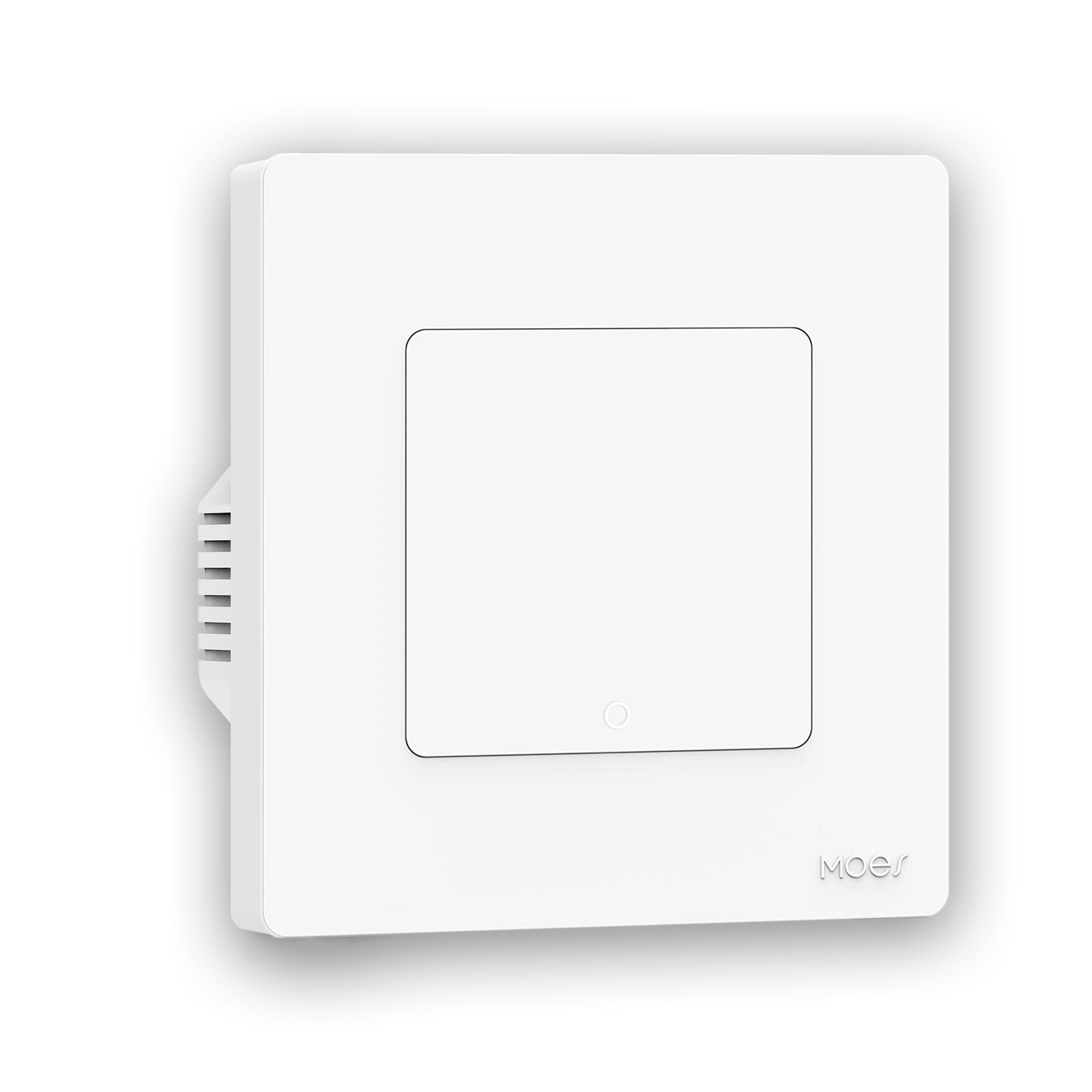
Figure 1.1: MOES Star Ring Series Smart ZigBee Light Switch.
2. Safety Information
- WARNING: Risk of electric shock. Installation should only be performed by a qualified electrician.
- Ensure power is disconnected at the circuit breaker before installation, maintenance, or removal of the device.
- Do not exceed the maximum load rating of 10 Amperes / 230 Watts.
- Use only in dry, indoor locations.
- Follow all local electrical codes and regulations.
3. Product Features
- ZigBee 3.0 Connectivity: Seamless integration with compatible ZigBee hubs.
- Smart Control: Control lighting via Tuya Smart/MOES app, Amazon Alexa, or Google Assistant.
- Flexible Wiring: Supports installations with or without a neutral wire; no capacitor required.
- Tactile Feedback: Provides a distinct click sound upon activation.
- Star Ring Halo Indicator: Illuminated ring indicates switch status.
- Modular Design: Allows for custom combinations and multi-gang installations.
- Scene Linkage & Group Control: Create smart home scenes and control multiple devices simultaneously.
- Timer Function: Schedule lights to turn on/off automatically.

Figure 3.1: Key features of the MOES Star Ring Series Smart Switch.
4. Package Contents
Verify that all components are present:
- MOES Star Ring Series Smart ZigBee Light Switch
- Mounting Screws
- User Manual (this document)
5. Specifications
| Model Number | SR-ZS-EU1-WH-MS |
| Brand | MOES |
| Operating Mode | ON-OFF |
| Rated Current | 10 Amperes |
| Operating Voltage | 230V (AC) |
| Switch Type | Push Button |
| Terminal Type | Through Hole |
| Material | PVC or Thermoplastic |
| Circuit Type | Series and Parallel |
| Mounting Type | Flush Mount |
| Actuator Type | Light Switch |
| Number of Positions | 1 |
| Controller Type | Mobile App and Voice Commands |
| Control Method | Remote Control |
| Connectivity Protocol | Zigbee 3.0 |
| Max Load Wattage | 230 W |
| Compatible Devices | Alexa, Google Assistant |
| Color | White |
| Compliance | CE |
| Manufacturer | WENZHOU NOVA NEW ENERGY CO.,LTD |
6. Setup and Installation
6.1 Pre-installation Checklist
- Ensure power is OFF at the circuit breaker.
- Confirm you have a compatible ZigBee hub (e.g., MOES Hub, Tuya ZigBee Gateway).
- Gather necessary tools: screwdriver, wire strippers, voltage tester.
6.2 Wiring Instructions
The MOES Star Ring switch supports two wiring methods: with a neutral wire (N+L) or without a neutral wire (L only). No capacitor is required for either method.
- Disconnect Power: Turn off power to the switch location at the circuit breaker. Verify power is off using a voltage tester.
- Identify Wires: Identify the Live (L) wire and the Load (L1, L2, etc.) wires. If present, identify the Neutral (N) wire.
- Connect Wires:
- Connect the Live wire to the 'L' terminal on the switch.
- Connect the Load wire(s) to the 'L1', 'L2' (for multi-gang switches) terminals.
- If a Neutral wire is available, connect it to the 'N' terminal. If no neutral wire is available, leave the 'N' terminal unconnected.
- Secure Connections: Ensure all wire connections are secure.

Figure 6.1: Wiring options for the MOES Smart Switch (Neutral-Live and Live-only).
6.3 Physical Installation
The switch is designed for flush mount installation.
- Carefully place the wired switch into the wall box.
- Secure the switch to the wall box using the provided mounting screws.
- Attach the faceplate.
- Restore power at the circuit breaker.

Figure 6.2: Modular assembly options for MOES Smart Switches.
6.4 Pairing with ZigBee Hub
A ZigBee gateway (hub) is required for smart functionality.
- Ensure your ZigBee hub is powered on and in pairing mode. Refer to your hub's manual for specific instructions.
- On the MOES Star Ring switch, press and hold the main button for approximately 5-10 seconds until the Star Ring Halo indicator starts blinking rapidly. This indicates the switch is in pairing mode.
- Open the Tuya Smart or MOES app on your smartphone.
- Follow the in-app instructions to add a new device. The app should detect the switch.
- Once detected, name the switch and assign it to a room.

Figure 6.3: MOES/Tuya ZigBee Gateway is required for smart functionality.
7. Operating Instructions
7.1 Manual Control
Press the switch button to manually turn the connected light(s) ON or OFF. The Star Ring Halo indicator will illuminate when the light is ON.
7.2 App Control
After successful pairing, use the Tuya Smart or MOES app to:
- Turn lights ON/OFF remotely.
- Set schedules and timers for automatic operation.
- Create smart scenes to control multiple devices with a single command.
- Share control of the switch with other family members.
- Group multiple switches for simultaneous control.
7.3 Voice Control
Integrate the Tuya Smart or MOES app with Amazon Alexa or Google Assistant for voice control.
- For Amazon Alexa: Enable the "Tuya Smart" or "MOES" skill in the Alexa app. Discover devices.
- For Google Assistant: Link the "Tuya Smart" or "MOES" service in the Google Home app.
Example voice commands:
- "Alexa, turn on the living room light."
- "Hey Google, turn off the bedroom light."

Figure 7.1: The MOES Smart Switch can connect and control various smart devices.
8. Maintenance
- Cleaning: Wipe the switch surface with a soft, dry cloth. Do not use abrasive cleaners or solvents.
- Firmware Updates: Periodically check the Tuya Smart/MOES app for available firmware updates to ensure optimal performance and security.
- Environmental Conditions: Ensure the switch is not exposed to excessive moisture or extreme temperatures.
9. Troubleshooting
| Problem | Possible Cause | Solution |
|---|---|---|
| Switch does not respond to manual press. | No power to the switch; incorrect wiring. | Check circuit breaker. Verify wiring connections (Live, Load, Neutral if used). |
| Switch does not pair with ZigBee hub. | Switch not in pairing mode; hub too far; hub not in pairing mode. | Ensure switch LED is blinking rapidly. Move hub closer. Put hub in pairing mode. Reset switch (refer to app or manufacturer's website for reset procedure). |
| Lights flicker or do not turn off completely. | Incompatible bulb type (e.g., some low-wattage LEDs); insufficient load for no-neutral wiring. | Try a different type of LED bulb. If using without neutral, ensure the connected load meets minimum requirements. |
| Voice control not working. | Incorrect app linking; device not discovered by voice assistant. | Verify Tuya Smart/MOES skill/service is enabled and linked in Alexa/Google Home app. Re-discover devices in the voice assistant app. |
10. Warranty Information
MOES products are typically covered by a limited warranty against defects in materials and workmanship for a period of one (1) year from the original purchase date. This warranty does not cover damage caused by improper installation, accident, abuse, misuse, natural disaster, or unauthorized modification. Please retain your proof of purchase for warranty claims.
11. Support
For technical support, troubleshooting assistance, or warranty inquiries, please contact MOES customer service through the official website or the contact information provided with your product packaging.
Manufacturer: WENZHOU NOVA NEW ENERGY CO.,LTD


