
Barebones LIV-223
Barebones Block Tower Lantern (Model LIV-223) Instruction Manual
Rechargeable LED Lantern with Adjustable Brightness and Candle Flicker Mode
Introduction
The Barebones Block Tower Lantern is a versatile LED lighting solution designed for both indoor and outdoor use. It features a vintage-inspired design with modern functionality, offering adjustable brightness and a unique candle flicker mode. This manual provides essential information for the safe and effective operation, maintenance, and care of your lantern.
Key Features:
- Vintage-Inspired Design with Modern Functionality: Combines brass and copper details with contemporary LED technology.
- Adjustable Brightness & Candle Flicker Mode: Offers customizable brightness and an ambient candle flicker mode.
- Durable and Elegant Construction: Features a durable polycarbonate lens and real brass finish that patinas over time.
- Rechargeable and Replaceable Battery: Includes a Barebones-specific rechargeable battery with USB-C charging.
- Portable and Stable: Equipped with a large copper-finished handle for portability and rubber feet for stability.
Setup
1. Initial Charging
Before first use, fully charge the lantern. Connect the provided USB-C cable to the charging port on the lantern and to a compatible USB power source (e.g., wall adapter, computer USB port). The charging indicator lights will illuminate to show charging status.
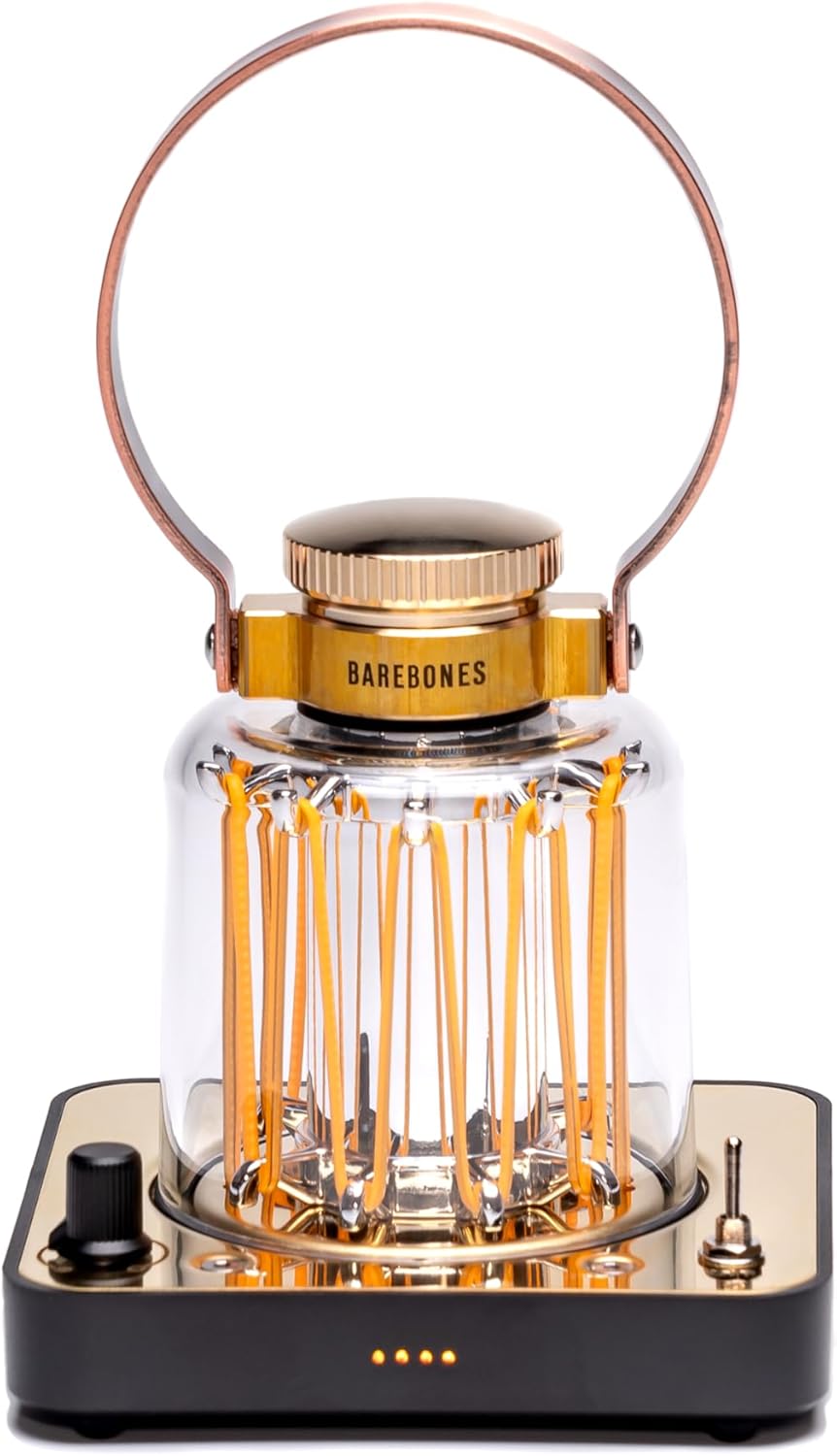
Image: Front view of the Barebones Block Tower Lantern, highlighting its design and controls.
2. Battery Installation/Replacement (If Applicable)
The lantern comes with a pre-installed rechargeable Lithium Ion battery. If replacement is ever needed, use only Barebones-specific replacement batteries. Refer to the battery compartment instructions for proper installation, ensuring correct polarity.
Operating Instructions
1. Power On/Off
Locate the toggle switch on the control panel. Flip the switch to the "ON" position to power on the lantern. Flip it to the "OFF" position to power off.
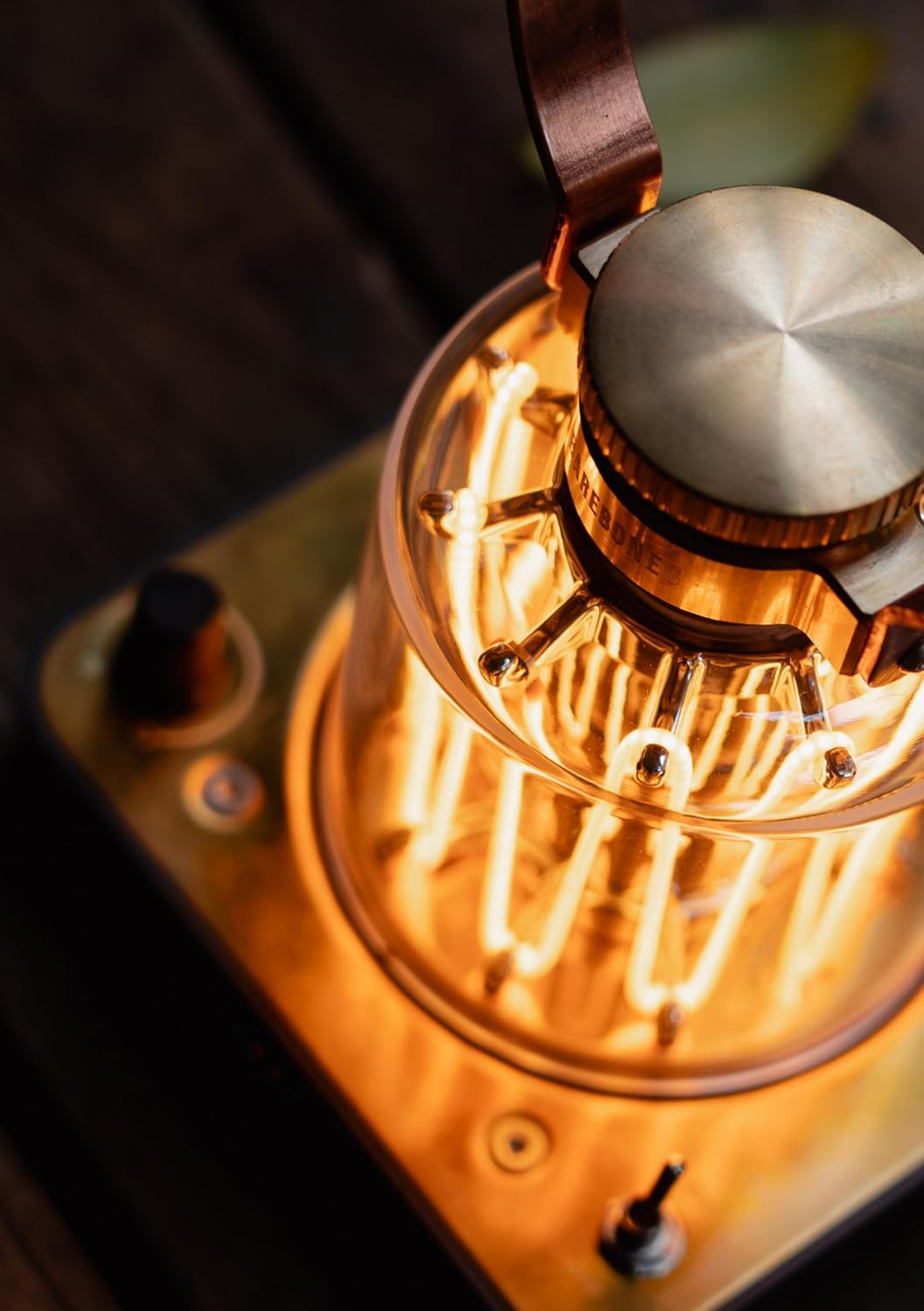
Image: Close-up of the lantern's top, showing the brand name and a control knob.
2. Adjusting Brightness
Rotate the dimmer knob on the control panel to adjust the LED brightness. Turn clockwise for brighter light and counter-clockwise for dimmer light.

Image: The lantern illuminated, demonstrating its warm light output.
3. Candle Flicker Mode
To activate the candle flicker mode, press and hold the dimmer knob for a few seconds. The light will transition to a gentle flickering effect. Repeat the action to return to steady illumination.
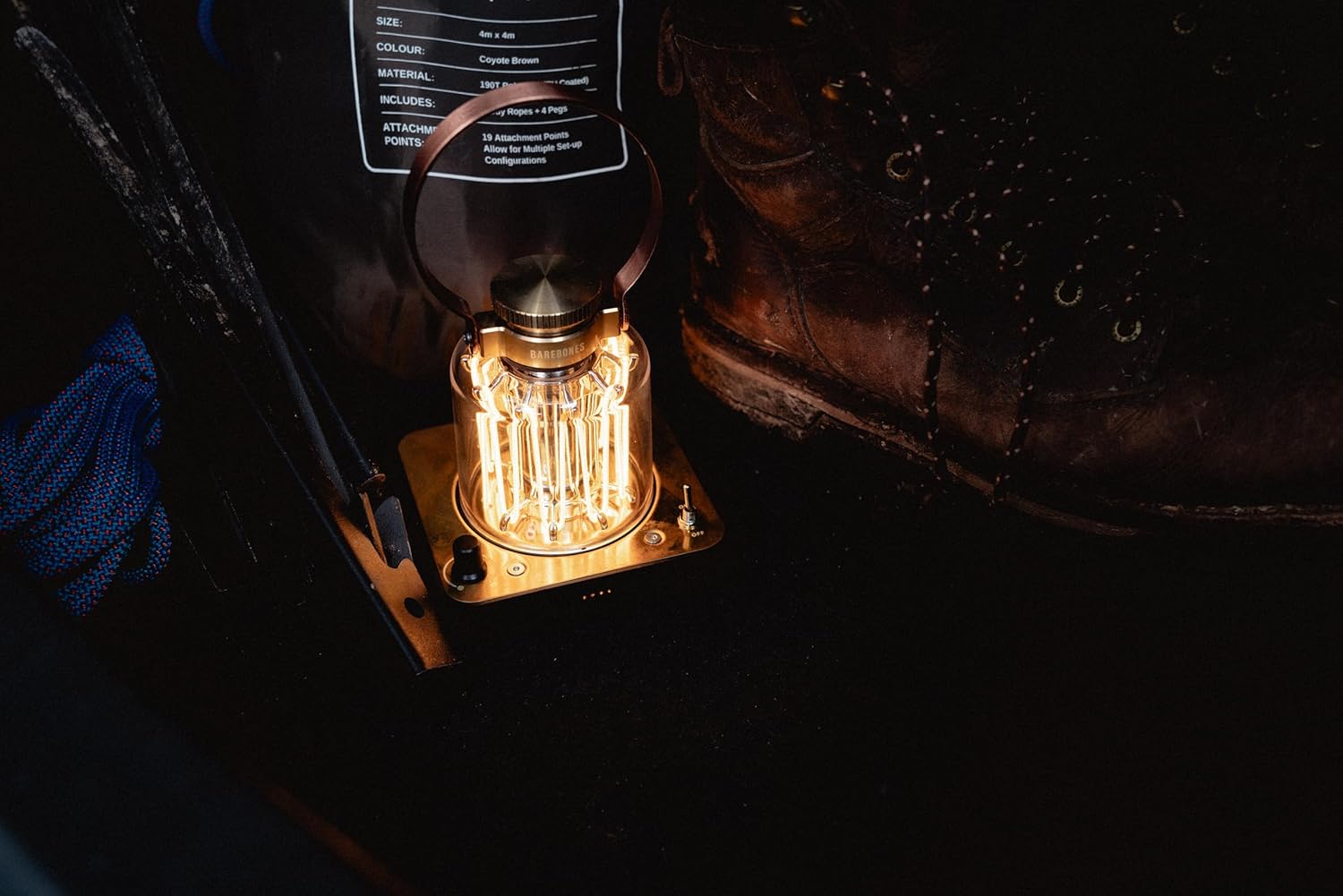
Image: The lantern being held, showcasing its portability and handle.
4. Portability
Utilize the large copper-finished handle for easy transport of the lantern. The rubber feet on the base provide stability when placed on various surfaces.
Maintenance
1. Cleaning
Wipe the exterior of the lantern with a soft, dry cloth. For stubborn dirt, a slightly damp cloth can be used, followed by immediate drying. Avoid abrasive cleaners or solvents, as these can damage the finish and polycarbonate lens.
2. Battery Care
To prolong battery life, avoid fully discharging the lantern frequently. Recharge the battery regularly, even if not in constant use. Store the lantern in a cool, dry place when not in use for extended periods.
3. Patina Development
The brass and copper components of your lantern are designed to develop a natural patina over time. This is a characteristic of the material and adds to the unique aesthetic of the product. If a polished look is desired, use a suitable metal polish specifically for brass and copper, following the polish manufacturer's instructions.
Troubleshooting
| Problem | Possible Cause | Solution |
|---|---|---|
| Lantern does not turn on. | Battery is depleted. | Charge the lantern using the USB-C cable. |
| Light is dim or flickers unexpectedly. | Low battery charge. | Recharge the lantern. |
| Candle flicker mode not activating. | Knob not held long enough. | Ensure you press and hold the dimmer knob for a few seconds. |
| Short battery life. | Operating at maximum brightness; battery degradation over time. | Reduce brightness for longer runtimes. Consider replacing the battery if it's significantly degraded after extensive use. |
Specifications
- Model Name: LIV-223
- Brand: Barebones
- Light Source Type: LED
- Light Color: Warm White
- Wattage: 5 watts
- Voltage: 5 Volts (DC)
- Power Source: Battery Powered (1 Lithium Ion battery included)
- Material: Bronze, Brass, Polycarbonate Lens
- Finish Type: Polished (develops natural patina)
- Item Weight: 2.2 pounds (approximately 1 Kilogram)
- Indoor/Outdoor Usage: Indoor (suitable for protected outdoor use)
- Mounting Type: Tabletop
- Is Cordless?: Yes
- UPC: 819665012231
Warranty and Support
Warranty Information
The Barebones Block Tower Lantern is covered by a 2-year limited warranty. This warranty covers defects in materials and workmanship under normal use. Please retain your proof of purchase for warranty claims. For full warranty terms and conditions, please refer to the official Barebones website or contact customer support.
Customer Support
For technical assistance, troubleshooting beyond this manual, or warranty inquiries, please contact Barebones customer support. Visit the official Barebones website for contact details and additional resources.
Website: www.barebonesliving.com
Related documentsLIV-223

Ask a question about this manual
Ask about setup, troubleshooting, compatibility, parts, safety, or missing instructions. Manuals+ will review the question and use this page’s manual context to help answer it.