Introduction
This manual provides comprehensive instructions for the installation, operation, and maintenance of your Lazmin112 KX-T887 wired desk phone. Please read this manual carefully before using the product to ensure proper functionality and longevity.
Product Features
- Clear Sound: Integrated noise reduction for clear communication and hands-free calling.
- LCD Display: Shows real-time date, call duration, and incoming call numbers.
- Distraction-Free Mode: Supports 1 to 99 hours of distraction-free operation.
- Power Supply: Powered directly by the telephone line; no external power adapter required.
- Alarm Function: Three group alarms with distinct tones.
- Caller ID Systems: Compatible with DTMF and FSK systems.
- Local Code Filtering: Automatic filtering of up to 8 local codes.
- Speed Dial: Ability to store frequently used numbers.
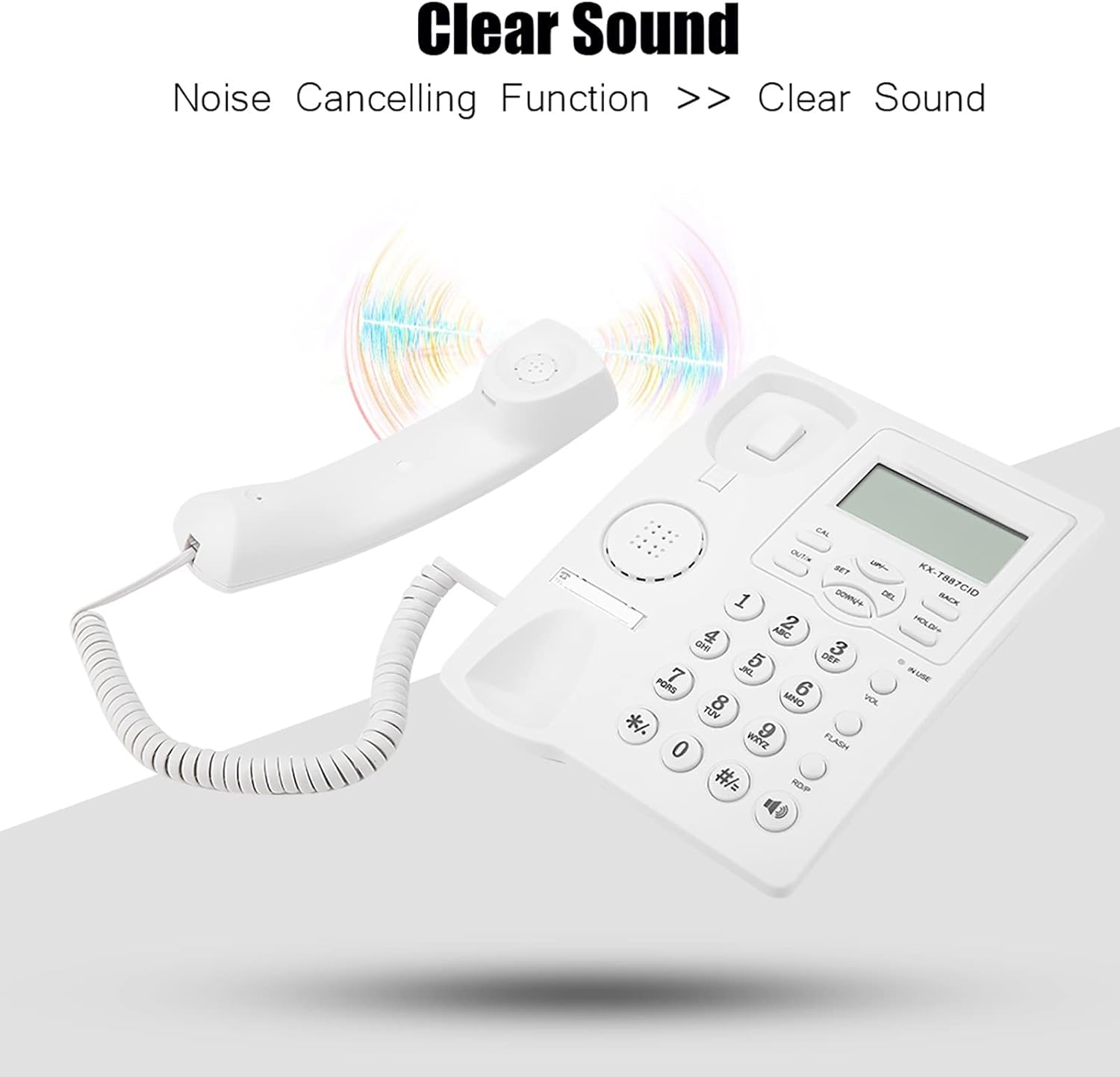
Image: A visual representation highlighting the clear sound quality and noise cancellation feature of the phone.
Package Contents
Please check that all items are present and in good condition:
- 1 x Telephone Unit (Base)
- 1 x Handset
- 1 x Coiled Handset Cord
- 1 x Telephone Line Cord

Image: The Lazmin112 KX-T887 wired desk phone shown with its handset and the included telephone line cord.
Setup
- Connect the Handset: Plug one end of the coiled handset cord into the handset and the other end into the port labeled with a handset icon on the side of the telephone base.
- Connect the Telephone Line: Plug one end of the telephone line cord into the LINE port on the back of the telephone base. Plug the other end into your wall telephone jack.
- Placement: Place the phone on a flat surface or mount it on a wall using the integrated wall-mount holes.
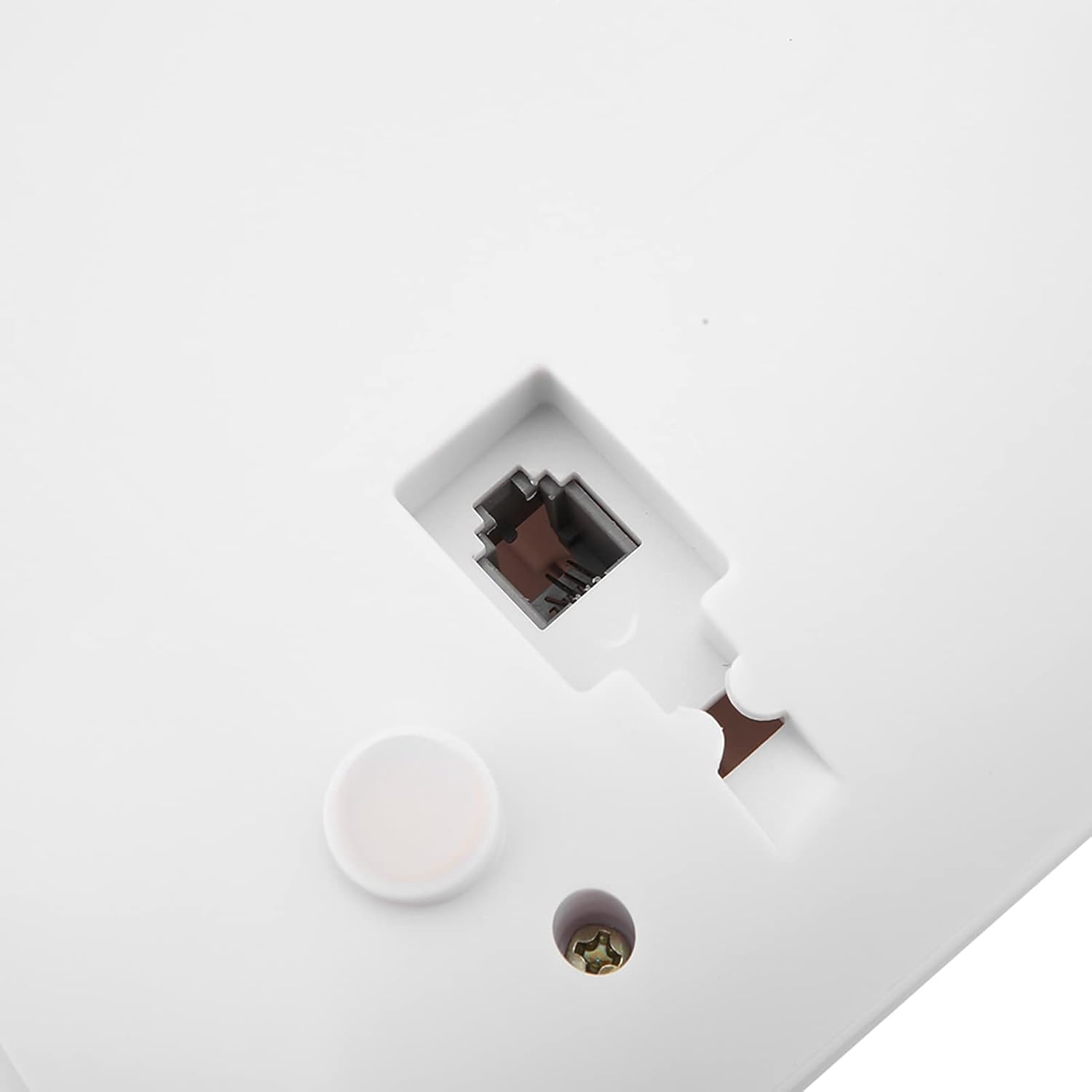
Image: Detail of the telephone line (RJ11) port located on the rear of the phone unit for connecting to the wall jack.

Image: Rear view of the phone, illustrating the wall mounting slots and connection ports for flexible placement options.
Operating Instructions
Making and Receiving Calls
- To Make a Call: Lift the handset or press the HANDS-FREE button, then dial the desired number.
- To Receive a Call: Lift the handset or press the HANDS-FREE button when the phone rings.
- Hands-Free Calling: Press the HANDS-FREE button to activate speakerphone mode. Press it again to end the call or lift the handset to switch to private mode.
LCD Display Functions
The LCD displays important information such as the current date and time, call duration, and incoming caller ID (if subscribed to caller ID service).

Image: A detailed view of the phone's keypad and the LCD screen, which displays call information and settings.
Setting Alarms
The phone supports up to three distinct alarms. Refer to the on-screen menu using the SET and UP/DOWN buttons to configure alarm times and tones.
Speed Dial
Store frequently called numbers for quick access. Consult the menu for instructions on programming speed dial entries.

Image: Visual representation of the phone's capability to store and utilize 5-group speed dial numbers for convenience.
Maintenance
- Cleaning: Wipe the phone with a soft, damp cloth. Do not use abrasive cleaners or solvents.
- Avoid Liquids: Keep the phone away from water and other liquids.
- Temperature: Operate and store the phone in a moderate temperature environment.
Troubleshooting
| Problem | Possible Cause | Solution |
|---|---|---|
| No dial tone | Telephone line cord is not connected properly. | Ensure the telephone line cord is securely plugged into both the phone and the wall jack. |
| LCD display is blank | No power from the telephone line. | Check the telephone line connection. If the issue persists, contact your telephone service provider. |
| Cannot hear caller / Caller cannot hear me | Handset or hands-free volume is too low; faulty cord. | Adjust the volume. Check handset cord connection. If using hands-free, ensure you are close to the microphone. |
| Caller ID not displayed | Not subscribed to Caller ID service; service issue. | Contact your telephone service provider to ensure Caller ID service is active. |
Specifications
| Feature | Detail |
|---|---|
| Brand | Lazmin112 |
| Model Number | Lazmin1125qya6v9czt-02 (KX-T887) |
| Color | White |
| Product Type | Wired Desk Phone |
| Power Source | Telephone Line Powered |
| Dialer Type | Single Keypad |
| Multi-line Operation | Single Line Operation |
| Standby Time (Distraction-Free) | Up to 99 hours |
| Caller ID | Yes |
| Origin | China |
Warranty and Support
For warranty information or technical support, please refer to the contact details provided with your purchase or visit the manufacturer's official website. Keep your proof of purchase for warranty claims.


