Introduction
This manual provides detailed instructions for the Volkano Crystal Series Wireless Optical Mouse, model VK-20126-BK. This 2.4 GHz wireless mouse offers silent clicks, a smooth scroll wheel, and a plug-and-play USB nano receiver for easy connectivity. It is compatible with Windows, macOS, Linux, and Android operating systems, making it a versatile input device for various computing needs.
Please read this manual thoroughly before using your new mouse to ensure proper setup and operation.
Package Contents
- Volkano Crystal Series Wireless Optical Mouse
- USB Nano Receiver
- 2 x AA Batteries (included)
- Instruction Manual
Setup
- Insert Batteries: Locate the battery compartment on the underside of the mouse. Open the cover and insert the two AA batteries, ensuring correct polarity (+/-). Close the battery cover securely.
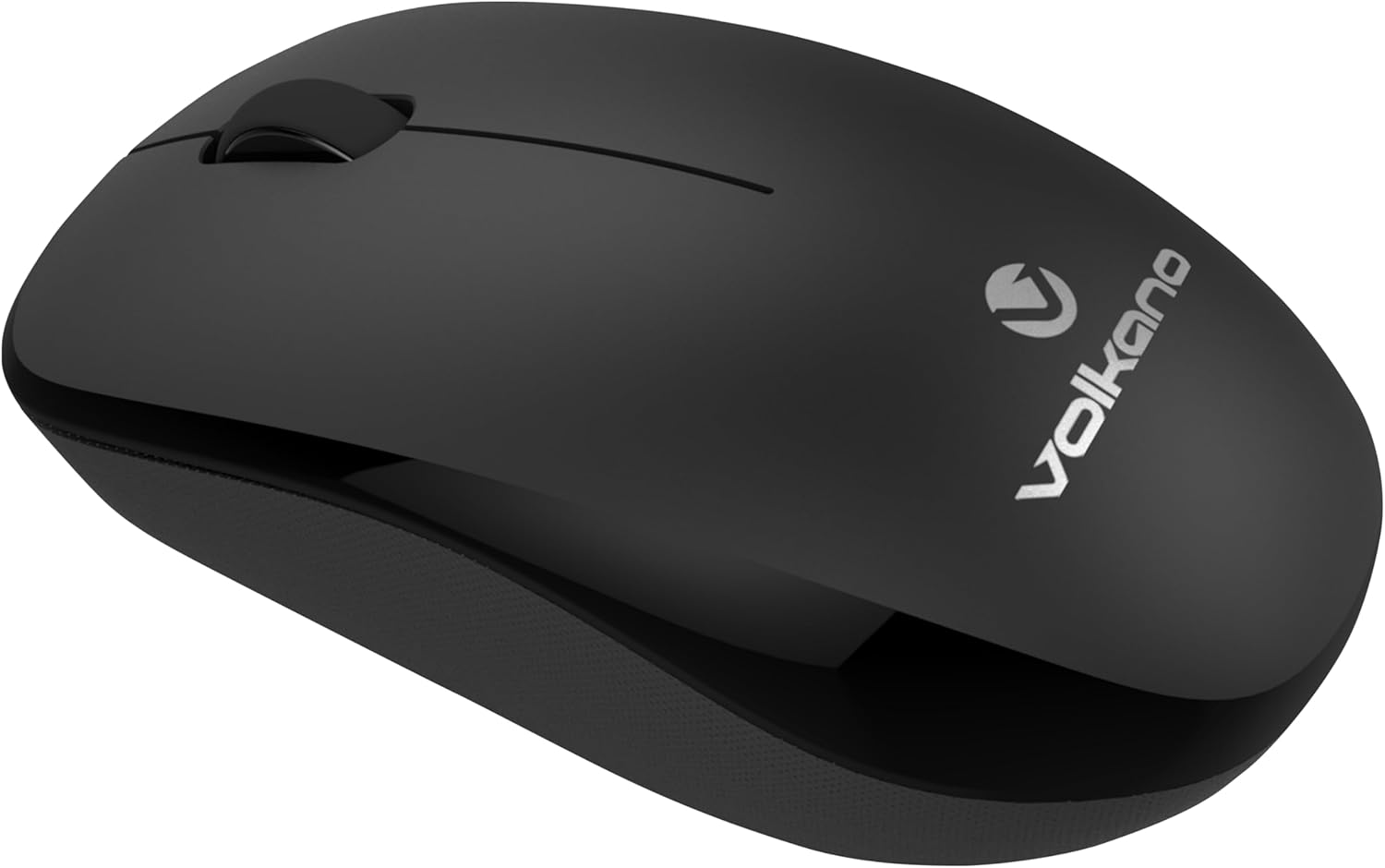
Image: Underside of the mouse, indicating where to insert batteries.
- Connect USB Nano Receiver: Plug the USB nano receiver into an available USB port on your computer or compatible device. The system should automatically detect and install the necessary drivers. This is a plug-and-play device, requiring no additional software installation.

Image: The mouse and its USB receiver, illustrating the plug-and-play setup.
- Power On Mouse: Locate the power switch on the underside of the mouse (if present) and slide it to the 'ON' position. The mouse should now be ready for use.
Operating Instructions
The Volkano Crystal Series Wireless Optical Mouse features a standard three-button design with a scroll wheel for intuitive navigation.
- Left Click: Used for selecting items, opening files, and activating functions.
- Right Click: Used for accessing context menus and additional options.
- Scroll Wheel: Used for scrolling through documents and web pages. Pressing the scroll wheel often acts as a middle click, which can open links in new tabs or activate other functions depending on the application.
The mouse operates at 1200 DPI (Dots Per Inch), providing a balanced level of sensitivity for general use and office tasks.
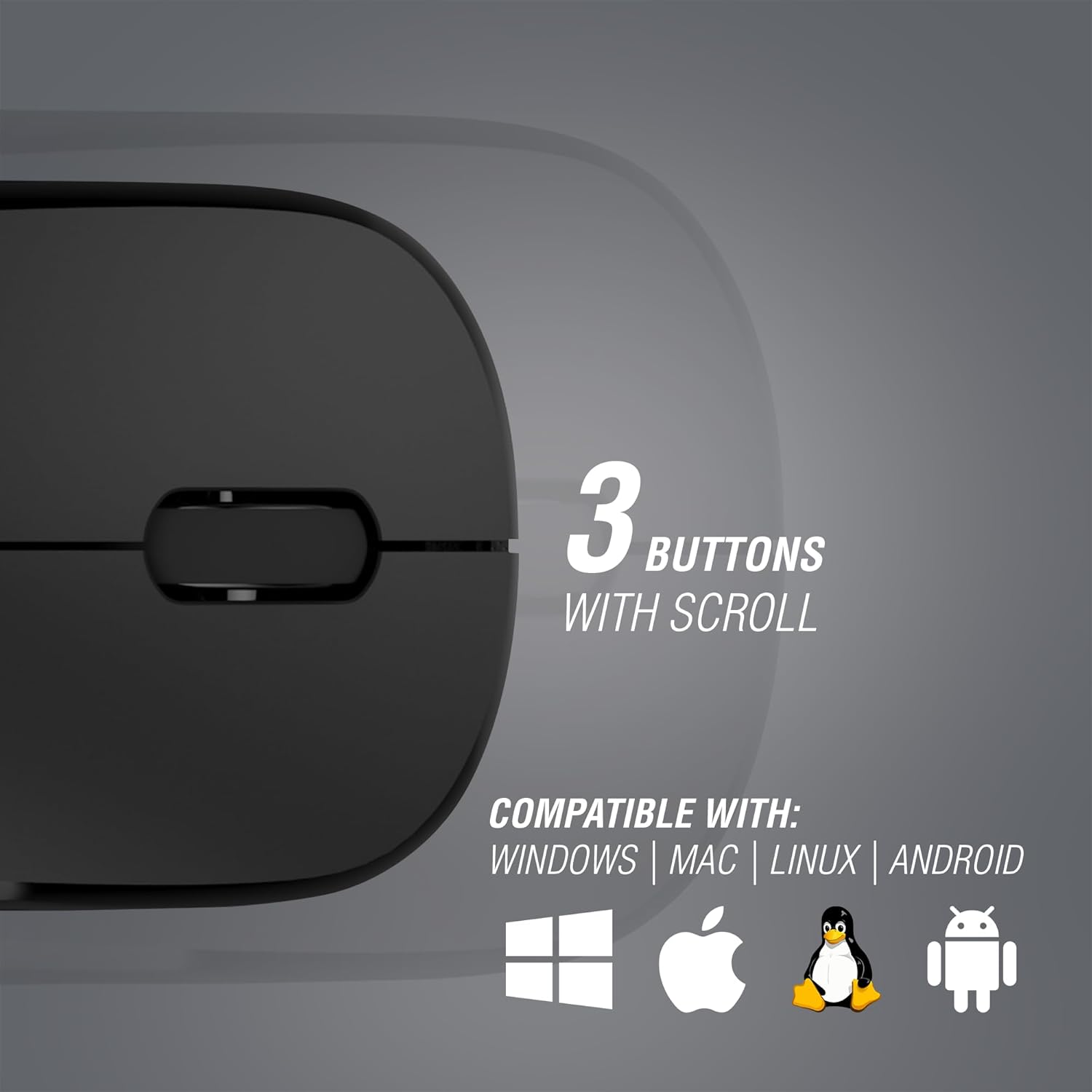
Image: The mouse's buttons and scroll wheel, emphasizing its multi-platform compatibility.

Image: Mouse in use with a laptop.
Maintenance
- Cleaning: Use a soft, dry cloth to clean the surface of the mouse. For stubborn dirt, slightly dampen the cloth with water or a mild cleaning solution. Avoid using harsh chemicals or abrasive materials.
- Battery Replacement: When the mouse performance degrades or it stops responding, replace the AA batteries. Ensure to dispose of old batteries responsibly according to local regulations.
- Storage: When not in use for extended periods, it is recommended to turn off the mouse to conserve battery life. Store the USB nano receiver in a safe place, possibly within the mouse's battery compartment if a slot is available.
Troubleshooting
| Problem | Possible Cause | Solution |
|---|---|---|
| Mouse not responding | Low or dead batteries; USB receiver not connected; Mouse not powered on. | Replace batteries; Ensure USB receiver is firmly plugged in; Turn on the mouse. |
| Erratic cursor movement | Dirty optical sensor; Unsuitable surface; Interference. | Clean the optical sensor with a soft cloth; Use on a clean, non-reflective mouse pad; Move closer to the receiver or away from other wireless devices. |
| Connection issues | USB receiver not recognized; Out of range. | Try a different USB port; Ensure the mouse is within effective range (typically up to 10 meters) of the receiver. |
Specifications
- Model Name: Crystal Series
- Model Number: VK-20126-BK
- Connectivity Technology: 2.4 GHz Wireless, Optical
- Movement Detection Technology: Optical
- Buttons: 3 (Left, Right, Scroll Wheel/Middle Click)
- DPI: 1200
- Hand Orientation: Ambidextrous
- Compatible Devices: Personal Computer (Windows, macOS, Linux, Android)
- Power Source: 2 x AA Batteries
- Color: Black
Warranty Information
The Volkano Crystal Series Wireless Optical Mouse is covered by a 1-Year Limited Warranty from the manufacturer. This warranty reflects Volkano's commitment to quality and dependable performance.
Additionally, this Volkano product is covered by a 12-Month Limited Coverage. You may register your product to receive an additional 12-Month extension, totaling 24 Months of coverage by Volkano. Please refer to the official Volkano website or product packaging for registration details.
Support
For any questions, technical assistance, or support regarding your Volkano Crystal Series Wireless Optical Mouse, please contact Volkano customer service. Your satisfaction is important to us.
You can typically find support contact information on the official Volkano website or through the retailer where the product was purchased. For more information about Volkano products, visit the Volkano Store.


