
CHIQ U50QM8E
CHIQ 50 Inch UHD 4K Smart TV User Manual
Model: U50QM8E
Brand: CHIQ
Introduction
This manual provides essential information for setting up, operating, maintaining, and troubleshooting your new CHIQ 50-inch UHD 4K Smart TV. With its stunning 4K resolution and QLED technology, this TV delivers breathtaking detail and cinematic colors. Enjoy instant access to a vast array of content through Smart Google TV, featuring over 5,000 popular apps and a convenient voice remote control. Experience impressive sound with dbx-tv and Dolby Audio, and benefit from powerful performance for smooth 4K image processing and multitasking. The TV also offers future-proof connectivity with dual-band Wi-Fi, HDMI 2.1, USB 2.0, and more, ensuring fast and uninterrupted streaming.

Front view of the CHIQ 50-inch QLED 4K HDR Smart TV, showcasing its slim design and vibrant display, with a tennis trophy and ball on a green court background.
What's in the Box
Please check the contents of your package carefully. If any items are missing or damaged, contact customer support immediately.
- CHIQ 50-inch UHD 4K Smart TV
- Remote Control
- Alkaline Batteries (2 AAA)
- Bedienungsanleitung (User Manual)
- Garantie Karte (Warranty Card)
- Stand Base

The CHIQ 50-inch QLED Smart TV with its remote control, accompanied by a table detailing its model number, size, resolution, digital system, power supply, packaging size, wall mount compatibility, and various connectivity ports.
Setup
Unpacking and Placement
Carefully remove the TV from its packaging. It is recommended to have two people for this process. Place the TV on a stable, flat surface or mount it on a wall using a compatible VESA mount (200x200/M6). Ensure adequate ventilation around the TV.
Attaching the Stand
If using the included stand, align the stand base with the designated slots on the bottom of the TV. Secure the stand using the provided screws. Refer to the diagram below for proper attachment.

Side and front view of the CHIQ 50-inch QLED Smart TV, illustrating its dimensions: 1111mm width, 641mm height (without stand), 699mm height (with stand), 87mm depth, and 274mm stand depth.

Close-up view of the robust stand of the CHIQ Smart TV, designed for stable placement on a flat surface.
Initial Power On and Configuration
Connect the power cord to the TV and a power outlet. Press the power button on the TV or remote control. Follow the on-screen prompts to complete the initial setup, including language selection, network connection (Wi-Fi or Ethernet), and channel scanning. You will also be guided through setting up your Google account for Smart TV features.
Operating Instructions
Remote Control Functions
The included Bluetooth remote control allows for intuitive navigation and voice commands. Insert the two AAA batteries into the remote. Familiarize yourself with the buttons for power, volume, channel, navigation, Google Assistant, and quick access to popular streaming services.

Image showing the CHIQ Smart TV with its Bluetooth remote control, highlighting the convenience of wireless control.
Smart TV Features (Google TV)
Your CHIQ TV runs on Google TV, providing a personalized entertainment experience. Access thousands of apps from the Google Play Store, stream movies and shows from Netflix, YouTube, Amazon Prime Video, Disney+, and more. Use the built-in Google Assistant for voice control to search for content, get information, and control smart home devices.
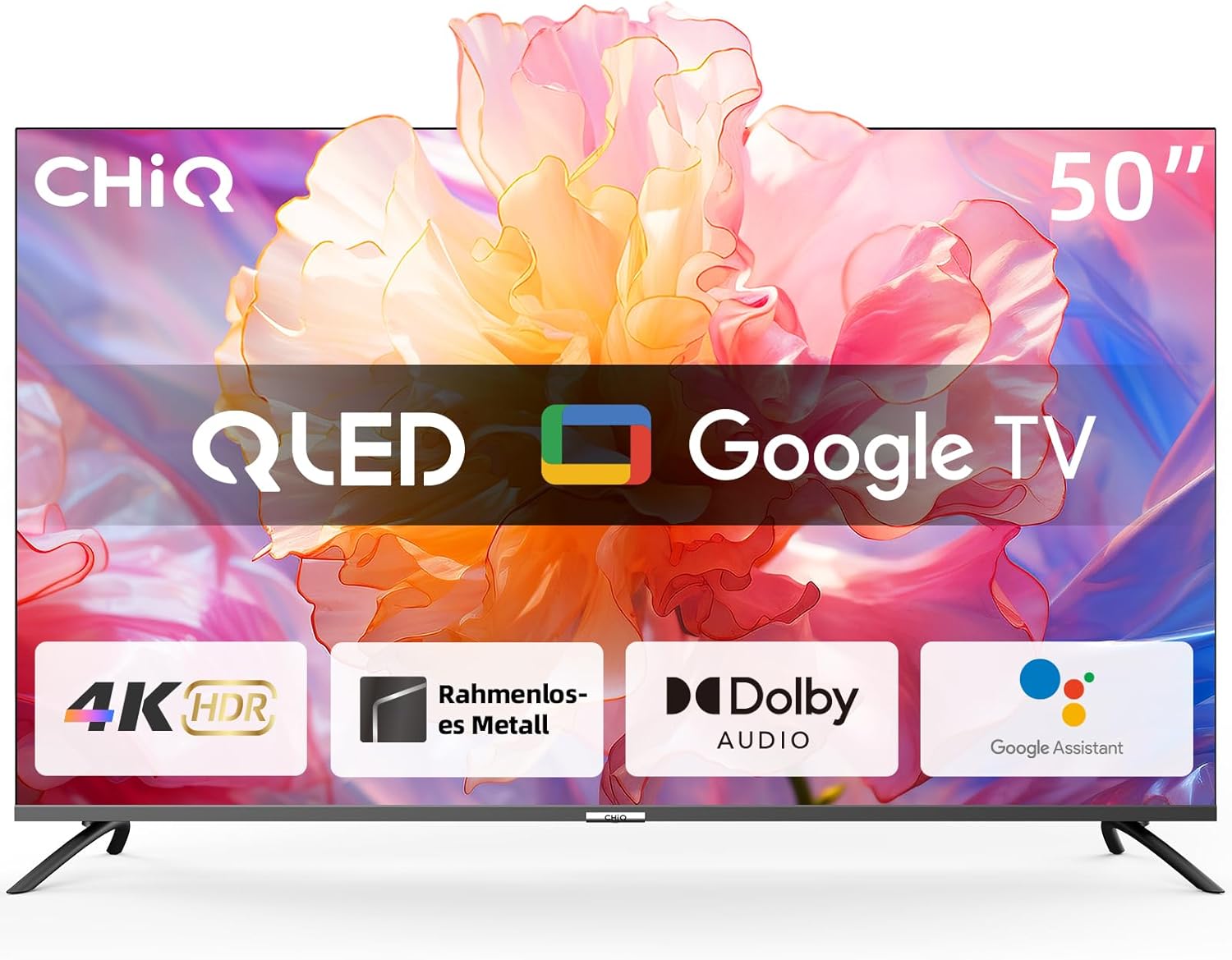
The CHIQ 50-inch QLED Smart TV displaying the Google TV interface, emphasizing features like 4K HDR, frameless metal design, Dolby Audio, and Google Assistant.
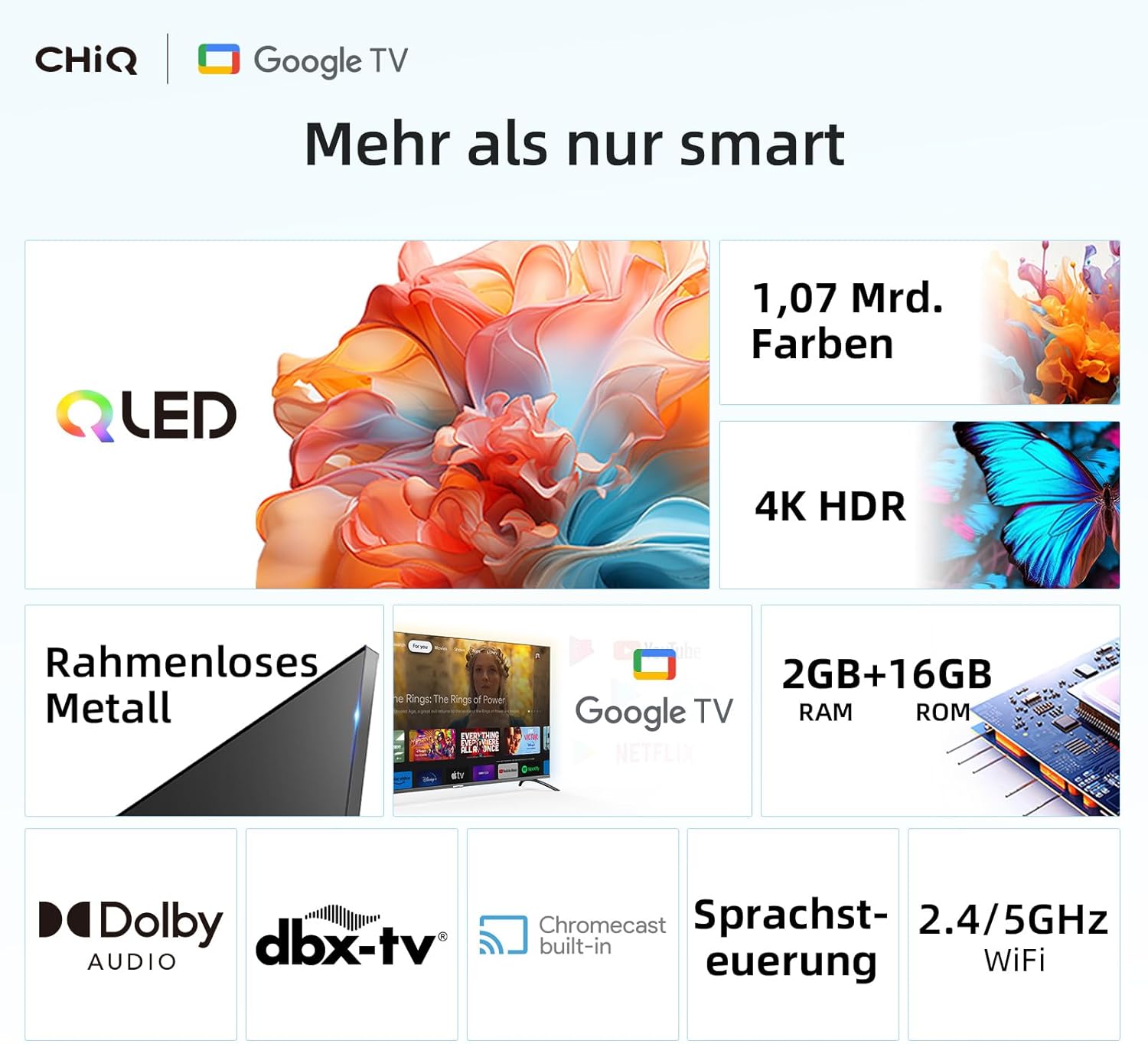
A grid of popular streaming service logos available on the CHIQ Google TV, including YouTube, Netflix, Disney+, and many more, indicating access to over 5000 apps.

Three panels illustrating smart entertainment features: Chromecast built-in for casting content from phone/tablet, Google Assistant for voice commands, and the SMART HOME App for controlling smart home devices.
Connectivity
Your TV offers a variety of connectivity options. Use the HDMI 2.1 ports for connecting external devices like gaming consoles or Blu-ray players. USB 2.0 ports allow for media playback from external drives. Connect to the internet via dual-band Wi-Fi for wireless streaming or use the LAN port for a wired connection. The TV also supports Bluetooth 5.0 for connecting wireless headphones or speakers.

A close-up view of the connectivity ports on the side of the CHIQ Smart TV, including Earphone, CI, USB 2.0, AV, Digital audio out, ANT, and HDMI 2.1 ports.

An image depicting a smartphone connected wirelessly to the CHIQ Smart TV, illustrating the ultra-fast dual-band Wi-Fi connection for seamless streaming and gaming.
Maintenance
Cleaning the Screen and Body
To clean the screen, gently wipe it with a soft, lint-free cloth. For stubborn marks, slightly dampen the cloth with water or a screen-cleaning solution. Avoid using harsh chemicals or abrasive materials. For the TV body, use a soft, dry cloth to remove dust. Ensure the TV is unplugged before cleaning.
Software Updates
Your CHIQ Smart TV may receive software updates to improve performance and add new features. To check for updates, navigate to the settings menu, then select 'System' or 'About' and look for 'Software Update'. Ensure your TV is connected to the internet for updates.
Troubleshooting
If you encounter any issues with your TV, please refer to the table below for common problems and their solutions. If the problem persists, contact customer support.
| Problem | Possible Cause | Solution |
|---|---|---|
| TV does not turn on | No power supply; Remote control batteries are dead | Check power cord connection and outlet; Replace remote control batteries. |
| No picture or sound | Incorrect input source; Loose HDMI/AV cables; Broadcast signal issue | Press the 'Input' button on the remote to select the correct source; Ensure all cables are securely connected; Check your antenna/cable connection. |
| Remote control not working | Batteries are dead or inserted incorrectly; Obstruction between remote and TV; Remote needs re-pairing | Replace batteries, ensuring correct polarity; Remove any obstructions; Refer to the manual for Bluetooth remote pairing instructions. |
| Wi-Fi connection issues | Incorrect Wi-Fi password; Router issues; TV too far from router | Re-enter Wi-Fi password; Restart your router; Move TV closer to router or use a Wi-Fi extender. |
| Apps are slow or crashing | Insufficient memory; App requires update; Network congestion | Close unused apps; Check for app updates in Google Play Store; Ensure stable internet connection. |
Specifications
Detailed technical specifications for your CHIQ 50-inch UHD 4K Smart TV.
| Feature | Detail |
|---|---|
| Manufacturer | Changhong |
| Model Number | U50QM8E |
| Product Dimensions | 20T x 111B x 70H cm |
| ASIN | B0CKFHG8DK |
| Batteries Required | 2 AAA Batteries (included) |
| Discontinued Item | No |
| First Available Date | 3. October 2023 |
| Country of Origin | China |
| Screen Technology | QLED |
| Resolution | 4K |
| Refresh Rate | 60 Hz |
| Special Features | Android 11, Google Assistant, Play Store, Netflix, YouTube, Amazon Prime Video, HDR10, Dolby Audio, Chromecast built-in, Bluetooth 5.0, Frameless, AI Pont, HbbTV 2.0 |
| Connectivity Technology | Ethernet /USB/WiFi/Wireless /Bluetooth/HDMI |
| Supported Internet Services | Netflix, YouTube, Amazon Prime Video, Google Play Store, Disney+, Facebook, works with Google ecosystem, Chromecast built-in, Web browser, Hulu, Skype, HbbTV 2.0 |
| Model Name | U50QM8E |
| Energy Efficiency Class | A_TO_G |
| Visible Screen Diagonal | 127.0 cm (50Zoll) |
Warranty Information
Your CHIQ TV comes with a standard warranty to ensure your peace of mind. The product is covered by a 2-year warranty. For customers in Spain (ES), a 3-year warranty applies. Additionally, you benefit from a 30-day return policy without requiring a specific reason, with returns handled via Amazon.

An infographic detailing CHIQ's service regulations, including 30-day returns and product warranty periods.
Support
For further assistance, technical support, or warranty claims, please contact CHIQ customer service. The online hotline is staffed by professional employees on weekdays to provide you with prompt and helpful support.

An infographic highlighting that the online hotline is staffed by professional employees on weekdays for customer support.
Please visit the official CHIQ website or your retailer's support page for the most up-to-date contact information.
Related documentsU50QM8E


Ask a question about this manual
Ask about setup, troubleshooting, compatibility, parts, safety, or missing instructions. Manuals+ will review the question and use this page’s manual context to help answer it.