
1. Important Safety Information
Please read all safety instructions carefully before using this product. Keep this manual for future reference.
- Power Supply: Ensure the power supply voltage matches the rating label on the TV.
- Ventilation: Do not block ventilation openings. Allow adequate space around the TV for proper airflow.
- Water and Moisture: Do not expose the TV to rain or moisture. Do not place objects filled with liquids on the TV.
- Cleaning: Unplug the TV before cleaning. Use a soft, dry cloth. Do not use liquid cleaners or aerosol cleaners.
- Mounting: When wall-mounting, ensure the mount is suitable for the TV's weight and the wall structure.
- Children: Supervise children to ensure they do not play with the TV.
2. Product Overview
The CHiQ U55QM8E is a 55-inch 4K QLED Smart TV featuring Google TV. It offers stunning visual clarity with 4K resolution and QLED technology, providing a wide color gamut and HDR support. The integrated Google TV platform allows access to a vast array of streaming content and applications. It also includes voice control, built-in Chromecast, and immersive audio technologies like Dolby Audio and DBX-TV.

Figure 2.1: Front view of the CHiQ 55-inch 4K QLED Google TV, highlighting its slim design and QLED display.

Figure 2.2: Side view of the CHiQ 55-inch 4K QLED Google TV, showing its thin profile.

Figure 2.3: Rear view of the CHiQ 55-inch 4K QLED Google TV, illustrating the various input and output ports.
3. Setup and Installation
3.1 Package Contents
Please check the box for the following items:
- CHiQ 55-inch 4K QLED Google TV
- Remote Control (with 2 AAA batteries)
- Stand Bases (2 pcs)
- Screws for Stand
- Power Cord
- User Manual (this document)
3.2 Unpacking
Carefully remove the TV and all accessories from the packaging. Retain the packaging materials for future transport or service needs.
3.3 Attaching the Stand
Place the TV face down on a soft, flat surface. Align the stand bases with the corresponding slots on the bottom of the TV. Secure them with the provided screws.
3.4 Wall Mounting (Optional)
This TV supports VESA wall mounts. The recommended wall mount support is 200*200/M6. Ensure you use a compatible wall mount kit (sold separately) and follow its instructions carefully. It is recommended to have professional installation for wall mounting.
3.5 Connecting Peripherals
The TV offers various connectivity options:
- HDMI 2.1: For connecting high-definition devices like Blu-ray players, game consoles, or set-top boxes. (3 ports available)
- USB 2.0: For connecting USB storage devices to play media files. (2 ports available)
- LAN (Ethernet): For a wired internet connection.
- CI Slot: For Common Interface modules.
- Earphone: For connecting headphones.
- AV In: For connecting older analog devices.
- Digital Audio Out: For connecting to external audio systems.
- ANT: For connecting an antenna for digital TV broadcasts. (2 ports available)

Figure 3.1: The included remote control for the CHiQ Google TV, featuring dedicated buttons for popular streaming services and voice control.
3.6 Initial Power-On and Setup Wizard
After connecting all necessary cables, plug the power cord into an electrical outlet. The TV will power on and guide you through the initial setup process, including language selection, network connection (Wi-Fi or Ethernet), and Google account sign-in.
4. Operating Instructions
4.1 Google TV Interface
The CHiQ U55QM8E runs on the Google TV operating system, providing a personalized home screen that aggregates content from your subscriptions and apps. You can easily browse movies, TV shows, and live TV from various services.
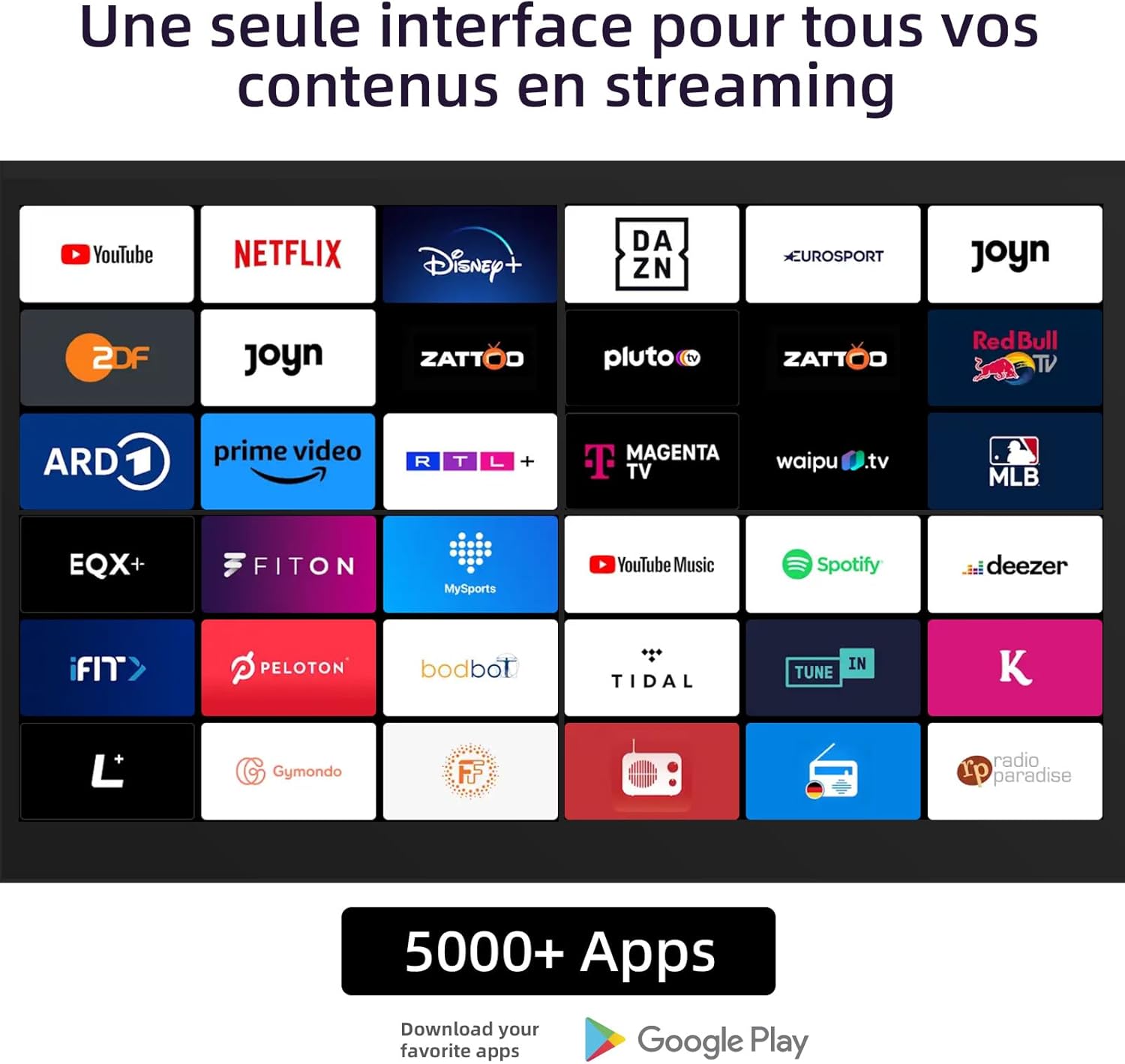
Figure 4.1: The Google TV interface, displaying a wide range of supported streaming applications and content services.
4.2 Voice Control
The included remote control features a built-in microphone for voice commands. Press the Google Assistant button on the remote and speak your command to search for content, control smart home devices, or get information.
4.3 Chromecast Built-in
With Chromecast built-in, you can cast content directly from your compatible smartphone, tablet, or computer to the TV screen. Simply tap the Cast icon in your favorite apps.
4.4 App Installation
Access the Google Play Store directly from your TV to download and install over 5,000 popular applications, including streaming services, games, and utility apps.
4.5 Picture and Sound Settings
Navigate to the settings menu to adjust picture modes (e.g., Standard, Vivid, Movie), brightness, contrast, and color. For audio, you can select sound modes, adjust equalizer settings, and enable/disable Dolby Audio or DBX-TV enhancements.
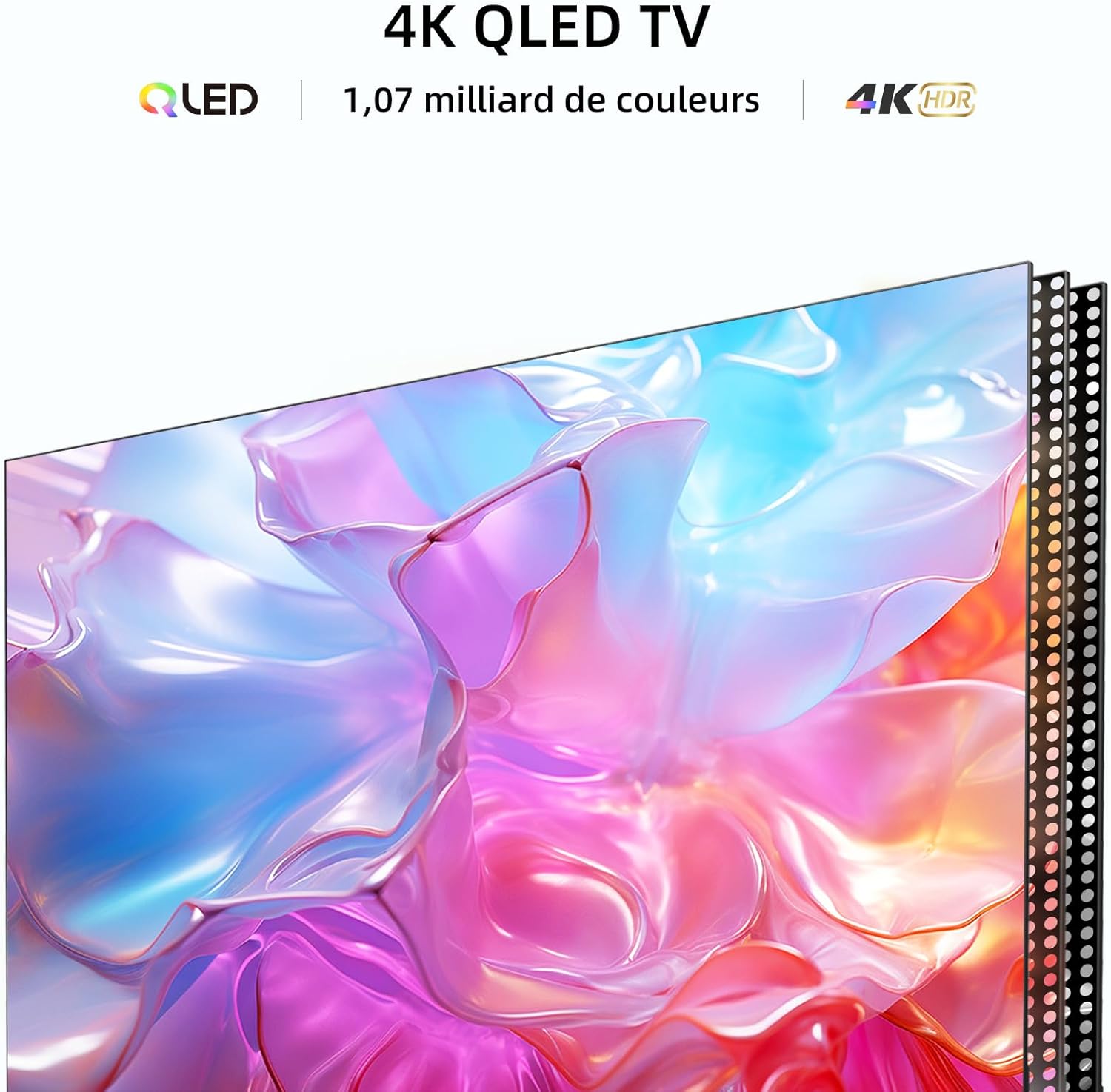
Figure 4.2: Visual representation of the 4K QLED display technology, highlighting its capability to produce 1.07 billion colors and support HDR for enhanced visual experience.
5. Maintenance and Care
Proper maintenance ensures the longevity of your CHiQ TV.
- Screen Cleaning: Gently wipe the screen with a soft, lint-free cloth. For stubborn marks, slightly dampen the cloth with water or a specialized screen cleaner (do not spray directly on the screen).
- Cabinet Cleaning: Wipe the TV cabinet with a soft, dry cloth. Avoid using abrasive cleaners or solvents.
- Dust Removal: Use a soft brush or a vacuum cleaner with a brush attachment to remove dust from ventilation openings.
- Power Cord: Regularly check the power cord for any damage. If damaged, replace it immediately with an authorized service part.
6. Troubleshooting
If you encounter issues with your TV, refer to the following common problems and solutions:
| Problem | Possible Cause | Solution |
|---|---|---|
| No Power | Power cord not connected; outlet not working. | Check power cord connection; test outlet with another device. |
| No Picture, but Sound is Present | Incorrect input source selected; backlight issue. | Verify input source; contact customer support if issue persists. |
| No Sound, but Picture is Present | Volume muted or too low; incorrect audio output setting. | Unmute or increase volume; check audio output settings. |
| Remote Control Not Working | Batteries depleted or incorrectly inserted; obstruction. | Replace batteries (2 AAA included); remove obstructions between remote and TV. |
| Cannot Connect to Wi-Fi | Incorrect password; router issue; TV too far from router. | Re-enter password; restart router; move TV closer or use Ethernet. |
7. Specifications
Detailed technical specifications for the CHiQ U55QM8E TV.
| Feature | Specification |
|---|---|
| Model Number | U55QM8E |
| Brand | CHiQ |
| Screen Size | 55 Inches |
| Display Technology | QLED LCD |
| Resolution | 4K (3840 x 2160 pixels) |
| Refresh Rate | 60 Hz |
| Operating System | Google TV |
| RAM | 2 GB |
| ROM | 16 GB |
| Connectivity | Ethernet, USB (2.0 x 2), Wi-Fi (Dual-Band 2.4/5GHz), Bluetooth (5.0), HDMI (2.1 x 3), CI, Earphone, AV In, Digital Audio Out, ANT (x 2) |
| Audio Technology | Dolby Audio, DBX-TV |
| Special Features | Google TV, QLED, Voice Control, Chromecast built-in, HDR, Frameless Metallic Design |
| Power Supply | AC100-240V / 50-60HZ |
| Power Consumption (On-mode SDR) | 84 W |
| Power Consumption (On-mode HDR) | 84 W |
| Power Consumption (Standby) | 0.7 W |
| Power Consumption (Off-mode) | 0.5 W |
| Product Dimensions (W x D x H) | 122.6 x 27.4 x 76.7 cm (with stand) |
| Wall Mount Support | 200*200/M6 |
| Energy Efficiency Class (SDR) | G |
| Energy Consumption (SDR) | 84 kWh/1000h |
| Energy Efficiency Class (HDR) | G |
| Energy Consumption (HDR) | 84 kWh/1000h |
| Software Updates Guaranteed Until | 8 Years (from market placement date) |
| Spare Parts Availability Guaranteed Until | 7 Years (from market placement date) |

Figure 7.1: EU Energy Label for the CHiQ U55QM8E TV, indicating its energy efficiency class and consumption.
For more details, refer to the official EU EPREL database: https://eprel.ec.europa.eu/qr/1742909

Figure 7.2: Dimensional drawing of the CHiQ 55-inch 4K QLED Google TV, showing height, width, and depth measurements.
8. Warranty and Support
CHiQ provides comprehensive support for its products.
- Product Warranty: The minimum product warranty is 2 years.
- Software Updates: Guaranteed software updates for up to 8 years from the date of market placement.
- Spare Parts: Guaranteed availability of spare parts for up to 7 years from the date of market placement.
- Returns: 30-day return policy without reason, returns handled by Amazon.
- Online Hotline: Online hotline supported by professional staff on weekdays.
For further assistance, please visit the official CHiQ support website or contact their customer service hotline.


