
Emerson EFC-5001-BLACK
Emerson EFC-5001-BLACK Portable Mini Fridge Cooler XL User Manual
Model: EFC-5001-BLACK | Brand: Emerson
Introduction
The Emerson EFC-5001-BLACK Portable Mini Fridge Cooler XL is designed for convenient cooling of beverages and snacks in various settings. Its compact size, lightweight construction, and dual AC/DC power compatibility make it suitable for use at home, in the office, dorm rooms, or during travel. This manual provides essential information for the safe and efficient operation of your mini fridge.
Safety Information
- Read all instructions before using the appliance.
- Do not block ventilation openings. Ensure adequate airflow around the unit.
- Do not immerse the appliance, cord, or plug in water or other liquids.
- Unplug the unit from the power outlet when not in use and before cleaning.
- Do not operate the appliance with a damaged cord or plug.
- Keep the appliance away from direct sunlight and heat sources.
- This appliance is not intended for use by persons (including children) with reduced physical, sensory or mental capabilities, or lack of experience and knowledge, unless they have been given supervision or instruction concerning use of the appliance by a person responsible for their safety.
- Children should be supervised to ensure that they do not play with the appliance.
What's in the Box
Upon opening the packaging, verify that all components are present:
- Emerson EFC-5001-BLACK Portable Mini Fridge Cooler XL
- AC Power Cord
- 12V Car Adapter
- User Manual (this document)
- Warranty Card
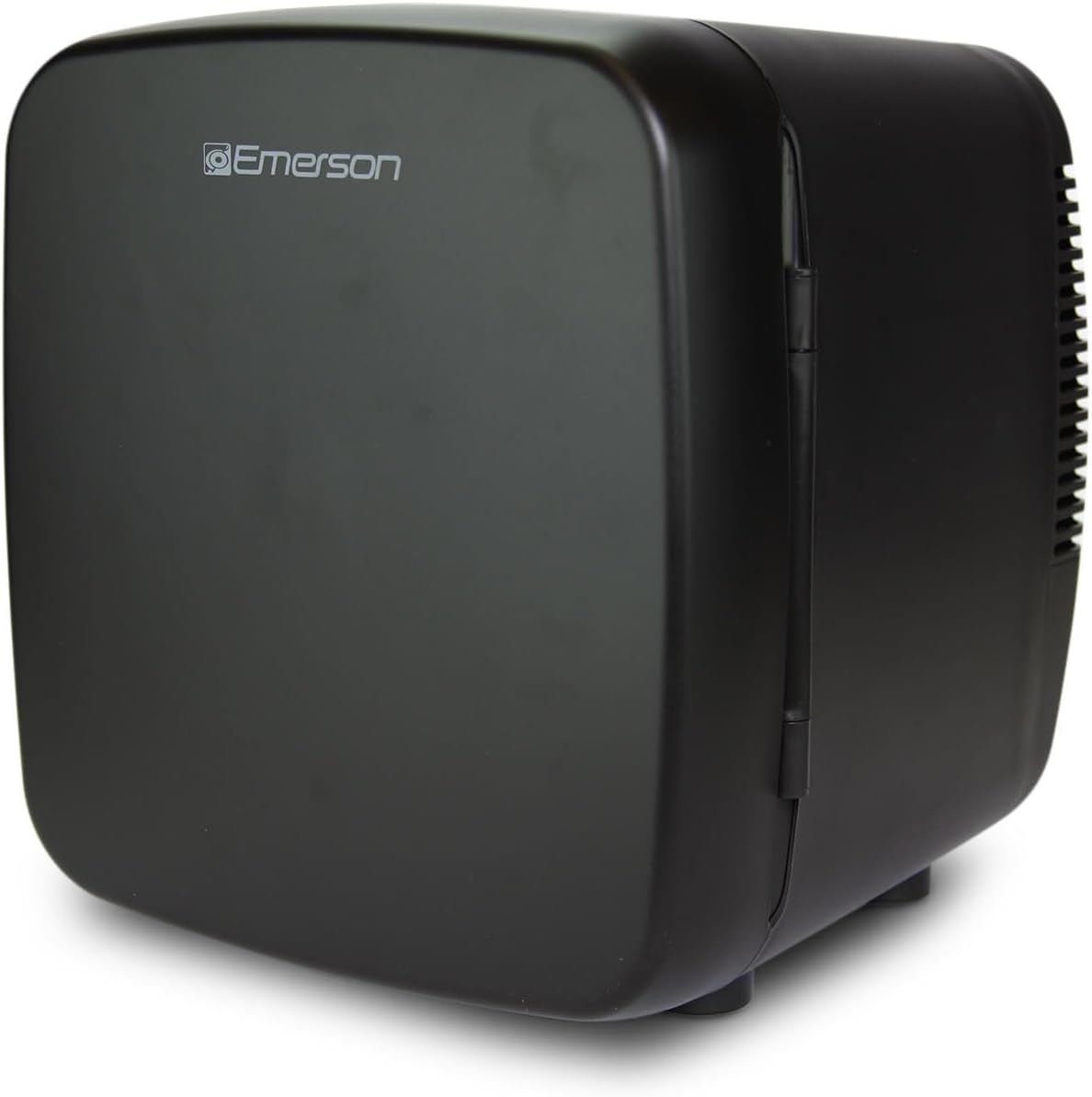
Image: The Emerson EFC-5001-BLACK Portable Mini Fridge Cooler XL, showcasing its compact black design.
Setup
- Unpacking: Carefully remove the mini fridge and all accessories from the packaging. Retain the packaging for future storage or transport.
- Placement: Place the mini fridge on a flat, stable surface. Ensure there is at least 4 inches (10 cm) of space around all sides for proper ventilation. Avoid placing it near heat sources or in direct sunlight.
- Power Connection:
- For Home/Office Use (AC Power): Connect the AC power cord to the AC input port on the back of the mini fridge. Plug the other end into a standard 100-240V AC wall outlet.
- For Car/Portable Use (DC Power): Connect the 12V car adapter to the DC input port on the back of the mini fridge. Plug the other end into your vehicle's 12V cigarette lighter socket.
- Initial Cooling: For optimal performance, allow the mini fridge to cool for at least 30 minutes before placing items inside.

Image: Rear view of the mini fridge, highlighting the power input ports for AC and DC connections.

Image: A hand plugging the 12V car charger into a vehicle's power outlet, demonstrating portable use.
Operating Instructions
Cooling Function
The Emerson EFC-5001-BLACK utilizes thermoelectric cooling technology, capable of cooling items to approximately 28-30 degrees Fahrenheit (15-17 degrees Celsius) below the ambient temperature. It is designed to maintain a consistent cool temperature for your items.
Capacity and Storage
This mini fridge has a 9-liter capacity, accommodating up to 12 standard 12-ounce beverage cans. It features a removable shelf, allowing for flexible storage options to fit taller items or to better organize contents.
- To remove the shelf, gently slide it out from its supports.
- To insert the shelf, align it with the grooves and slide it in until secure.

Image: The interior of the mini fridge, showing the removable shelf and ample space for items.

Image: The mini fridge interior filled with 12 beverage cans, demonstrating its capacity.
Latching Mechanism
The mini fridge is equipped with a secure locking latch to keep the door firmly closed and contents in place, especially during transport.

Image: The mini fridge positioned in a car trunk, highlighting its locking latch for secure transport.
Maintenance
- Cleaning: Disconnect the power cord before cleaning. Wipe the interior and exterior surfaces with a soft cloth dampened with mild soap and water. Do not use abrasive cleaners or solvents.
- Ventilation: Regularly check that the ventilation openings on the back and sides of the unit are clear of dust and debris to ensure efficient cooling.
- Storage: If storing the mini fridge for an extended period, ensure it is clean and dry. Leave the door slightly ajar to prevent odors.
Troubleshooting
| Problem | Possible Cause | Solution |
|---|---|---|
| Unit not cooling | Power cord not properly connected; Power outlet not functioning; Insufficient ventilation. | Check power connections; Test outlet with another device; Ensure 4 inches of space around the unit. |
| Excessive noise | Unit not on a stable surface; Fan obstruction. | Place on a flat, stable surface; Clear any obstructions from the fan area. |
| Condensation inside | Frequent door opening; High humidity. | Minimize door openings; Wipe away excess moisture with a dry cloth. |
Specifications
| Feature | Detail |
|---|---|
| Brand | Emerson |
| Model Number | EFC-5001-BLACK |
| Capacity | 9 Liters (holds up to 12 standard 12oz cans) |
| Dimensions (D x W x H) | 11.8 x 11.75 x 12.4 inches |
| Item Weight | 5.98 pounds |
| Power Compatibility | AC (100-240V) and DC (12V) |
| Cooling Technology | Thermoelectric (cools 28-30°F below ambient) |
| Special Features | Portable, Removable Shelf, Locking Latch |
| Color | Black |
| Country of Origin | China |

Image: Diagram showing the dimensions (11.8 in. D x 11.75 in. W x 12.4 in. H) and weight (5.98 lbs) of the mini fridge.
Warranty and Support
Your Emerson EFC-5001-BLACK Portable Mini Fridge Cooler XL comes with a Warranty Card. Please refer to the Warranty Card included in your package for detailed information regarding warranty coverage, terms, and conditions. For technical support, service, or inquiries, please contact Emerson customer service as indicated on your Warranty Card or visit the official Emerson website.
Note: Keep your purchase receipt and Warranty Card in a safe place as proof of purchase may be required for warranty claims.
Related documentsEFC-5001-BLACK


Ask a question about this manual
Ask about setup, troubleshooting, compatibility, parts, safety, or missing instructions. Manuals+ will review the question and use this page’s manual context to help answer it.