
Introduction
The Emerson ES-4000 Bluetooth Micro Music System is a versatile audio device designed for various listening experiences. This compact and stylish system integrates multiple playback options including Bluetooth connectivity, a CD player, FM radio, USB playback, and an AUX input. It also features a dual alarm clock function and a sleep timer for added convenience. The system includes powerful stereo speakers for clear, dynamic sound and comes with a remote control for easy operation.
This manual provides detailed instructions for setting up, operating, and maintaining your ES-4000 system. Please read it thoroughly to ensure proper use and to maximize your enjoyment of the product.
What's in the Box
Upon unpacking, please ensure all items listed below are present:
- Emerson ES-4000 Micro Music System Unit
- Detached Stereo Speakers (2 units)
- AC/DC Adapter
- Remote Control
- User Manual (this document)
- Warranty Card
Setup
- Placement: Place the main unit and speakers on a stable, flat surface. For optimal sound, position the speakers equidistant from the main unit and facing the listening area.
- Connect Speakers: Connect the speaker wires from the detached stereo speakers to the corresponding speaker output terminals on the rear of the main unit. Ensure correct polarity (red to red, black to black).
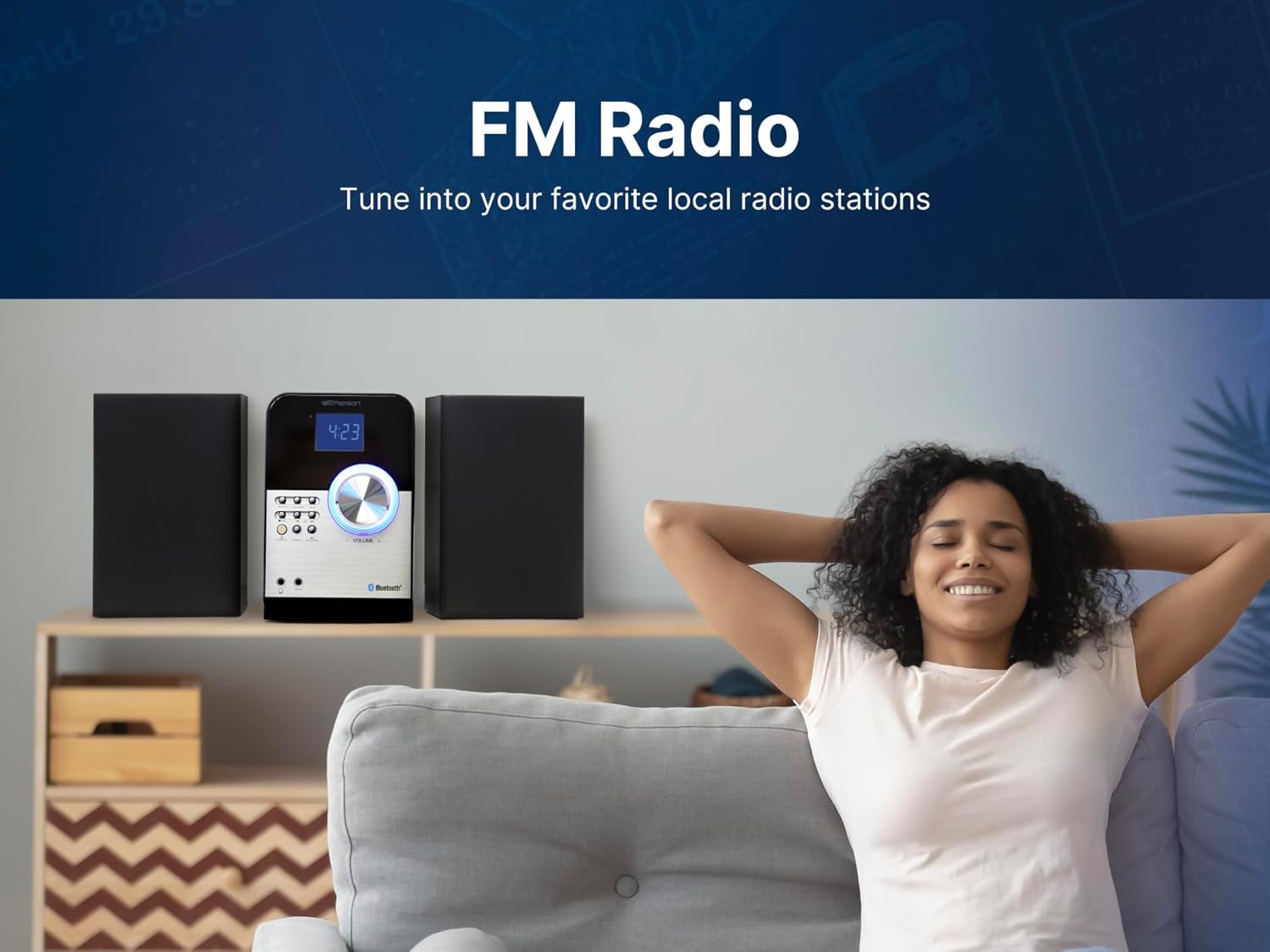
Image: Rear view of the Emerson ES-4000, showing input/output ports and speaker connections.
- Power Connection: Insert the AC/DC adapter into the DC IN jack on the back of the main unit, then plug the adapter into a standard wall outlet.
- Initial Power On: Press the STANDBY button on the unit or remote control to turn on the system. The LED display will illuminate.
Operating Instructions
1. Bluetooth Connectivity
- Press the SOURCE button repeatedly until 'BT' (Bluetooth) appears on the display.
- The unit will automatically enter pairing mode, indicated by a flashing 'BT' on the display.
- On your Bluetooth-enabled device (smartphone, tablet, etc.), enable Bluetooth and search for available devices.
- Select 'ES-4000' from the list of devices. Once connected, the 'BT' indicator will stop flashing and remain solid.
- You can now stream audio wirelessly from your device to the ES-4000. Use your device or the system's controls to adjust volume and playback.

Image: Bluetooth Audio streaming from a smartphone to the ES-4000.
2. CD Playback
- Press the SOURCE button repeatedly until 'CD' appears on the display.
- Open the CD compartment cover located on the top of the main unit.
- Carefully place a CD (audio CD or MP3 CD) onto the spindle with the label side facing up. Close the CD compartment cover.
- The system will read the disc, and playback will begin automatically. If not, press the PLAY/PAUSE button.
- Use the SKIP/SEARCH buttons (|<< / >>|) to skip tracks or fast forward/rewind.
- Press the STOP button to stop playback.

Image: Top-loading CD player in use, showing a hand inserting a disc.
3. FM Radio
- Press the SOURCE button repeatedly until 'FM' appears on the display.
- Auto Scan: Press and hold the AUTO SCAN button to automatically scan and save available FM stations.
- Manual Tuning: Press the TUNE buttons (|<< / >>|) to manually tune to a desired frequency.
- Preset Stations: Use the PROGRAM button to save and recall your favorite stations.

Image: A person enjoying music, illustrating the FM Radio feature.
4. USB Playback
- Insert a USB flash drive containing MP3 files into the USB port on the front of the unit.
- Press the SOURCE button repeatedly until 'USB' appears on the display.
- The system will automatically detect and begin playing MP3 files from the USB drive.
- Use the PLAY/PAUSE and SKIP/SEARCH buttons to control playback.
5. AUX Input
- Connect an external audio device (e.g., smartphone, MP3 player) to the AUX IN jack on the front of the unit using a 3.5mm audio cable (not included).
- Press the SOURCE button repeatedly until 'AUX' appears on the display.
- Play audio from your connected device. The sound will be output through the ES-4000 speakers.
- Adjust the volume using the ES-4000's volume knob or the remote control.

Image: Headphones connected to the 3.5mm Headphone & Aux In Ports.
6. Alarm Clock Function
- Refer to the detailed instructions in the full manual for setting the clock and dual alarms.
- You can choose to wake up to a buzzer, FM radio, or CD.
- The sleep timer allows you to fall asleep to music, automatically turning off the system after a set period.
7. Remote Control
The included remote control provides convenient access to all major functions, including power, source selection, volume adjustment, playback controls, and alarm settings. Ensure the remote has working batteries and is pointed towards the main unit's sensor during use.
Maintenance
- Cleaning: Use a soft, dry cloth to clean the exterior of the unit and speakers. Do not use abrasive cleaners, waxes, or solvents.
- CD Care: Handle CDs by their edges. Keep them clean and free of scratches. Use a soft, lint-free cloth to wipe CDs from the center outwards.
- Ventilation: Ensure adequate ventilation around the unit to prevent overheating. Do not block any ventilation openings.
- Power Cord: Regularly inspect the power cord for any damage. If damaged, discontinue use and contact customer support.
Troubleshooting
| Problem | Possible Cause | Solution |
|---|---|---|
| No power | Power cord not connected; outlet not active. | Ensure power cord is securely plugged into unit and a working outlet. |
| No sound | Volume too low; incorrect source selected; speaker wires loose. | Increase volume; select correct source; check speaker connections. |
| Bluetooth pairing fails | Device too far; ES-4000 not in pairing mode; device already paired to another unit. | Move device closer; ensure ES-4000 is in pairing mode; disconnect from other devices. |
| CD skips or doesn't play | CD is dirty or scratched; CD inserted incorrectly. | Clean CD; ensure CD is inserted label-side up. |
| Poor FM radio reception | Antenna not extended or positioned correctly. | Extend and adjust the FM antenna for better reception. |
Specifications
| Feature | Detail |
|---|---|
| Product Dimensions (L x W x H) | 18.5 x 8.66 x 9.45 inches |
| Item Weight | 6.92 pounds |
| Model Number | ES-4000 |
| Brand | Emerson |
| Connectivity Technology | Auxiliary, Bluetooth, USB |
| Color | Black |
| Speaker Type | Stereo |
| Manufacturer | Naxa Electronics, Inc. |

Image: Dimensions and weight of the ES-4000 unit and speakers.
Warranty and Support
The Emerson ES-4000 Micro Music System comes with a limited manufacturer's warranty. Please refer to the included Warranty Card for specific terms, conditions, and duration of coverage. For technical support, service, or warranty claims, please contact Emerson customer service or visit the official Emerson website for assistance.


