
HyperGear Stealth2 ANC Wireless Headphones User Manual
Model: 15860
Introduction
Thank you for choosing the HyperGear Stealth2 ANC Wireless Headphones. These headphones are designed to provide a superior audio experience with advanced active noise cancellation, comfortable over-ear design, and convenient wireless connectivity. This manual will guide you through the setup, operation, and maintenance of your new headphones.

Image: HyperGear Stealth2 ANC Wireless Headphones in black, shown with its retail packaging highlighting features like ANC, battery life, and rapid charge.
Package Contents
Please ensure all items are present in your package:
- HyperGear Stealth2 ANC Wireless Headphones
- USB-C Charging Cable

Image: A detailed view of the HyperGear Stealth2 ANC Headphones, illustrating features such as Premium HD Sound, Rapid Charging, Memory Foam Comfort, Quick Pair Bluetooth, No Lag Mode, and Hands-Free Control.
Product Overview & Controls
Familiarize yourself with the headphone's buttons and ports for optimal use.
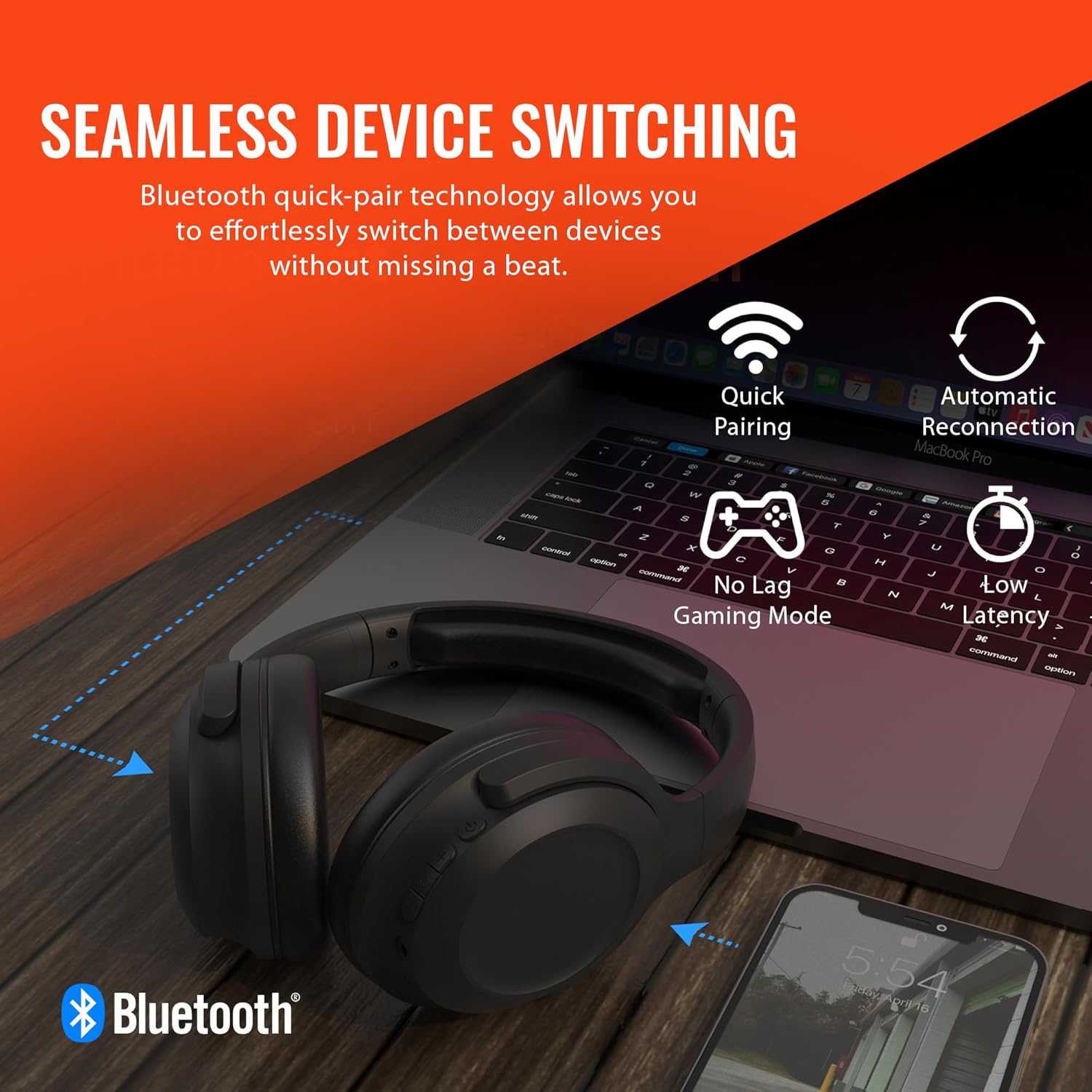
Image: A diagram illustrating the location and function of the on-ear controls for the HyperGear Stealth2 ANC Headphones, including Volume Down, Previous Track, Play/Pause, Answer/End Call, Reject Call, Activate Voice Assistant, Gaming Mode On/Off, Volume Up, Next Track, Power On/Off, Entering Pairing Mode, and ANC On/Off.
- Power Button: Press and hold to power on/off.
- Volume Up/Next Track: Short press for volume up, long press for next track.
- Volume Down/Previous Track: Short press for volume down, long press for previous track.
- Multi-function Button (MFB): Play/Pause, Answer/End Call.
- ANC Button: Toggle Active Noise Cancellation on/off.
- Gaming Mode Button: Activate/Deactivate low-latency gaming mode.
Setup
Charging the Headphones
Before first use, fully charge your headphones. A full charge takes approximately 2 hours.
- Connect the USB-C charging cable to the charging port on the headphones.
- Connect the other end of the cable to a USB power source (e.g., wall adapter, computer USB port).
- The LED indicator will show charging status and turn off when fully charged.
Quick Charge Feature: A 10-minute charge provides approximately 3 hours of playtime.

Image: The HyperGear Stealth2 ANC Headphones folded, illustrating their lightweight and foldable design, along with battery life details: 18 hours with ANC on, up to 24 hours with ANC off, and a rapid charge feature providing 3 hours of play from a 10-minute charge.
Bluetooth Pairing
Pair your headphones with your device for wireless audio.
- Ensure the headphones are powered off.
- Press and hold the Power button until the LED indicator flashes rapidly (indicating pairing mode).
- On your device (smartphone, tablet, computer), enable Bluetooth and search for available devices.
- Select "HyperGear Stealth2 ANC" from the list of devices.
- Once connected, the LED indicator will stop flashing and remain solid blue.
The headphones feature quick-pair technology for seamless switching between devices.

Image: HyperGear Stealth2 ANC Headphones connected wirelessly to a laptop and a smartphone, illustrating the seamless device switching capability with quick pairing and automatic reconnection.
Operating Instructions
Power On/Off
- Power On: Press and hold the Power button for 3 seconds.
- Power Off: Press and hold the Power button for 3 seconds.
Music Playback
- Play/Pause: Press the MFB once.
- Next Track: Long press the Volume Up button.
- Previous Track: Long press the Volume Down button.
- Volume Up: Short press the Volume Up button.
- Volume Down: Short press the Volume Down button.
Call Management
- Answer/End Call: Press the MFB once.
- Reject Call: Press and hold the MFB for 2 seconds.
Active Noise Cancellation (ANC)
The headphones feature dual built-in ANC microphones to block out external distractions.
- Activate/Deactivate ANC: Press the dedicated ANC button.

Image: A close-up of the HyperGear Stealth2 ANC Headphones with sound waves emanating, indicating noise cancellation. Icons represent common noises like a basketball, dog barking, train, and airplane, with text stating "UP TO 8X QUIETER".
Voice Assistant
- Activate Voice Assistant (Siri/Google Assistant): Double-press the MFB.
Gaming Mode
Activate gaming mode for reduced audio latency.
- Activate/Deactivate Gaming Mode: Press the Gaming Mode button.
Maintenance
Proper care will extend the life of your headphones.
- Cleaning: Wipe the headphones with a soft, dry cloth. Do not use harsh chemicals or abrasive materials.
- Storage: Store the headphones in a cool, dry place away from direct sunlight and extreme temperatures. When not in use, it is recommended to fold them for compact storage.
- Water Resistance: These headphones are not water resistant. Avoid exposure to liquids.

Image: A side view of the HyperGear Stealth2 ANC Headphones, folded for travel, highlighting the adjustable headband, ultra-lightweight materials, oversized breathable ear cups with plush memory foam padding, and dual-axis hinges.
Troubleshooting
If you encounter issues, try these common solutions:
| Problem | Solution |
|---|---|
| Headphones do not power on | Ensure the headphones are fully charged. Press and hold the Power button for a longer duration (up to 5 seconds). |
| Cannot pair with device | Ensure headphones are in pairing mode (flashing LED). Turn off and on Bluetooth on your device. Move headphones closer to your device. Forget the device in your Bluetooth settings and try pairing again. |
| No sound or low volume | Check volume levels on both headphones and your device. Ensure headphones are properly connected. Try playing different audio sources. |
| Poor Active Noise Cancellation (ANC) | Ensure ANC is activated. Adjust headphone position on your ears for a better seal. ANC is most effective for low-frequency constant noises. |
| Sound cuts in and out | Move closer to your device (within 33 feet/10 meters). Avoid obstacles between headphones and device. Reduce interference from other wireless devices. |
Specifications
| Feature | Detail |
|---|---|
| Model Name | HyperGear Stealth2 ANC Headphones |
| Connectivity Technology | Wireless (Bluetooth 5.0) |
| Bluetooth Range | 33 Feet (10 meters) |
| Noise Control | Active Noise Cancellation |
| Audio Driver Type | Dynamic Driver |
| Audio Driver Size | 40mm |
| Frequency Range | 20 Hz - 20,000 Hz |
| Battery Life (ANC Off) | Up to 24 Hours |
| Battery Life (ANC On) | Up to 18 Hours |
| Charging Time | 2 Hours (Full Charge) |
| Material | Plastic |
| Dimensions | 7.88 x 2.25 x 10.51 inches |
| Item Weight | 13.4 ounces |
| Included Components | USB-C Charging Cable |
Warranty and Support
HyperGear products are designed with quality and reliability in mind. For information regarding warranty coverage and customer support, please visit the official HyperGear website or contact their customer service department.
You can find more information and support at the HyperGear Amazon Store.


