
Dpofirs Dpofirs58i2ow6dc3-12
Contents
SOYES XS11 Mini Smartphone User Manual
Model: Dpofirs58i2ow6dc3-12 | Brand: Dpofirs
1. Introduction and Overview
Welcome to the user manual for your new Dpofirs SOYES XS11 Mini Smartphone. This compact and versatile device is designed for convenience and portability, offering essential smartphone features in a small form factor. It's an ideal choice for a backup phone or for users who prefer a minimalist mobile experience.
Key features include a 2.5-inch display, 1GB RAM, 8GB ROM, dual cameras, and support for 2G/3G networks. This manual will guide you through the setup, operation, and maintenance of your device.

Figure 1.1: Front and back view of the SOYES XS11 Mini Smartphone in pink.
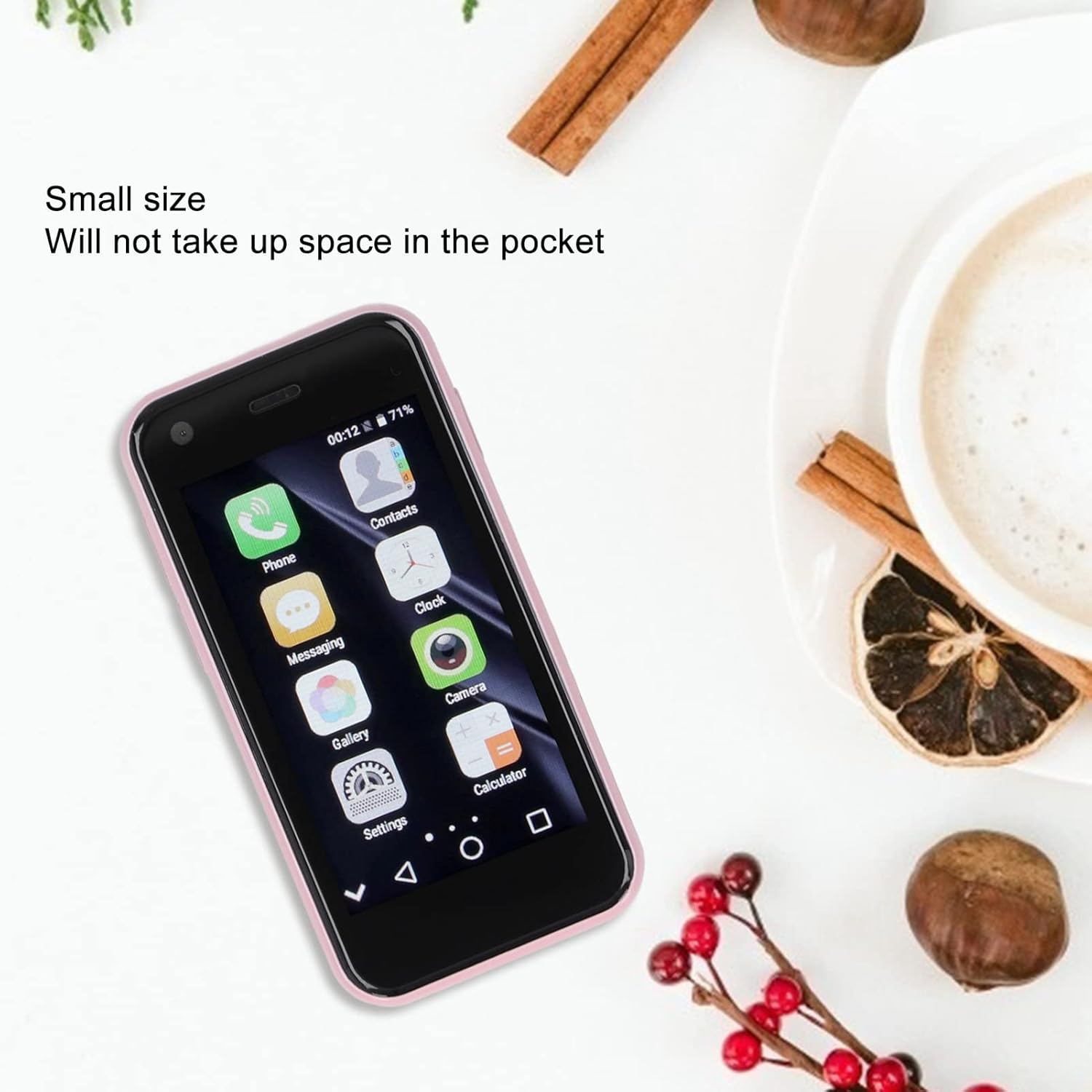
Figure 1.2: The compact size of the SOYES XS11 Mini Smartphone, highlighting its portability.
2. Setup
2.1 Package Contents
Please verify that all items are present in the package:
- 1 x Mini Smartphone
- 1 x Data Cable
- 1 x Card Pin (SIM Ejector Tool)
- 1 x Protective Case
- 1 x Protective Film
- 1 x Specification Manual
2.2 SIM Card Installation
The SOYES XS11 supports dual SIM cards with dual standby. To install your SIM card(s):
- Locate the SIM card tray on the side of the phone.
- Insert the provided card pin into the small hole next to the tray to eject it.
- Place your Nano-SIM card(s) into the designated slots on the tray. Ensure the gold contacts are facing down.
- Carefully reinsert the tray into the phone until it clicks into place.
2.3 Initial Power On and Charging
Before first use, it is recommended to fully charge the device. Connect the data cable to the phone's charging port and the other end to a compatible USB power adapter or computer.
To power on the device, press and hold the power button located on the side of the phone until the screen lights up. Follow the on-screen prompts for initial setup, including language selection and network connection.
3. Operating Instructions
3.1 Basic Functions
The SOYES XS11 runs on Android 6.0, providing a familiar interface for smartphone users. You can make calls, send messages, and manage contacts using the pre-installed applications.
- Making Calls: Tap the "Phone" icon, enter the number, and press the call button.
- Sending Messages: Tap the "Messaging" icon, select a contact or enter a number, type your message, and send.
- Contacts: Manage your phonebook by tapping the "Contacts" icon.

Figure 3.1: Home screen showing various app icons, including Phone, Contacts, Messaging, Clock, Gallery, Camera, Settings, and Calculator.
3.2 Camera Usage
Capture moments with the phone's dual cameras:
- Front Camera: 2 MP with beautification function, suitable for selfies and video calls.
- Rear Camera: 5 MP, ideal for general photography.
To use the camera, tap the "Camera" icon on the home screen. You can switch between front and rear cameras, and access basic settings like flash.
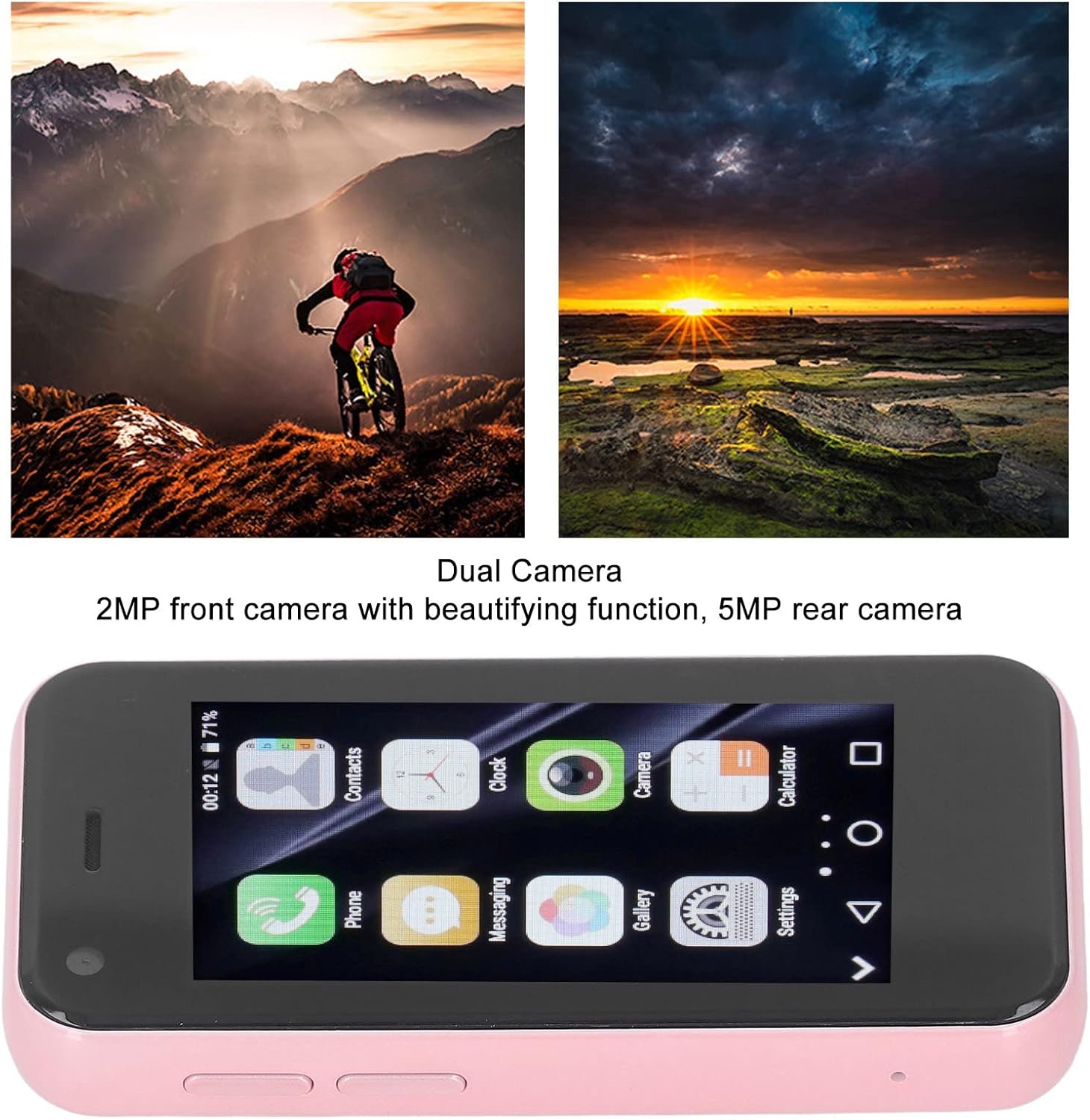
Figure 3.2: Illustration of the dual camera capabilities of the SOYES XS11 Mini Smartphone.
3.3 Connectivity
The SOYES XS11 offers various connectivity options:
- Wi-Fi: Connect to wireless networks for internet access. Go to Settings > Wi-Fi to enable and connect.
- Bluetooth: Pair with Bluetooth devices like headphones or speakers. Go to Settings > Bluetooth.
- GPS Navigation: Utilize built-in GPS for location services and navigation.
- Network Bands: Supports 2G GSM (850/900/1900/2100) and 3G WCDMA (B1/B5). Ensure your SIM card supports these frequencies for optimal network performance.
3.4 App Downloads
Running on Android 6.0, the device supports downloading various applications. You can access the app store (e.g., Google Play Store, if pre-installed, or a third-party app store) to download and install your preferred apps.
4. Specifications
Detailed technical specifications for the SOYES XS11 Mini Smartphone:
| Feature | Specification |
|---|---|
| Item Type | Mini Smartphone |
| Material | ABS, Metal, LCD |
| Weight | Approx. 144g / 5.1oz |
| Dimensions | Approx. 85x43x9mm / 3.3x1.7x0.4in |
| Screen Size | 2.5 Inches (2.87 Centimeters) |
| Resolution | 240x432 |
| Operating System | Android 6.0 |
| Processor | MTK6580M, Quad-Core |
| RAM | 1GB |
| ROM | 8GB |
| Memory Expansion | Supports up to 64GB (Micro SD card, not included) |
| SIM Card | Dual Card Dual Standby |
| Front Camera | 2 MP |
| Rear Camera | 5 MP |
| Built-in Battery | 1580 mAh Lithium Battery |
| Flashlight | Supported |
| Frequency Bands | 3G: WCDMA B1 B5; 2G: GSM 850 900 1900 2100 |
| Connectivity Technology | 2G and 3G |
| Wireless Carrier | Unlocked |
| Other Features | Bluetooth, WIFI, GPS navigation, MP3, MP4, Calculator, Alarm Clock, Calendar, etc. |
| Language | Multiple languages supported |
| Manufacturer | Dpofirs |
| Country of Origin | China |

Figure 4.1: Physical dimensions of the SOYES XS11 Mini Smartphone.
5. Maintenance
5.1 Battery Care
- To prolong battery life, avoid exposing the phone to extreme temperatures.
- Charge the battery regularly, but avoid overcharging or letting it completely drain frequently.
- Use only the provided data cable or a certified compatible charger.
5.2 Cleaning
- Use a soft, lint-free cloth to clean the screen and body of the phone.
- Avoid using harsh chemicals or abrasive materials, as they may damage the device.
- Keep the charging port and speaker grilles free of dust and debris.
6. Troubleshooting
This section addresses common issues you might encounter with your SOYES XS11 Mini Smartphone.
6.1 Device Not Turning On
- Ensure the battery is sufficiently charged. Connect the phone to a charger and wait a few minutes before attempting to power on again.
- Press and hold the power button for at least 10-15 seconds to perform a forced restart.
6.2 Network Connectivity Issues
- Check if your SIM card is properly inserted and activated.
- Verify that your SIM card supports the 2G GSM (850/900/1900/2100) and 3G WCDMA (B1/B5) frequency bands.
- Try restarting the phone.
- Check network settings under Settings > Network & Internet > Mobile network.
6.3 Apps Crashing or Freezing
- Close and reopen the app.
- Clear the app's cache and data (Settings > Apps > [App Name] > Storage > Clear Cache/Clear Data).
- Ensure you have sufficient storage space on the device.
- Restart the phone.
6.4 Screen Unresponsive
- Perform a forced restart (press and hold the power button).
- Ensure the screen is clean and dry.
If problems persist, please refer to the warranty and support section.
7. Warranty and Support
Your Dpofirs SOYES XS11 Mini Smartphone comes with a 1 Year Warranty Against Manufacturer Defects.
For warranty claims, technical support, or further assistance, please contact the seller or manufacturer directly through the platform where you purchased the product. Please have your purchase details and model number (Dpofirs58i2ow6dc3-12) ready when contacting support.
Documents and downloads
Ask a question about this manual
Ask about setup, troubleshooting, compatibility, parts, safety, or missing instructions. Manuals+ will review the question and use this page’s manual context to help answer it.