
Omethey G2S-138-B
Omethey G2S-138-B Biometric Fingerprint Rifle Safe User Manual
Model: G2S-138-B | Brand: Omethey
Important Safety Information
Read all instructions carefully before operating the safe. Failure to follow these instructions may result in injury, damage to the safe, or loss of contents. Keep this manual in a secure location for future reference.
- Always store firearms unloaded and locked.
- Keep emergency keys and user codes in a secure location away from the safe and out of reach of children.
- Do not store the emergency keys inside the safe.
- Ensure the safe is securely mounted to prevent tipping or unauthorized removal.
- This safe is designed to deter theft and provide fire resistance, but it is not impervious to all forms of attack or extreme heat.
Package Contents
Verify that all items listed below are included in your package:
- Instruction Manual x 1
- Emergency Key x 2
- Handle Spokes x 3
- Emergency Battery Box x 1
- Expansion Screws x 5

Figure 1: Included Components
Product Overview
The Omethey G2S-138-B Biometric Fingerprint Rifle Safe is designed for secure storage of firearms and valuables. It features multiple access options and a robust construction.
Key Features:
- Integrated Touch Panel: Combines fingerprint, password, and key access.
- Biometric Security: Stores up to 20 fingerprints for quick access.
- Durable Construction: All-steel body with 11.81 gauge steel plate and 3 solid locking bolts.
- Flexible Interior: Removable shelf, adjustable pistol rack, and adjustable gun slots for up to 5 long guns (up to 53.5'' with shelf removed).
- Soft Interior Lining: Protects contents from scratches.
- Dual Alarm System: Activates upon vibration or multiple incorrect entry attempts.
- Silent Mode: Allows for quiet operation.
- Emergency Access: Includes emergency keys and an emergency battery box.
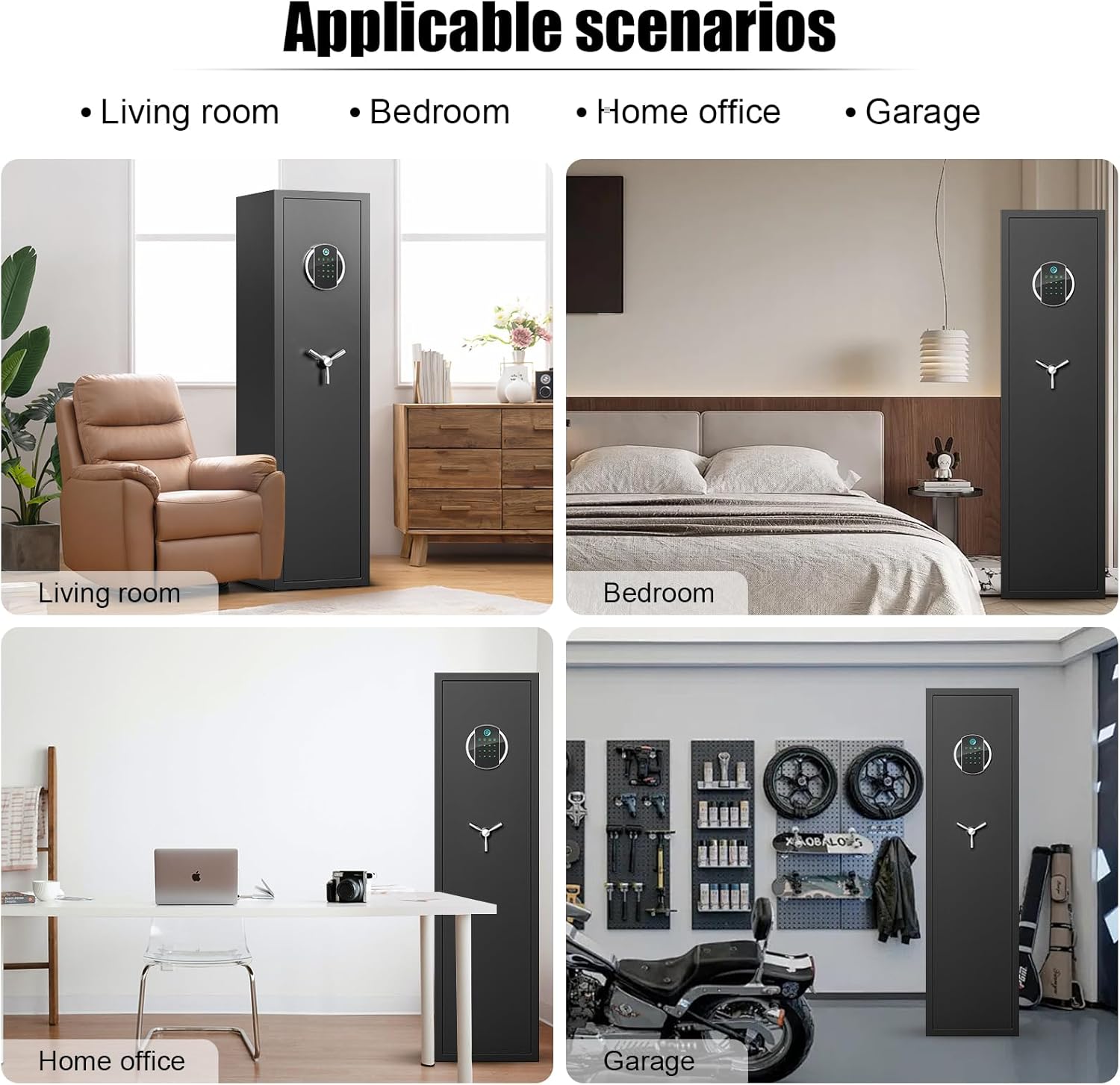
Figure 2: Product Dimensions

Figure 3: LCD Touch Screen Keypad

Figure 4: Interior Features (Locking Bolts, Pistol Pouches, Metal Storage Box)
Setup
1. Initial Opening / Emergency Opening
For the first use, or if you forget your code/fingerprint, use the emergency key.
- Locate the emergency keyhole cover on the keypad.
- Remove the cover.
- Insert one of the emergency keys into the keyhole and turn it.
- Turn the handle to open the safe door.
Video 1: Demonstrates how to perform the first opening or emergency opening using the emergency key.
2. Battery Installation
The safe requires 4 AA batteries (not included) for electronic operation.
- Open the safe door.
- Locate the battery compartment on the inside of the door.
- Open the battery compartment cover.
- Insert 4 AA batteries, ensuring correct polarity (+/-).
- Close the battery compartment cover.
Video 2: Shows the process of inserting 4 AA batteries into the battery compartment (from 0:28 to 0:33 in the video).
3. Handle Installation
Install the handle spokes for proper operation of the safe's locking mechanism.
- Locate the three handle spokes from the package.
- Insert each spoke into the designated slots on the handle hub on the safe door.
- Ensure they are securely fastened.
Video 3: Demonstrates the installation of the handle spokes onto the safe door.
4. Mounting the Safe
For enhanced security, it is recommended to mount the safe to a wall, floor, or both using the provided expansion screws.
- Choose a suitable location for the safe.
- Identify the 5 pre-drilled holes on the back and bottom of the safe.
- Mark the drilling points on the wall or floor through these holes.
- Drill pilot holes at the marked locations.
- Position the safe and secure it using the expansion screws.

Figure 5: Mounting Holes and Expansion Screws
Operating Instructions
1. Setting Fingerprints
The safe can store up to 20 unique fingerprints.
- With the safe door open, press the setting button (usually located on the inside of the door, near the hinge) for one second.
- Place your finger on the fingerprint sensor on the keypad.
- Lift and place your finger on the sensor 4 times, ensuring each scan is successful.
- Repeat for additional fingerprints if desired.
Video 4: Guide on how to set up fingerprints for the safe.

Figure 6: Usage of the Settings Button
2. Setting User Code
You can set a personal user code for keypad access.
- With the safe door open, press "#00" on the keypad.
- Then, press the setting button (inside the door) for one second.
- Enter your new code twice, confirming each entry with "#".
Video 5: Demonstrates how to set a user code for the safe (from 0:10 to 0:25 in the video).
3. Unlocking Methods
The safe offers four ways to unlock:
- Fingerprint + Turn Handle: For fast access.
- Password + Turn Handle: For fast access. Press '#' to activate the panel, enter your code, then turn the handle.
- Emergency Key + Turn Handle: Used for initial opening, forgotten password, or dead batteries.
- Emergency Battery Box + Password/Fingerprint + Turn Handle: If batteries are dead, connect the emergency battery box, then use your fingerprint or password.

Figure 7: Four Ways to Open the Safe
4. Silent Mode
Activate silent mode to disable keypad sounds.
- To turn on silent mode: Press "*" then "1".
- To turn off silent mode: Press "*" then "1" again.
Video 6: Instructions for turning the mute function on and off.

Figure 8: Silent Mode Feature
5. Dual Alarm System
The safe is equipped with a dual alarm system for enhanced security.
- Vibration Alarm: Triggered if the safe is shaken or moved. To activate, press "*" then "9".
- Incorrect Input Alarm: Activates after 5 consecutive wrong fingerprint attempts or 3 wrong password attempts.
- The buzzer will sound for 1 minute when an alarm is activated. To stop the alarm, enter the correct code.
Video 7: Demonstration of the dual alarm system and how to stop it.
Maintenance
1. Battery Replacement
Replace batteries when the "Low Battery" indicator appears on the LCD screen or if the safe does not respond to electronic input. Use 4 new AA alkaline batteries.
2. Cleaning
Wipe the exterior of the safe with a soft, damp cloth. Avoid abrasive cleaners or solvents that could damage the finish or electronic components. Do not spray cleaners directly onto the keypad or fingerprint sensor.
Troubleshooting
| Problem | Possible Cause | Solution |
|---|---|---|
| Safe does not open with fingerprint/code. | Low batteries, incorrect fingerprint/code, fingerprint not registered correctly. | Replace batteries. Re-register fingerprint. Ensure correct code is entered. Use emergency key. |
| Keypad is unresponsive. | Dead batteries, keypad not activated. | Connect emergency battery box or replace internal batteries. Press '#' to activate the keypad. |
| Alarm sounds unexpectedly. | Vibration alarm activated, multiple incorrect entries. | Enter correct code to stop the alarm. Check if vibration alarm was accidentally activated. |
| Handle does not turn. | Safe is not unlocked, handle spokes not installed correctly. | Ensure safe is unlocked via fingerprint, code, or key. Check handle spoke installation. |
Specifications
| Feature | Detail |
|---|---|
| Brand | Omethey |
| Model Number | G2S-138-B |
| Product Dimensions | 11.02"D x 11.81"W x 54.33"H |
| Item Weight | 63.7 Pounds |
| Lock Type | Biometric, Electronic Combination Lock, Key |
| Material | Alloy Steel (11.81 gauge steel plate) |
| Capacity | 4 Cubic Feet (up to 5 long guns) |
| Special Features | Fingerprint Sensor, Fireproof, Dual Alarm System, Silent Mode, Backlit Keypad |
| Mounting Type | Floor Mount, Wall Mount |
| Batteries Required | Yes (4 x AA, not included) |
| Water Resistance Level | Not Water Resistant |
Warranty and Support
Omethey provides after-sales service and key-matching service for this product. For any questions or support needs, please contact Omethey customer service directly.
Refer to your purchase documentation or the Omethey official website for specific warranty terms and contact information.
Related documentsG2S-138-B

Ask a question about this manual
Ask about setup, troubleshooting, compatibility, parts, safety, or missing instructions. Manuals+ will review the question and use this page’s manual context to help answer it.