
MERACH MR-S26B4-US
Contents
MERACH MR-S26B4-US Magnetic Resistance Exercise Bike User Manual
Model: MR-S26B4-US
1. Introduction
This manual provides essential information for the safe and effective assembly, operation, maintenance, and troubleshooting of your MERACH MR-S26B4-US Magnetic Resistance Exercise Bike. Please read all instructions carefully before use.
Safety Information
- Ensure all parts are securely fastened before each use.
- Place the exercise bike on a flat, stable surface.
- Keep children and pets away from the equipment during operation.
- Consult a physician before starting any new exercise program.
- Maximum user weight capacity: 300 lbs.
2. Package Contents
Verify that all components are present before beginning assembly.
- Main Frame Assembly
- Front and Rear Foot Stabilizers
- Pedals (Left and Right)
- Seat Post, Seat Slider, and Seat
- Handlebar Post and Handlebar
- 15.6-inch HD Screen
- Bottle Holder
- Dumbbell Rack
- Power Adapter and Cable
- Assembly Tools (Allen keys, wrenches)
- User Manual
3. Assembly Instructions
The MERACH MR-S26B4-US exercise bike is approximately 80% pre-assembled. Follow these steps for complete setup. Refer to the assembly video for visual guidance.
Assembly Video Guide
Official MERACH S26B3 Installation Steps video. This video provides a detailed visual guide for assembling your exercise bike.
Step-by-Step Assembly
- Install Front and Rear Foot Stabilizers:
Attach the front and rear foot stabilizers to the main frame using the provided bolts and washers. Ensure they are securely tightened for stability.

Image showing the MERACH exercise bike with its sturdy frame and attached front and rear foot stabilizers, highlighting its stability.
- Install Pedals:
Carefully thread the left and right pedals into their respective crank arms. Note that the left pedal tightens counter-clockwise and the right pedal tightens clockwise. Use the appropriate wrench to secure them firmly.
- Install Seat Post, Slider, and Seat:
Insert the seat post into the frame and adjust it to your desired height. Secure it with the locking knob. Attach the seat slider and seat to the seat post, ensuring all bolts are tightened.
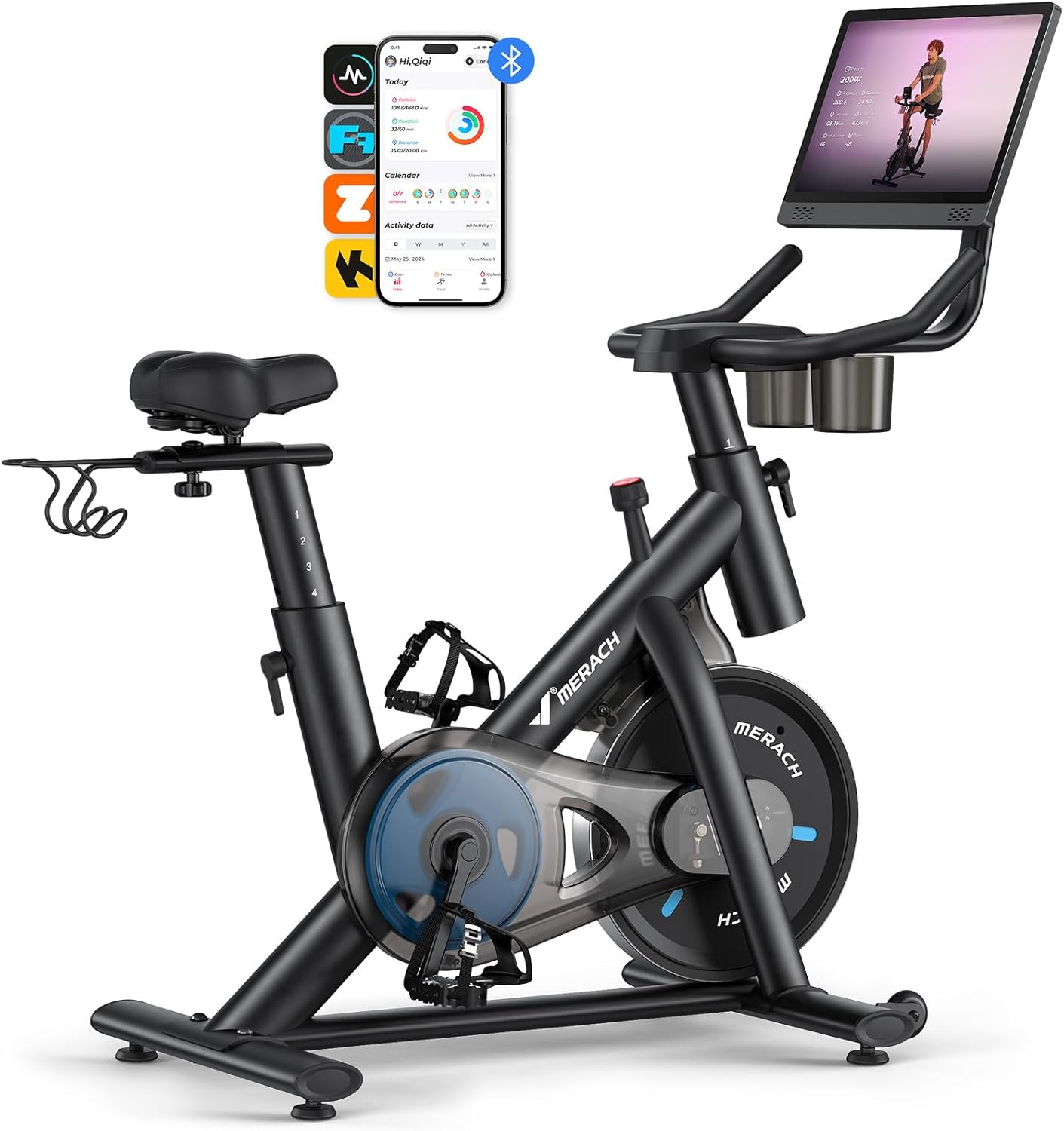
Main product image of the MERACH exercise bike, showing the adjustable seat and handlebar for user comfort.
- Install Handlebar Post and Handlebar:
Connect the sensor wire from the main frame to the handlebar post. Carefully slide the handlebar post into the frame and secure it. Attach the handlebar to the post, ensuring the wires are not pinched.
- Install Bottle Holder and Dumbbell Rack:
Attach the bottle holder to the designated area on the handlebar post. Secure the dumbbell rack to the rear of the seat post using the provided screws.
- Install 15.6-inch HD Screen:
Mount the screen onto the handlebar post bracket. Connect the necessary cables from the screen to the handlebar post. Ensure all connections are firm and the screen is stable.
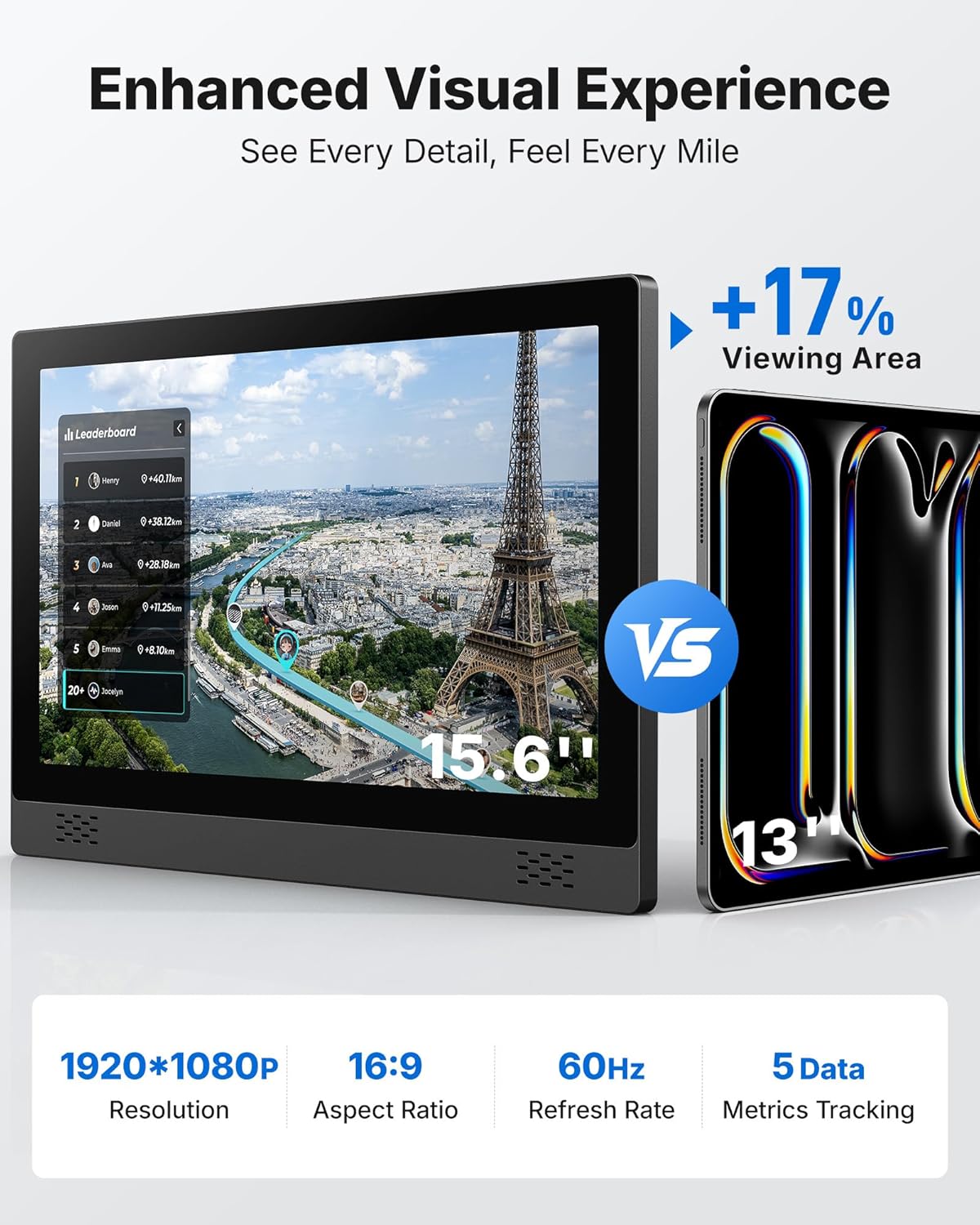
Close-up of the 15.6-inch full HD screen on the MERACH exercise bike, showing real-time fitness metrics like time, speed, mileage, calories, and distance.

Image illustrating the 90° horizontal and 60° vertical adjustability of the screen, along with phone mirroring capabilities for enhanced viewing during workouts.
- Connect Power Cord:
Plug the power adapter into the bike's frame interface and then into a suitable power outlet. The screen should power on automatically.
4. Operating Instructions
Adjusting Resistance
The MERACH MR-S26B4-US features magnetic resistance with a wide range of adjustment. Turn the resistance knob located on the main frame to increase or decrease the intensity of your workout. Resistance can be adjusted from warm-up (0-20%) to maximum effort (100%).

Detailed view of the MERACH exercise bike's high-performance magnetic resistance system, highlighting the triple 4500Gs magnets and silent belt drive.
Using the HD Screen
The 15.6-inch full HD screen displays real-time workout metrics including time, speed, mileage, calories burned, and distance. The screen can be adjusted 90° horizontally and 60° vertically for optimal viewing angles during various exercises, including floor workouts. Phone mirroring is also supported, allowing you to project content from your smartphone onto the screen.
MERACH App Integration
Download the MERACH app to enhance your fitness experience. The app tracks real-time statistics and allows seamless data synchronization with Google Fit and Apple Health. You can also connect to third-party apps like FantomFite, Kinomap, and Zwift for immersive training sessions and gamified cycling experiences.
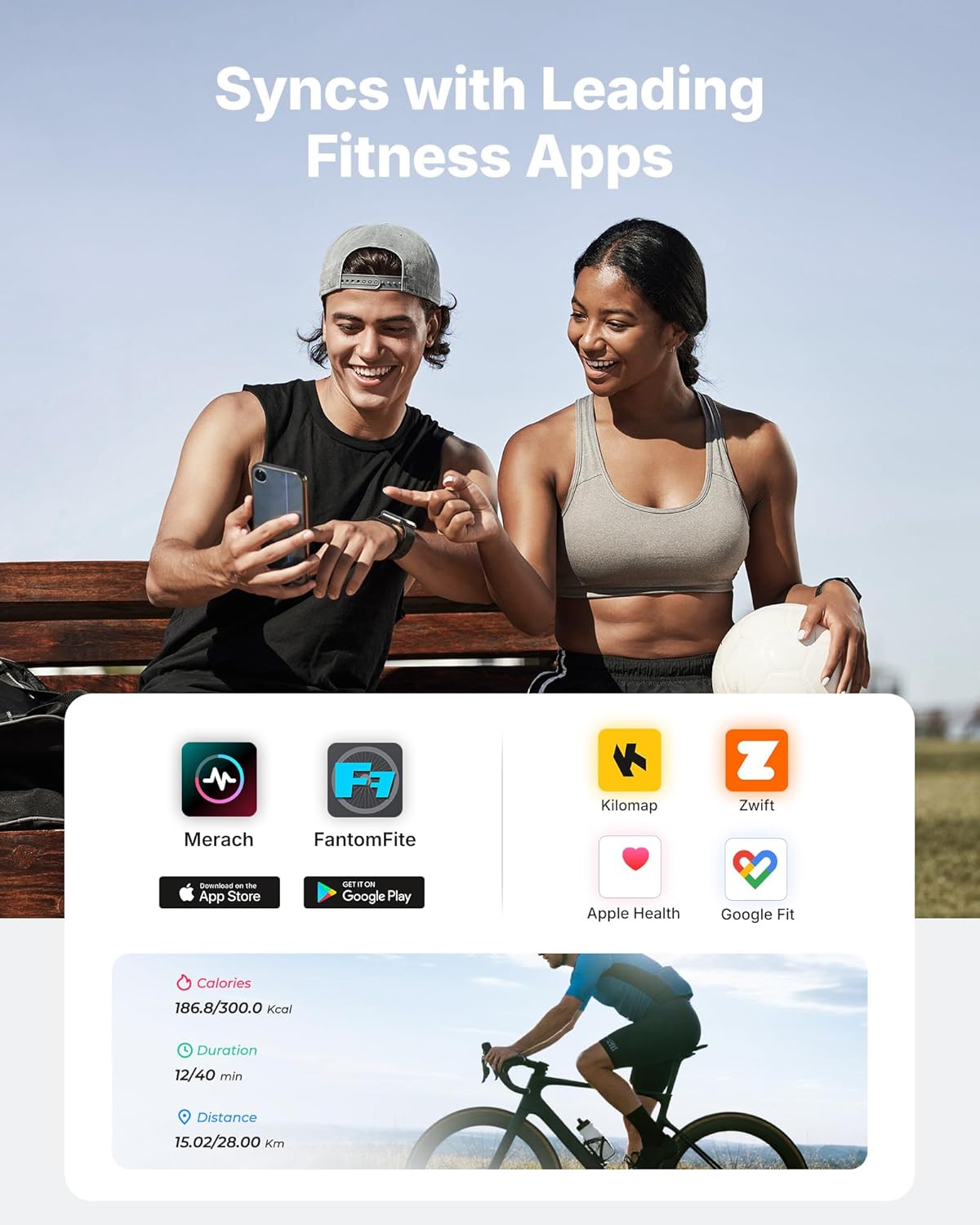
Image showing the MERACH app syncing with leading fitness applications like FantomFite, Kinomap, Zwift, Apple Health, and Google Fit.

A user engaged in a virtual cycling adventure using the FantomFite game, displayed on the MERACH exercise bike's screen.
Adjusting Seat and Handlebar
The handlebar is 2-way adjustable, and the padded seat is 4-way adjustable to accommodate users from 4'8'' to 6'2''. Adjust these components to ensure a comfortable and ergonomic riding position.
Gamified Cycling Experience
Video demonstrating the gamified cycling experience available with the MERACH S26 Exercise Bike, showcasing interactive workout features.
Video highlighting the app-integrated features of the indoor cycling bike, showing how the MERACH app enhances the workout experience.
5. Maintenance
- Regularly inspect all bolts and nuts to ensure they are tight.
- Wipe down the bike with a damp cloth after each use to remove sweat and dust.
- Avoid using abrasive cleaners or solvents that could damage the finish.
- Check pedals and straps for wear and tear periodically.
- Keep the area around the flywheel clear of obstructions.
6. Troubleshooting
| Problem | Possible Cause | Solution |
|---|---|---|
| No power to screen | Power cord not connected or loose. | Ensure power cord is securely plugged into the bike and wall outlet. Check the power adapter. |
| Unstable bike during use | Stabilizer feet not properly adjusted or loose bolts. | Adjust the leveling feet on the stabilizers. Tighten all assembly bolts. |
| Resistance not changing | Resistance knob malfunction or internal mechanism issue. | Ensure the resistance knob is turning freely. If the issue persists, contact customer support. |
| Unusual noise during operation | Loose components, friction, or internal belt issue. | Check and tighten all bolts. Ensure no foreign objects are near the flywheel. If noise persists, contact customer support. |
| App connectivity issues | Bluetooth not enabled, app not updated, or interference. | Ensure Bluetooth is active on your device. Update the MERACH app to the latest version. Restart both the bike and your device. |
7. Specifications
- Brand: MERACH
- Model Name: MR-S26B4-US
- Resistance Mechanism: Magnetic
- Number of Resistance Levels: 8
- Display: 15.6'' Full HD (1920x1080P) adjustable screen
- Connectivity: MERACH App, Google Fit, Apple Health, Kinomap, Zwift
- Maximum Weight Recommendation: 300 Pounds
- Item Weight: 30.98 Kilograms (approx. 68.3 lbs)
- Product Dimensions (LxWxH): 38.37"D x 11.41"W x 30.11"H
- Material: Alloy Steel
- Drive System: Belt
- Noise Level: Less than 25 dB
8. Warranty and Support
MERACH offers a 1-year warranty for the MR-S26B4-US Exercise Bike. For any questions regarding installation, operation, maintenance, or troubleshooting, please contact our dedicated support team. We aim to respond within 12 hours via message or phone.
Please refer to your purchase documentation for specific contact details.
Documents and downloads
Ask a question about this manual
Ask about setup, troubleshooting, compatibility, parts, safety, or missing instructions. Manuals+ will review the question and use this page’s manual context to help answer it.