
Introduction
This manual provides essential instructions for the safe and efficient use of your Xtorm 2-in-1 Foldable Wireless Travel Charger. Please read this manual thoroughly before using the device and retain it for future reference.
Product Overview
The Xtorm 2-in-1 Foldable Wireless Travel Charger is designed for convenient simultaneous charging of your smartphone and smartwatch. Its compact, foldable design makes it ideal for travel and everyday use. The charger features a universal wireless charging surface for smartphones and a dedicated charging surface for Apple Watch.
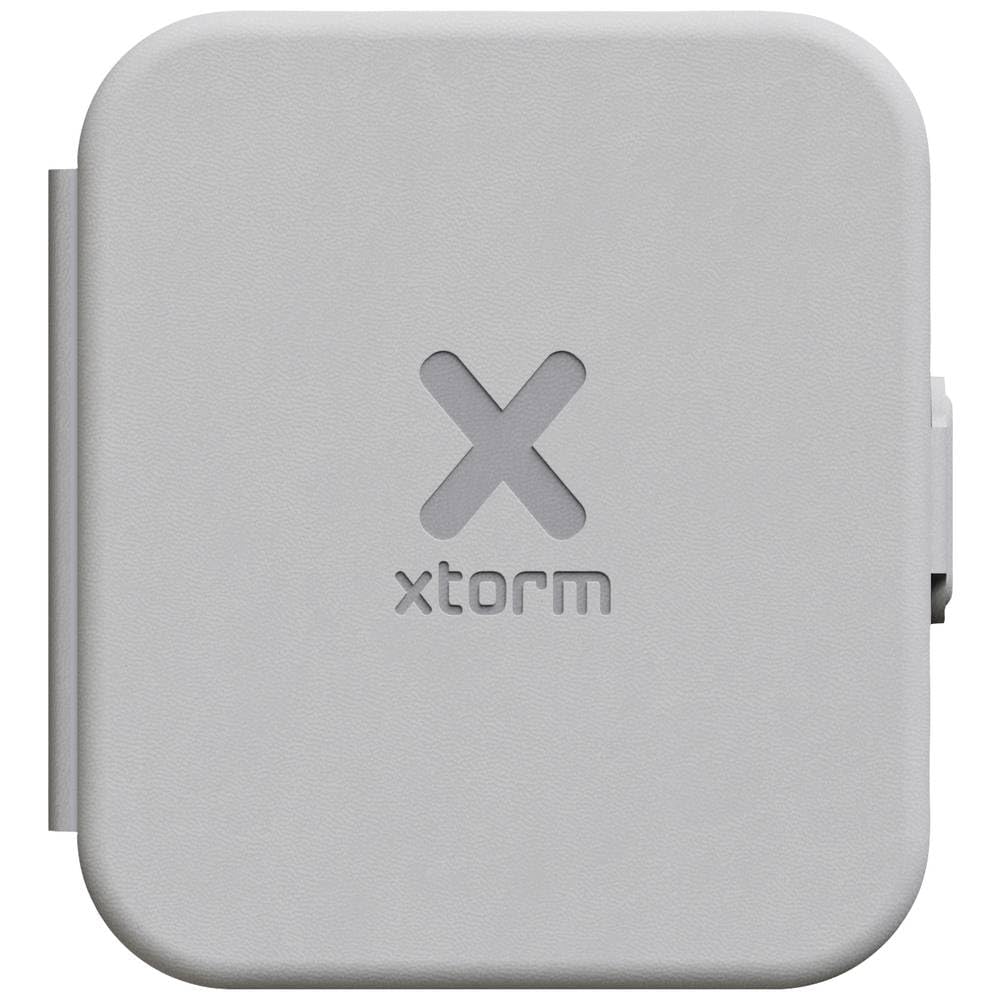
Image: The Xtorm 2-in-1 Foldable Wireless Travel Charger in its compact, folded state.
Key Features:
- Compact and Portable: Foldable design for easy transport.
- Versatile Charging: Charges smartphones (MagSafe/Qi compatible) and Apple Watch simultaneously.
- Fast Charging: Up to 15W for Android phones, 7.5W for iPhones.
- Magnetic Closure: Secures the charger when folded, protecting charging surfaces.
- Sustainable Design: Made primarily from GRS certified recycled materials.
Package Contents
Please check the package for the following items:
- Xtorm 2-in-1 Foldable Wireless Travel Charger
- USB-C Cable
Note: A compatible USB power adapter (not included) is required to power the charger.
Setup
- Unfold the Charger: Gently unfold the Xtorm travel charger until both charging surfaces are flat and accessible.
- Connect Power: Insert the included USB-C cable into the charger's USB-C port. Connect the other end of the USB-C cable to a compatible USB power adapter (e.g., a wall charger, not included).
- Power On: Plug the USB power adapter into a power outlet. The charger is now ready for use.
Operating Instructions
Charging a Smartphone:
- Ensure the charger is powered on as described in the "Setup" section.
- Place your MagSafe or Qi-enabled smartphone onto the larger wireless charging surface. Ensure the phone is centered for optimal charging.
- The phone should indicate that it is charging. For iPhones, charging occurs at up to 7.5W. For compatible Android phones, charging can reach up to 15W.
Charging an Apple Watch:
- Ensure the charger is powered on.
- Place your Apple Watch onto the smaller, dedicated charging surface. The magnetic connection will align the watch correctly.
- The Apple Watch should indicate that it is charging. This surface is MFi certified for Apple Watch.
Folding for Storage/Travel:
When charging is complete or when transporting the charger, simply fold the device. The integrated magnetic closure will secure it in a compact form, protecting the charging surfaces.
Maintenance
- Keep the charger clean by wiping it with a soft, dry cloth.
- Avoid using harsh chemicals or abrasive materials.
- Store the charger in a cool, dry place when not in use.
- Do not expose the charger to extreme temperatures, direct sunlight, or moisture.
Troubleshooting
| Problem | Possible Solution |
|---|---|
| Device not charging. |
|
| Slow charging. |
|
| Charger feels warm. |
It is normal for wireless chargers to become slightly warm during operation. If it becomes excessively hot, disconnect it from power and allow it to cool down. Ensure proper ventilation and that no objects are obstructing the charger. |
Specifications
| Model Number: | XWF21 |
| Brand: | Xtorm |
| Wireless Output (Smartphone): | Up to 15W (Android), 7.5W (iPhone) |
| Wireless Output (Apple Watch): | MFi Certified |
| Input: | USB-C (Requires 5V power adapter) |
| Dimensions (Folded): | 23 x 10.5 x 3.2 cm (9.06 x 4.13 x 1.26 inches) |
| Weight: | 162 g (0.36 lbs) |
| Material: | Plastic (primarily GRS certified recycled materials) |
| Compatible Devices: | Qi/MagSafe compatible smartphones, Apple Watch |
Safety Information
To ensure safe operation, please observe the following:
- Do not disassemble, modify, or repair the device yourself.
- Keep the charger away from water, moisture, and flammable materials.
- Avoid dropping or subjecting the charger to strong impacts.
- Do not place metal objects or magnetic cards between the charging surface and your device, as this may interfere with charging or damage the charger.
- Use only certified and compatible power adapters and cables.
- Keep out of reach of children.
Warranty and Support
Xtorm products are manufactured to high-quality standards. For information regarding warranty, technical support, or customer service, please refer to the official Xtorm website or contact your local retailer.


