
Introduction
The Volkano Active Tech Stamina Series GPS Watch is a smart fitness device designed to assist in tracking and improving your exercise performance. It features built-in GPS, heart rate monitoring, multisport modes, and notification capabilities. This manual provides essential information for setting up, operating, and maintaining your watch.
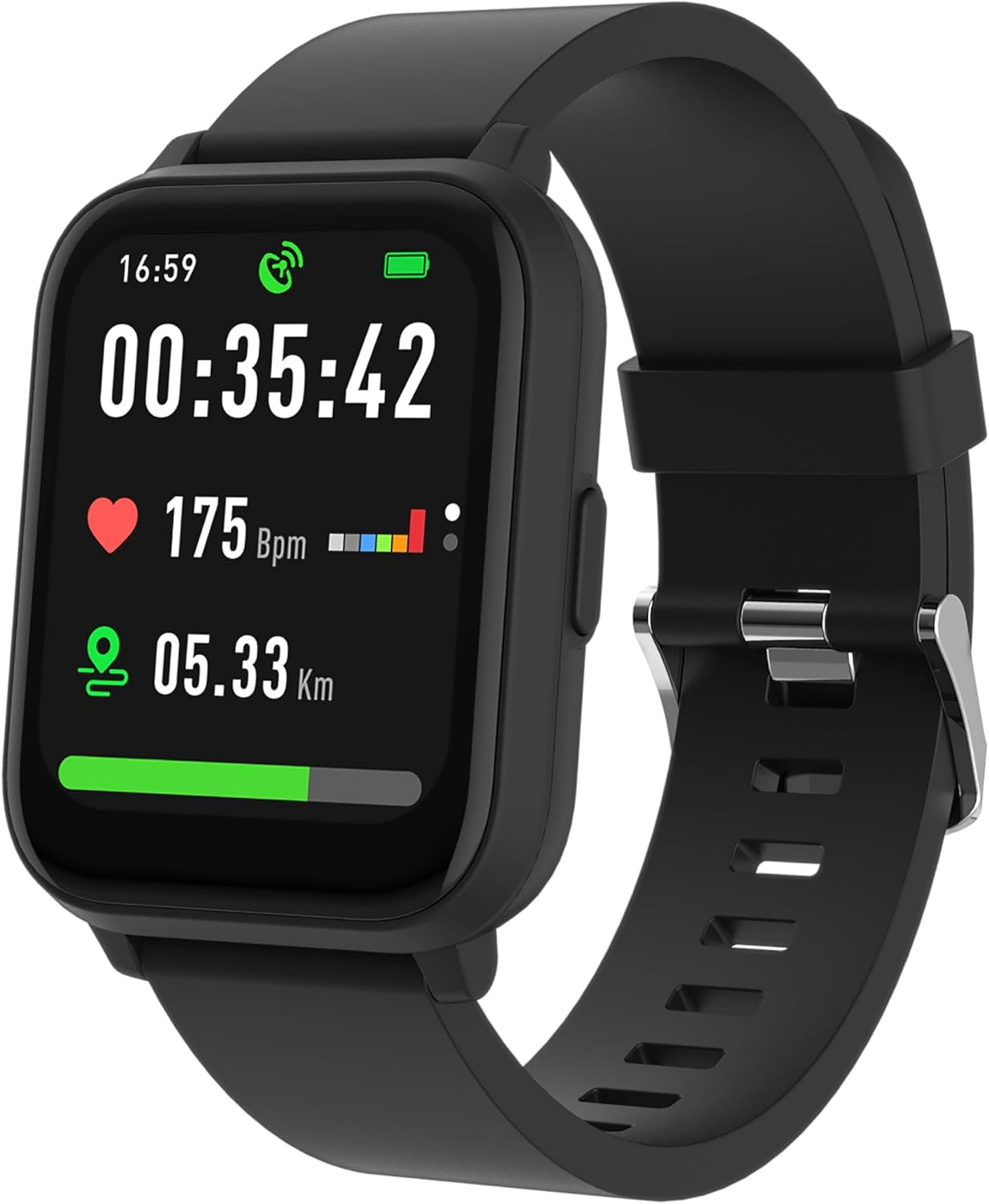
Image: Front view of the Volkano Active Tech Stamina Series GPS Watch, displaying time, heart rate, and distance data on its screen.
Package Contents
Ensure all items are present in the box:
- 1 x Volkano Active Tech Stamina Series GPS Watch with Heart Rate Monitor
- 1 x USB Charging Cable
- 1 x User Manual
Getting Started
1. Charging the Watch
Before first use, fully charge your watch. Connect the provided USB charging cable to the charging port on the back of the watch and plug the other end into a standard USB power adapter (not included) or a computer's USB port. The watch display will indicate charging status.
2. Powering On/Off
- To Power On: Press and hold the side button until the screen illuminates.
- To Power Off: Navigate to the 'Settings' menu on the watch, then select 'Power Off' and confirm.
3. Pairing with Your Smartphone
- Download the companion application (e.g., Volkano Fit or similar, check packaging for specific app name) from your smartphone's app store (iOS or Android).
- Ensure Bluetooth is enabled on your smartphone.
- Open the application and follow the on-screen instructions to create an account and pair your Volkano Active Tech Stamina Series GPS Watch.
- The app will guide you through the initial setup, including personal profile information and notification preferences.
Operating Instructions
Basic Navigation
- Touchscreen: Swipe left, right, up, or down to navigate through menus and screens. Tap to select an option.
- Side Button: Press to return to the previous screen or the watch face. Long press for power options or to access specific functions as configured.
Activity Tracking
The watch automatically tracks daily activity metrics including steps taken, distance covered, and calories burned. View your progress directly on the watch or in the companion app.
Heart Rate Monitoring
The built-in heart rate monitor continuously tracks your heart rate. Access real-time heart rate data on the watch. For accurate readings, ensure the watch is worn snugly on your wrist.

Image: Back view of the Volkano Active Tech Stamina Series GPS Watch, showing the optical heart rate sensors.
Sleep Monitoring
Wear the watch to bed to monitor your sleep patterns. The watch tracks sleep duration and quality, providing insights into light, deep, and REM sleep stages through the companion app.
GPS Functionality
The integrated GPS module accurately tracks your outdoor activities such as running, cycling, and walking. It provides real-time data on distance, pace, and routes. The watch is compatible with fitness platforms like Strava and Google Fit for data synchronization.
Notifications
Once paired with your smartphone, the watch can display notifications for incoming calls and messages. Configure notification settings within the companion app.
Multisport Modes
The watch supports 14 multisport modes, allowing you to track specific activities with tailored metrics. Select your desired sport mode from the activity menu before starting your workout.
Care and Maintenance
- Cleaning: Regularly clean the watch and strap with a soft, damp cloth. Avoid harsh chemicals or abrasive materials.
- Battery Information: The watch uses a 260 mAh Lithium Ion battery. To prolong battery life, avoid extreme temperatures and fully charge the device before long periods of inactivity.
- Water Resistance: Refer to the product specifications for the watch's water resistance rating. Avoid submerging the watch beyond its specified limits.
Troubleshooting
- Watch not powering on: Ensure the watch is fully charged. Connect it to the charger for at least 30 minutes.
- Unable to pair with smartphone: Check that Bluetooth is enabled on your phone and the watch is within range. Restart both devices and try pairing again. Ensure the correct companion app is installed.
- Inaccurate heart rate readings: Ensure the watch is worn snugly on your wrist, not too tight or too loose. Clean the sensor on the back of the watch.
- GPS not connecting: Ensure you are in an open outdoor area with a clear view of the sky. Allow a few minutes for the watch to acquire a GPS signal.
- Notifications not appearing: Verify that notification permissions are granted to the companion app on your smartphone. Check notification settings within the app.
Specifications
| Feature | Detail |
|---|---|
| Model Number | VK-5080-BK |
| Item Weight | 140 g |
| Package Dimensions | 17.6 x 10.4 x 10.2 cm |
| Batteries | 1 Lithium Ion battery (included) |
| Battery Capacity | 260 mAh |
| Connectivity Technologies | USB, Wireless |
| GPS | Built-in GPS |
| Special Features | Lightweight |
| Screen Size | 1.3 Inches |
| Shape | Square |
| Colour | Black |
Warranty Information
The Volkano Active Tech Stamina Series GPS Watch is covered by a 1-Year Limited Warranty. For extended coverage, you may register your product to receive an additional 12-month extension, totaling 24 months of coverage by Volkano. Please refer to the official Volkano website or product packaging for registration details.
Customer Support
Should you require assistance with your Volkano Active Tech Stamina Series GPS Watch, please contact Volkano customer support. You can message us via the official Volkano Page or refer to the contact information provided in your product packaging.


